Choose the Subgenre First
House, Techno, Trance, Dubstep, and Future Bass use different grooves and sound palettes. Put the clearest lane near the start of your prompt.
Pro mit 50% Rabatt
Pro starten mit 50% Rabatt
Neue Konten · Erster Monat/Jahr
Neue Konten · Erster Monat oder erstes Jahr

A useful EDM prompt reads like a short producer note. Choose the lane, map the energy, then revise what you hear.
Start with House, Techno, Trance, Dubstep, or Future Bass. Add the mood and use, such as a club set, workout, game scene, or short video.
Give a BPM, groove, main synth, bass shape, and drum feel. Say how long the build should last and what should change when the drop lands.
Check the kick, bass, build, drop, and breakdown. Keep the strongest choice and change one weak detail in the next version.
A useful electronic track solves a specific arrangement problem, from testing a drop to supporting a workout, game, video, or topline.
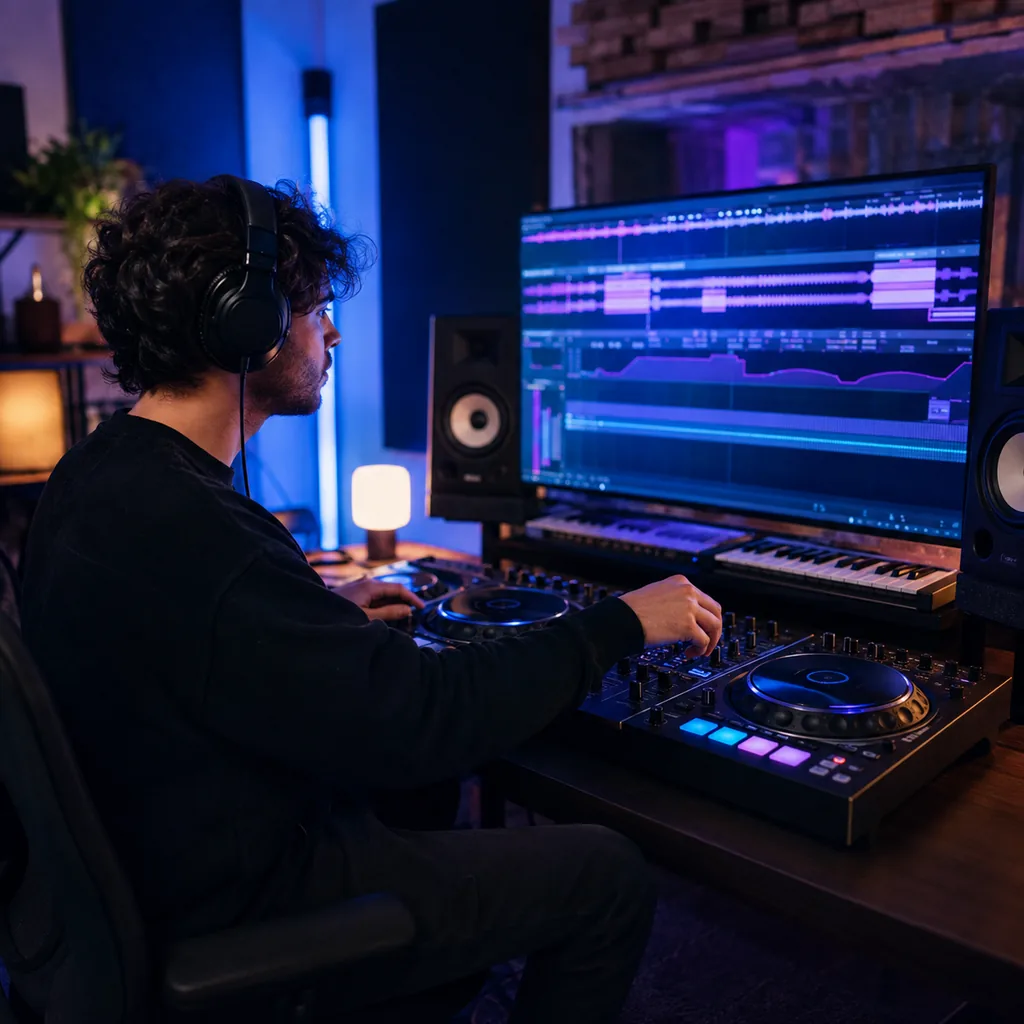
A drop can feel weak when the build gives away too much. Set the BPM, tension, transition, kick, bass, and lead, then hear whether the contrast works.
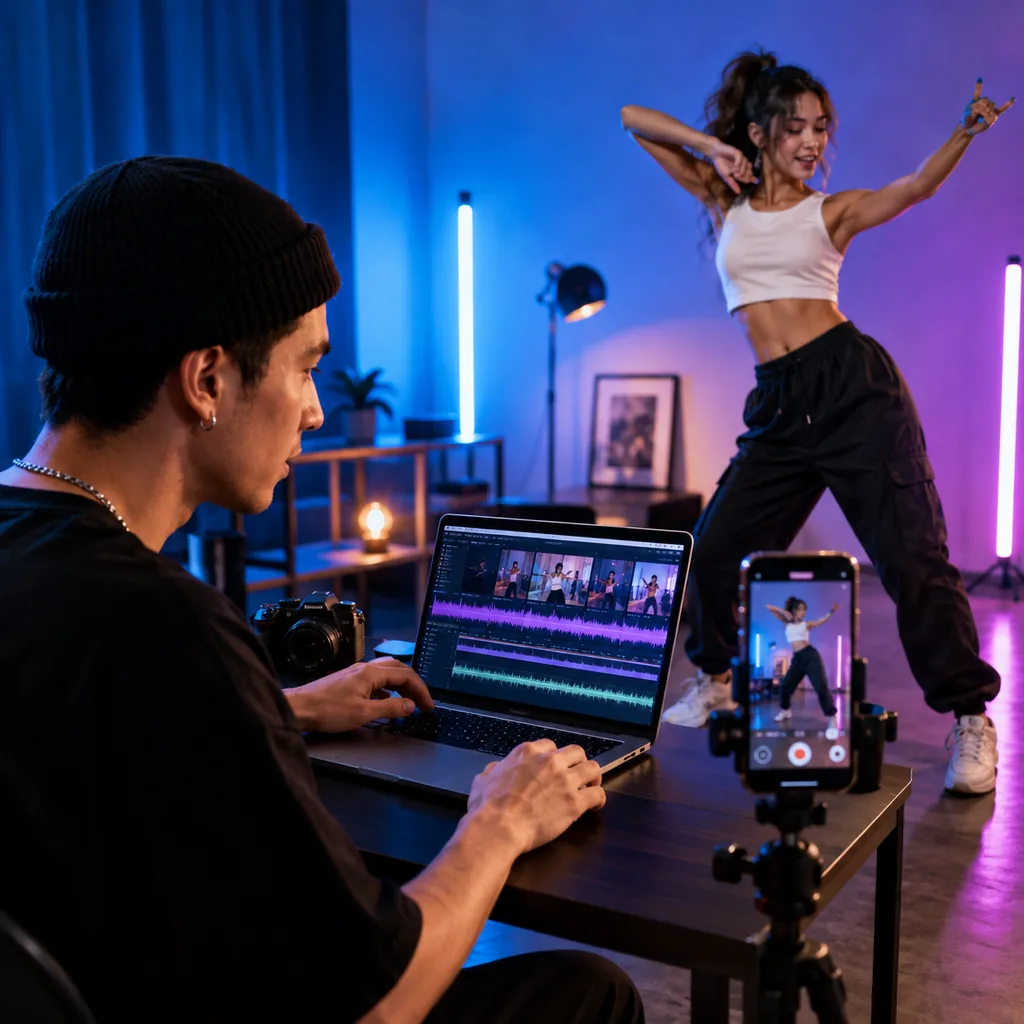
Fast cuts need clear accents instead of constant loudness. Ask for a direct intro, a timed build, a clean impact, and enough space around key visual moments.
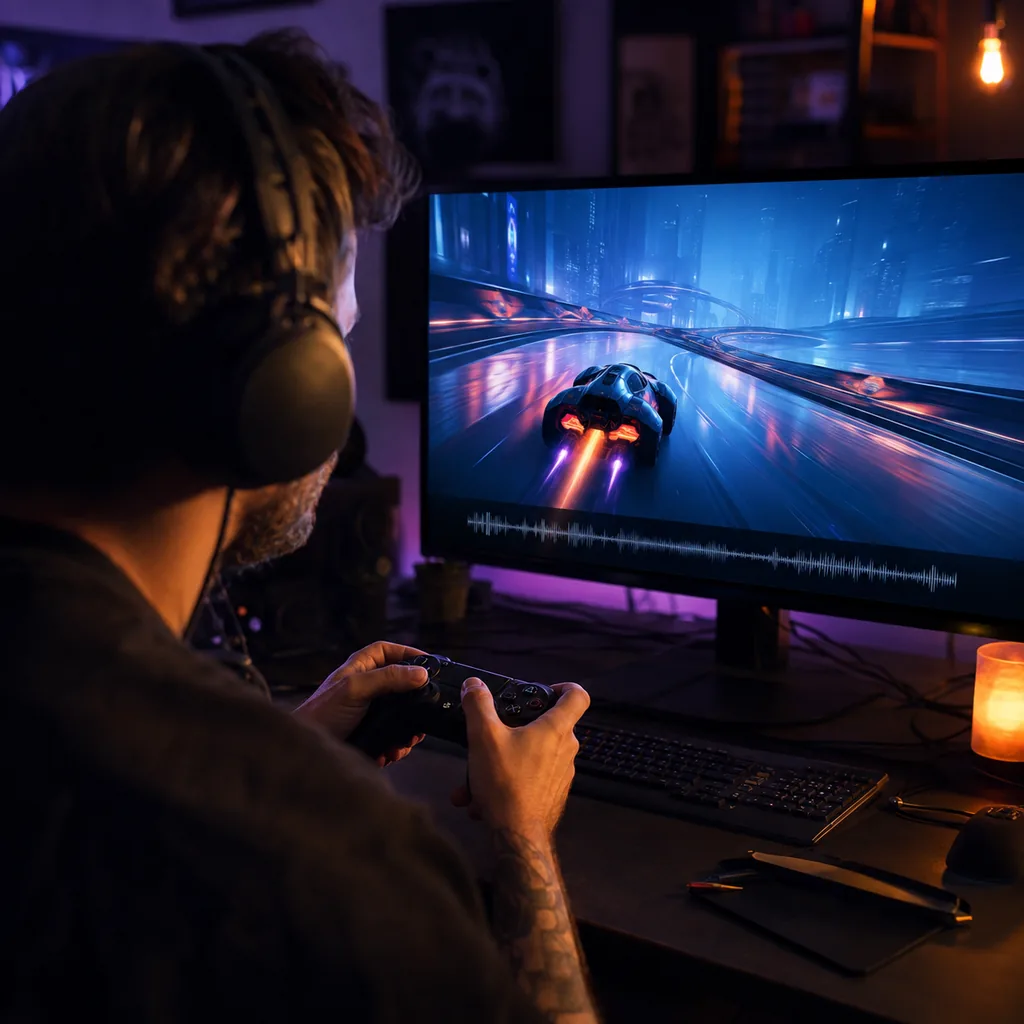
A game cue needs motion without masking every effect. Request a firm pulse, controlled low end, a focused lead, and a loop-friendly section that can sit under gameplay.
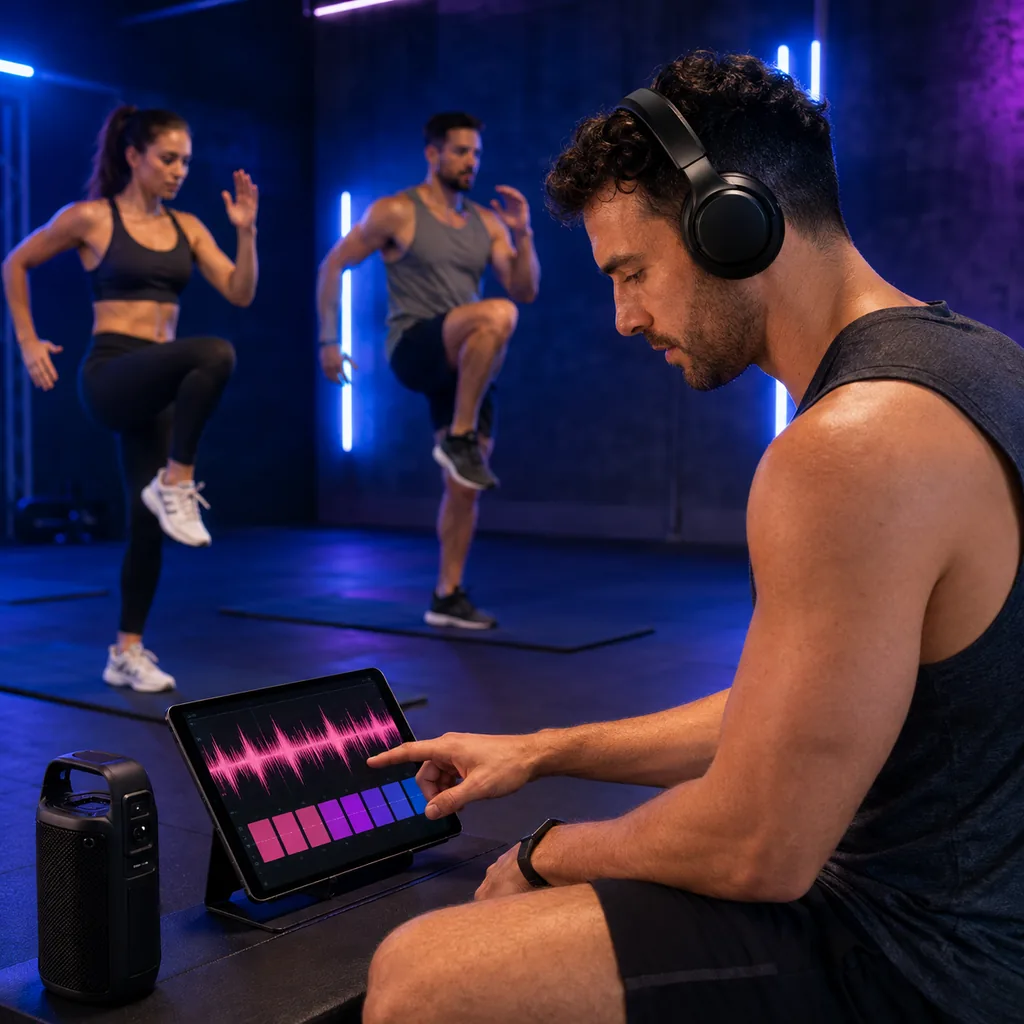
A training mix should hold pace without exhausting the listener in the first minute. Set the BPM, energy curve, break length, and return to the main groove.
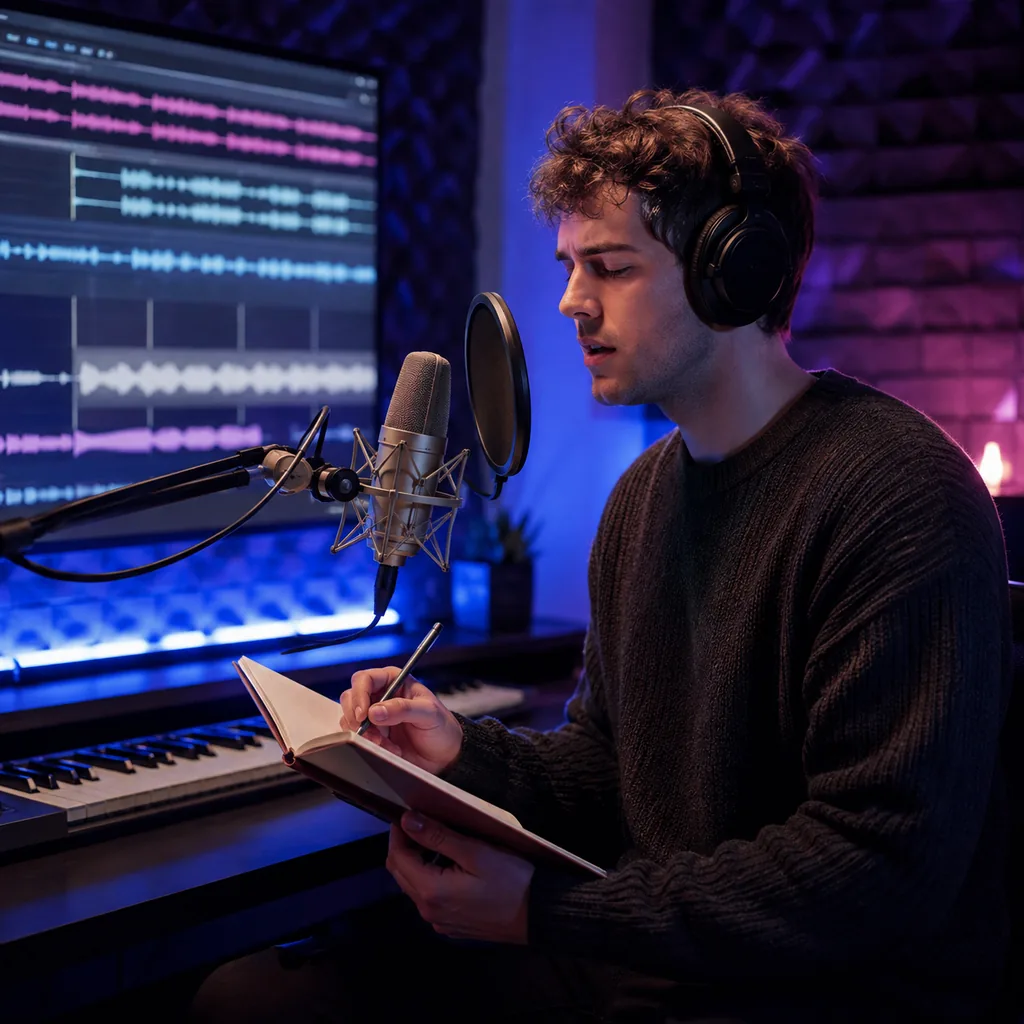
A busy instrumental can leave no room for a melody or voice. Start in instrumental mode, keep the lead restrained, and leave a clear section for your own topline.
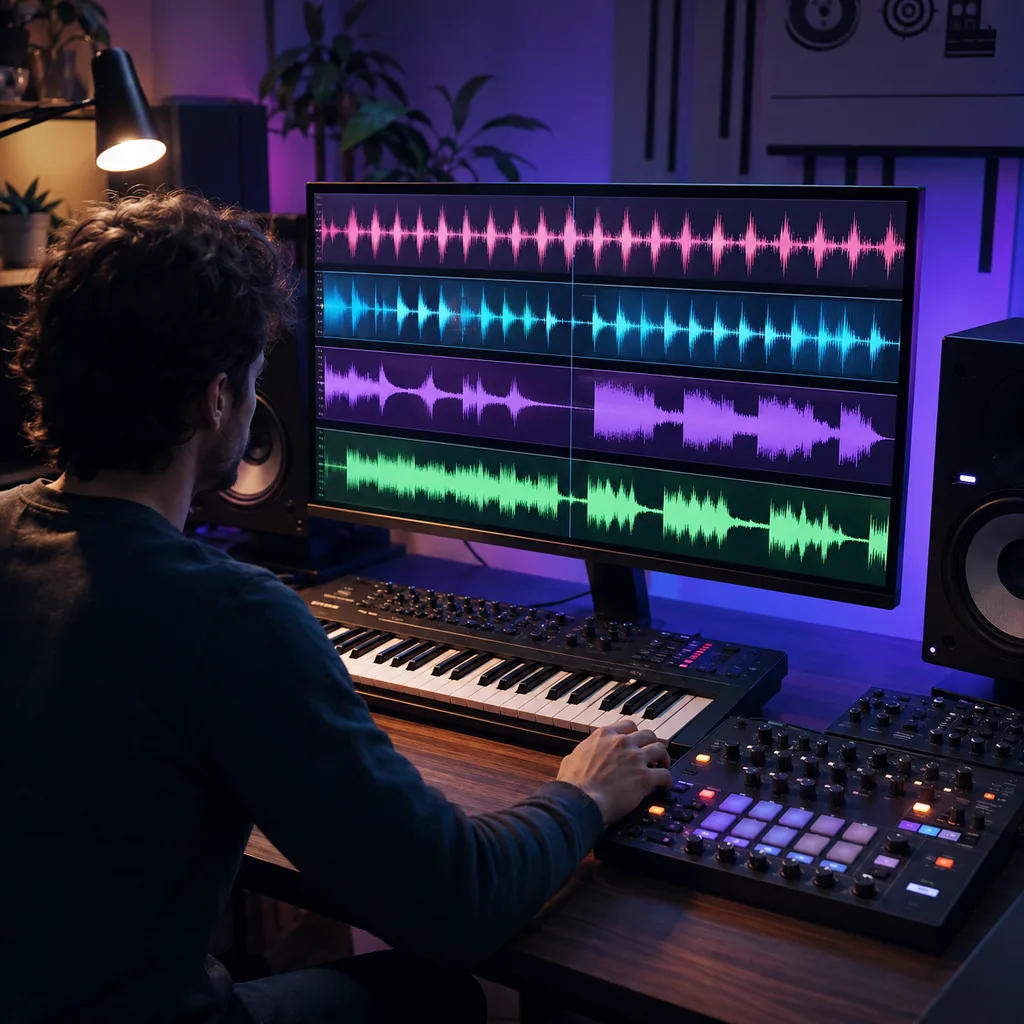
The same idea can feel flat in the wrong subgenre. Try House, Techno, Trance, and Dubstep with one shared mood before you choose the version to develop.
EDM covers several production lanes. A specific brief keeps the tempo, groove, sound palette, and energy curve working toward the same drop.
House, Techno, Trance, Dubstep, and Future Bass use different grooves and sound palettes. Put the clearest lane near the start of your prompt.
A number gives the rhythm a stronger target than “fast” or “energetic.” Pair it with a feel such as four-on-the-floor, half-time, shuffled, or driving.
Name the intro, build, drop, breakdown, and return only when you need them. Say which part should add tension and which part should release it.
Describe a clean kick, the weight of the bass, and the space between them. Ask for a pumping sidechain feel when the groove needs that rise and fall.
Choose a focused lead, pad, bass, arpeggio, drum machine, or vocal chop. A short sound list is easier to judge than every idea at once.
Leave vocals on for an EDM song or lyric demo. Turn them off for club tracks, game cues, workout music, video beds, or your own topline.
Reference audio can help communicate pace or texture. Upload only audio you have the right to use and still describe the change you want in plain language.
If the groove works but the drop feels crowded, keep the BPM and drums while simplifying the lead. Focused changes make versions easier to compare.
Quick answers about subgenres, BPM, builds, drops, vocals, instrumentals, free credits, prompts, and usage rights.
It is a tool that turns a text brief or your own lyrics into electronic dance music. You can direct the subgenre, BPM, groove, synths, bass, drums, vocals, and song shape.
Name the subgenre, BPM, mood, core sounds, and arrangement. Describe how the build should create tension and what should change at the drop, then generate and revise the result.
You can start with free credits after you sign in. The form shows the credit cost before you generate, so you can review it first.
Try House, Techno, Trance, Dubstep, Future Bass, Drum & Bass, Synthwave, or a focused blend. Add tempo, groove, and sound details so the style is not just a label.
Add the target BPM to your prompt and pair it with a rhythm feel. For example, request 128 BPM progressive House with a four-on-the-floor kick and a long filtered build.
Describe what the build removes or adds, how long it lasts, and what enters on impact. Name the kick, bass, lead, rhythm change, and amount of space you want.
Yes. Leave vocals on and choose male, female, or automatic vocal style. Describe the delivery, lyric theme, hook length, and where the voice should leave room for the drop.
Turn on Instrumental and describe the BPM, subgenre, groove, synths, bass, and section map. Instrumental mode works well for club ideas, workouts, games, and video edits.
Open Lyrics to Song mode and paste words you wrote or have the right to use. Labels such as [Verse], [Build], [Drop], [Breakdown], and [Chorus] can clarify the structure.
Include the subgenre, BPM, mood, drum feel, bass shape, main synth, build length, drop change, and whether you want vocals. Keep the brief focused enough to hear each choice.
Commercial use depends on your BeMusic plan and the track. Review the commercial license before monetized, client, or paid use.
Replace broad terms with a clear subgenre, BPM, groove, sound palette, and energy map. Keep the strongest section, then change one weak choice in the next version.
Need help with a generation? Contact the BeMusic team.
Entdecke weitere Funktionen, die dich beim Musikmachen unterstützen
Set the BPM and subgenre, decide what changes at the drop, and hear whether the build creates enough tension.