Male, Female, or Let AI Decide
Choose a vocal gender upfront, or leave it on auto and let the AI pick one that fits your genre. You can switch and regenerate anytime.

Every song below started as a bare instrumental or a text prompt. Hit play and judge for yourself — these are AI-generated vocals over real music.
You don't need a DAW, a mic, or any recording experience. Just tell BeMusic AI what you want, and it handles the rest.
Upload an MP3 or WAV instrumental you already have, or type a quick prompt — something like "chill lo-fi beat, 85 BPM, rainy mood" — and let AI build the backing track.
Paste the lyrics you wrote, or let the AI help you draft them. Then choose the vibe: male or female, soft or powerful, pop or rap — whatever fits your vision.
Click generate and get a full song with vocals in about 30 seconds. Like it? Download the MP3. Not quite right? Tweak the prompt and try again.
Maybe you have a polished instrumental. Maybe you just have an idea in your head. Either way, BeMusic AI gets you to a vocal track without the usual back-and-forth.
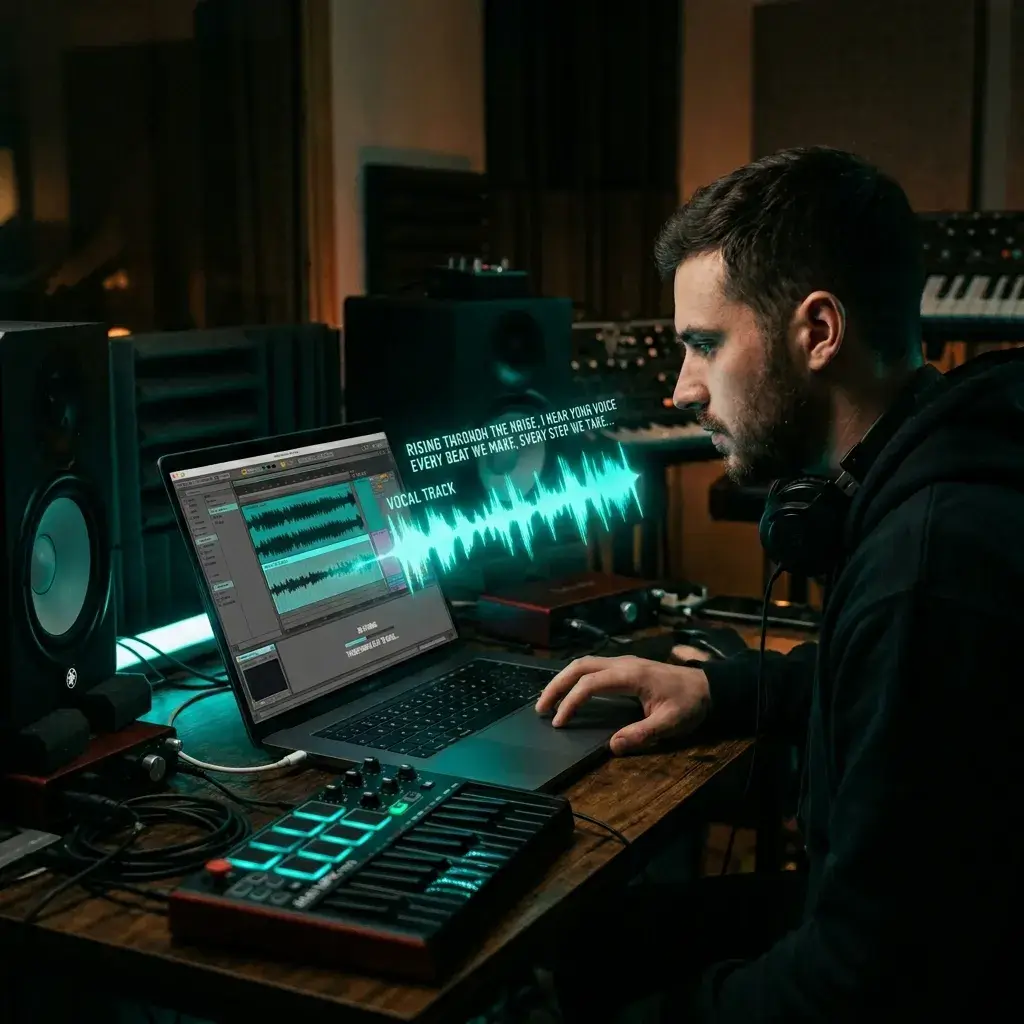
You produced a beat but don't have a singer lined up. Upload it, drop in some lyrics, set a vocal direction, and hear the finished song with vocals in seconds.
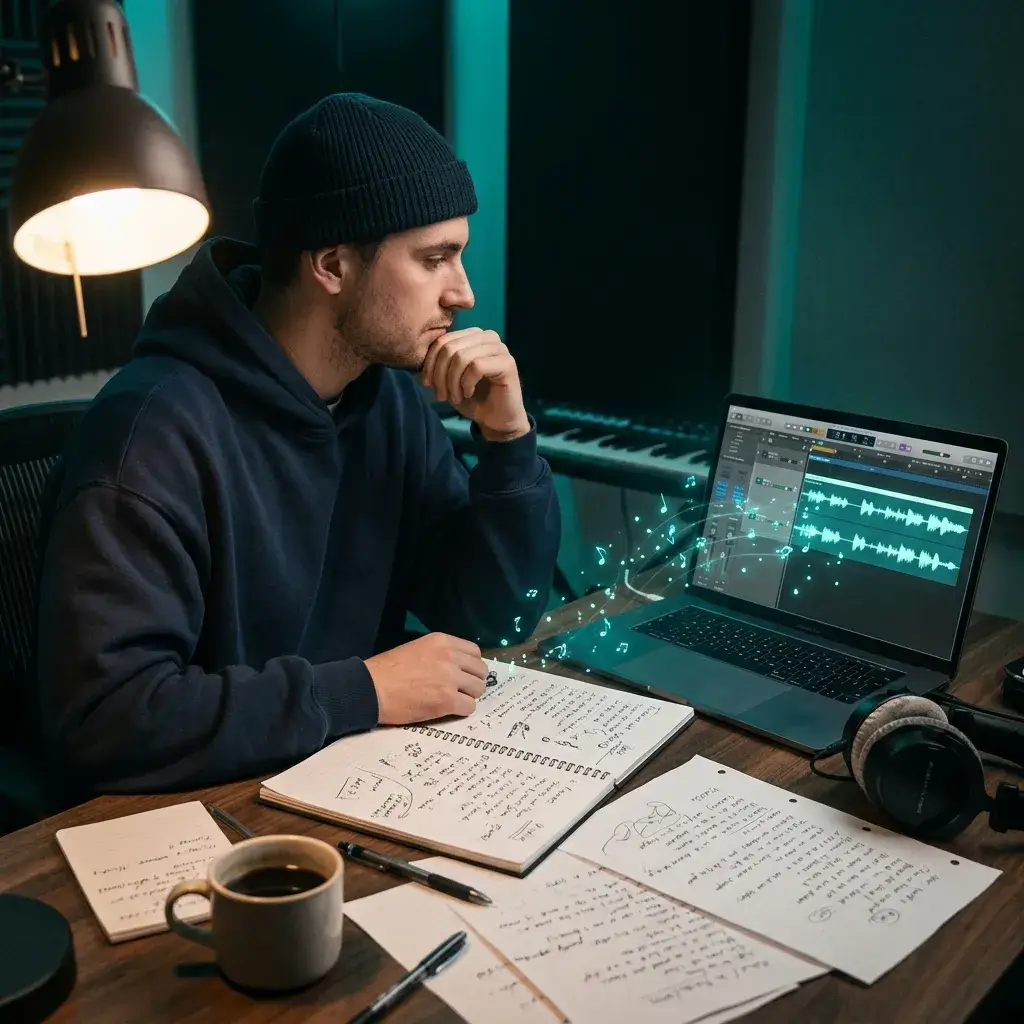
Paste your lyrics, pick a genre like pop, R&B, or country, and generate a vocal performance that actually matches the rhythm and emotion of your words.
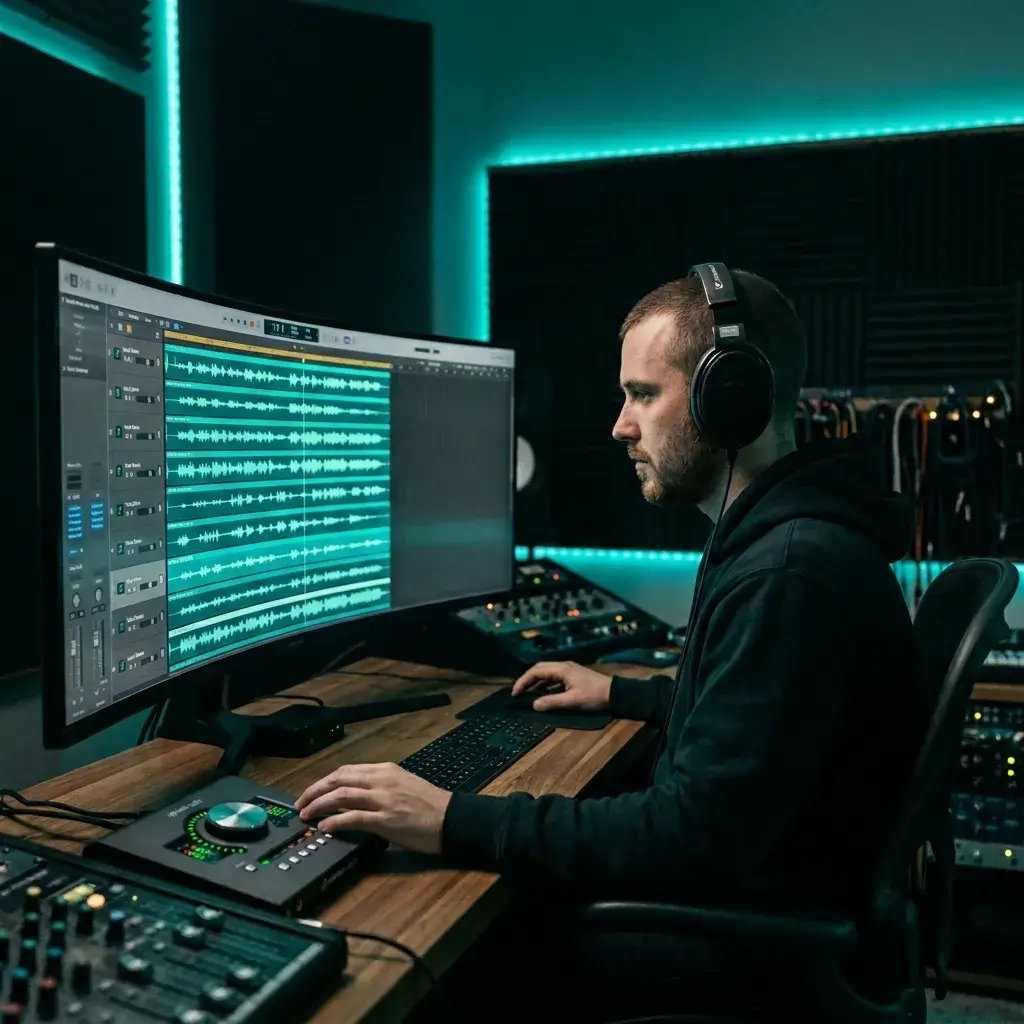
Waiting days for a vocalist to send a demo? Generate 3–5 vocal ideas in under 2 minutes. Pick the strongest hook, then decide if you even need to book a session.
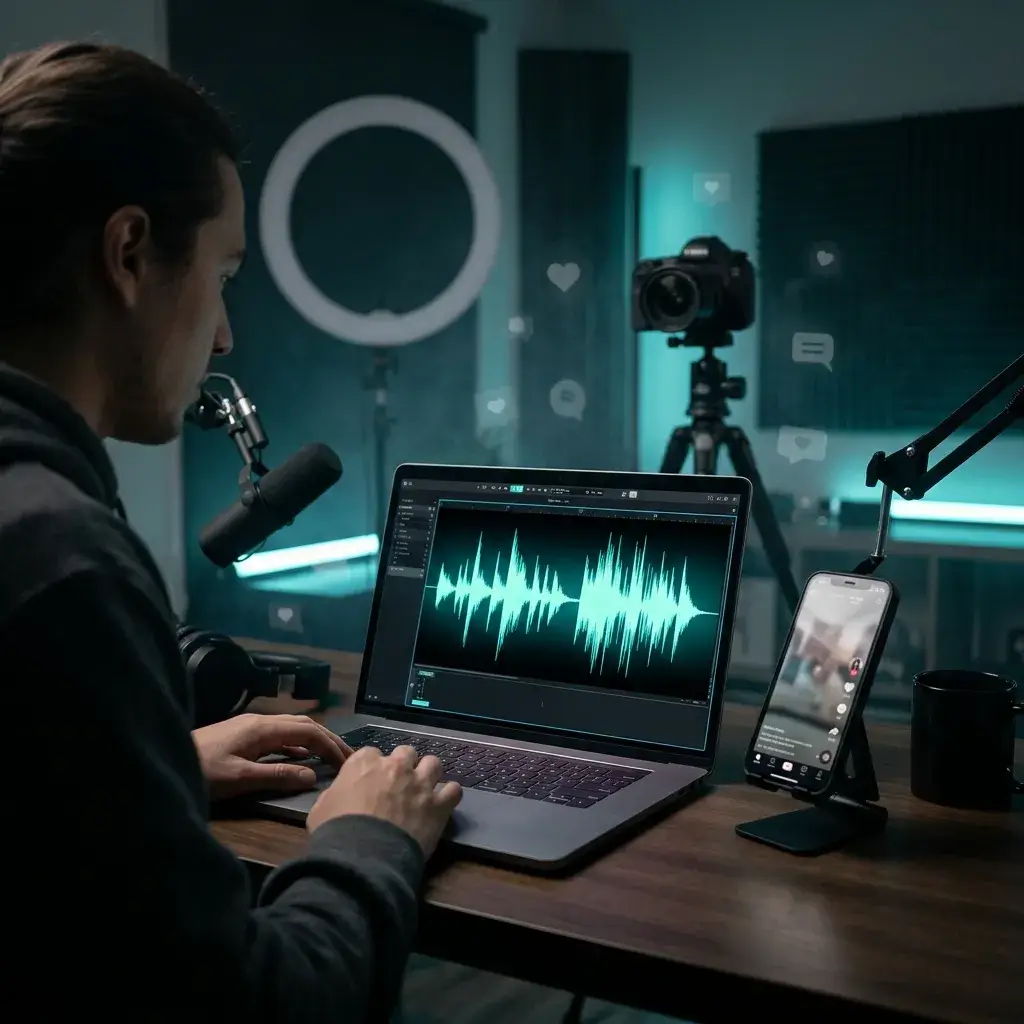
Tired of the same trending sounds everyone else uses? Make a custom vocal track for TikTok, Reels, or Shorts in 30 seconds — something that's only yours.
This isn't a black box. You guide the vocal style, genre, lyrics, and energy — so you spend less time re-rolling and more time finishing music.
Choose a vocal gender upfront, or leave it on auto and let the AI pick one that fits your genre. You can switch and regenerate anytime.
Pop, rock, hip hop, EDM, country, jazz, R&B, folk, metal, classical — just name it. The AI shapes the entire arrangement around your style tag.
Paste your own lyrics or describe what the song should be about. The AI maps your words to a melody that breathes, pauses, and hits on beat.
No queue, no overnight render. You click generate and get a full vocal track back before you've finished checking your phone.
Upload any MP3 or WAV file up to 10 MB. The AI reads the key, tempo, and energy of your track, then builds vocals that sit right in the mix.
Every track comes out as a high-quality MP3. Drag it into your video editor, DAW, or playlist — no format conversion needed.
Quick answers so you know what to expect before you hit generate.
Yes. Upload your MP3 or WAV instrumental, add lyrics and a style prompt, and BeMusic AI generates a complete song with vocals in under 30 seconds. No recording needed.
Not at all. The AI creates sung or rapped vocals from your text input. You just write what you want (or let AI help with lyrics) and pick a style.
Anything from pop and hip hop to jazz, metal, and classical — over 10 genres total. You can also specify vocal traits like soft, powerful, breathy, or energetic, plus male or female delivery.
Absolutely. Paste your lyrics, set the genre and mood, and the AI builds a vocal melody and performance around your words.
Most tracks are ready in 15–30 seconds. There's no batch queue — generation kicks off the moment you click the button.
MP3, WAV, FLAC, and M4A — up to 10 MB. If your file is longer than that, just trim it to the section you want vocals on.
While Pro or Studio is active, you can obtain a commercial-use license for eligible output in your account, including output created before upgrading. Free and Creator output remains for personal, non-commercial use unless later licensed. You must also have the necessary rights to the source audio and lyrics.
Tweak your prompt — add more detail about vocal tone, tempo, emotion, or delivery style — and regenerate. Even small changes to a style tag can give you a completely different vocal take.
Need help dialing in your vocal prompt? Reach out to our team.
Discover other powerful features to enhance your music creation
Upload a beat or just describe what you hear in your head. BeMusic AI adds the vocals, melody, and arrangement — all in about 30 seconds.