Quick Turnaround
Type your prompt and wait for a full instrumental. Most tracks take around a minute, depending on the model and queue. Free users also see a short fixed wait before generation starts.
Start Pro at 50% off
Start Pro at 50% off
New accounts · First month/year
New accounts · First month or year

Every track here started as a one-line prompt. Hit play and hear what the AI came up with for different moods, tempos, and project types.
No sliders to tweak, no sample packs to dig through. Just say what you need in plain words and walk away with a finished track.
Write what the music is for — a chill vlog intro, a tense boss fight, a 60-second podcast bed. Throw in mood, genre, tempo, or instruments if you want tighter results.
It builds an original instrumental with no vocals by default, so the track stays out of the way of dialogue, gameplay, or narration.
Listen to the preview and regenerate if you want a different vibe. When you are happy, download the MP3 (a paid plan or credit pack is required) and drop it into your video editor, game engine, or podcast tool.
Whether you edit videos, run a podcast, or build games — here is how creators use AI instrumentals that support their content instead of fighting it.
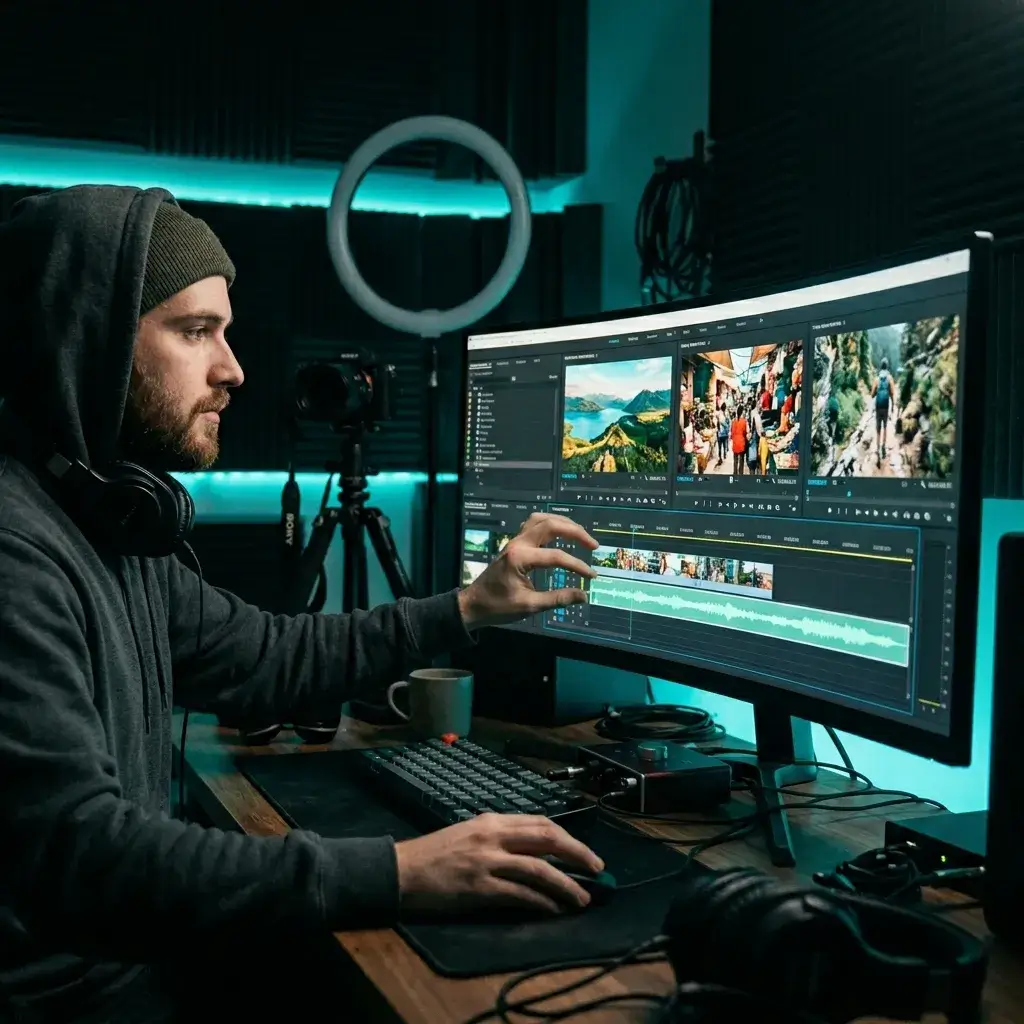
Need quiet focus music for a tutorial or upbeat energy for a travel montage? Prompt for the exact pacing your edit needs instead of scrolling through stock libraries.
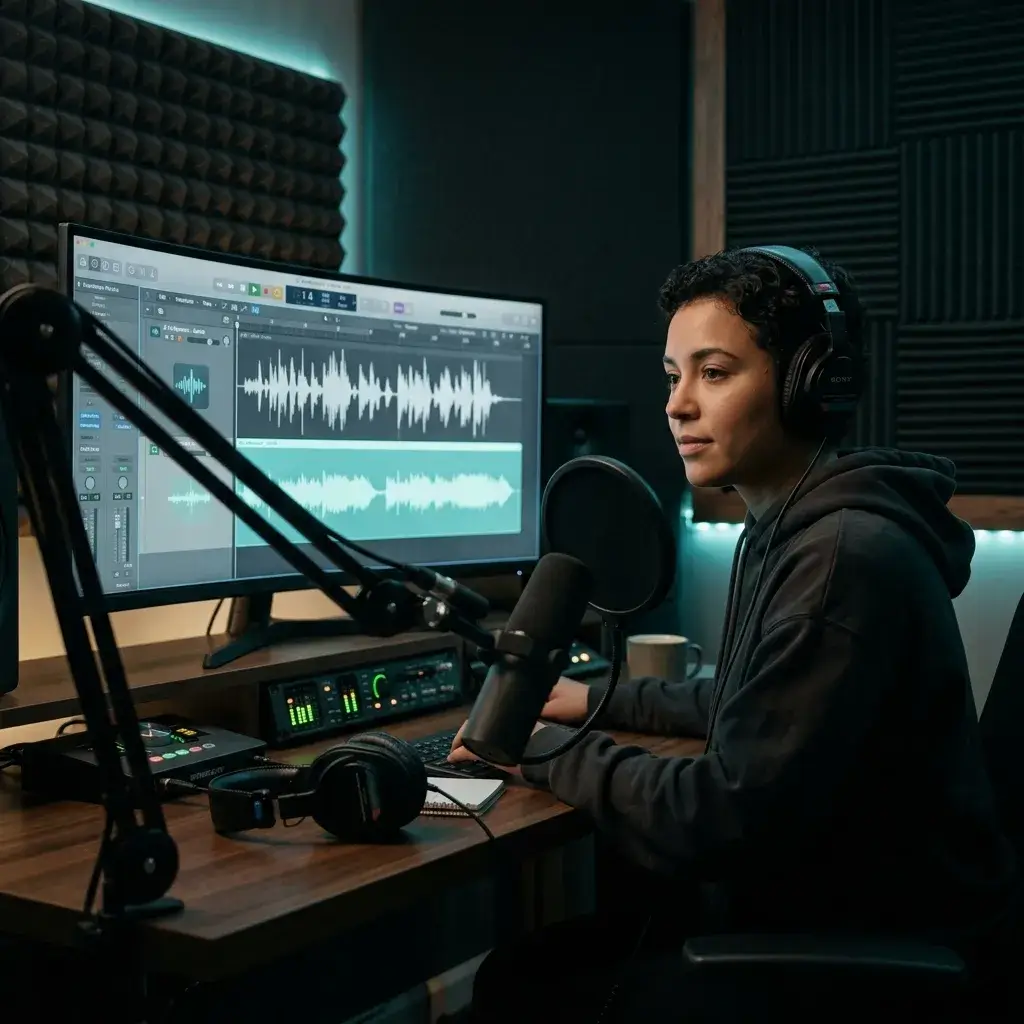
Give your show a signature intro, gentle ad-break beds, and underscore that fits narrated segments. No more sharing the same stock loop with thousands of other podcasts.
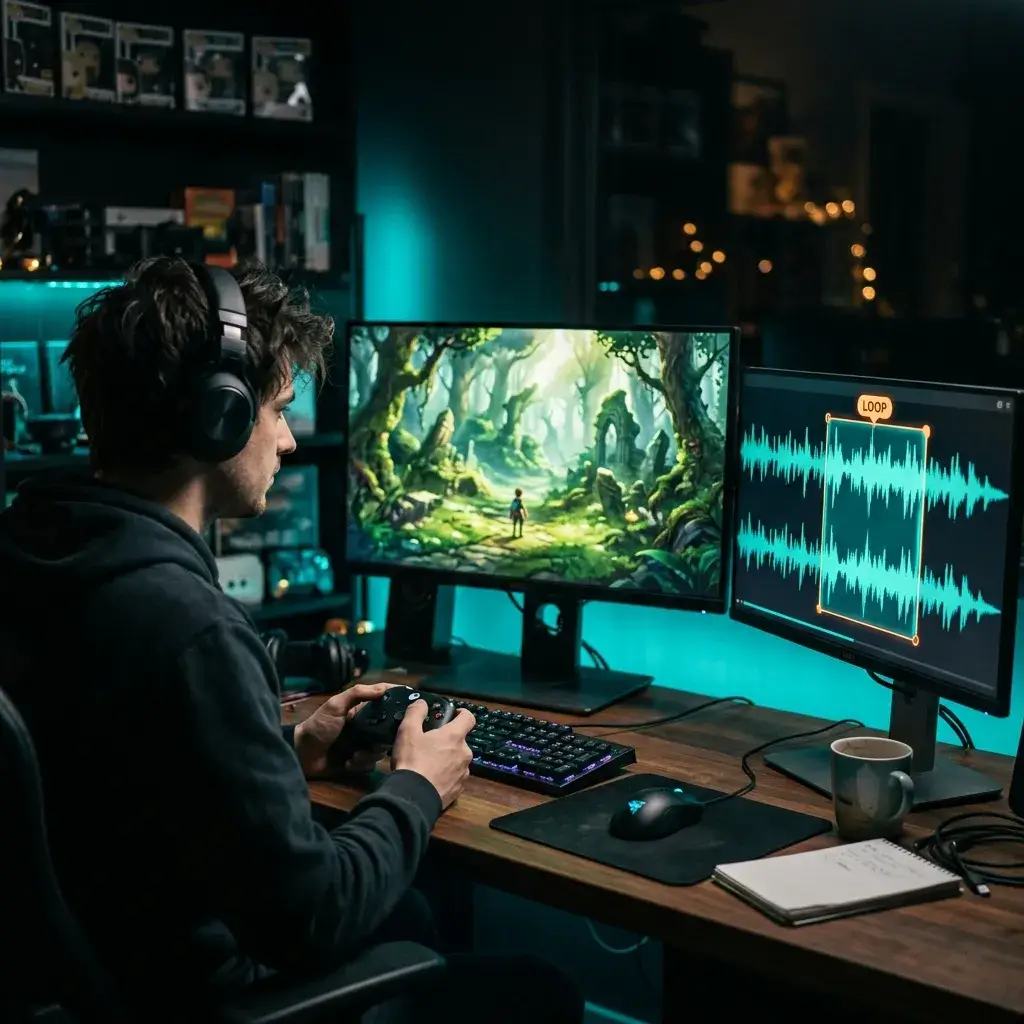
Describe the level mood and loop style — ambient exploration, boss-fight intensity, menu calm — and get a track that matches what the player feels on screen.
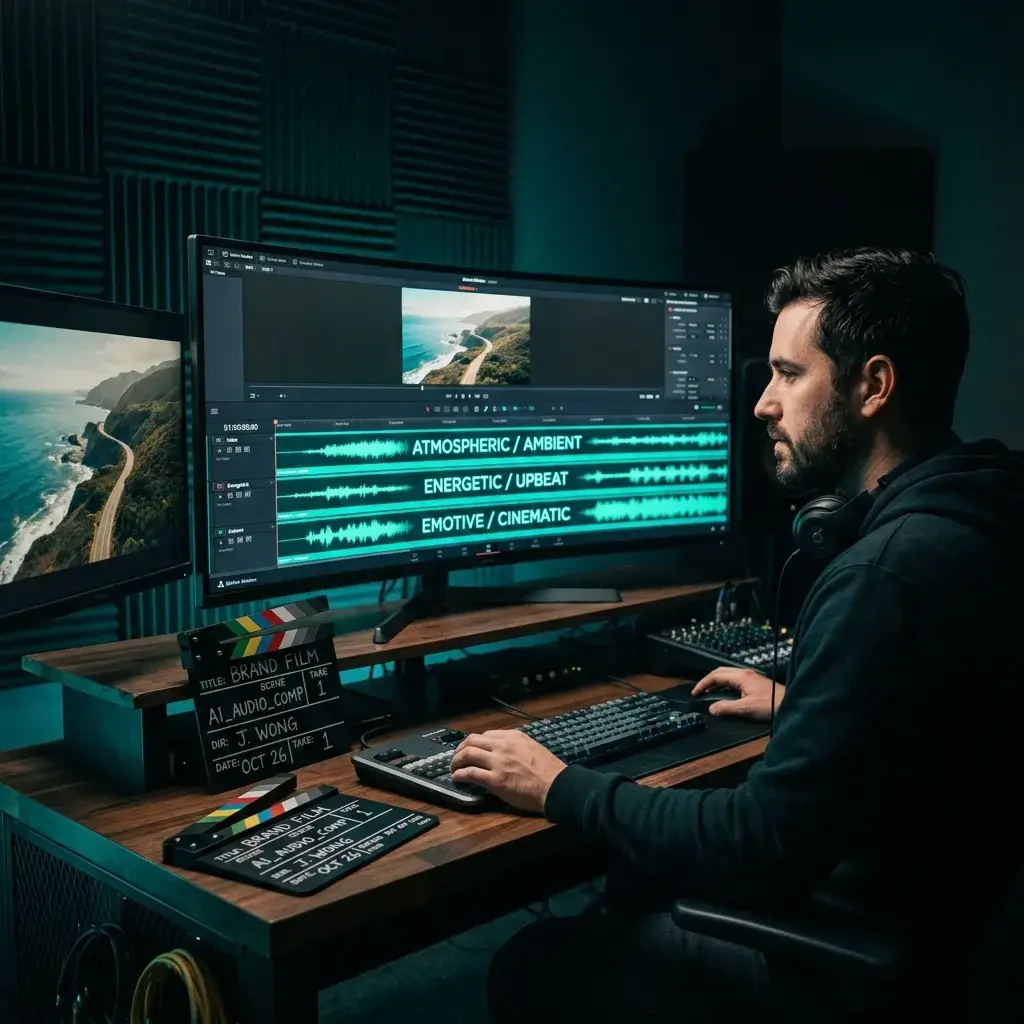
Tight deadline? Generate several cinematic or corporate directions, pick the one that lands, and move on to the next edit.
Less searching, more creating. Here is what keeps people coming back.
Type your prompt and wait for a full instrumental. Most tracks take around a minute, depending on the model and queue. Free users also see a short fixed wait before generation starts.
You need music that sits behind voices and visuals, not on top of them. The generator skips vocals so you do not have to strip them out later.
Tracks are generated from your prompt rather than selected from a stock library. Pro and Studio plans cover eligible commercial use, subject to the license and platform rules.
Lo-fi, cinematic, corporate, ambient, acoustic, electronic — at 70 BPM or 140 BPM. Just describe it and the AI sorts out arrangement and mixing.
You get a full instrumental composition rather than a short loop, and you can ask for a specific length in your prompt. The actual length depends on the model.
Download the MP3 (a paid plan or credit pack is required) and drop it into Premiere, DaVinci, Logic, Unity, or whatever you edit in.
Quick answers before you hit generate for the first time.
It is a tool that takes a text prompt and turns it into an original instrumental track. You describe the mood, genre, and tempo — the AI handles composing, arranging, and mixing.
Yes. It defaults to instrumental mode, so the track is built to sit behind dialogue, narration, or gameplay without getting in the way.
While Pro or Studio is active, you can obtain a royalty-free commercial-use license for eligible output in your account, including tracks generated before upgrading. Other output remains for personal, non-commercial use unless later licensed. Platform rules and third-party rights still apply.
Most tracks take around a minute, depending on the model and queue. Free users also see a short fixed wait before generation starts. You can preview the result right away and try a different prompt if you want another take.
Mention what the music is for, the mood, genre, tempo, and any instruments you want. For example: calm lo-fi background for a study vlog, soft piano, warm bass, 80 BPM.
Absolutely. Prompt for ambient exploration loops, menu themes, battle cues, stream starting-soon music, or quiet beds for talking segments.
Stock libraries give you pre-made tracks that other creators can license too. This generates a new composition from your prompt each time, so your result is different from run to run.
The Song Generator makes complete tracks with vocals and lyrics. The Background Music Generator focuses on instrumentals built for videos, podcasts, games, and scenes.
Not at all. Write a prompt in plain English and the AI takes care of composition, arrangement, and mixing. No DAW, no plugins, no theory.
Yes. Set a duration in your prompt or use the length control. The lengths you can get depend on the model you choose.
Have more questions? Contact our team — we're happy to help.
Discover other powerful features to enhance your music creation
Tell us the scene, mood, and pacing. Sign in to generate; new accounts may get free starter credits.