A Clear Upload-to-Export Workflow
3 steps
Upload or select a source, choose the target voice and pitch setting, then generate and preview the result. Processing time varies with the source file and current service load.
Start Pro at 50% off
Start Pro at 50% off
New accounts · First month/year
New accounts · First month or year

Change the singer in a song or vocal recording in three steps. Use audio and voice models you own or have permission to transform.
Upload an MP3, WAV, FLAC, or M4A file up to 10 MB, or select an eligible song from My Library. A clean isolated vocal usually produces the clearest singing voice change.
Choose an available preset voice or select a private model trained from recordings you own or are expressly authorized to use.
Review the credit cost on the Change Voice button, generate the result, and listen before downloading. Select MP3 or WAV output; MP3 downloads require a subscription, and permitted use depends on your plan and source rights.
Use uploaded audio to test singing voices, prepare song covers, prototype character vocals, and create transformed clips for content.
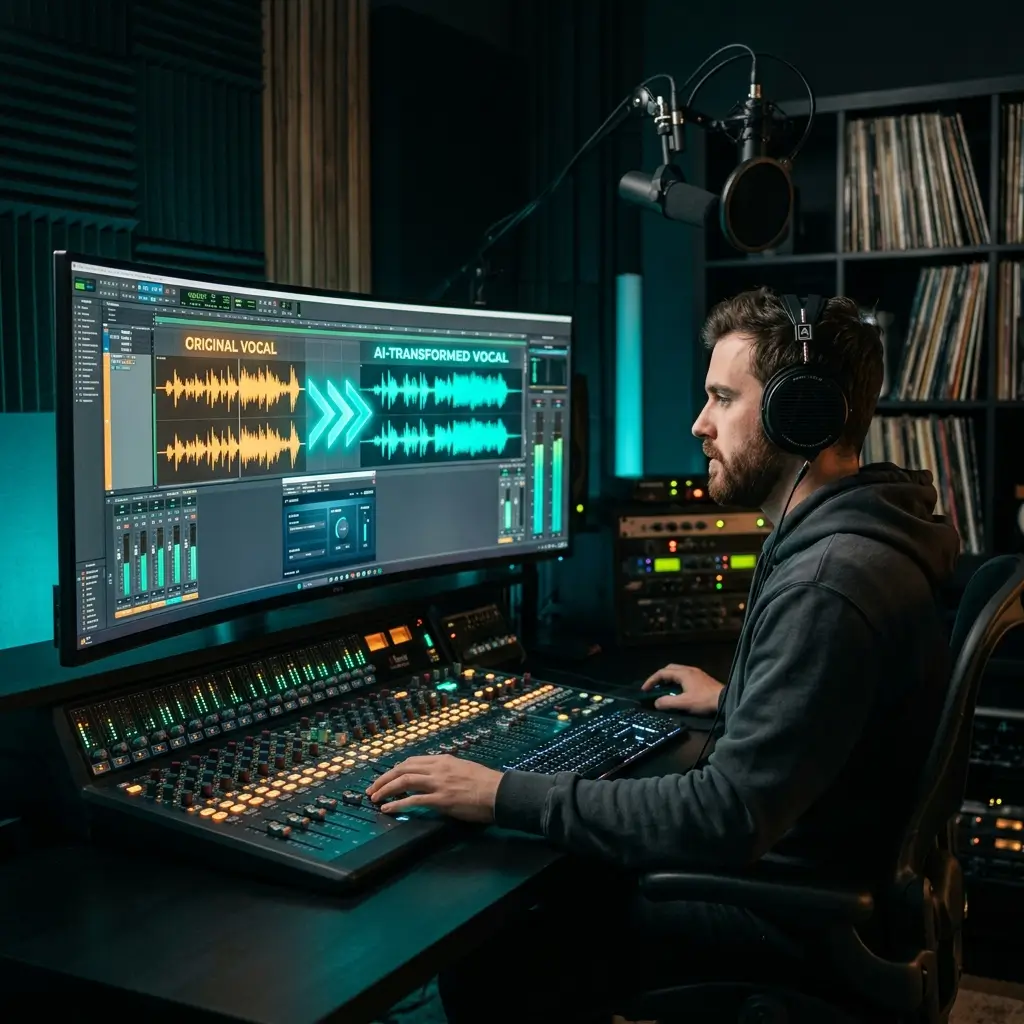
Swap a singer's vocal timbre while aiming to keep pitch, vibrato, and emotion from the source. Producers use this for AI covers, mashups, and remix experiments without re-recording. Pair it with our AI Vocal Remover for isolated tracks.
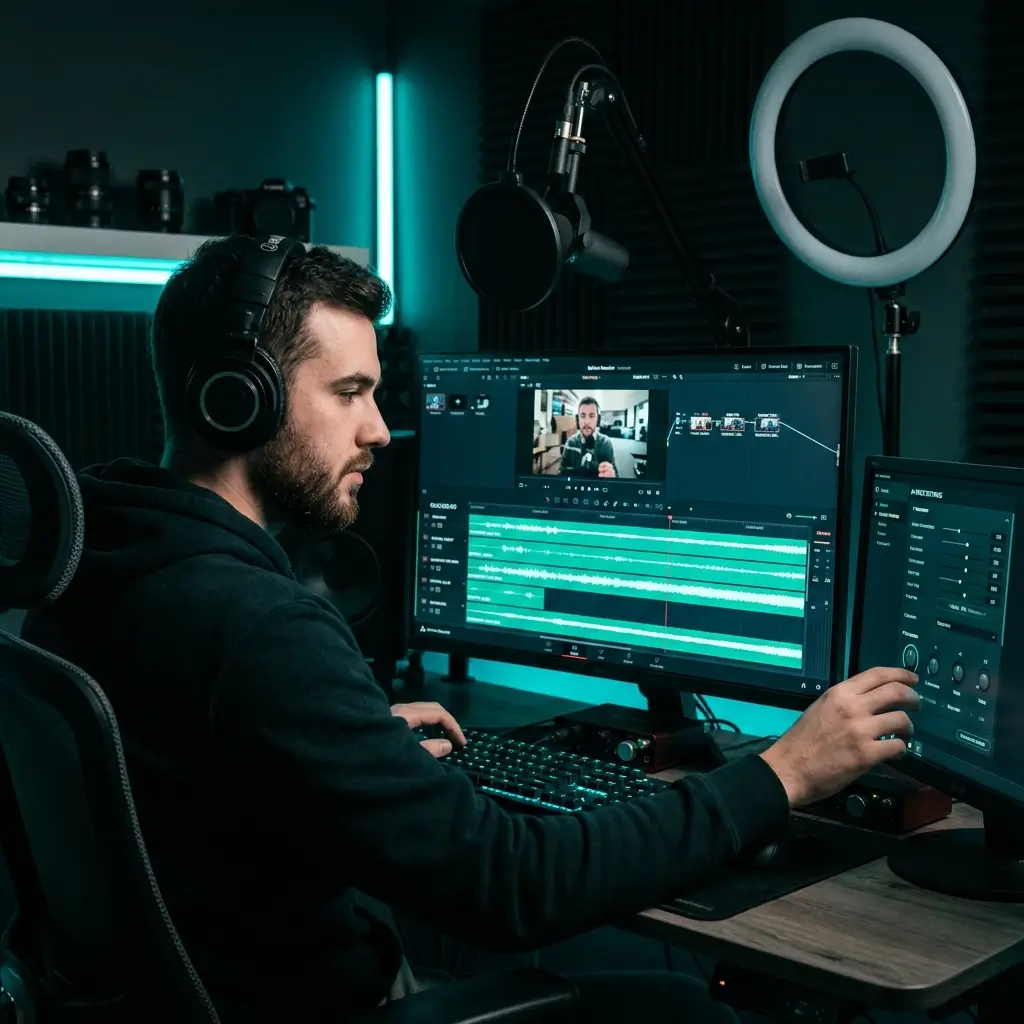
Create distinct narrator or character voices without hiring voice actors. Results depend on the source recording and the selected model, so preview before you publish. Use only voices you are authorized to use.
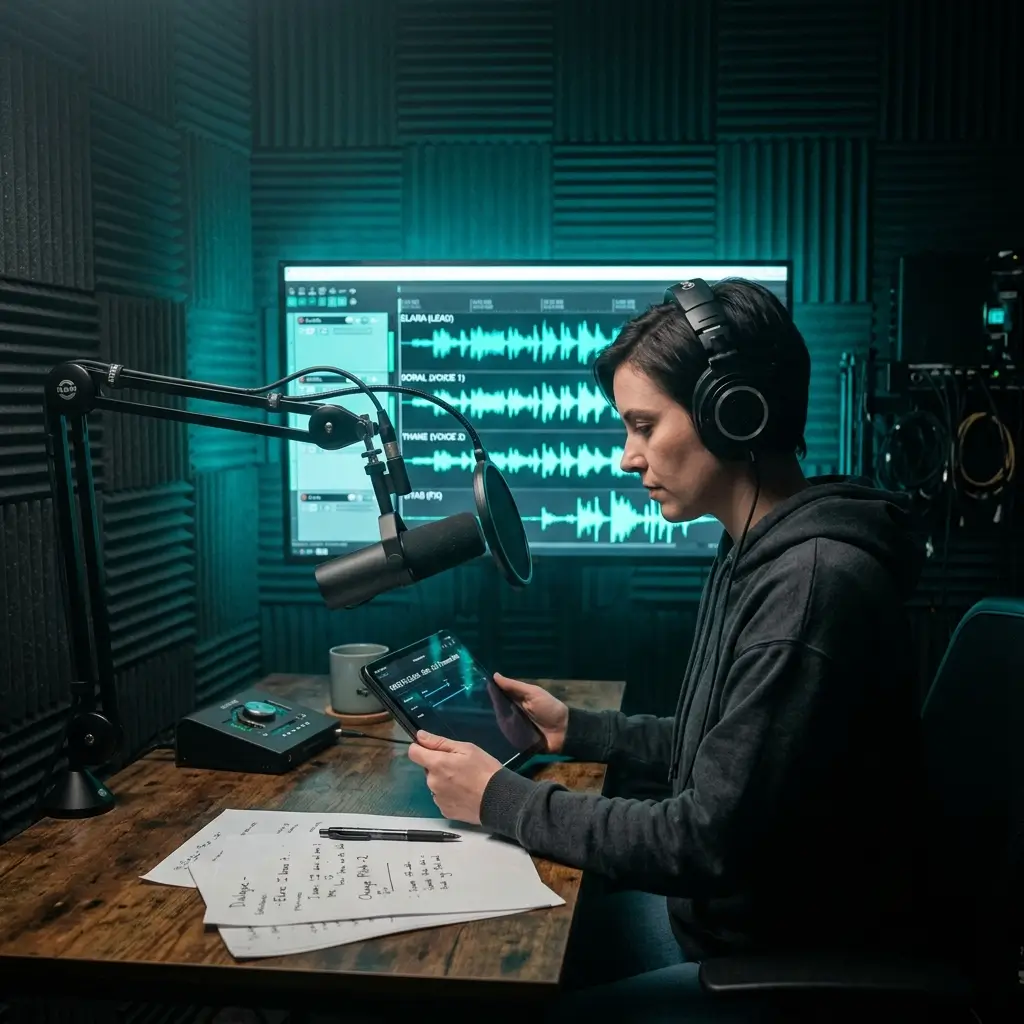
Play multiple characters in a storytelling episode from a single recording. The voice transformer preserves natural speech cadence while changing vocal identity. Voiceover artists use it to expand their range for more auditions.
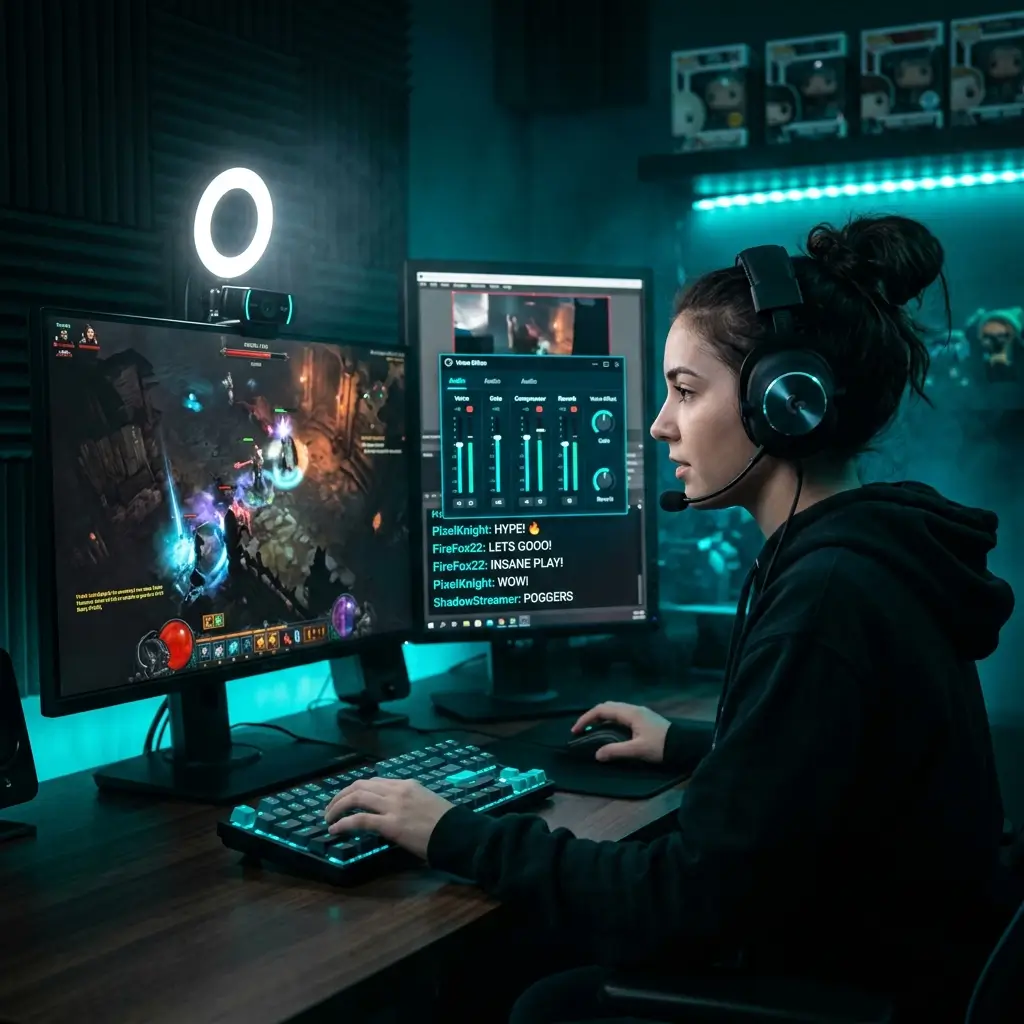
Transform prerecorded clips for Discord, Twitch, and gaming content. This is an upload-based voice changer rather than a real-time microphone filter, so generate clips before adding them to a live production.
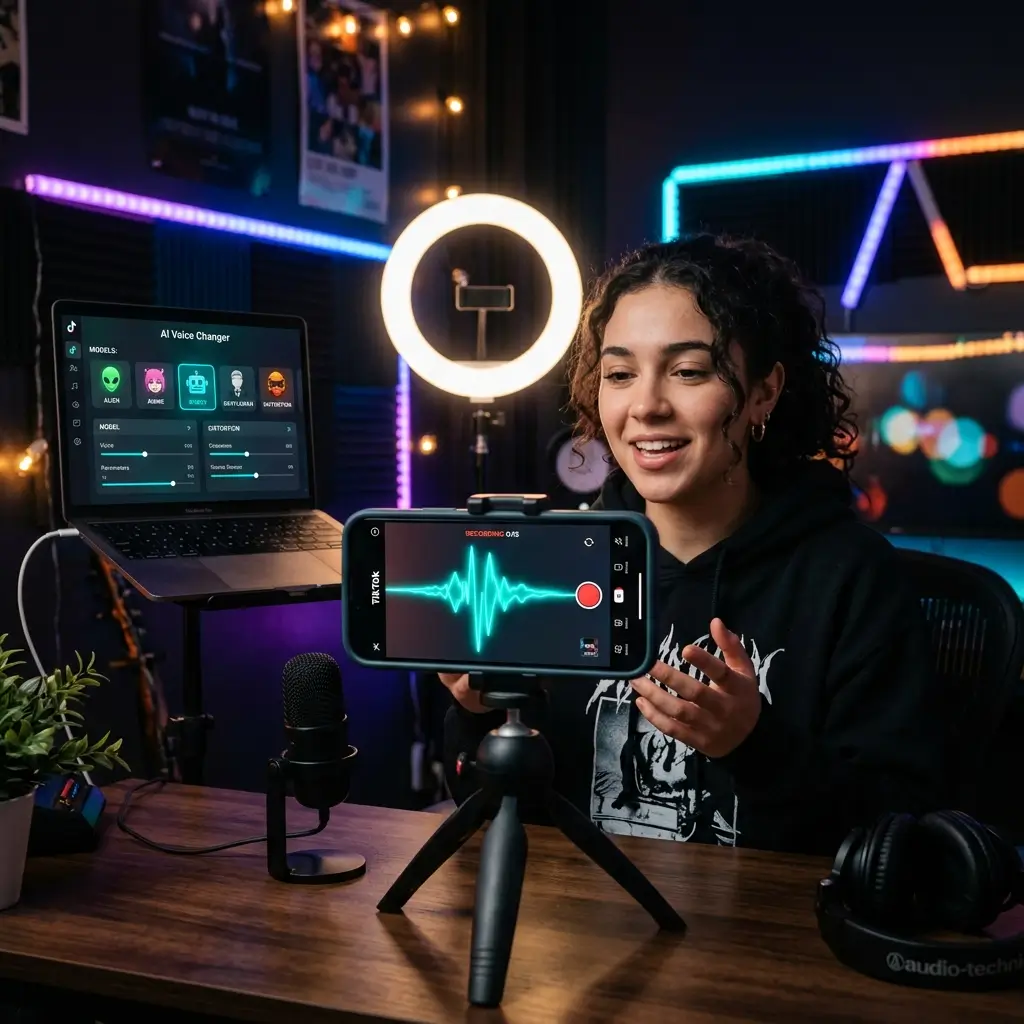
Use the AI vocal changer to create voice effects for Reels, Shorts, and TikToks from audio you upload. Preview the result and use only voices and source audio you have the right to transform.
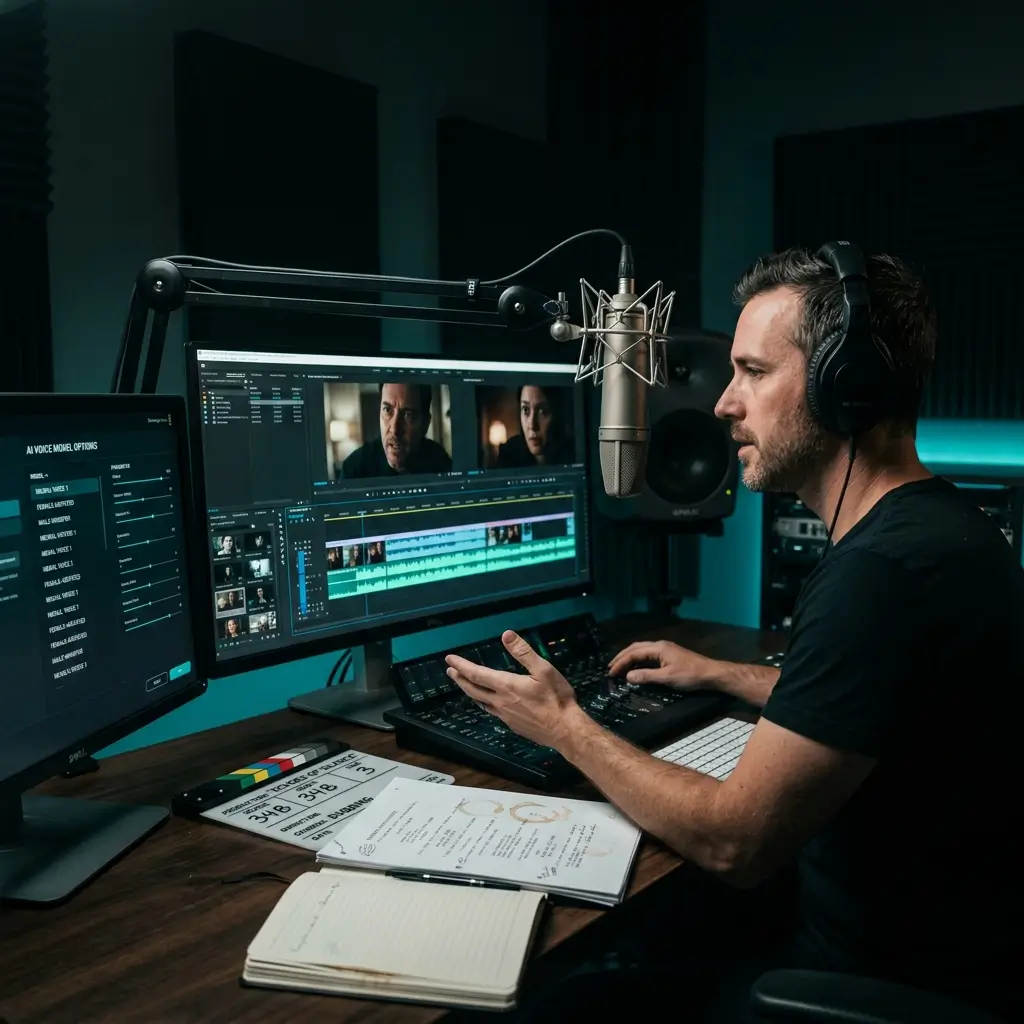
Prototype character voices during pre-production without re-casting actors. The voice converter aims to retain the timing and delivery of the source performance while changing vocal identity. Voice actors can use it to build demo reels, with the speaker's permission.
The workflow is designed for uploaded songs and vocals, with voice-model selection, pitch options, custom voice training, and audio export in one browser tool.
3 steps
Upload or select a source, choose the target voice and pitch setting, then generate and preview the result. Processing time varies with the source file and current service load.
Change vocal timbre while retaining the source performance, melody, timing, and expression as closely as the selected model allows. Clean isolated vocals generally give the best result.
Train and select a private custom voice model from 1–10 voice samples you own or have explicit permission to use.
No desktop app to install. Open the page on a modern browser on Mac, Windows, Chromebook, or mobile, upload your audio, and it is processed on our servers.
Choose the output format before generating, preview the transformed voice in the browser, and download the result when it is ready. MP3 download access depends on your plan.
Use your own recordings or material you are authorized to transform. Custom voice training should only use samples from a person who has given the necessary permission.
Answers about singing voice changes, source files, voice models, credits, downloads, custom training, privacy, and commercial use.
The AI voice changer requires an active Pro or Studio plan. Each voice change uses the credit cost shown on the button, and commercial licensing applies only to eligible output for which you hold all required source and voice rights.
The system analyzes the source performance and applies the selected target voice model. Unlike simple pitch shifting, it changes vocal timbre while aiming to retain the words, melody, timing, and expression from the uploaded song or vocal.
The music voice changer is designed to retain the source melody, timing, vibrato, and expression while changing vocal timbre. Results still depend on the source quality and selected model, so use a clean isolated vocal and preview the output before downloading.
Upload MP3, WAV, FLAC, or M4A files up to 10 MB, or select an eligible song from My Library. Direct microphone recording is available when collecting samples for a custom voice model, not as the main source-audio input.
Processing time varies with the source length, selected model, and current service load. Progress appears in the workspace while the song voice changer is running; custom voice-model training is a separate process and usually takes 5–15 minutes.
The model picker includes a limited set of preset voices and private custom models in your account. New custom models are trained from 1–10 clean recordings after you confirm the speaker's authorization.
For the cleanest result, use an isolated vocal. If the source contains instruments, first use the AI Vocal Remover, then transform the separated vocal. If you want one workflow that changes the singer or music style around a full song, use the AI Cover Generator.
While Pro or Studio is active, you can obtain a commercial-use license for eligible transformed audio in your account, including output made before upgrading. Free and Creator output remains for personal, non-commercial use unless later licensed. You must also have the necessary rights and consent for the source audio and voice.
Uploaded audio is processed to provide the voice-changing service. Under the current Privacy Policy, audio uploads may be retained for up to 30 days after processing or until you delete them. Do not upload recordings or voices you are not authorized to use.
Voice changing applies a target model to an existing song or vocal performance. AI Voice Cloning creates a reusable custom model from voice samples. BeMusic supports both through separate workflows, and custom models should only be trained and used with the speaker's permission.
You can transform prerecorded clips and use the permitted output in Discord, games, or streams. This page is not a real-time microphone voice changer; it processes an uploaded file or a song selected from your library.
BeMusic is an upload-based music voice changer focused on songs and singing vocals rather than a real-time microphone filter. It combines source upload, official or permitted custom voice models, pitch options, and MP3/WAV output in the browser. You can also generate original music from a prompt in the same suite.
You can select Male to Female, Female to Male, or No Change in the pitch setting before generation. The selected voice model still has the largest effect on the final vocal character, so preview the result and adjust the setting if needed.
No. The tool runs in your web browser, and the audio is processed on our servers once you upload it. Nothing to install or update. Open the page on a modern browser and start converting.
Rules vary by jurisdiction and use case. Only transform audio and voices when you have the necessary rights and consent, and never use voice conversion for fraud, deception, harassment, or unauthorized impersonation. Check the rules that apply to your project before publishing.
You can choose the voice model, select No Change, Male to Female, or Female to Male for pitch, and choose MP3 or WAV output. The current tool does not expose separate intensity or conversion-strength sliders.
Yes. Upload 1–10 clean vocal samples (10 seconds to 5 minutes each) and the system trains a custom voice model, which usually takes 5–15 minutes. Once ready, use it like any other model in the voice changer. The model is kept in your account, and you should only train it on voices you have permission to use.
Have more questions? Contact our team — we're happy to help.
Discover other powerful features to enhance your music creation
Choose a Pro or Studio plan, upload a song or isolated vocal, and select a permitted voice model. No software installation is required.