Quick Remixes
Upload a track and get a reworked version without opening a DAW. How long it takes depends on the model and the queue, and free users also wait a short fixed delay before generation starts.
Start Pro at 50% off
Start Pro at 50% off
New accounts · First month/year
New accounts · First month or year

These all started as regular tracks. We changed the genre, tweaked the tempo, and let the AI handle the rest. Hit play and hear the difference.
You don't need to install anything or know music theory. Three steps, one remix.
Drag in an audio file (up to 10 MB and 8 minutes). The AI uses it as the source for the remix.
Want it as lo-fi? Jazz? Drum & bass? Choose from 20+ genres and set a target tempo. The tempo is sent as a range hint, so the result may not land on the exact BPM. Every remix comes out different.
Wait for the remix, preview the result, and download the MP3 (a paid plan or credit pack is required). Check the output against your project before you use it.
One upload can turn into a dozen different remixes. Here's how people actually use the AI song remixer day to day.
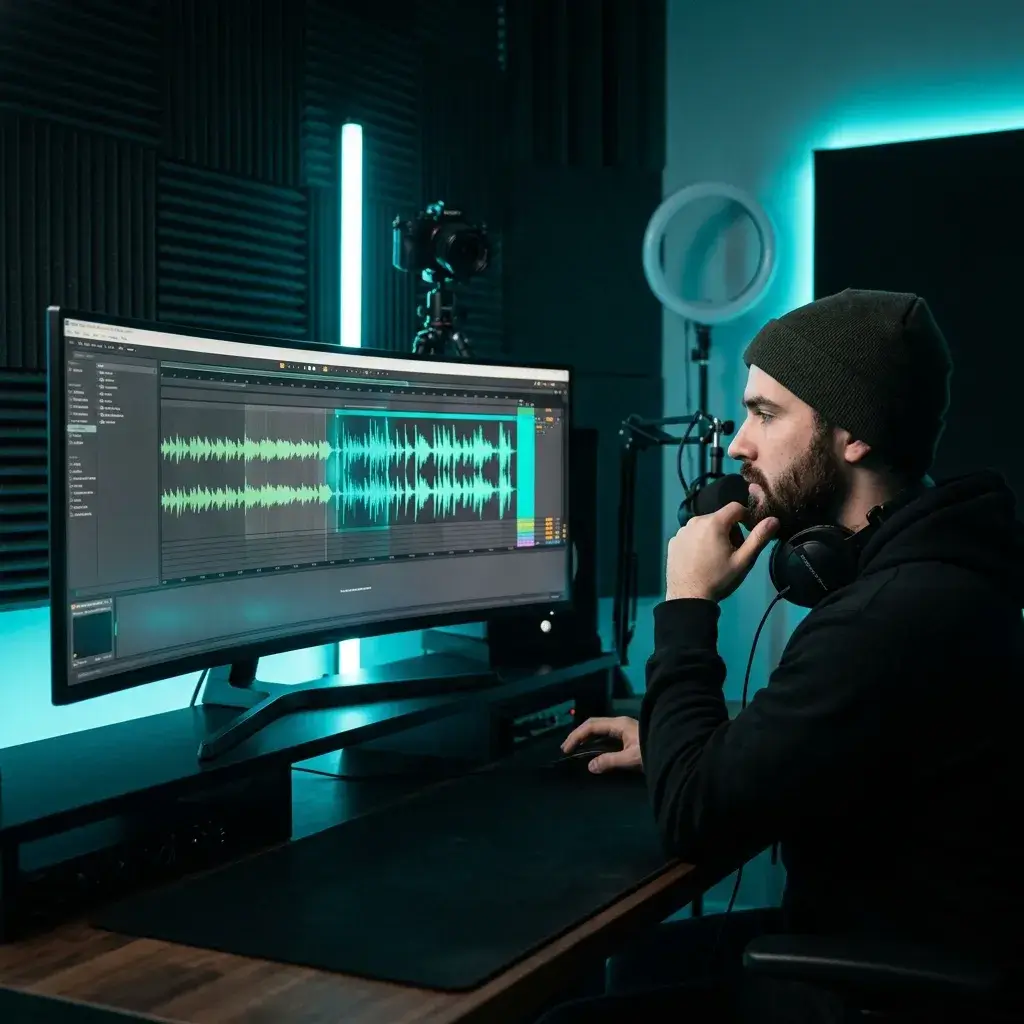
Tired of scrolling through stock libraries? Upload a track you have the right to use, flip the genre to match your scene, and get a remix that fits your edit. You still need the rights to the source, and a remix can still draw a claim.
Remix for Video
Curious how a track hits at a faster tempo, or what it sounds like as house? Test it quickly, much faster than rebuilding it yourself in a DAW.
Remix for DJ Sets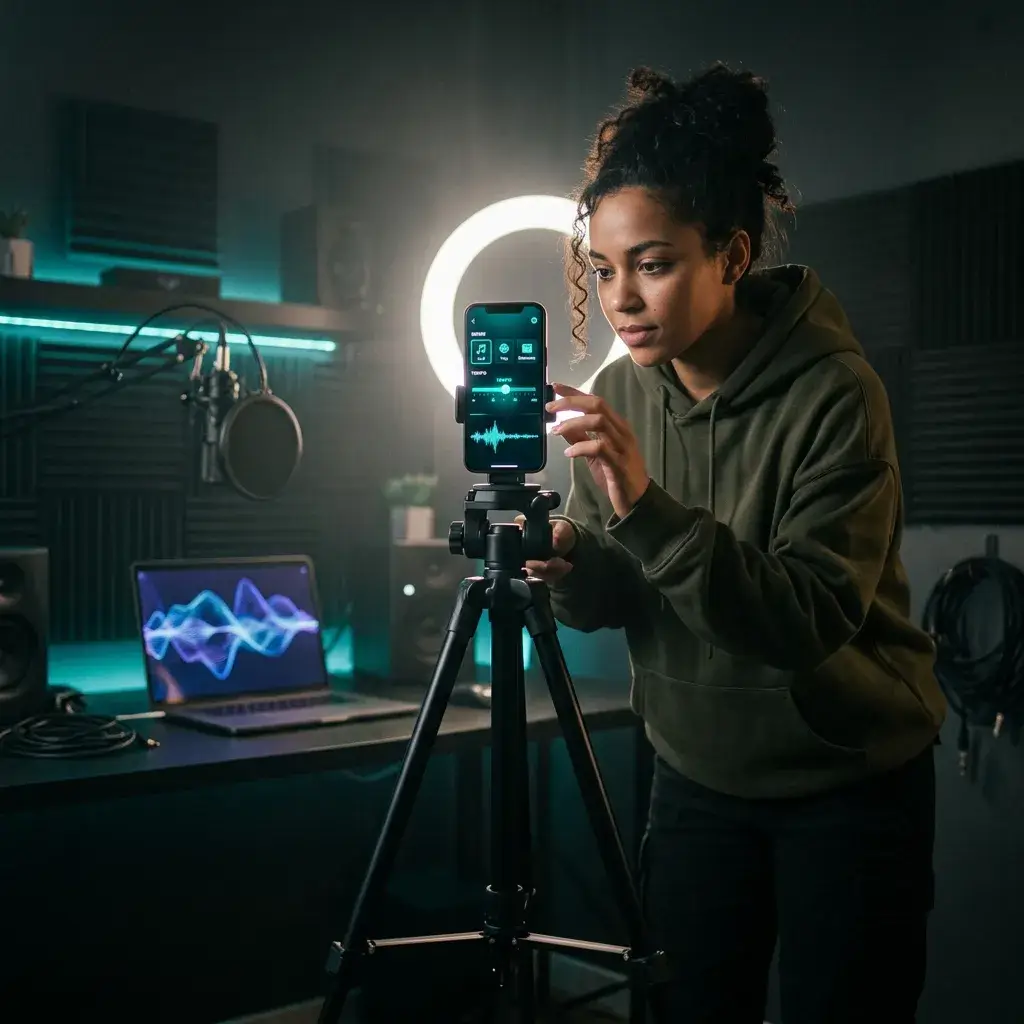
Everyone's using the same trending sounds. Remix one into your own style so your content stands out.
Remix for Social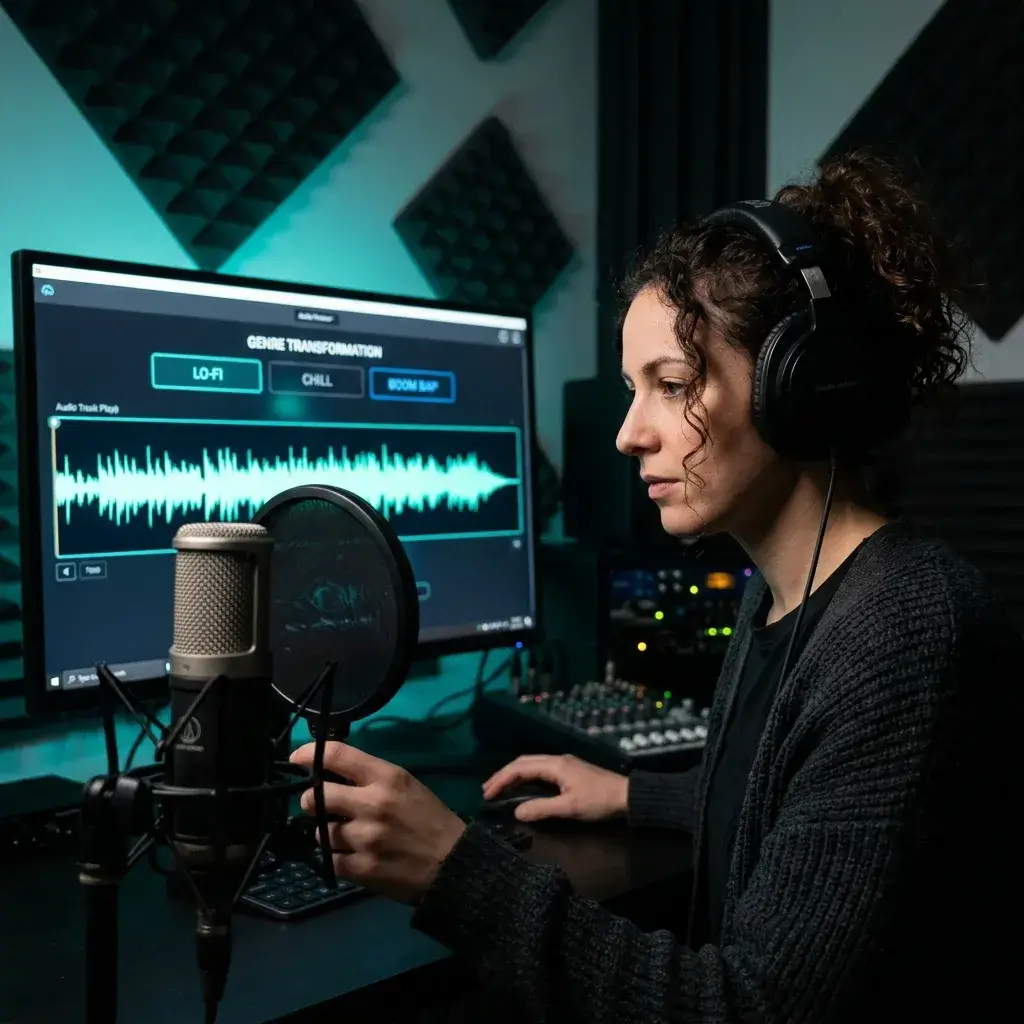
Got a track you love but it's too upbeat for your show? Remix it into a lo-fi or ambient version and use it as your intro, outro, or transition music.
Remix for Podcasts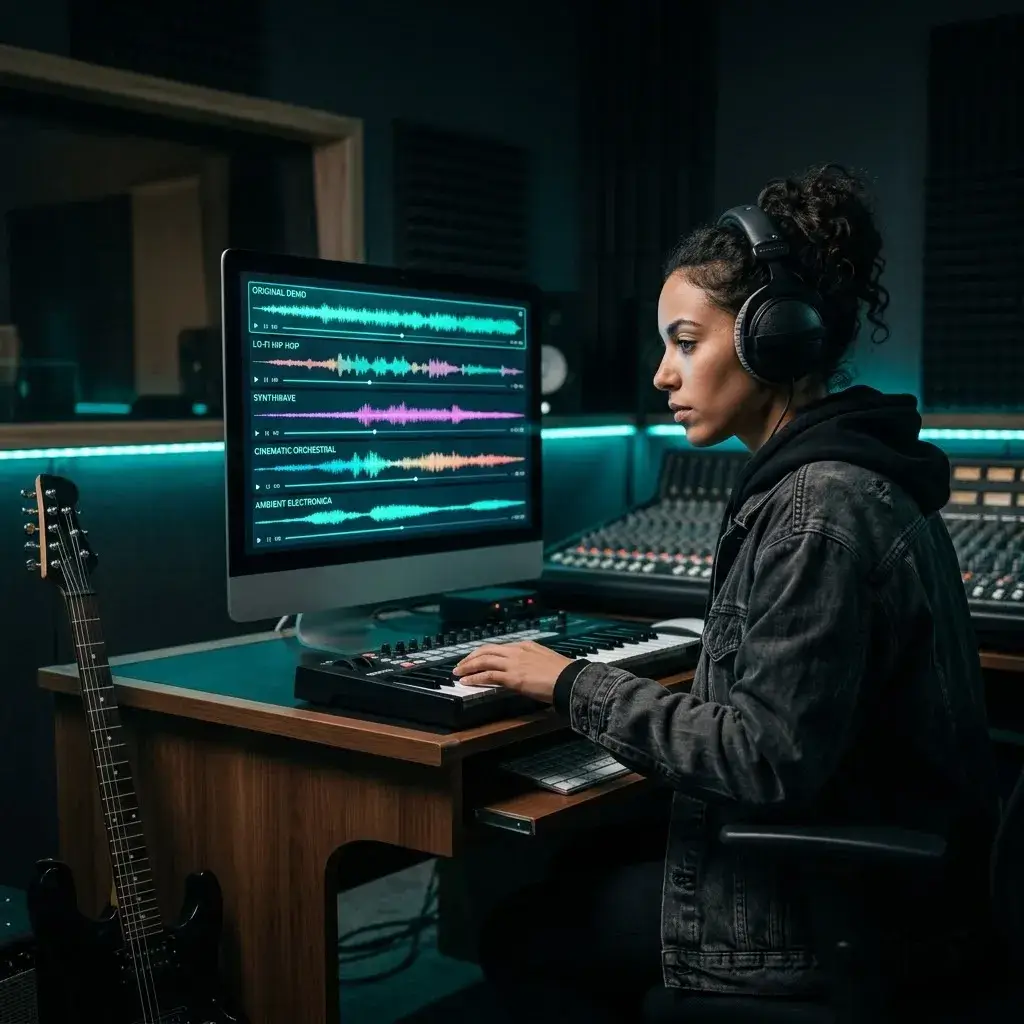
Ever wondered what your ballad sounds like as EDM? Or your rock demo as acoustic? Find out without spending an afternoon on it.
Remix Your Song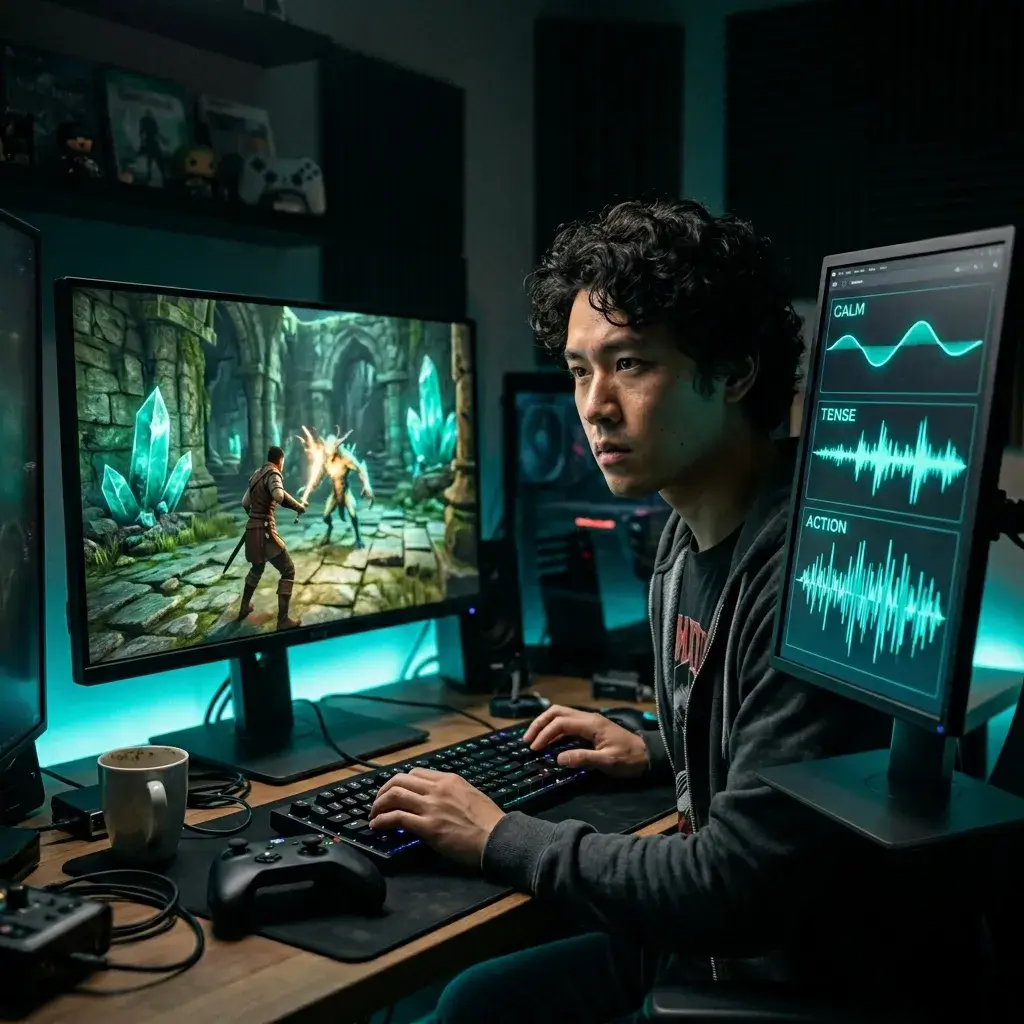
Your game needs the same theme in calm, tense, and action flavors. Upload it once, remix it three ways, and you've got every variation covered.
Remix for GamesWhat the remixer does and what to expect.
Upload a track and get a reworked version without opening a DAW. How long it takes depends on the model and the queue, and free users also wait a short fixed delay before generation starts.
Pop, EDM, lo-fi, jazz, rock, classical, hip-hop, ambient, country — you name it. Pick a style or let the AI surprise you. The arrangement gets rebuilt from scratch every time.
Set a target tempo, or let the AI match the new genre. The tempo is submitted as a range hint (for example slow, upbeat or fast), so the result may land near your BPM rather than exactly on it.
You download an MP3 (a paid plan or credit pack is required). The bitrate depends on the model that generated it.
Pro and Studio plans include a royalty-free commercial-use license for eligible remixes of material you have the right to use. Other plans are for personal, non-commercial use.
First version not quite right? Remix the same track again with a different genre or tempo. Each remix uses credits.
It doesn't just pitch-shift your track. The AI uses your upload as the source and rebuilds the arrangement in the target style, so it behaves like a remix. Results vary from run to run.
If you can drag and drop a file, you already know how to use this. Pick a genre, set a tempo, hit remix. That's the whole process.
Quick answers to the things people ask before remixing their first track.
You need to sign in, and each remix uses the credits shown on the Generate button. New accounts may get free starter credits. Paid plans and credit packs add more credits.
You upload a song, pick a target genre and tempo, and the AI works from your track's structure and rhythm. Then it rebuilds the arrangement in the new style, with different instruments and energy. How long it takes depends on the model and the queue.
Over 20, including pop, rock, hip-hop, EDM, jazz, classical, lo-fi, ambient, country, folk, R&B, metal, and cinematic. You can also let the AI pick a genre that complements your track.
You can set a target tempo from 40 to 200 BPM. The tempo is submitted as a range hint, so the result may land near the BPM you pick rather than exactly on it. The AI reworks the arrangement instead of just speeding up or slowing down the audio.
MP3, WAV, FLAC, and M4A files up to 10 MB are supported. The output is an MP3 whose bitrate depends on the model.
It depends on the model, the track length and the queue. You can remix songs up to 8 minutes long.
Nope. Upload a file, pick a genre, set a tempo, hit remix. That's it. If you can drag and drop a file, you're good to go.
If you upload material you own or are licensed to remix, usage still depends on your BeMusic plan and the source license. Commercial use requires Pro or Studio. Do not publish remixes of third-party copyrighted songs without the required permission.
If you own or have permission to use the source track, your plan may permit publication. A new arrangement can still receive a Content ID match or other claim, so BeMusic cannot guarantee platform clearance. Do not publish remixes of third-party copyrighted songs without the required permission.
While Pro or Studio is active, you can obtain a royalty-free commercial-use license for eligible remixes in your account, including remixes created before upgrading, but only if you have the required rights to the source track. Other output remains for personal, non-commercial use unless later licensed.
The output is an MP3. The bitrate depends on the model that generated it, so check the downloaded file if you need a specific spec.
Yes. Upload once and remix into as many genres and tempos as you want. Each version sounds different because the AI rebuilds the arrangement from scratch every time.
8 minutes per track. Most people remix songs between 2 and 4 minutes, but longer tracks work fine for ambient or cinematic remixes.
No — it actually rebuilds the song in the target style. New instruments, new arrangement, adjusted energy. Think of it as a real remix, not a sped-up or slowed-down version of the original.
Yes. Sign up with your email; new accounts may get free starter credits.
Switch up the genre, tweak the tempo, or just hit remix again. Every generation is different, so you'll get something new each time. Each remix uses credits.
Most remix tools expect you to work with separated stems in a DAW. BeMusic skips that: upload a song, pick genre and tempo, and download a finished remix. No source track yet? Start with our AI Music Generator, then bring the result here to remix it.
That depends on your credits: each remix uses the credits shown on the Generate button. New accounts may get free starter credits. Once a remix is generated, how you can use it depends on your plan and your rights to the source.
Have more questions? Contact our team — we're happy to help.
Discover other powerful features to enhance your music creation
Upload a song, pick a style, and hear your remix. Sign in to run it; new accounts may get free starter credits.