Two Lyria Models in One Generator
Switch between Lyria 3 Clip and Lyria 3 Pro without leaving the page. Your core prompt stays at the center.

Play recent BeMusic examples and note the mood, pace, instruments, and production details you want to describe.
Start with a clear musical direction. The optional controls help you compare versions or steer another draft.
Name the genre, mood, pace, instruments, production style, and intended scene. Concrete details give the request a useful target.
Use Clip for a quick musical idea at 14 credits. Choose Pro for a richer composition at 27 credits.
Upload one reference image, name sounds to avoid, or enter an integer seed. Review the shown credit cost before submitting.
Start with a real creative job, then choose the input and model that make the draft useful to you.
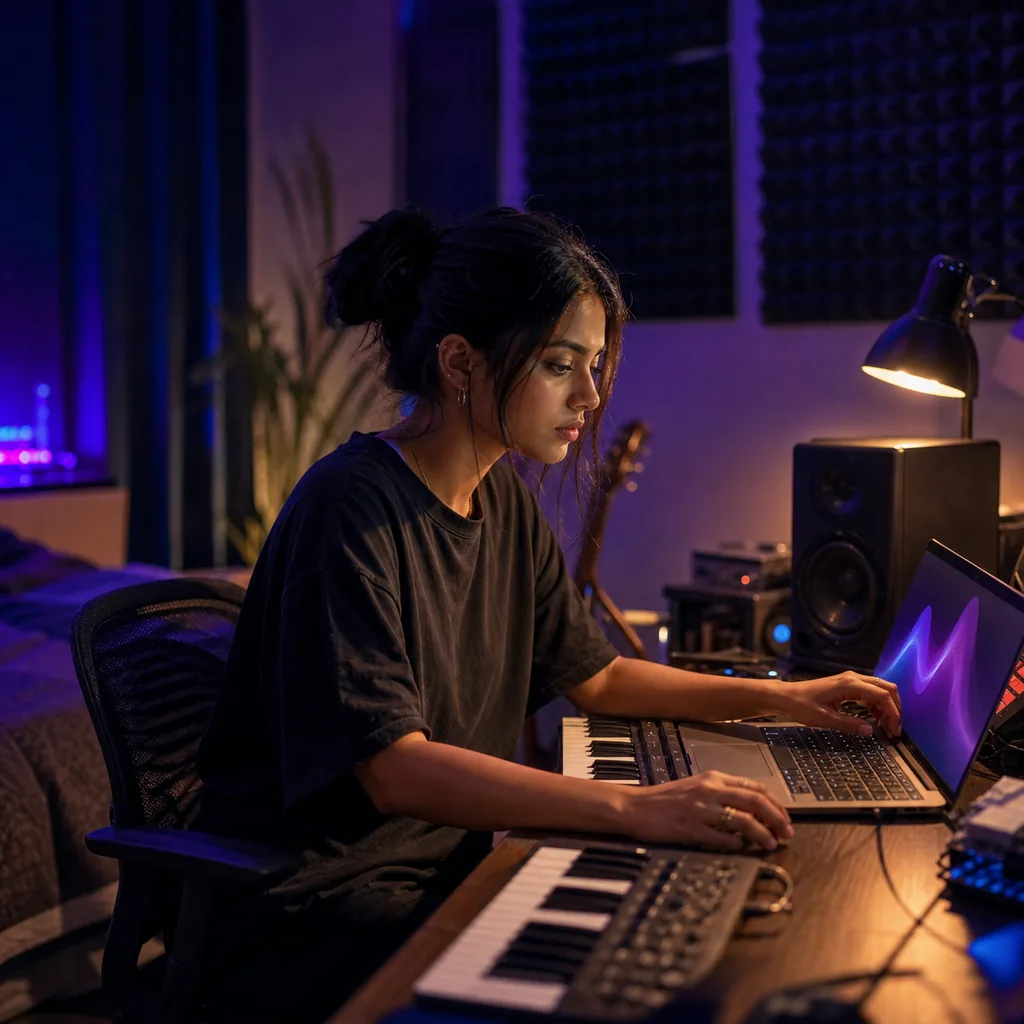
A blank timeline can slow an idea down. Describe the mood, pace, instruments, and scene to make a first track you can judge.

Words may not capture the whole atmosphere. Add one reference image beside your prompt to show the color, setting, and emotional weight.
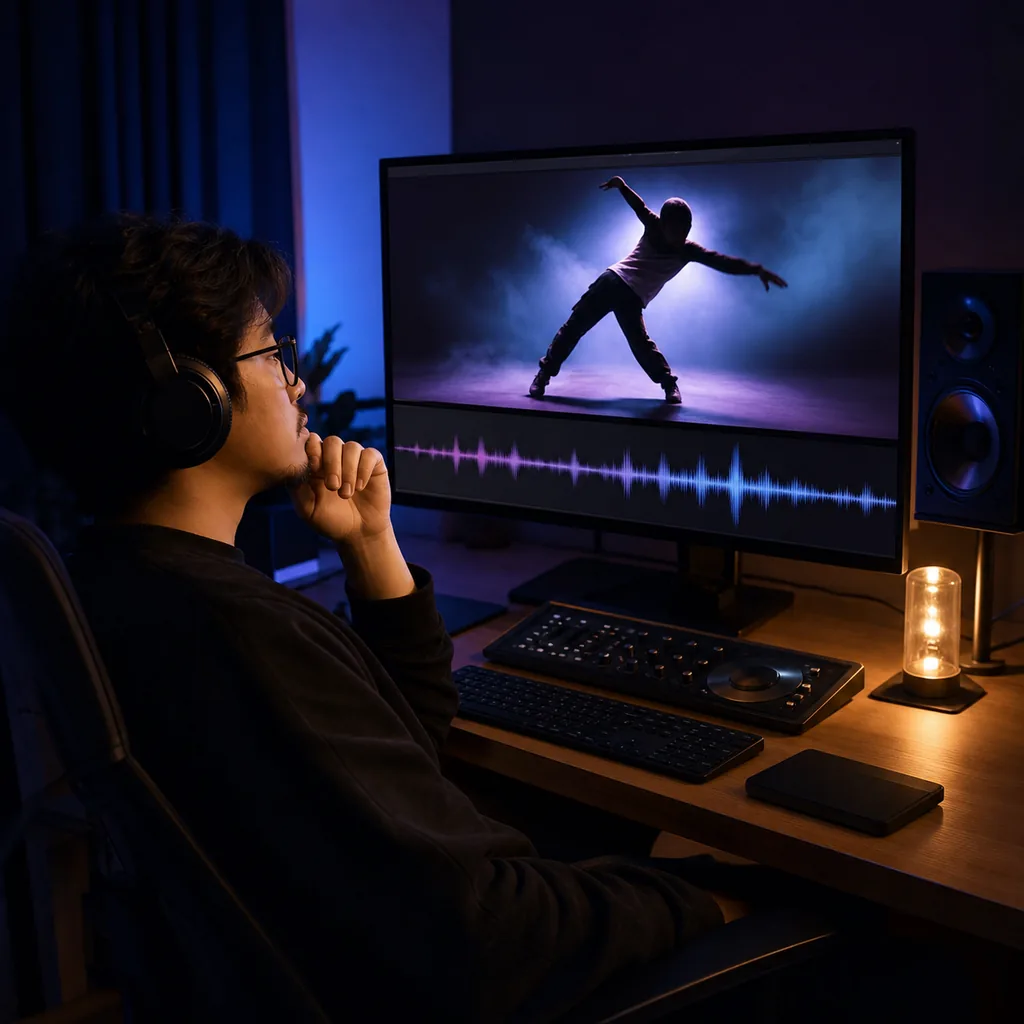
A cut can feel unfinished without the right pulse. Use Clip for a quick direction, then listen beside the scene before refining it.
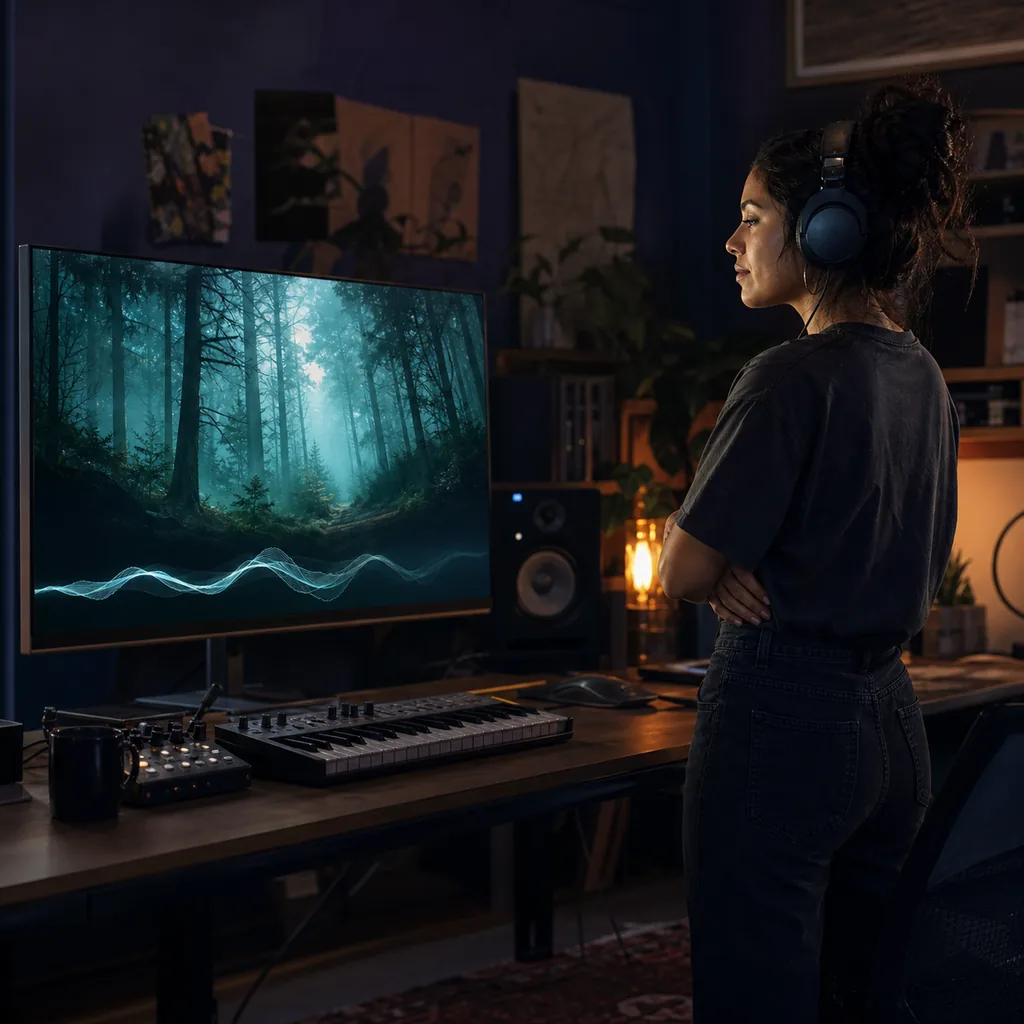
A game world needs music that supports its space. Describe the environment or add a scene image, then shape an instrumental direction.
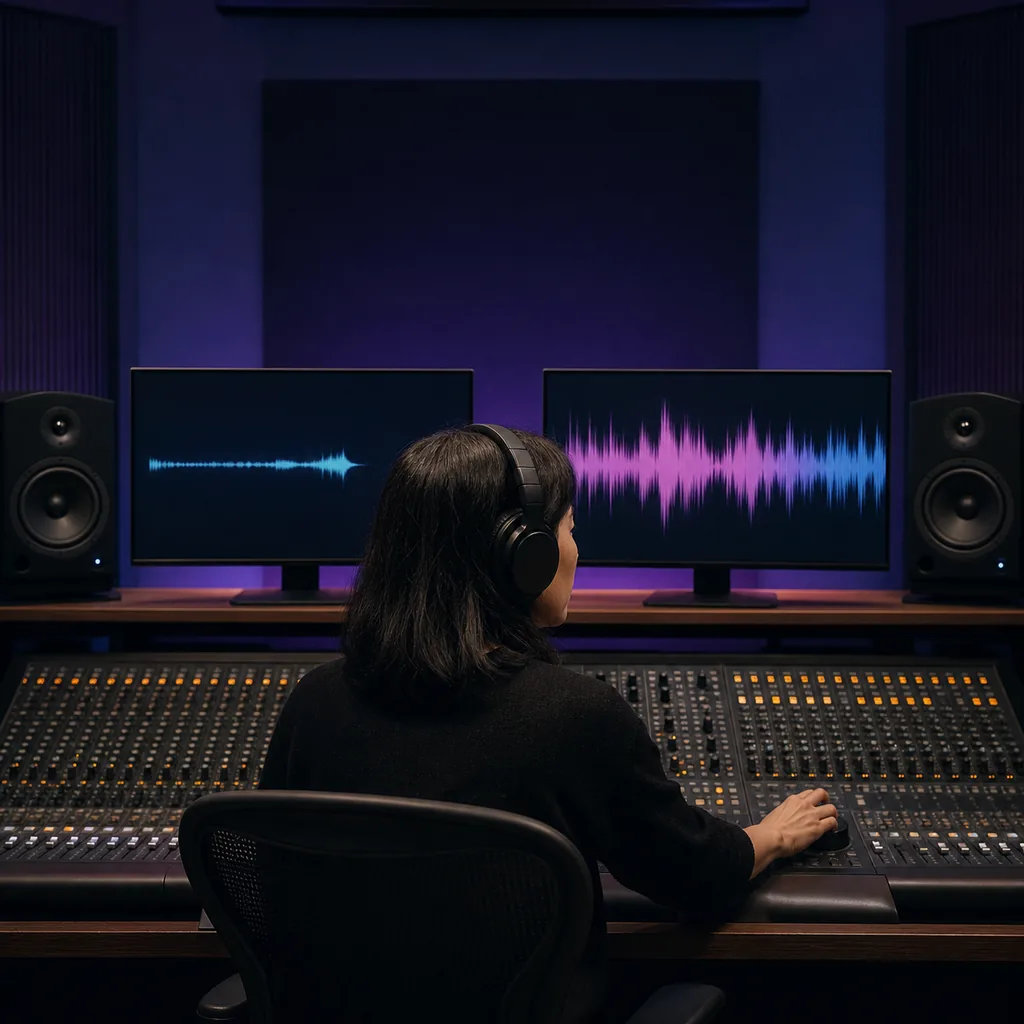
Changing every setting makes a comparison hard to read. Keep your prompt and optional seed aligned, then switch only the model.
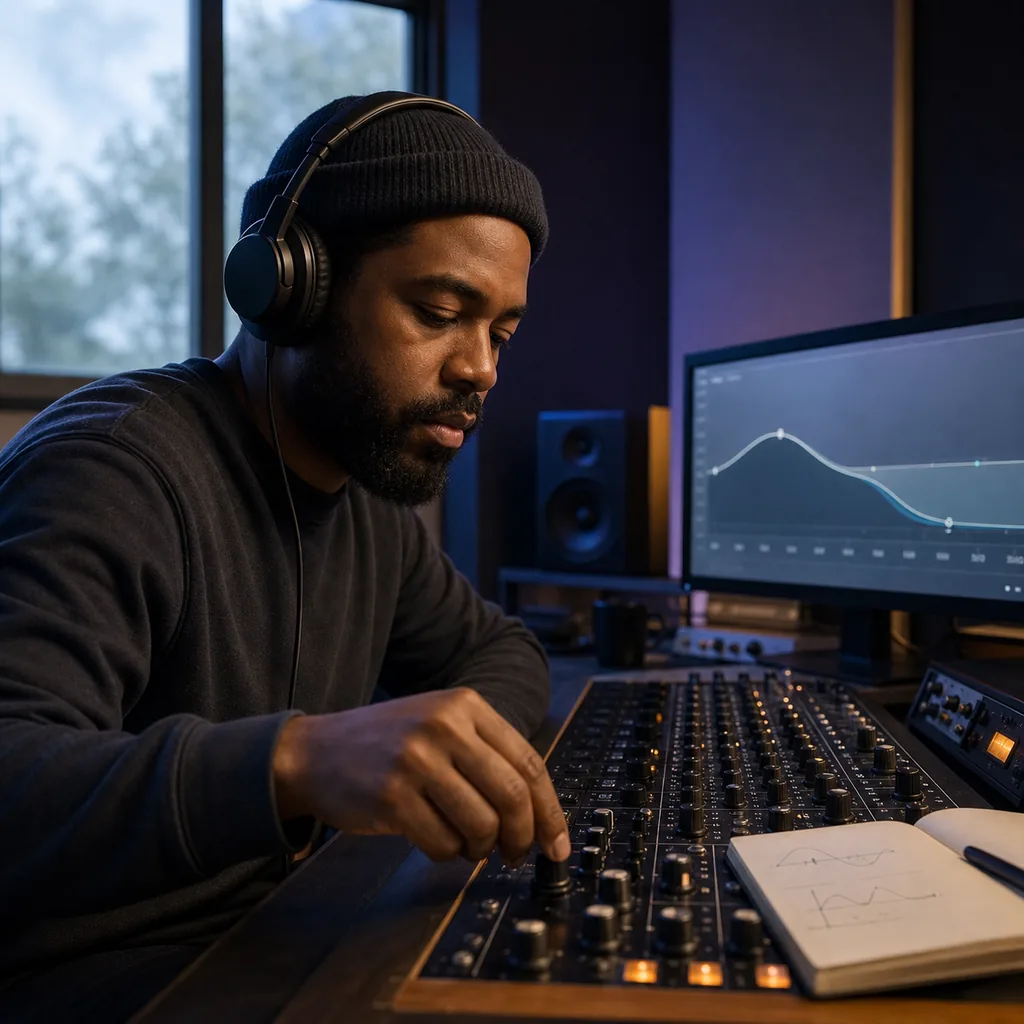
One harsh element can distract from a promising draft. Name the unwanted trait in the negative prompt and test a more focused variation.
Both versions use the same simple workflow. The selector makes the model and BeMusic credit cost visible before each request.
Switch between Lyria 3 Clip and Lyria 3 Pro without leaving the page. Your core prompt stays at the center.
Choose the Clip model when you want a short idea, loop direction, or fast sound check before a larger experiment.
Choose Pro when arrangement depth and enhanced audio quality matter more than the lower credit cost.
A text prompt is required. You can also upload one image to add visual mood, setting, or texture to the request.
List elements you do not want, such as harsh vocals, busy drums, or distorted guitars. Keep the exclusions specific.
Enter an integer seed when you want an aligned starting value. Leave it blank when you prefer an automatic seed.
The create button shows the current cost. You can compare the two options before using BeMusic credits.
Use the supported workflow in your browser. BeMusic submits the request and returns the completed audio to your task.
Check the model choice, inputs, optional controls, credits, downloads, and usage terms before you create.
Lyria 3 is Google's music generation model family. This BeMusic page supports the Clip and Pro workflows through one generator.
BeMusic is an independent service, not an official Google website. It provides access to the supported model workflows.
You can select Lyria 3 Clip or Lyria 3 Pro. Clip is selected first, and you can switch versions before generation.
Clip is designed for quick music clips and draft ideas. Pro targets richer compositions and enhanced audio quality.
You can turn a written direction into music. Include the genre, mood, pace, instruments, production character, and intended use.
You can add one reference image beside the required text prompt. Use an image that clearly shows the mood, scene, or texture.
Combine concrete musical details. Try genre, mood, tempo, instruments, vocal character, production style, song movement, and the scene it should support.
It names traits you want the model to avoid. List a few specific sounds or production choices instead of rewriting the main prompt.
A seed sets a repeatable starting value for the request. Reuse it for a more controlled comparison, or leave it blank.
Lyria 3 Clip costs 14 BeMusic credits per request. Lyria 3 Pro costs 27 credits, and the button shows the amount first.
You do not need to add personal provider credentials. BeMusic handles the supported request and result flow.
After the task completes, you can play the result in BeMusic and download the returned audio file.
That depends on your BeMusic plan, the model terms, and your input. Read the commercial license before publishing or selling a track.
Keep the prompt, image, negative prompt, and seed aligned. Change only the model, then compare arrangement, sound, and credit cost.
Discover other powerful features to enhance your music creation
Start with Clip for 14 credits or Pro for 27. Add a focused prompt, review the optional controls, and generate your audio.