ACE Step and ACE Step 1.5 Together
Use the version selector instead of moving between separate tools. Version 1.5 is selected first, while the original model stays available.

Play recent BeMusic examples to study how prompts become arrangements. Notice the mood, pacing, instruments, and song structure you may want to describe.
Set the musical direction first, then make the few choices that change what the model receives.
Add a genre, mood, instruments, pace, and production character. Specific tags give the model a clearer musical target.
Paste lyrics you can use, let ACE Step draft lyrics, or choose an instrumental. ACE Step 1.5 needs lyrics when vocal mode is selected.
Pick ACE Step or 1.5, choose 5 to 240 seconds, and add an integer seed when you want a controlled comparison.
Start with a narrow creative question. A controlled draft is easier to judge, revise, and compare.
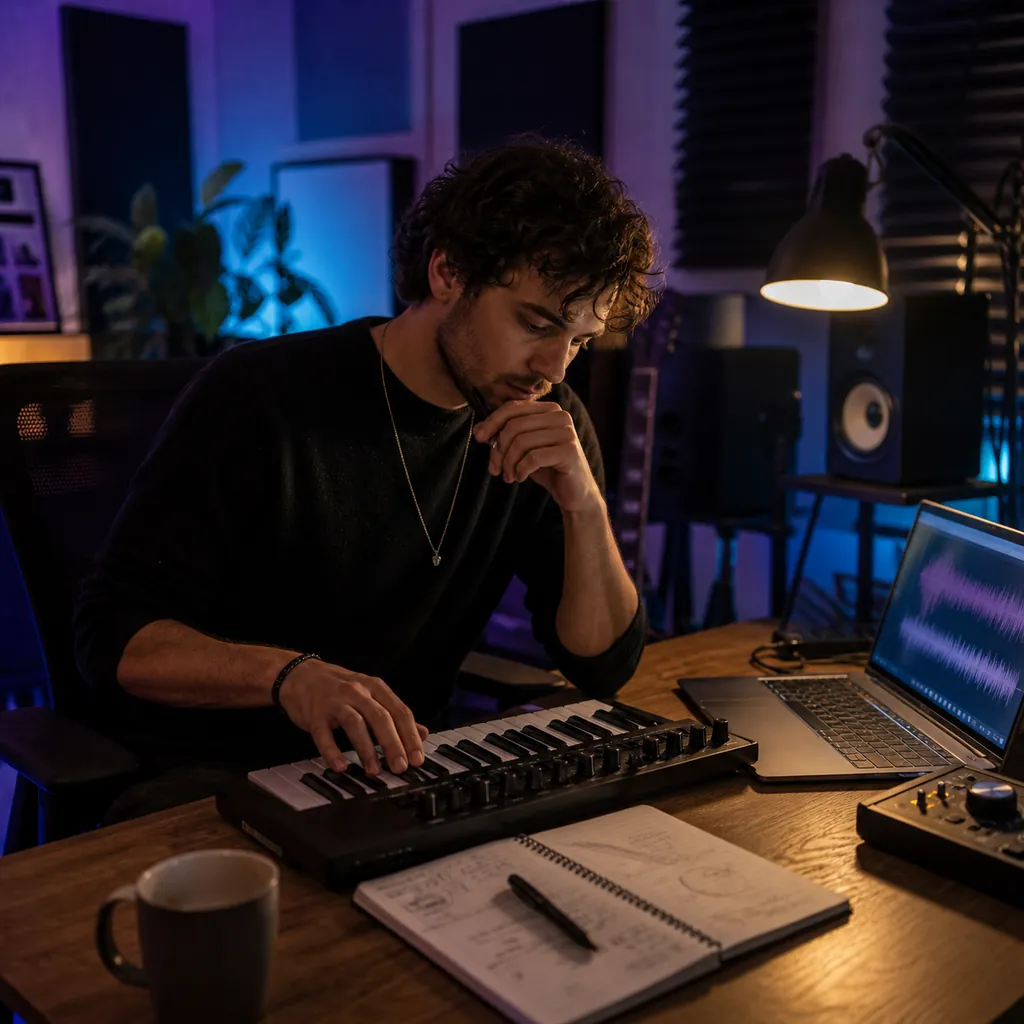
Test a genre, mood, and lyrical idea before arranging it elsewhere. A short draft can reveal whether the direction is worth developing.

Describe the energy and instruments for a video, podcast, or game scene. Choose instrumental mode when the scene needs room for dialogue.

Use labels such as [Verse], [Chorus], and [Bridge] to show where sections belong. Then hear how the words sit in a complete track.
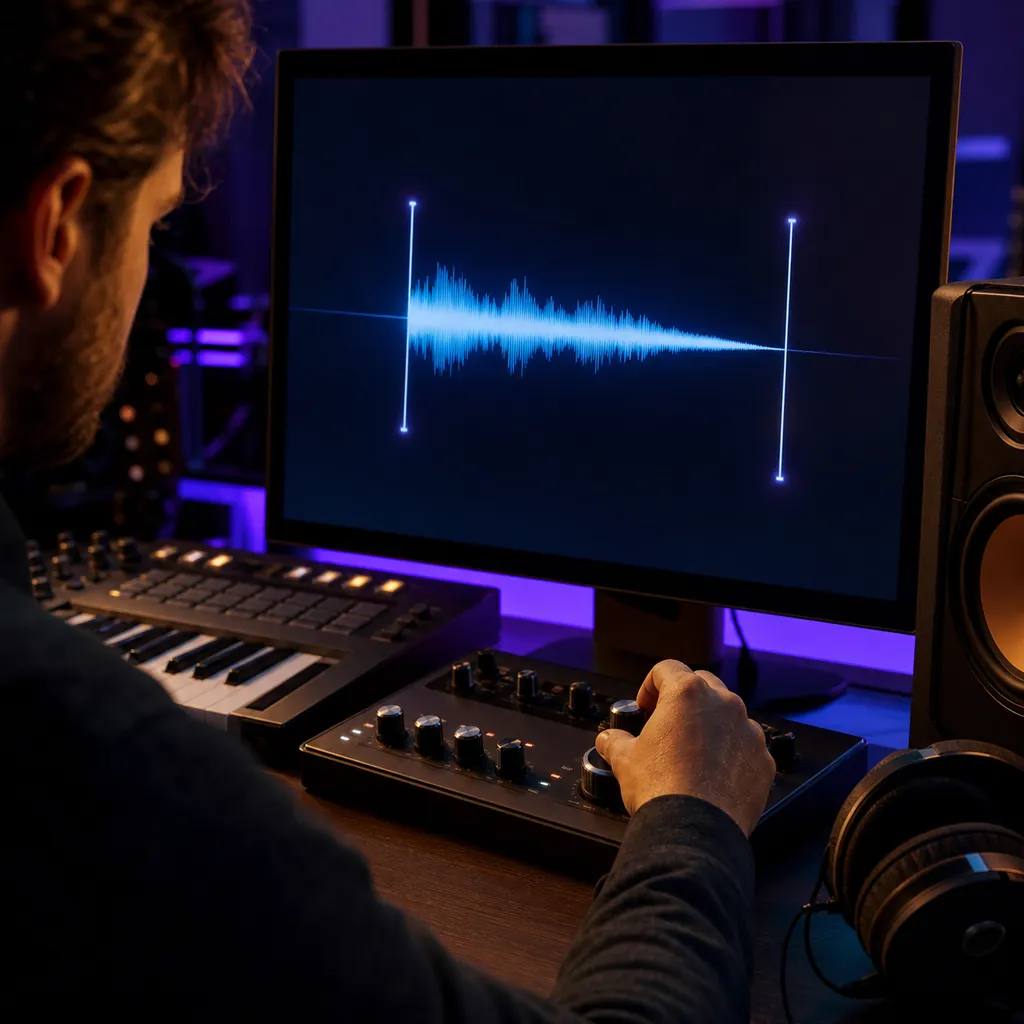
Choose anything from a 5-second transition to a 240-second track. Match the requested duration to the job before you generate.

Keep the tags, lyrics, duration, and seed aligned. Switch only the model to make the comparison easier to interpret.
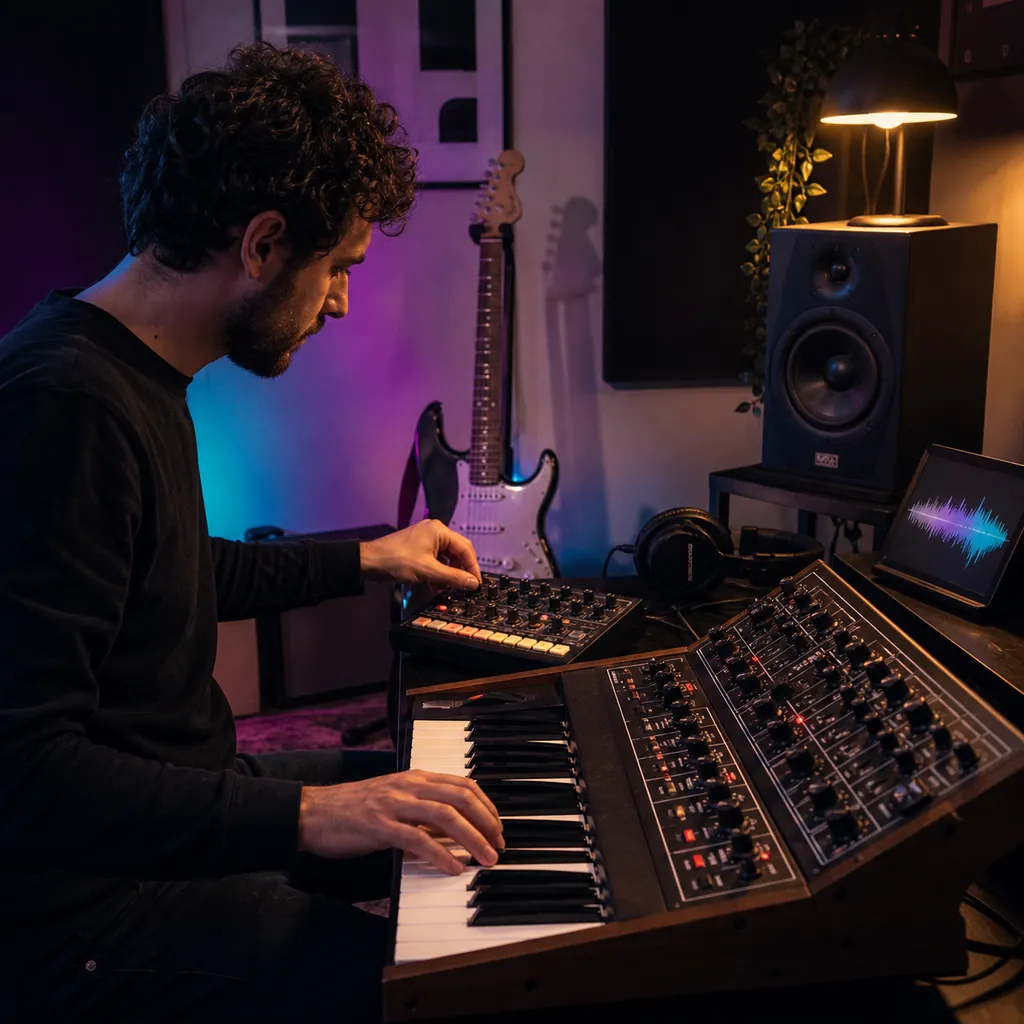
Try different genres, moods, instruments, and pacing without writing lyrics. Keep promising seeds for the next round of tests.
The page keeps the important ACE-Step inputs visible, so you know what changes between one generation and the next.
Use the version selector instead of moving between separate tools. Version 1.5 is selected first, while the original model stays available.
Build the request around genre, mood, instruments, pace, and production detail. You can revise the direction without changing every field.
Use your own lyrics for a vocal draft or switch to instrumental mode. The form explains when the chosen version requires lyrics.
Set the requested length before generation. Short cues and longer song structures do not have to share one fixed duration.
Enter an integer seed when you want to rerun aligned settings. Leave it blank when you want the model to choose the seed.
The credit estimate updates with the version and seconds you select. You see the cost before you submit the track.
You do not need to paste an API key into the generator. BeMusic handles the supported request and result flow.
BeMusic is an independent service and is not owned or operated by ACE Studio.
Check the model differences, required inputs, duration controls, seed behavior, and cost before you create.
ACE-Step is an AI music model family that creates audio from style tags and lyric instructions. This BeMusic page gives you access to ACE Step and ACE Step 1.5 in one generator.
No. BeMusic is an independent service and is not owned or operated by ACE Studio. It provides access to the supported ACE-Step models.
You can choose ACE Step 1.5 or the original ACE Step. The form selects 1.5 first, and you can switch versions before generating.
The original ACE Step can draft lyrics when vocal mode has no lyrics. ACE Step 1.5 requires lyrics for a vocal track. Both versions support instrumental requests.
Yes. Add style tags that describe the sound. For a vocal track, supply lyrics or use the original ACE Step model to draft them. For music without vocals, select instrumental mode.
Yes. Paste lyrics you wrote or have the right to use. Section labels such as [Verse], [Chorus], and [Bridge] can make the intended structure clearer.
Yes. Select instrumental mode and describe the genre, mood, instruments, pace, and production character in the style field.
You can request a duration from 5 to 240 seconds. The credit estimate changes with the exact number of seconds and the model version.
A seed gives the generation a repeatable starting value. Keep the same inputs and seed for a controlled rerun, or leave it blank for an automatically chosen seed.
Combine concrete details such as genre, mood, instruments, pace, and production feel. For example: dreamy synth-pop, warm analog pads, steady drums, and a restrained chorus.
The BeMusic credit cost depends on the selected model and duration. The generator shows the calculated amount before you submit the request.
No. You do not need to enter an API key on this page. BeMusic handles the connection for supported generations.
Usage depends on your BeMusic plan, applicable model terms, and the material you provide. Review the commercial license before publishing or selling a track.
Discover other powerful features to enhance your music creation
Choose the version, define the sound, and set the duration. Then generate a track that follows your clear creative direction.