Compare Two Takes at Once
Each Create action gives you two versions of the same idea. Listen to both before you spend more credits on the one you want to keep.

Press play to hear a prompt-to-song example from BeMusic AI. Then use the generator above to try your own idea.
You do not need a finished melody or studio skills. Start with the sound in your head, compare two takes, and keep the one that feels right.
Tell Udio the genre, mood, era, theme, instruments, or type of voice you want. A short prompt works, but a few clear details give it more direction.
Let Udio write the lyrics, paste your own, or make an instrumental. Choose a 32-second clip or a 130-second song, and it will create two takes.
Choose your favorite take, then extend it, remix it, try a Style, or edit it in Sessions. The tools you can use depend on your plan.
Whether you have one line of text or a rough recording, you can use Udio to test the idea and build it into a song.
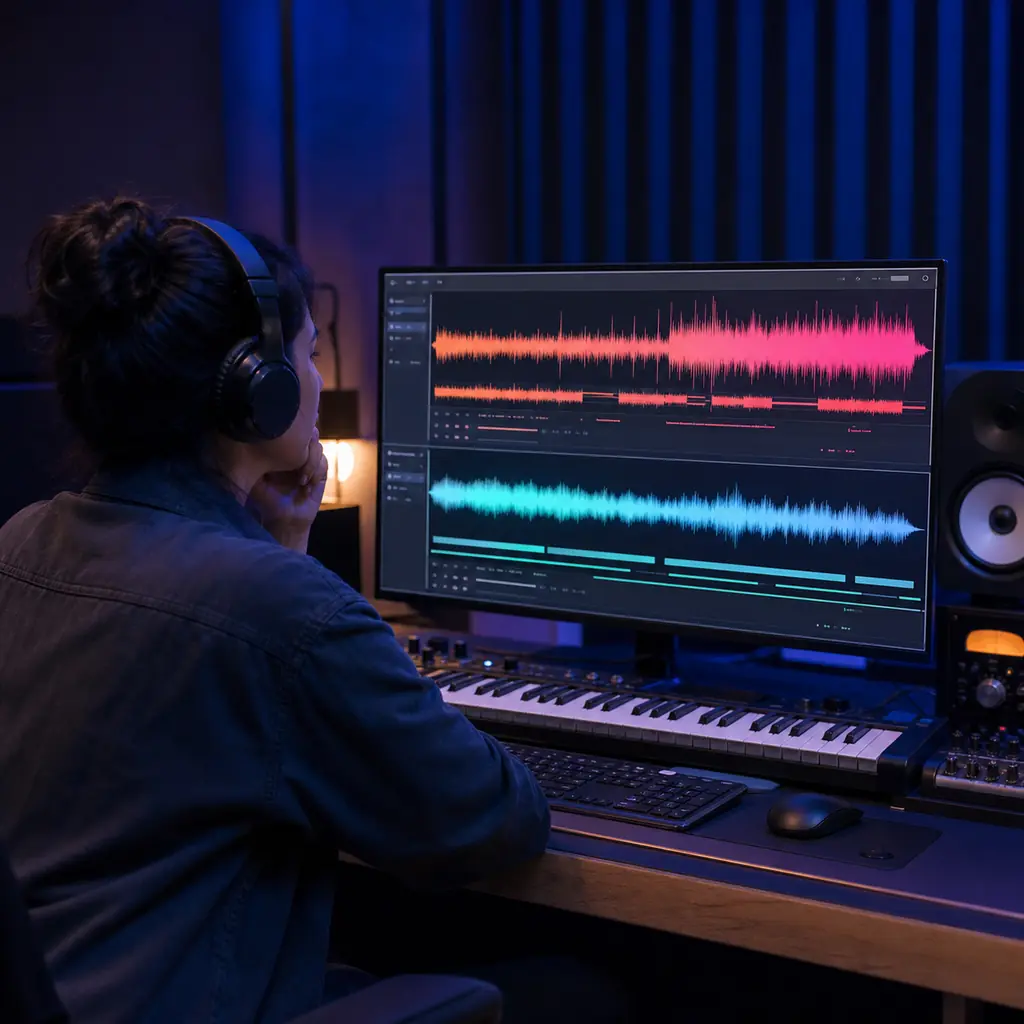
You may know the feeling you want without knowing the exact sound. Name a genre, mood, era, instrument, or voice, and Udio will give you two takes to compare.
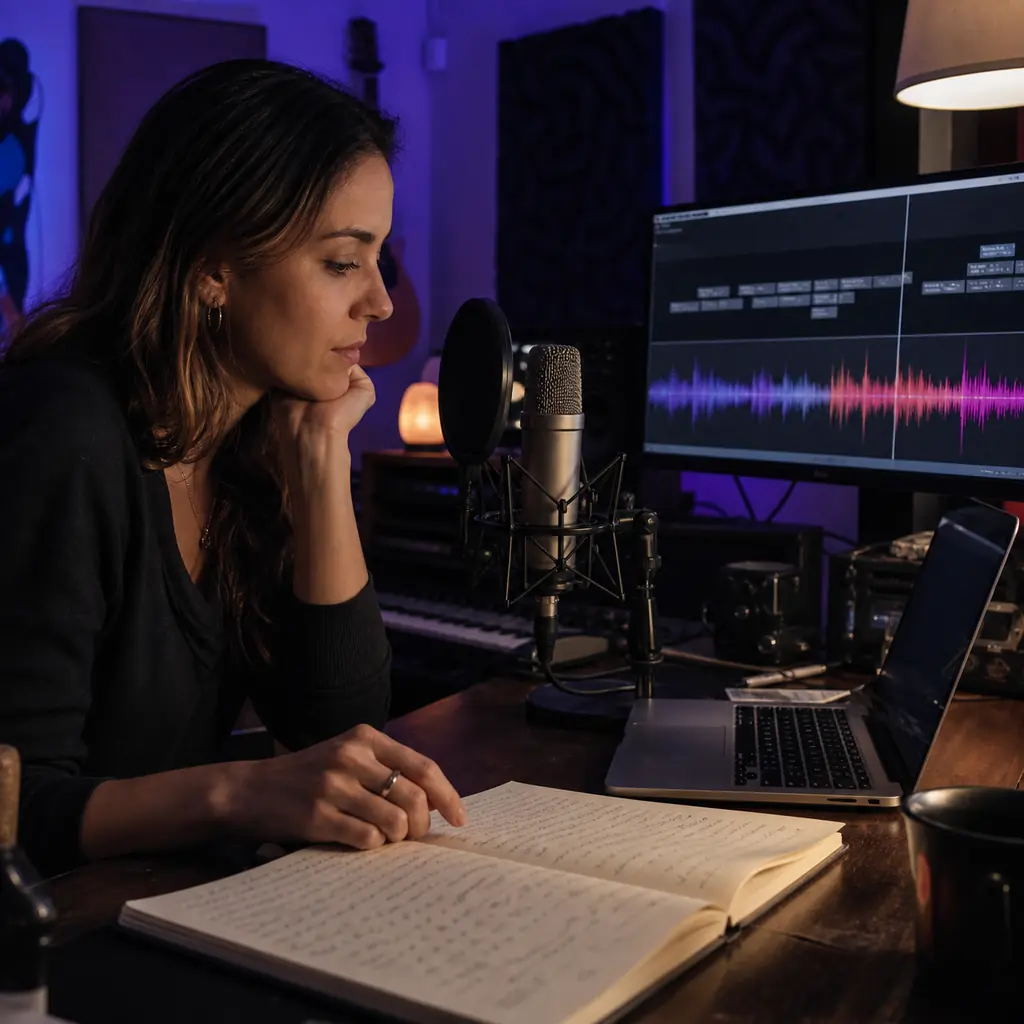
Already wrote the words? Paste them in. If you are stuck, let Udio draft the lyrics, or turn vocals off and make an instrumental instead.
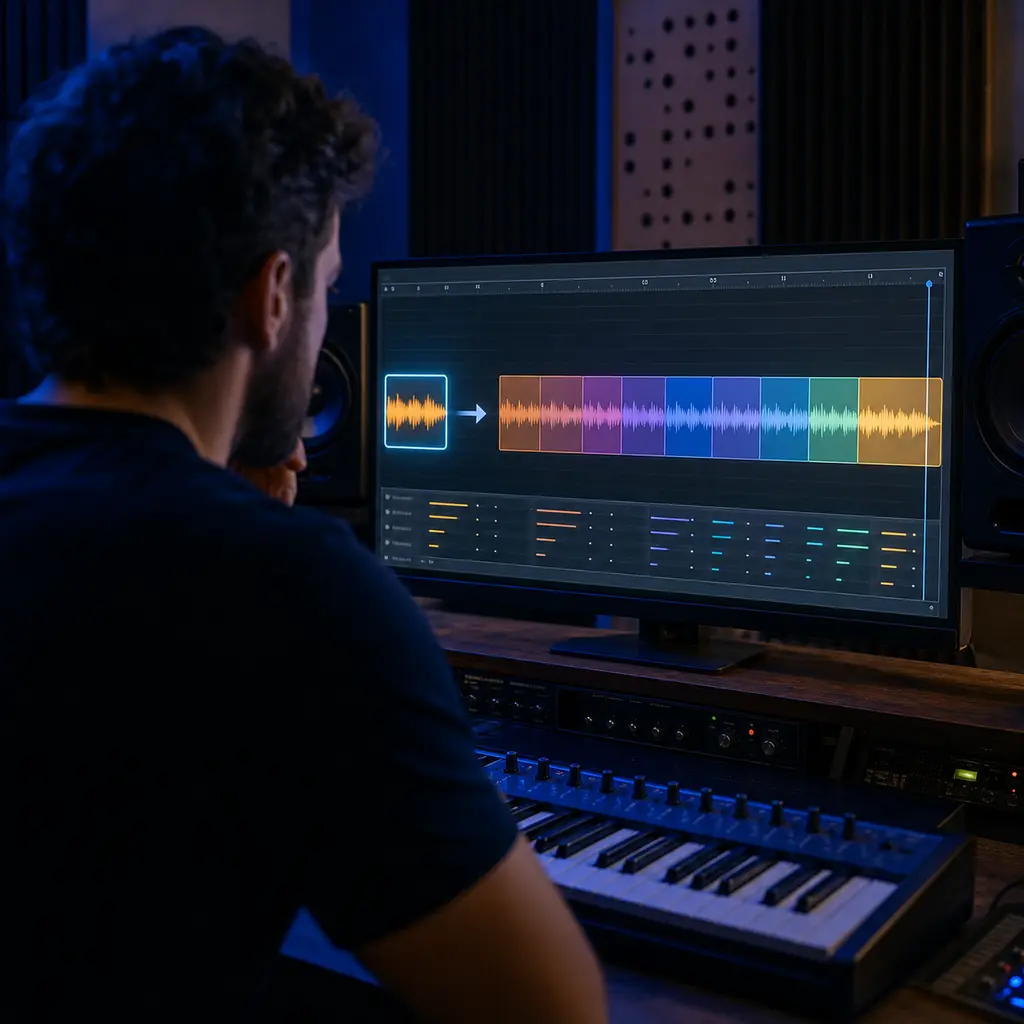
A good hook does not have to stay 32 seconds long. Use Extend to add an intro, a new section, or an outro and build a fuller arrangement.
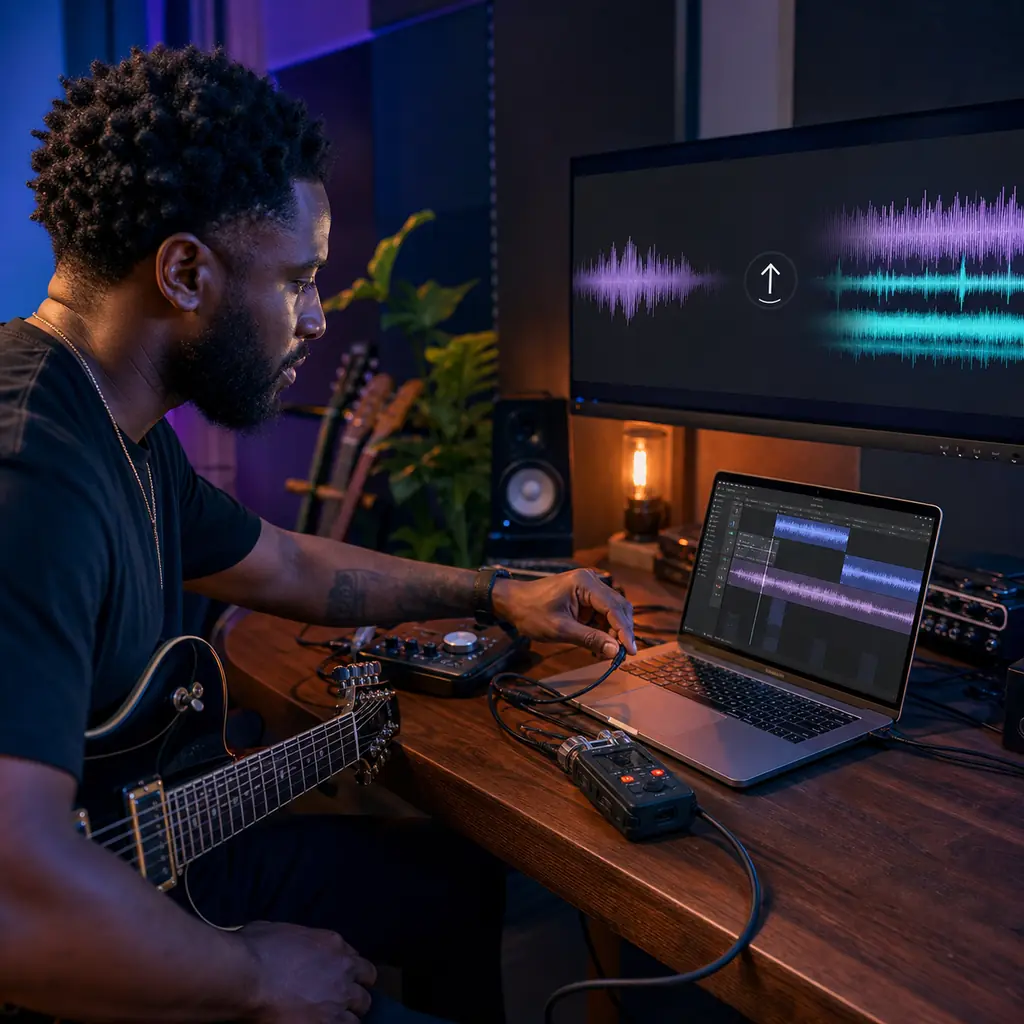
Have a riff, beat, or rough recording of your own? Paid subscribers can upload it, then extend, remix, restyle, or edit it. Only use audio you have the right to upload.
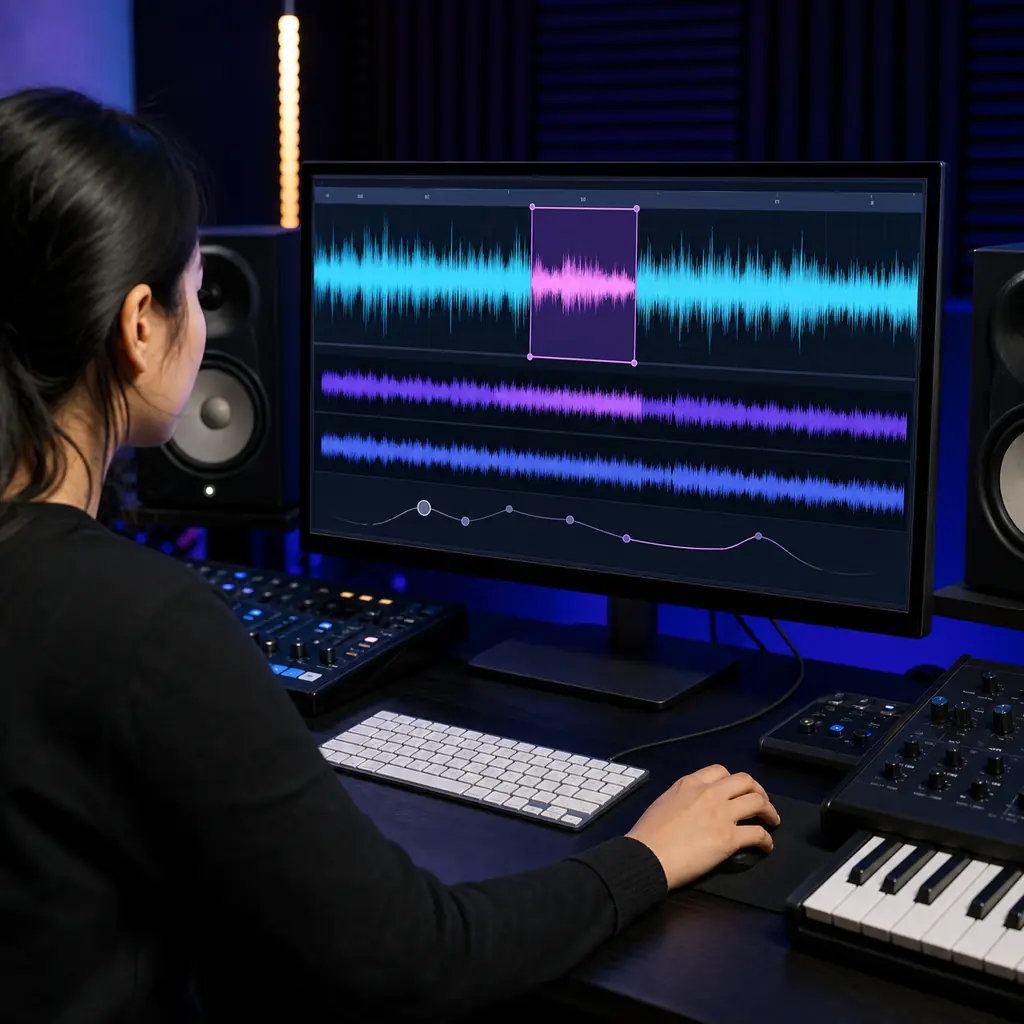
You do not have to start over because one section feels wrong. Remix the song, or use Sessions to replace a range, change the lyrics, compare takes, and undo edits.

If words cannot capture the sound you want, use a song or audio clip as a Style reference. You can also choose a supported Voice, with some options limited by plan or device.
Your first take may be close, but not quite there. These Udio features help you test another direction without throwing away the whole idea.
Each Create action gives you two versions of the same idea. Listen to both before you spend more credits on the one you want to keep.
You can ask Udio for a lyric draft, paste your own words, or make a track with no vocals. Add section and performance tags when you want more control over the song form.
Use a 32-second clip when you are testing an idea, or choose 2 minutes 10 seconds for a fuller take. Free accounts can make up to three longer songs each day.
Use Manual Mode when you want exact tags instead of expanded prompts. You can also reduce unwanted styles, choose a model, and set how far a remix should move from the original.
Paid plans let you start with your own recording instead of a blank prompt. From there, you can extend, remix, restyle, replace, or open it in Sessions.
Keep the part that works and take it somewhere new. Add an intro, section, or outro, or use Remix to make a small change or a bigger one.
With a paid plan, Sessions lets you select a range on the waveform and replace it. You can change lyrics in place, save takes, and undo an edit.
Use one or two references when you want a new song to share their feel. For voices, choose from Udio's library or an eligible song you made there; uploaded voices cannot be used as Voice sources.
Wondering what is free, how credits work, or whether you can download a song? Here are the details worth knowing before you start.
Udio is an AI music generator that turns a prompt or a set of lyrics into a song. It makes two takes at a time, and you can shape either one with Extend, Remix, Styles, Voices, or Sessions.
Start by describing the song you want. Pick generated lyrics, your own words, or an instrumental, then choose a length. Udio makes two takes for you to compare, extend, remix, or edit.
Yes. You get 10 credits each day, plus a separate monthly limit of 100 credits. The free plan also caps you at three 130-second songs per day.
In the U.S., Udio has listed Standard at $10 a month and Pro at $30 a month. Annual plans, taxes, and prices in other regions may differ, so check the current price before you subscribe.
Standard currently includes up to 2,400 credits a month, while Pro includes up to 6,000. Your plan limit resets on the billing date instead of rolling into the next month.
A set of two 32-second songs costs 2 credits. A set of two 130-second songs costs 4. Create, Extend, Remix, Inpaint, and Edit all use credits because each action gives you two takes.
Your first take can be 32 seconds or 2 minutes 10 seconds. Need more time? Use Extend to add an intro, another section, or an outro.
Yes. Choose custom lyrics and paste in your words. You can edit them later and add section or performance tags to guide how the song is built and sung.
Yes. Turn on the instrumental option when you do not want singing or spoken words. You can still use your prompt to set the genre, mood, tempo, era, and instruments.
Yes, with a paid plan. You can upload audio you own, then use it with Extend, Inpaint, Sessions, Remix, or Styles. Make sure you have the rights to every file you add.
Styles help when it is easier to play the sound you want than describe it. Use one or two songs or audio clips as references, then adjust the mix. Some options depend on your plan or device.
Not right now. Voice sources must come from Udio's library or from an eligible song you made on Udio. You cannot upload a voice and use it as the source.
Sessions gives paid subscribers a timeline for working on a song. You can select part of the waveform, replace it, change lyrics in place, compare saved takes, and undo edits.
Not at the moment. Udio says it disabled audio, video, and stem downloads on February 17, 2026. You can still share a song with a link, but check the latest help page if your project needs a file.
Not to the public discovery feed. Udio currently blocks public publishing for songs tied to uploaded audio, though you can still share the song through a link where supported.
Write it like a short brief for a musician. Name the genre, mood, era, tempo, instruments, voice, and theme. If you already know the exact tags you want, Manual Mode stops Udio from expanding them.
That depends on where you live and how much human work went into the song. Keep your lyrics, prompts, edits, and source files. If the release carries real legal or financial risk, ask a qualified lawyer.
Yes. Send people the Udio link to your song. Just remember that songs tied to uploaded audio have different rules for appearing in the public discovery feed.
If you want another prompt-to-song workflow for an idea or your own lyrics, try this Udio alternative. Compare the sound, controls, price, and license terms before you choose.
Discover other powerful features to enhance your music creation
Need a song you can download today? Give BeMusic AI your prompt or lyrics, then shape the result around your idea.