< 3-Second Processing
< 3 sec
Drop in a 5-minute file and the trimmed version is ready in under 3 seconds. No progress bars, no spinning wheels — your download just starts.

You don't need to install anything. Pick a file, set your cut points, and you're done in under 30 seconds.
Drag and drop an MP3, WAV, FLAC, OGG, or M4A file — or pick one from your library. Anything up to 50 MB works.
You'll see the full waveform right away. Drag the handles to set where your clip starts and ends, then hit preview to make sure it sounds right.
Export as MP3 or WAV with the original quality intact. No watermarks, no catches — it's ready for your podcast, ringtone, or next video.
Whether you're clipping a podcast or making a ringtone, here's how creators actually use this audio cutter day to day.

Pull out the best interview moments, cut the dead air, and get each episode to the right length. Then export short clips to share on social media.

Grab the best 30 seconds of any song and turn it into a ringtone. Upload, trim, download — and it's on your phone in minutes.

Need a loop, a sample, or a stem? Cut it straight from the track. Beatmakers, DJs, and producers use this when they need a quick, clean cut.

TikTok wants 15 seconds, Reels wants 30, Shorts wants 60. Trim your background music to fit the platform, so your audio and video end at the same time.
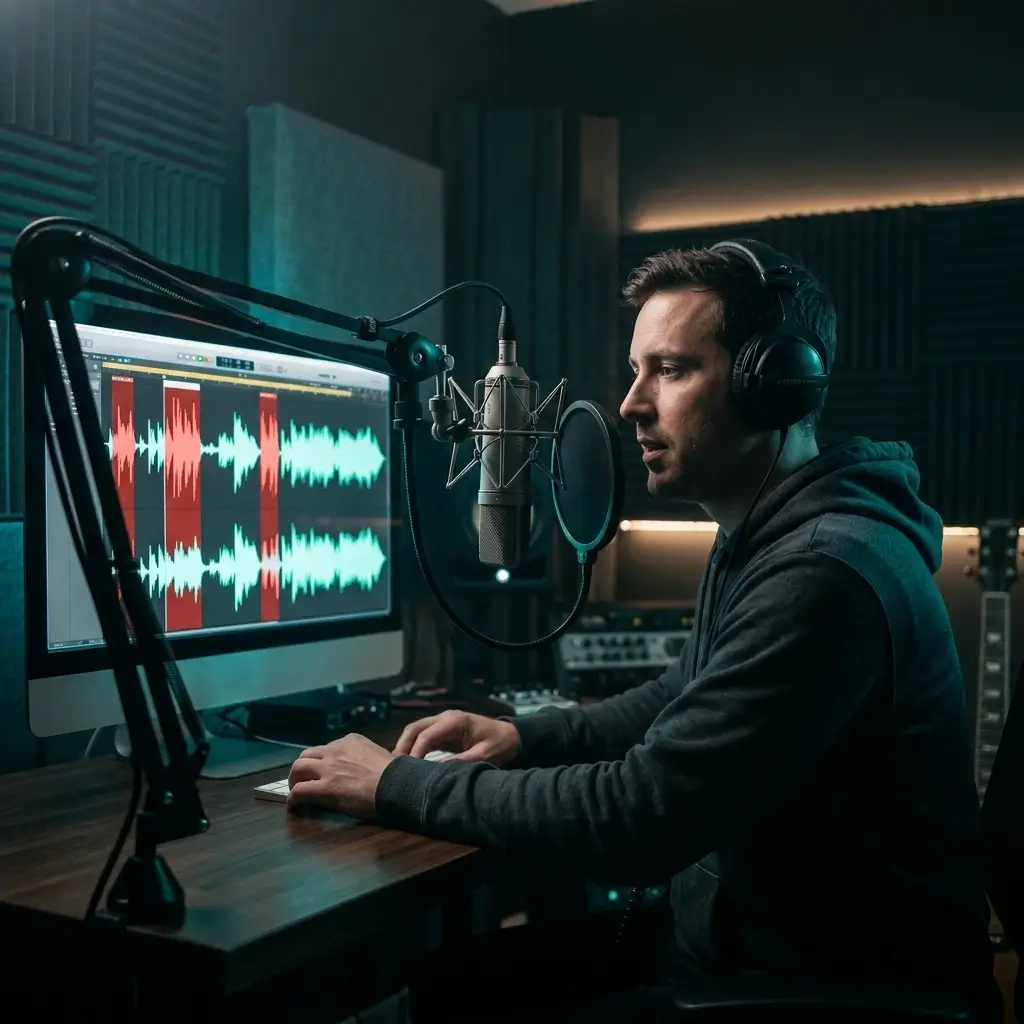
Recorded a great interview but there's a cough in the middle? Cut out the mistakes, pauses, and awkward silences so the final take sounds polished.
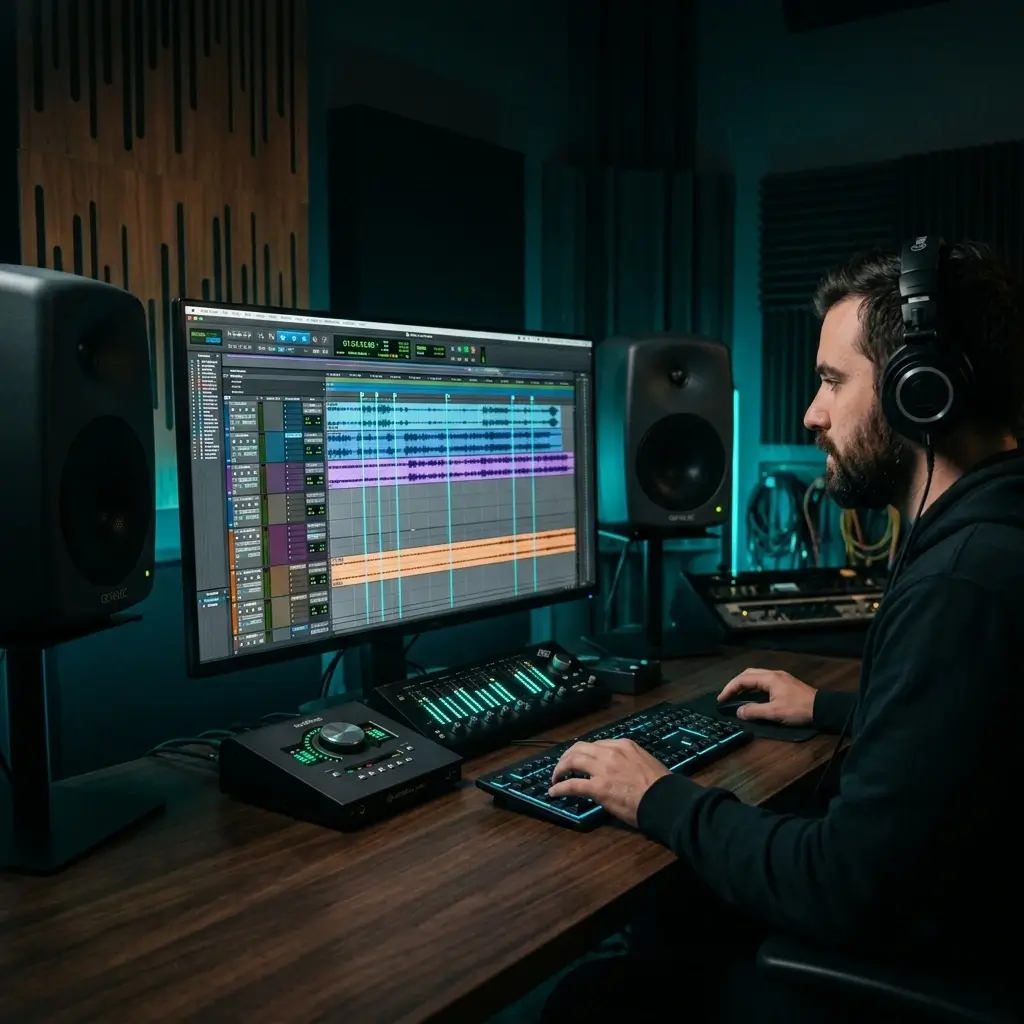
When you need a sound effect trimmed to an exact length for a game, film, or animation, the millisecond-level control here gets you there fast.
We'd rather show you numbers than make promises. Here's what you actually get.
< 3 sec
Drop in a 5-minute file and the trimmed version is ready in under 3 seconds. No progress bars, no spinning wheels — your download just starts.
We cut at the frame boundary without re-encoding. So your 320 kbps MP3 stays at 320 kbps, and your 44.1 kHz sample rate doesn't change either.
Zoom into the waveform and find the exact spot you want to cut. Drag the handles to set your start and end times down to the millisecond.
Cut as many audio files as you want at no cost. Every export comes out clean — no logos, no audio watermarks, no branding sneaked into your file.
Thousands of podcasters, musicians, and content creators cut audio with us every day. Here's what they have to say.
I cut 20+ podcast clips a week for social media. This saves me hours compared to opening Audacity every time. The waveform view makes it so easy to find the perfect moment.

Sarah Chen
Podcast Producer
When I'm sampling tracks, speed matters. This audio cutter gives me zero quality loss, handles WAV files, and the precision is spot on. Way better than my old workflow.

Marcus Johnson
Music Producer
I post 5 videos a day and need custom audio for each one. This lets me trim a song to exactly 15 or 30 seconds in about 10 seconds flat. Total game changer for my schedule.

Emily Rodriguez
TikTok Creator
Quick answers to the questions people ask most about cutting audio online.
Upload your file (MP3, WAV, FLAC, or any common format), drag the waveform handles to mark where you want the clip to start and end, preview it, then click Trim. The whole thing takes under 30 seconds.
Yes. You can upload, cut, and download audio files for free. MP3 exports are always free. WAV exports use credits, but you get free credits every day. There are no hidden fees or forced subscriptions.
Not at all. We cut at the nearest frame boundary without re-encoding, so your original bitrate, sample rate, and audio fidelity stay exactly the same.
All the major ones: MP3, WAV, FLAC, OGG, M4A, AAC, and more. Just upload your file and the tool takes care of the rest. You can export as MP3 or WAV.
Nope. It works right in your browser on any device. You can cut audio without an account, but signing up for free lets you save files to your library and come back to them later.
Up to 50 MB. That's roughly 50 minutes of MP3 audio or about 5 minutes of uncompressed WAV. If your file is larger, try compressing it first or cutting it in sections.
Down to the millisecond. Zoom into the waveform, drag the handles to set your exact start and end points, and preview the selection before you export.
Upload the song, use the waveform to pick a 20–40 second section (the chorus usually works great), then export as MP3. Transfer it to your phone and set it as your ringtone.
Each cut gives you one segment. If you need several parts, just cut the same file multiple times — upload once, make different cuts, and download each one separately.
MP3 is compressed, so the file is smaller and plays everywhere — great for sharing. WAV is uncompressed with lossless quality, which makes it better for further editing or professional work.
Yes. Your files are processed securely and may be retained for up to 30 days after processing, or until you delete them earlier. Audio is shared only with service providers needed to perform the requested processing and is not used to train shared AI models without your explicit opt-in.
Absolutely. The audio cutter works on iPhones, iPads, and Android devices. Just open it in your mobile browser — no app download needed.
Never. Your exported files are completely clean — no logos, no branding, no audio watermarks. What you cut is what you get.
Usually under 3 seconds. Upload your file, set your cut points, and the download starts right away. No waiting around for processing or rendering.
Upload the song and use the waveform to find the section you want. Drag the start handle to where it begins and the end handle to where it stops. Hit preview to make sure it sounds right, then export.
Once you download a cut, that file is final. But you can always go back to the original and make a new cut with different start and end points. Your original file stays safe in your library.
Have more questions? Contact our team — we're happy to help.
Discover other powerful features to enhance your music creation
No signup needed. No software to download. Just upload a file, set your cut points, and export in seconds — free for every format.