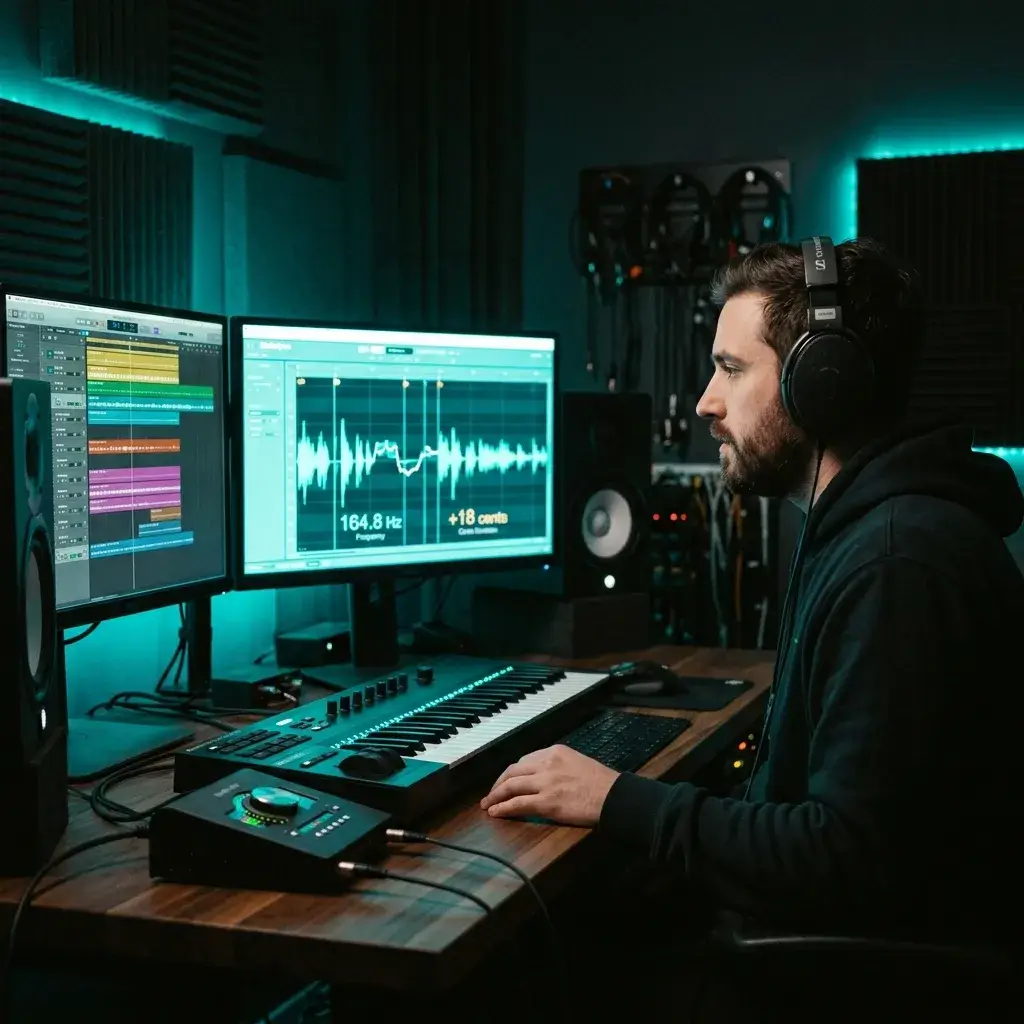
±1 Cent Accuracy
The engine nails pitch down to 1 cent — that's 1/100th of a semitone. Precise enough for professional intonation work, instrument tuning, and serious ear training.
Pitch Detector
100% browser-based · your audio never leaves your device
Sing a note or pluck a string and you'll see the exact pitch, Hz, and cents offset before the sound fades. No download, no account — just open your browser and go.
No pitch detected yet
Your pitch detection results will appear here
We threw a handful of vocals and instruments at the detector so you don't have to take our word for it. Note name, frequency, cents — check the results yourself.
No app to install, no account to create. Just open the page, let your mic in, and start singing or playing.
Hit Start and let your browser use the mic. All audio stays on your device — nothing gets uploaded anywhere. Works on Chrome, Safari, Firefox, and Edge.
The pitch detector picks up whatever you're doing and shows the note name (like A4 or C#3), frequency in Hz, and how many cents sharp or flat you are. It all updates live as you go.
Copy the reading into your DAW or practice notes. Or stick around — you can detect the key of a full track, generate backing music, or master your recordings right here on BeMusic.
When you know your exact pitch, everything changes — how you practice, how you perform, how you produce. Here's how people actually use this vocal pitch detector.

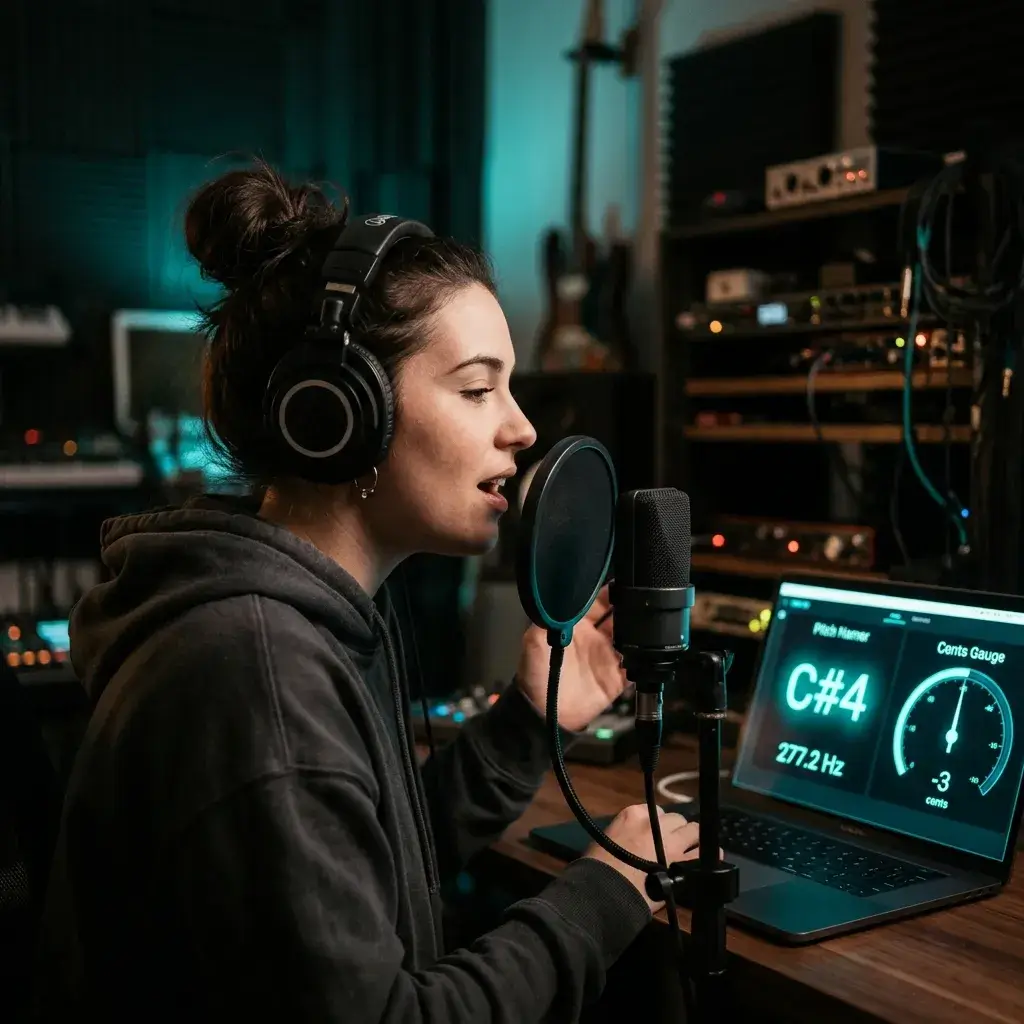
Watch every note you sing show up on screen in real time. The cents gauge tells you exactly where you're drifting — so you build muscle memory for clean intonation instead of guessing.

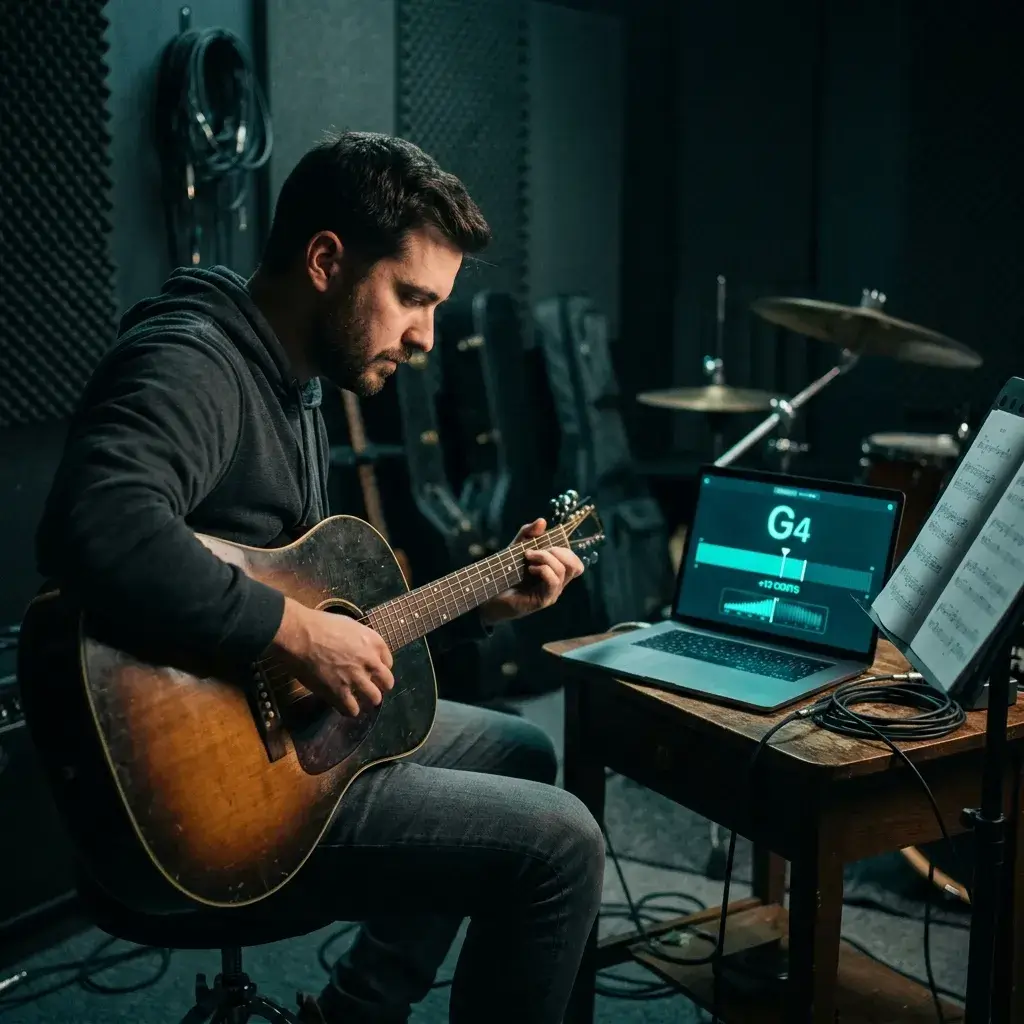
Don't have a dedicated tuner handy? Pluck a string or blow a note and the detector tells you exactly what it hears — note name plus cents deviation, sharp or flat. Works with guitar, violin, brass, woodwinds, you name it.

Sing a note, glance at the screen, and find out if your ear got it right. Teachers pull this up during lessons for instant visual feedback — way faster than any textbook drill.

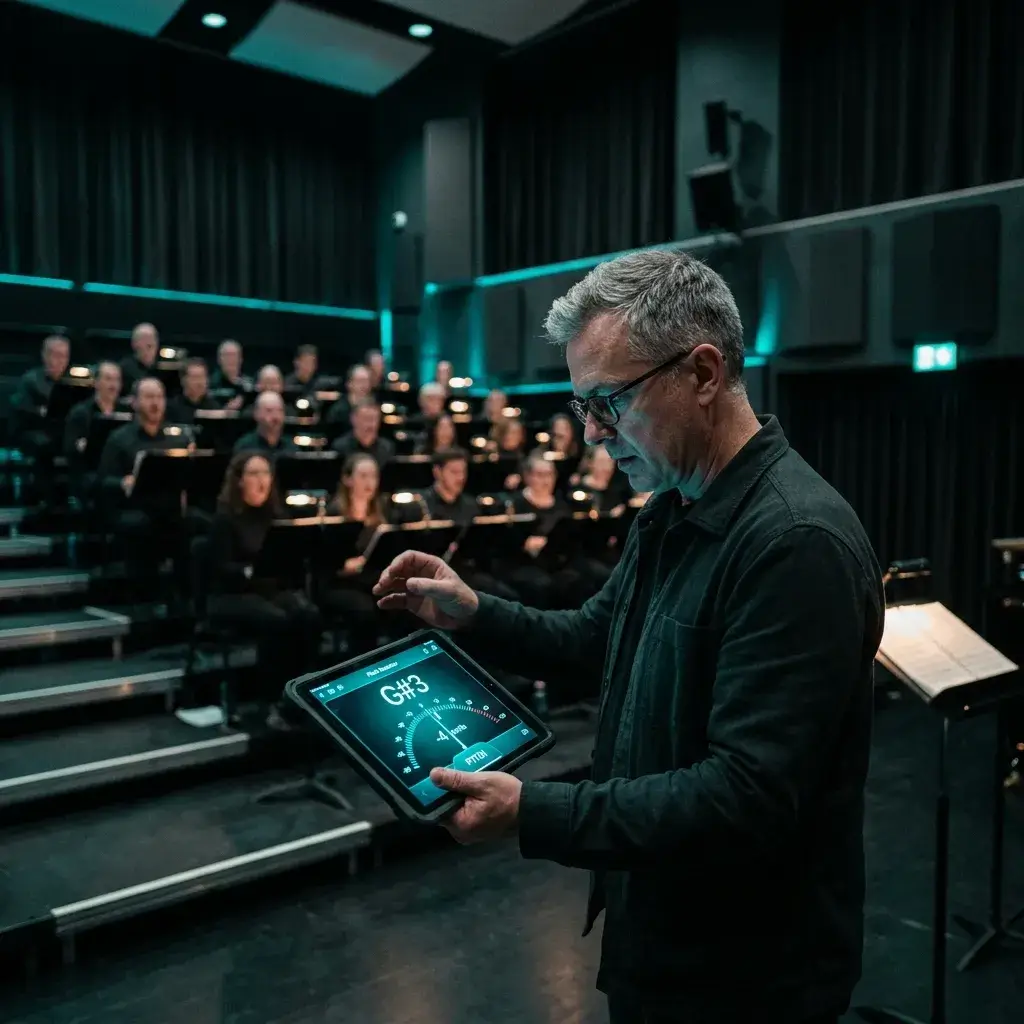
Need to check if the altos are drifting? Have one singer hold a note and the detector settles the argument on screen — no piano required, no stopping the rehearsal.

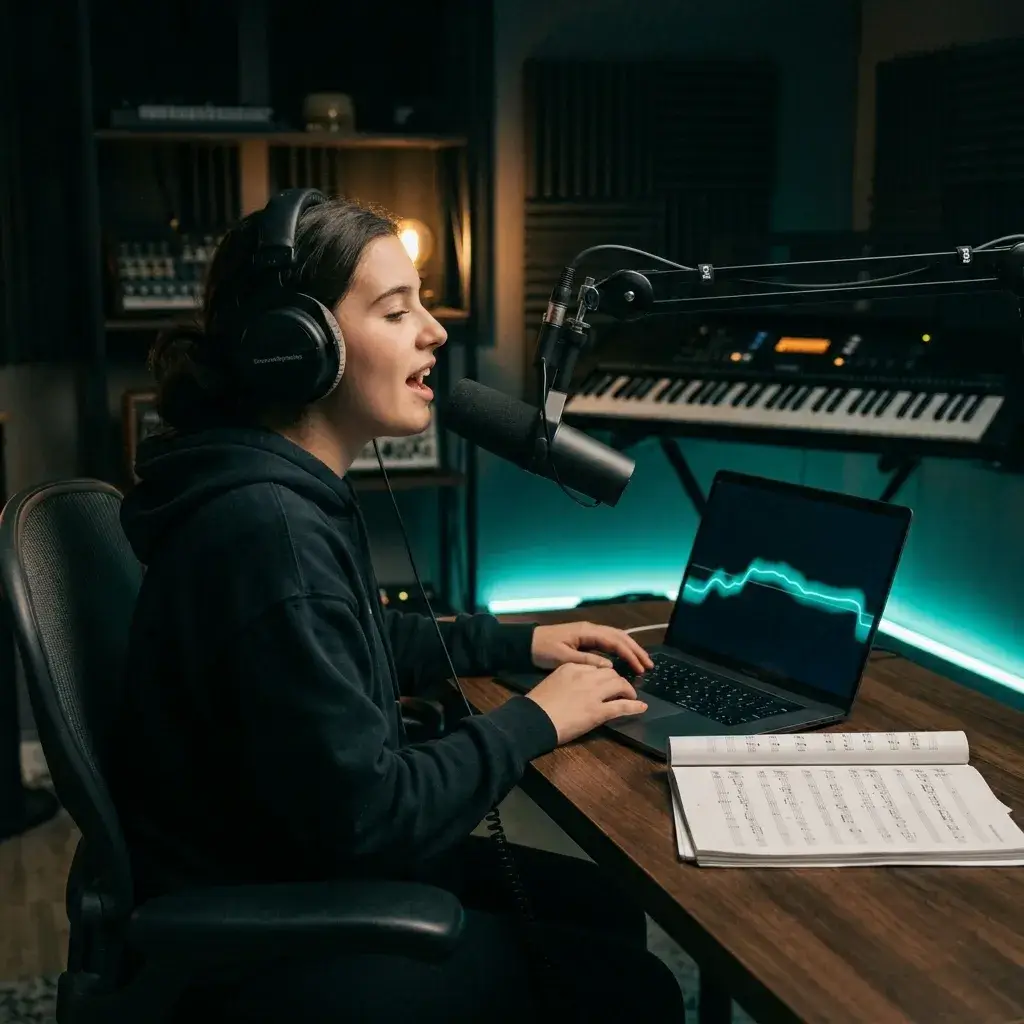
Before you reach for Auto-Tune, check if the take is actually off. Sing into the mic or upload a recording — the detector shows you exactly which notes need work and which ones are fine.

Working on your speaking voice? The real-time display picks up frequency shifts you can't hear on your own — handy for voice coaching, accent work, or getting your presentation pitch just right.
It's accurate, it's private, and it plugs into a full music toolkit. Here's why people keep coming back instead of using other note detectors.
The engine nails pitch down to 1 cent — that's 1/100th of a semitone. Precise enough for professional intonation work, instrument tuning, and serious ear training.
Play a note and the reading shows up before you finish the sustain. Sub-50ms latency means the screen keeps up with you — no lag, no guessing.
Everything runs inside your browser. Your mic signal never leaves your device — we don't record it, don't store it, don't send it anywhere. No account needed either.
If it has a browser and a mic, it works. Desktop, laptop, phone, tablet — Chrome, Safari, Firefox, Edge. Just open the page and go.
Vocals, guitar, violin, piano, flute, brass — anything that makes a single pitched sound. The algorithm picks up the fundamental frequency no matter what the timbre is.
You get three things at once: the note name (like A4), the exact frequency in Hz, and how many cents sharp or flat you are. No flipping between modes — it's all right there.
Practice on your phone during a commute, or go full desktop in the studio. The interface fits whatever screen you've got, and the accuracy stays the same.
Got your pitch? Now detect the key of a full track, generate AI music in the same key, split stems, or master your recordings — all without leaving BeMusic. No more bouncing between five different apps.
Singers, teachers, and producers use this pitch detector every day. Here's what a few of them think.
I share my screen during online lessons and students can see their pitch in real time. The cents gauge makes it so much easier to explain intonation than just saying 'you're flat.'

Rachel Kim
Vocal Coach, 12+ Years
I keep this open in a tab during sessions. Quick pitch check on a string, confirm a harmonic — way faster than reaching for my clip-on tuner every time.

David Okafor
Session Guitarist
Sectional rehearsals used to be a guessing game. Now I pull up the pitch detector on a tablet and we can see exactly who's drifting. Saves 10 minutes every rehearsal.

Mei Lin
Choir Director, Community Chorus
I check my vocal takes before I even open Auto-Tune. Half the time the pitch is fine and I skip correction entirely. Cleaner sound, less processing.

James Whitfield
Bedroom Producer & Singer
Quick answers to the things people ask before they start detecting.
It's a tool that listens to sound — from your mic or an audio file — and tells you what musical pitch it hears. You get the note name (like A4 or C#3), the exact frequency in Hz, and how many cents sharp or flat you are. Unlike Auto-Tune or other pitch correction tools, a pitch detector just measures — it doesn't change anything.
Very. It resolves pitch to within ±1 cent of a semitone — that's 1/100th of the distance between two adjacent notes. Clean mic input and studio recordings give the tightest results. Background noise or heavy vibrato can widen the margin a bit, but it stays well within usable range for practice and tuning.
Yep. You can detect pitch without paying anything or creating an account. Free usage has a daily limit. If you need more, paid plans are available.
Nope. The whole thing runs in your browser — Chrome, Safari, Firefox, or Edge. Open the page, allow your mic, and you're detecting. Works on phones, tablets, and desktops.
Yep. It reads any single-pitched sound source — vocals, guitar, violin, flute, trumpet, piano (one note at a time). The algorithm picks up the fundamental frequency no matter what instrument you're playing.
A tuner expects a specific note and tells you if you're on it. A pitch detector figures out whatever note you're making — across the full musical range — without assuming what you're going for. Think of a tuner as a yes/no check and a pitch detector as an open-ended answer.
Nope. Everything happens locally in your browser using the Web Audio API. Your mic signal never leaves your device. We don't record it, don't store it, don't send it anywhere. The tool even works offline once the page has loaded.
A cent is 1/100th of a semitone — basically the smallest useful unit for measuring how far off your pitch is. If the detector reads +12 cents, you're a hair sharp. -8 cents means a touch flat. Most people can't hear a difference smaller than ±5 cents, so anything in that range sounds in tune.
For sure. Sing a note, check the screen, see if your ear got it right. Do that enough times and you'll start calibrating your internal sense of pitch against the detector. Teachers love pulling it up during lessons for instant visual feedback.
Yep. The interface fits whatever screen you've got. Open the page in your mobile browser, allow mic access, and you're good. Same accuracy as desktop — the processing works the same way regardless of device.
You can, yeah. Upload an MP3, WAV, FLAC, or M4A file and the detector analyzes the pitch content in real time. Super handy for checking recordings after the fact without replaying them through speakers.
Short version: it uses an autocorrelation method to find the fundamental frequency of whatever sound is coming in. The algorithm compares the waveform against shifted copies of itself, finds the repeating pattern, converts that into a frequency, and maps it to the nearest musical note. All of this happens in your browser in real time.
Yep. You can shift the A4 reference to match your ensemble or whatever tuning standard you're working with. 432 Hz, 442 Hz, or anything else — just set it and the detector adjusts.
Tons of stuff. Tune your instrument, sharpen your singing, or double-check a recording. Then stick around on BeMusic — detect the key and BPM of a full track, generate AI music in the same key, split stems, remix, or master. The pitch reading is just where it starts.
Most pitch detectors are dead-end pages — you get a note name and that's it. BeMusic hooks pitch detection into a full music toolkit: key detection, AI music generation, stem splitting, remixing, and mastering. So the pitch you detect can actually kick off your next creative move without switching apps.
Have more questions? Contact our team — we're happy to help.
Discover other powerful features to enhance your music creation
50,000+ singers, musicians, and producers check their pitch before every practice session, lesson, and recording. Open your mic and hear for yourself.