Fast Drafts, Not a Blank Page
Fast
Type your idea, click generate, and read a finished draft. How long it takes depends on the model and the current load.
Start Pro at 50% off
Start Pro at 50% off
New accounts · First month/year
New accounts · First month or year

Every example below started with a single sentence. Check out 6 genres — pop, ballad, EDM, lo-fi, rock, and acoustic — and see what comes out.
"Upbeat summer anthem about carefree beach days with friends, dancing till sunrise"
[Verse 1]
Sandy toes and sun-bleached hair
Speakers blasting, hands in the air
"Heartbreak ballad about finding strength after a painful breakup, slow piano"
[Verse 1]
Your ghost still lingers in this empty room
Every corner holds a piece of you
"High-energy EDM drop for festival crowds, euphoric and unstoppable"
[Build-Up]
Feel it rising, can you feel it now
Hearts are racing, we're breaking out
"Chill lo-fi track about 3am thoughts, nostalgia and quiet reflection"
[Verse 1]
City lights through foggy glass
Watching shadows slowly pass
"Powerful rock anthem about rising from failure, defying the odds"
[Verse 1]
They wrote me off, said I'd never make it
Every door slammed, every dream they'd break it
"Romantic acoustic love song for wedding ceremony, timeless and intimate"
[Verse 1]
I found forever in your eyes
A love that time can't compromise
You go from a blank page to a full lyric sheet quickly. No songwriting background needed.
Type a mood, theme, or story — even one sentence is enough. Pick a genre, language, and length. The more detail you give, the better your lyrics turn out.
It reads your prompt and writes verses, a chorus, and a bridge that follow the rhyme scheme you picked. How long it takes depends on the model and the current load.
Copy your lyrics with one click, change any line you want, or hit Generate Music to make a full track with AI vocals. Come back whenever you need more.
Working on an album, producing demos, or stuck on a verse? Here are 6 ways creators put this songwriting tool to work every day.
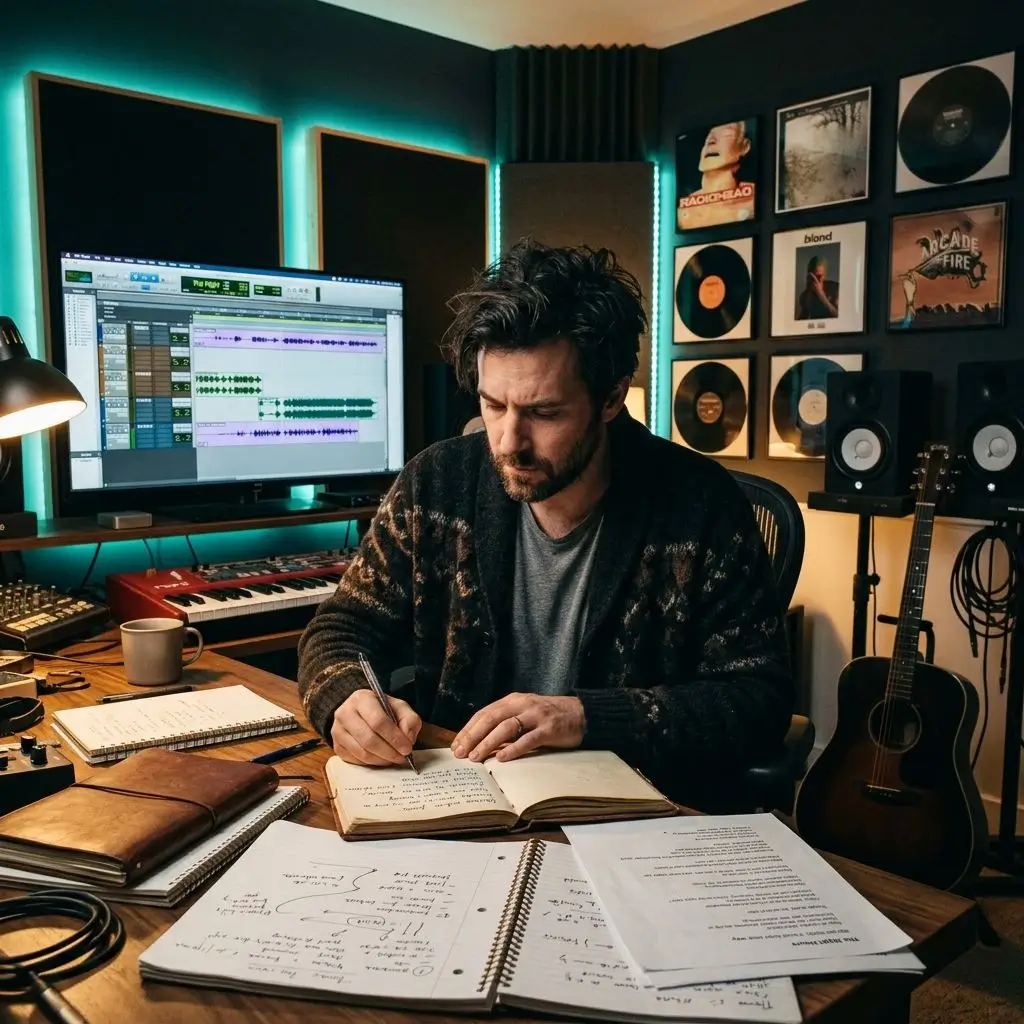
Draft lyrics for 10+ tracks in one sitting. Try out different themes fast, then polish each song at your own pace.
Write Album Lyrics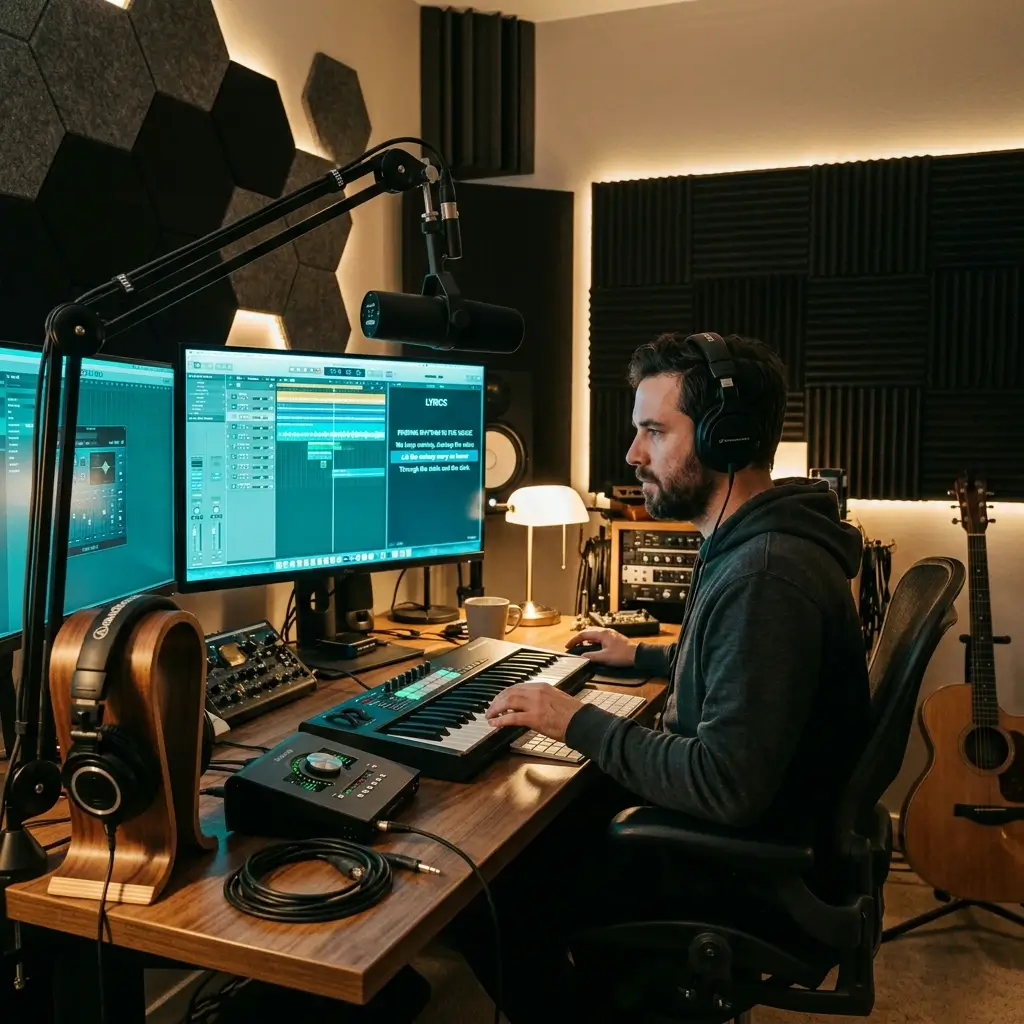
Need placeholder lyrics while the melody is still taking shape? Get demo words quickly so you can focus on arrangement and production first.
Generate Demo Lyrics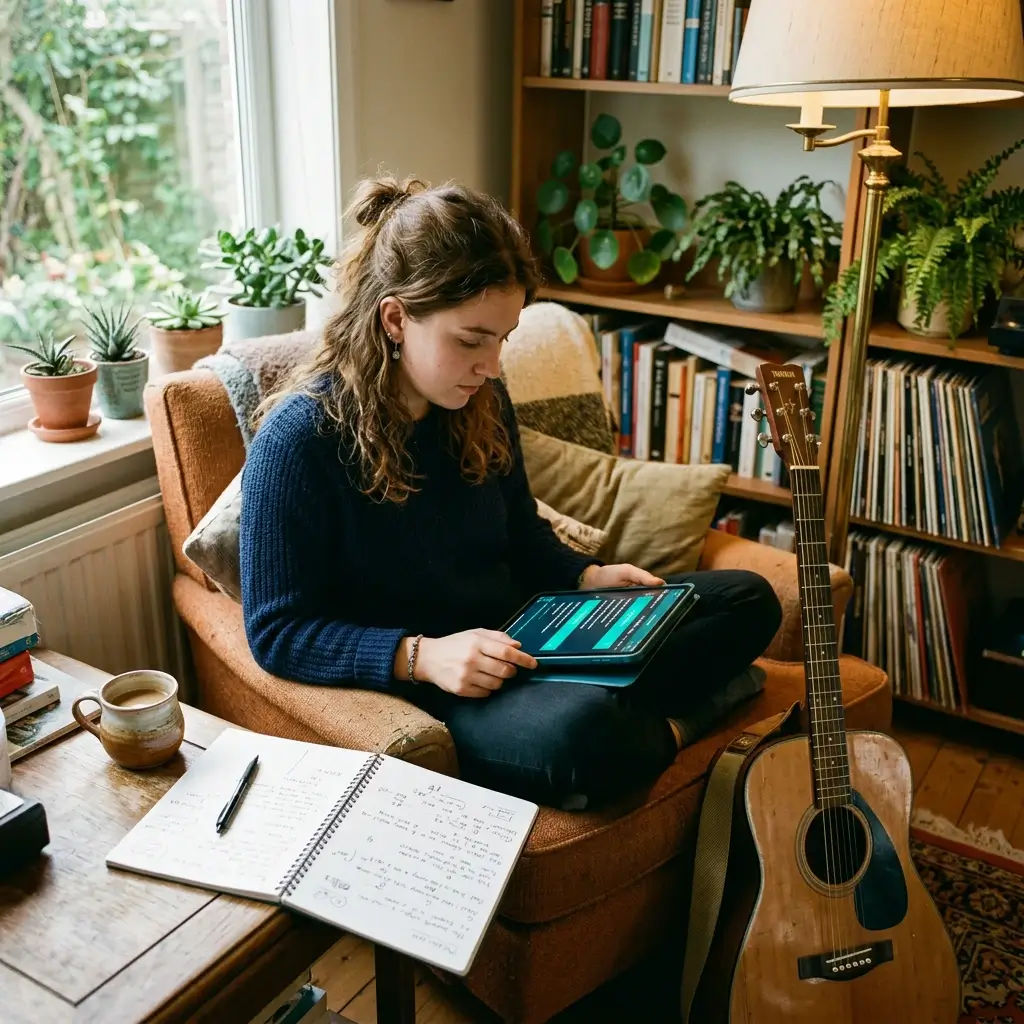
Look at how AI builds verse structures, rhyming patterns, and hooks. It's a quick way to push past writer's block and level up your craft.
Practice Now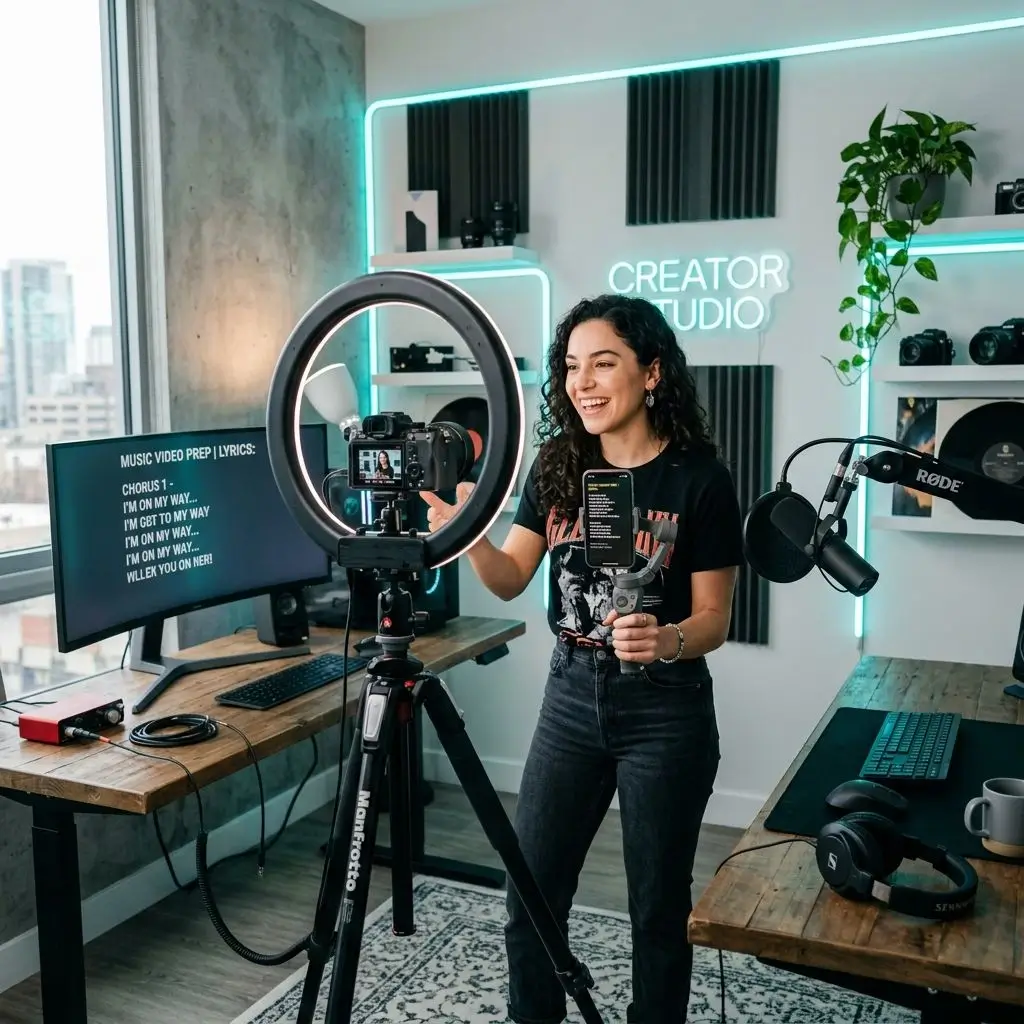
Get draft lyrics for YouTube covers, TikTok originals, or podcast intros. Review and edit them so the final words are yours, then focus on performing.
Create Content Lyrics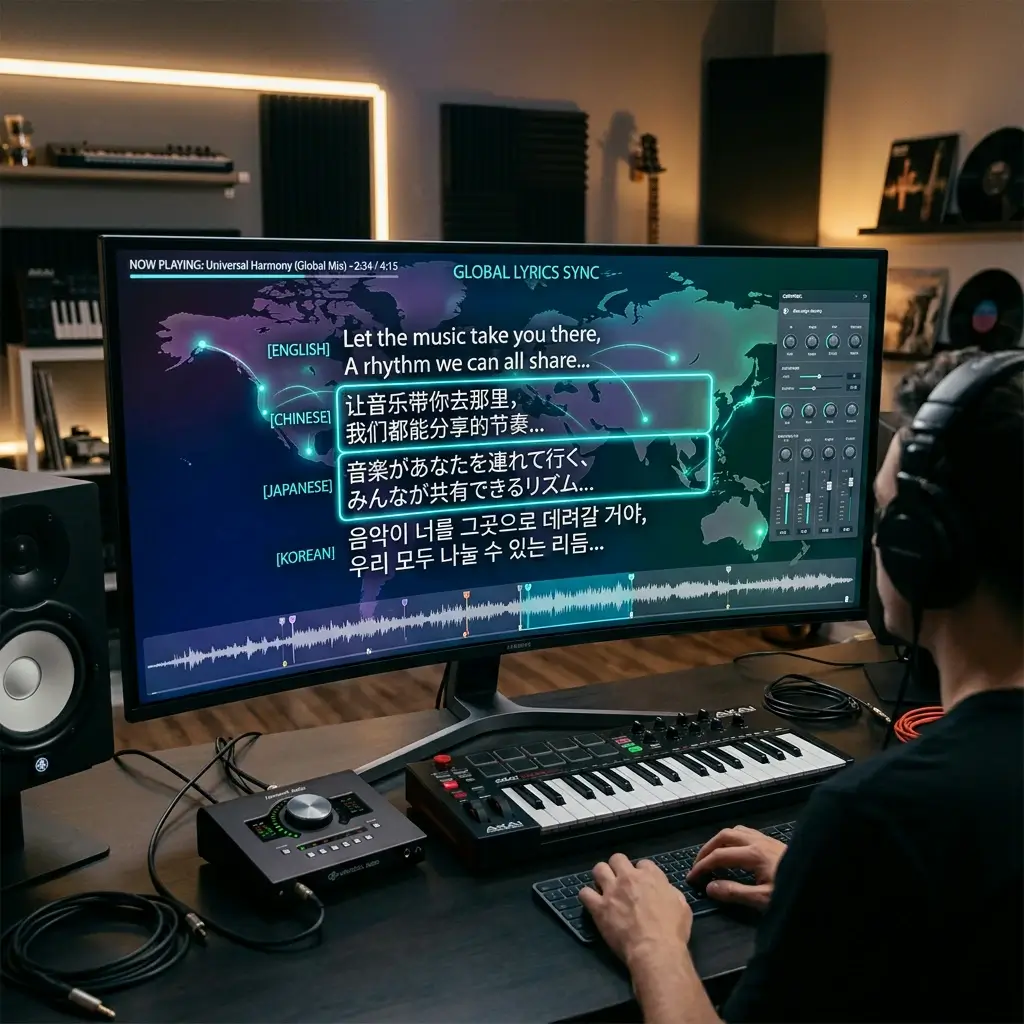
Write in 12 languages — English, Chinese, Japanese, Korean, and 8 more. The output follows the natural rhythm of whichever language you choose.
Try 12 Languages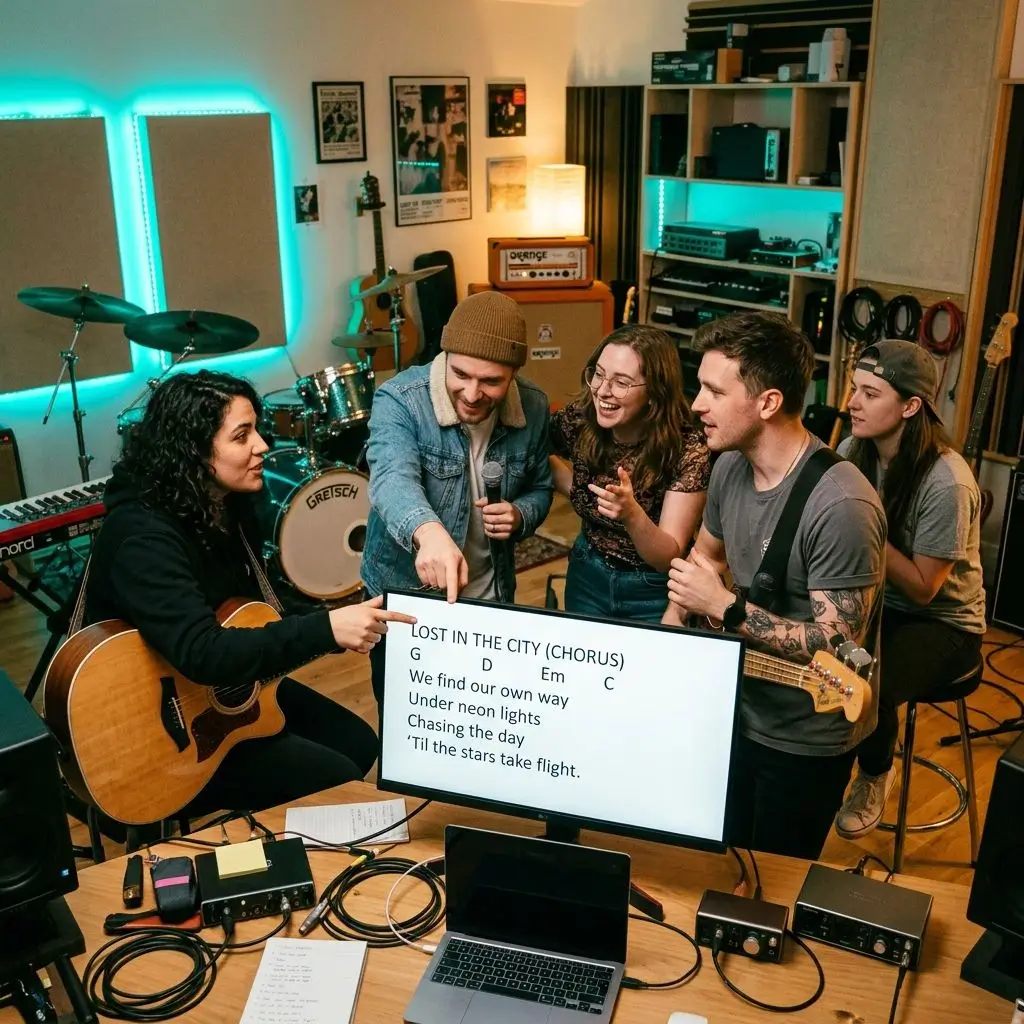
Send an AI-generated draft to your bandmates or co-writers. It's way easier to start from something than stare at a blank page together.
Start a DraftSpeed, structure, and control — here's what you actually get when you write lyrics with AI on BeMusic.
Fast
Type your idea, click generate, and read a finished draft. How long it takes depends on the model and the current load.
Every output follows real song structure with labeled sections. Drop it straight into your DAW or lyric sheet — no reformatting needed.
Write lyrics in English, Chinese, Japanese, Korean, Spanish, French, and 6 more. Each language keeps its own natural rhythm and phrasing.
Pop, rock, hip hop, EDM, country, jazz, R&B, classical, folk, metal — the AI matches the tone, vocabulary, and pacing to your genre.
Choose AABB, ABAB, ABCB, or free verse before you generate. Or leave it on Auto and let the AI pick the pattern that fits your genre.
Each generation is written from your prompt, so results change from run to run. We can't guarantee a draft is unique or free of similarity to existing lyrics, so review it before you record or publish.
Quick answers to the questions songwriters ask most before they hit generate.
Each generation uses 1 credit. New accounts may get free starter credits, so you can try it before you pay. When they run out, you can buy more credits or choose a paid plan.
You describe your song — the mood, genre, and theme. Then you pick a length, language, and rhyme scheme. The AI writes structured lyrics with labeled sections (verse, chorus, bridge) that match your chosen genre. Generation time depends on the model and the current load.
It depends on your plan. Free and Creator output is licensed for personal, non-commercial use. Active Pro and Studio subscribers can obtain a commercial-use license for eligible output, as set out in the Terms and the Commercial License Agreement. You are still responsible for checking the lyrics for similarity to existing works and for any third-party material you add. Under current U.S. copyright guidance, purely AI-generated text may not qualify for copyright registration, and adding your own edits strengthens your claim.
12 languages: English, Chinese, Japanese, Korean, Spanish, French, Portuguese, German, Italian, Russian, Arabic, and Hindi. Each one follows its own natural rhythm and rhyme patterns.
Short gives you 1–2 sections — good for hooks or quick ideas. Medium gives you 3–4 sections like a verse-chorus-verse. Full gives you a complete song with verses, choruses, bridge, and outro.
Four options: AABB (couplets), ABAB (alternating), ABCB (ballad style), or Free (no strict rhyme). You can also set it to Auto and let the AI pick what fits your genre best.
Just hit regenerate or tweak your prompt. Each new generation uses another credit. Adding specific details — a setting, an emotion, a story arc — gives the AI more to work with.
Yes. You need to sign in to generate lyrics because each generation uses credits. Signing up is free, and new accounts may get free starter credits.
Absolutely. Pick Hip Hop as the genre and the AI adjusts for rhythmic flow, internal rhymes, and bar structure. It also handles pop, rock, EDM, country, jazz, R&B, folk, metal, and classical.
Be specific. Instead of "sad song," try something like "a slow piano ballad about missing someone on a rainy night in November." Include mood, setting, and story. The more context you give, the more personal the lyrics feel.
Not at all. The AI takes care of song structure, rhyming, and section labels. If you're just starting out, you get a ready-to-use draft. If you're experienced, you get a solid starting point to build on.
Yes. Once you have your lyrics, click Generate Music to create a complete track with AI vocals and melody — all right here in BeMusic.
Have more questions? Contact our team — we're happy to help.
Discover other powerful features to enhance your music creation
Describe a mood, pick a genre, and get your lyrics. Sign in to generate; each run uses 1 credit, and new accounts may get free starter credits.