Give the Lyrics a Scene, Not a Slogan
Start with a person making a choice in a real place. Details such as a porch light, an empty seat, or the last bus home give each verse a clear path.
Start Pro at 50% off
Start Pro at 50% off
New accounts · First month/year
New accounts · First month or year

Start with a real moment, then give the music enough detail to support it. You can edit the prompt and try another direction at any time.
Name the people, place, and turning point. A late drive home after a hard goodbye gives the lyrics more to work with than a broad sad-song request.
Ask for country pop, outlaw country, bluegrass, or honky-tonk. Add a BPM, male or female vocals, and instruments such as fiddle, banjo, or pedal steel.
Make the first version and check the story, hook, voice, and band. If one part misses, revise that detail instead of replacing the whole brief.
Country is strongest when the setting and emotional turn are clear. Use a first draft to test the story before committing to a final arrangement.
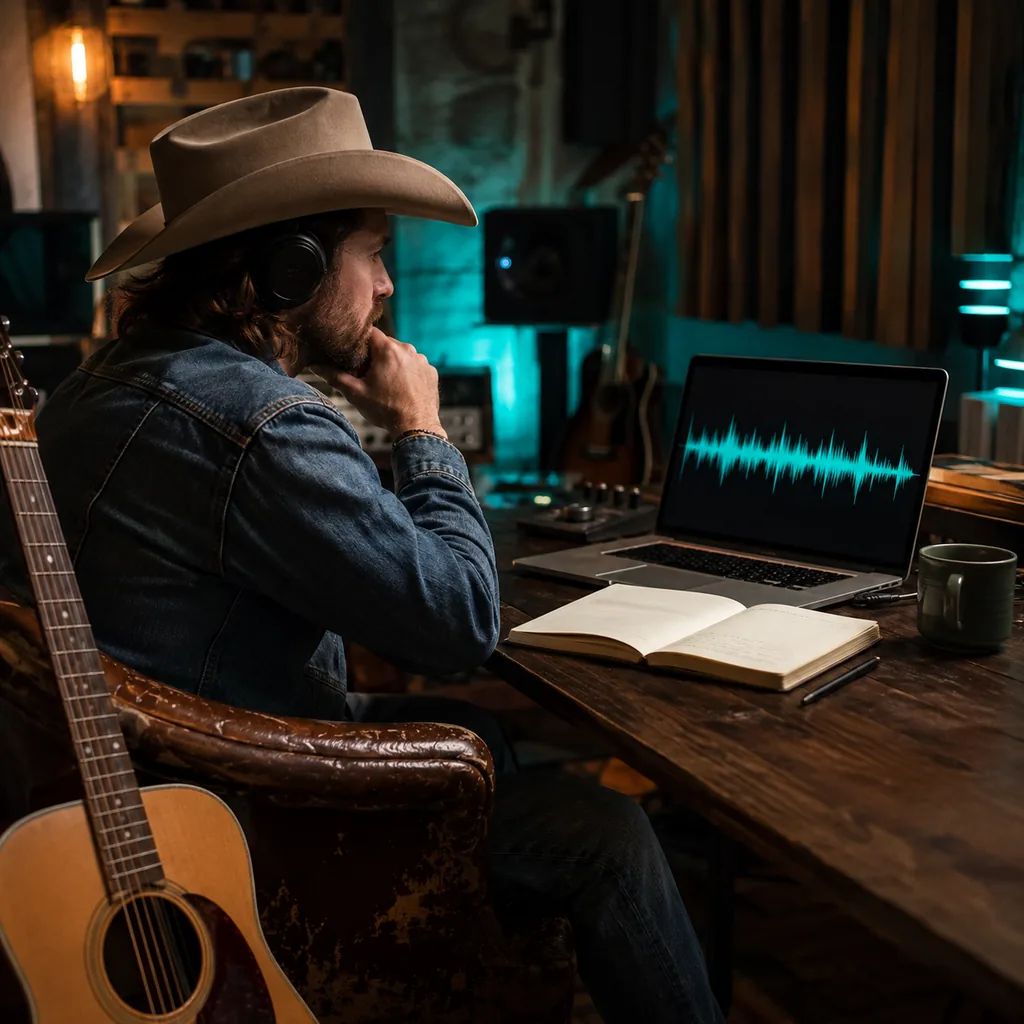
You may have a strong verse but no melody or band. Add your lyrics, name the country style, and hear how the full idea could flow.

A generic card cannot hold years of shared details. Turn a family memory, wedding toast, or inside joke into a song made for one person.
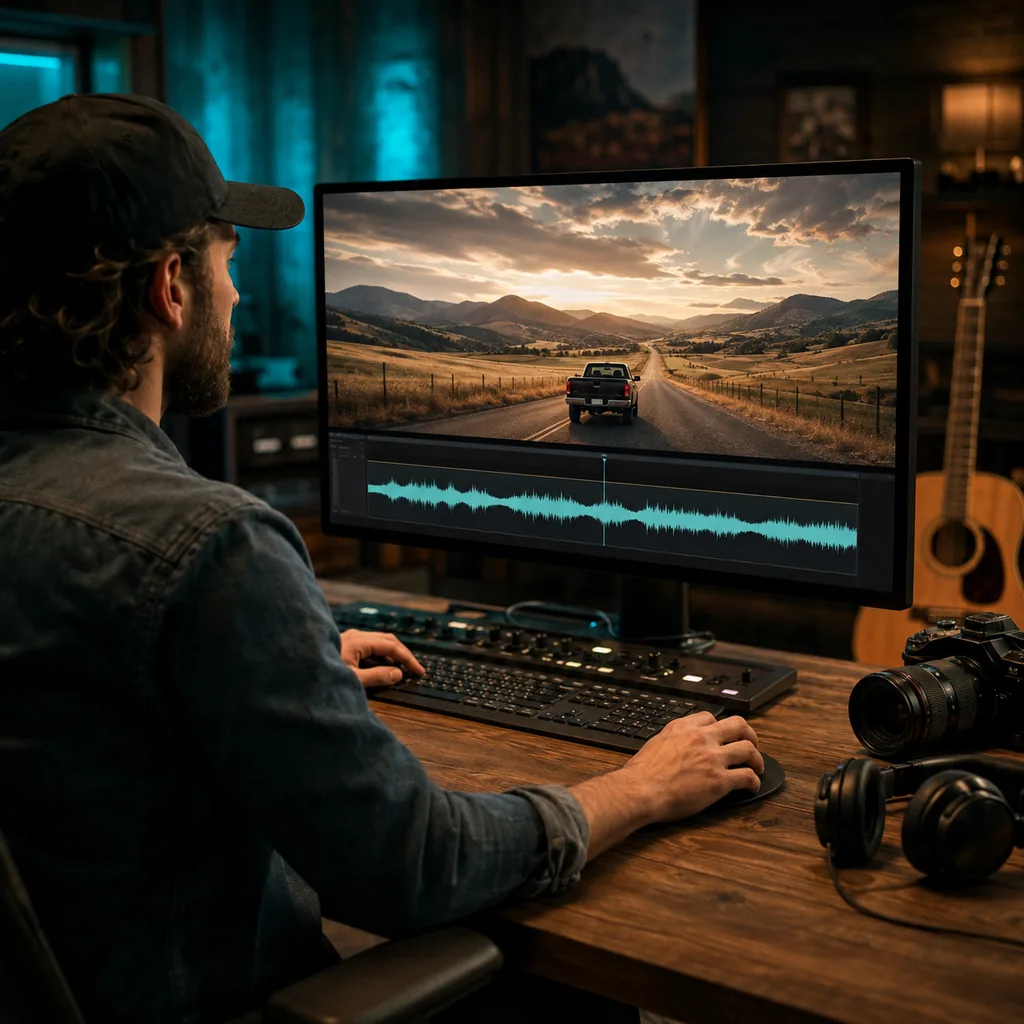
Stock tracks may miss the pace or mood of your edit. Describe the scene and ask for vocals or an instrumental that leaves room for speech.
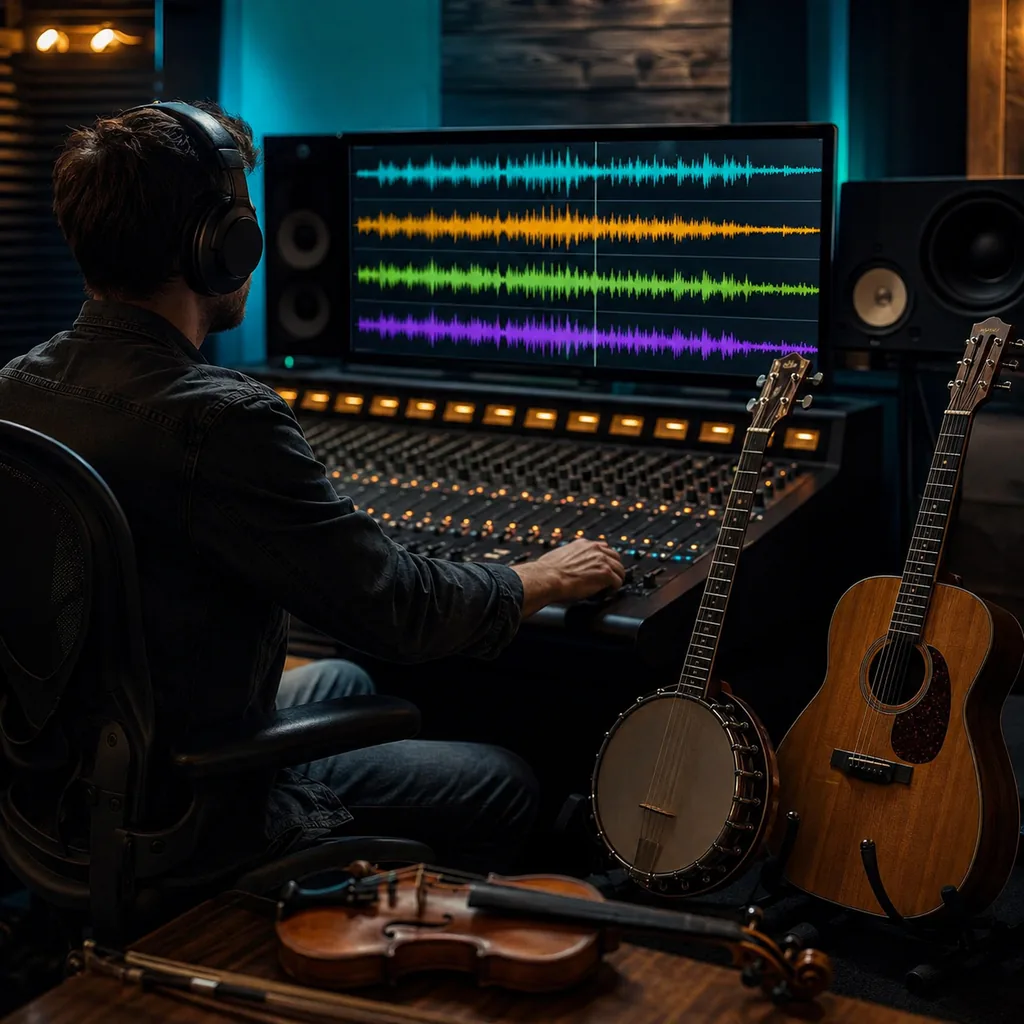
A lyric can feel flat in the wrong arrangement. Try the same story as country pop, outlaw, bluegrass, and honky-tonk before you choose a direction.
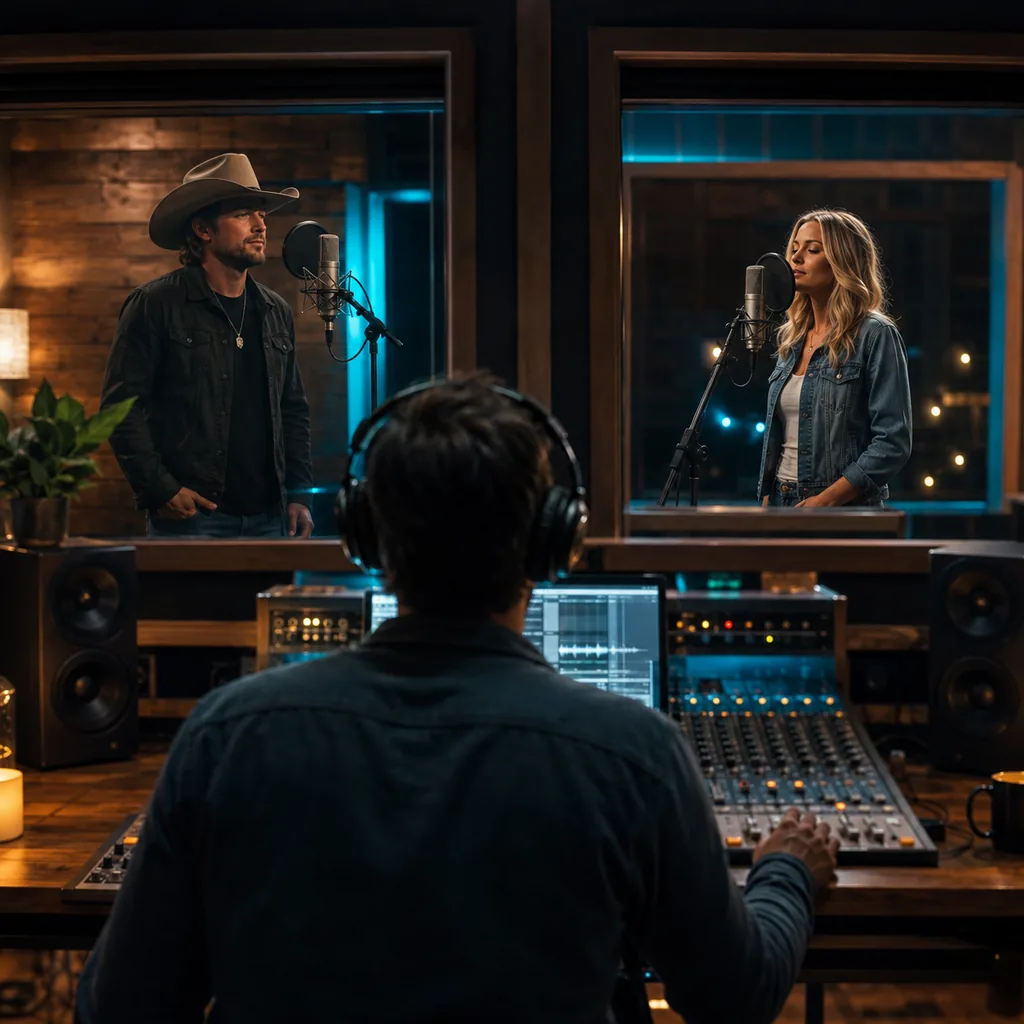
You may know the message but not the voice that fits it. Compare male and female vocals, then refine the tone in your next prompt.
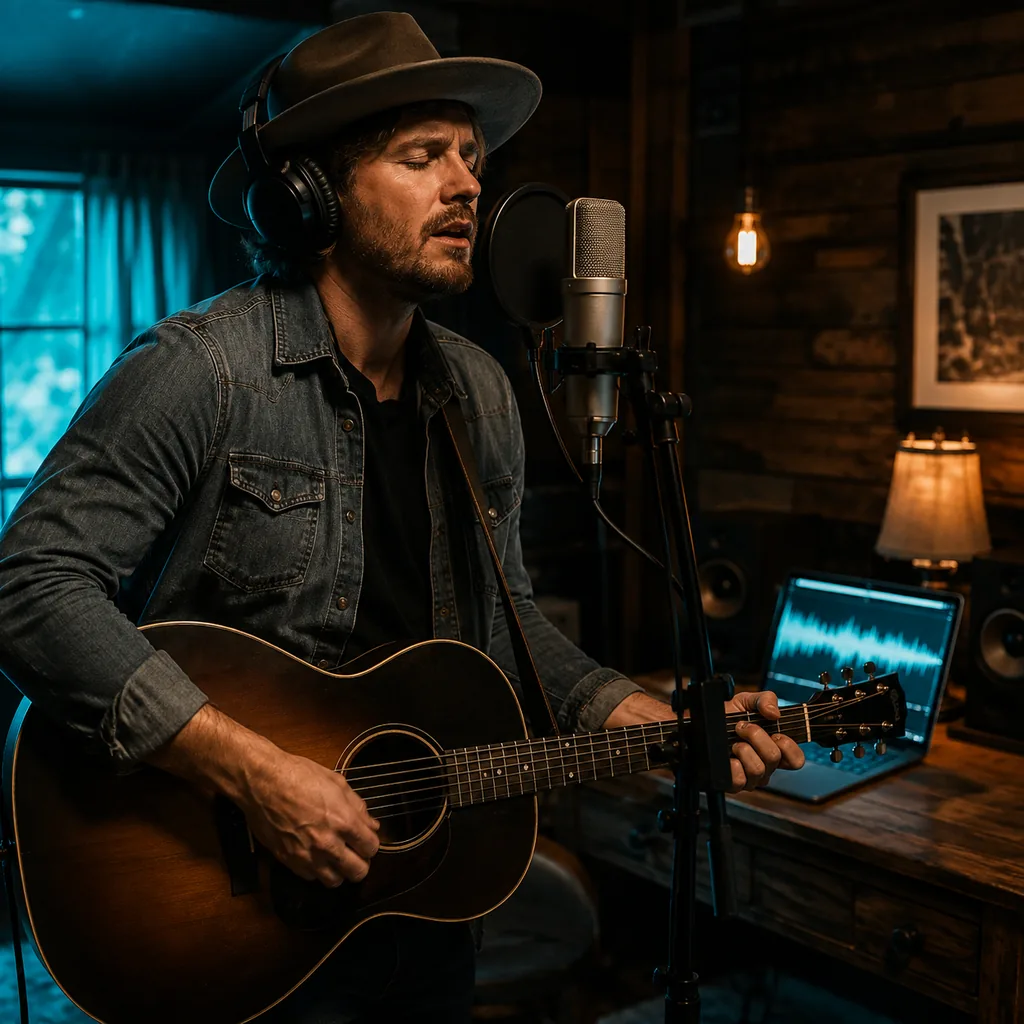
Your own vocal needs space in the mix. Switch to instrumental, set the tempo and instruments, and use the result as a writing or practice track.
Country works when the lyric, voice, and band point to the same feeling. These controls help you keep them together.
Start with a person making a choice in a real place. Details such as a porch light, an empty seat, or the last bus home give each verse a clear path.
Country pop needs a different groove from bluegrass or outlaw country. Put the lane near the start of your prompt so the arrangement has a clear base.
Ask for acoustic guitar, fiddle, banjo, mandolin, harmonica, or pedal steel. Keep the list short so the main instruments have room.
Select male, female, or automatic vocals. Then describe the delivery with plain terms such as close, warm, rough, restrained, or bright.
Paste words you wrote when each line matters. If you only have a topic, describe the plot and let the model draft a song structure around it.
Leave vocals on for a full song. Turn them off when you need a backing track, an underscoring bed, or more space for your own singer.
If the chorus works but the band feels too polished, keep the story and change the production note. Small edits make each result easier to compare.
Use era, tempo, instruments, vocal tone, and production texture. This gives the model useful direction without asking it to copy a known singer or song.
Quick answers about prompts, lyrics, vocals, country styles, instrumentals, credits, and usage rights.
It is a tool that turns a text brief or your own lyrics into country music. The result can include a melody, sung vocals, instruments, and a full song structure.
Describe the story, country subgenre, mood, tempo, instruments, and voice. Generate a version, listen for what missed, then update one or two details before you try again.
You can start with free credits after you sign in. The form shows the credit cost before you generate, so you can review it first.
Open Lyrics to Song mode and paste words you wrote or have the right to use. Labels such as [Verse], [Chorus], and [Bridge] can make the structure clearer.
Text to Song mode can draft lyrics from your brief. Give the model a story, point of view, and emotional turn for a more focused verse and chorus.
Try country pop, outlaw country, bluegrass, honky-tonk, Americana, or an acoustic ballad. You can also combine country with rock, folk, or pop in the prompt.
Add those instruments to your prompt or style notes. You can also name acoustic guitar, mandolin, harmonica, bass, and drums when they matter to the arrangement.
Choose male, female, or automatic vocals in the form. Add a short note about the delivery if you want a warmer, rougher, softer, or brighter tone.
Turn on Instrumental and describe the tempo, mood, and band you want. This works well for backing tracks, practice, podcasts, and video beds.
Include a clear story, point of view, subgenre, BPM or tempo feel, core instruments, vocal tone, and song shape. For example, ask for a 92 BPM country-pop homecoming song with acoustic guitar and pedal steel.
Commercial use depends on your BeMusic plan and the track. Review the commercial license before monetized, client, or paid use.
Replace broad mood words with a scene, conflict, and concrete sound. Keep the parts that worked, then change the subgenre, instruments, tempo, or vocal note one at a time.
Need help with a generation? Contact the BeMusic team.
Discover other powerful features to enhance your music creation
Write the moment that matters, choose the country sound around it, and hear how your story works as a complete song.