Under 30 Seconds
< 30 sec
Most tracks are done in under 30 seconds. Other tools? They usually take 1–2 minutes for the same file.
Start Pro at 50% off
Start Pro at 50% off
New accounts · First month/year
New accounts · First month or year

Each track below was extended from a single point on the waveform. No loops, no copy-paste — the AI wrote new music that picks up right where the original left off.
You don't need a DAW or editing chops. Just upload, click, and download — your extended track is done in under 30 seconds.
Drag in an MP3, WAV, FLAC, or M4A file — or grab something from your Library. The waveform shows up right away so you can see the whole track.
Tap the chorus, the bridge, the outro — wherever you want. The AI listens to everything from that point and works out what should come next.
The AI writes new music that fits your melody, tempo, and instruments. Everything merges into one 320 kbps MP3 — ready to use.
Video editors, producers, and podcasters all know the feeling: the track fades out and you still have a minute of content left. Here's how they fix it.
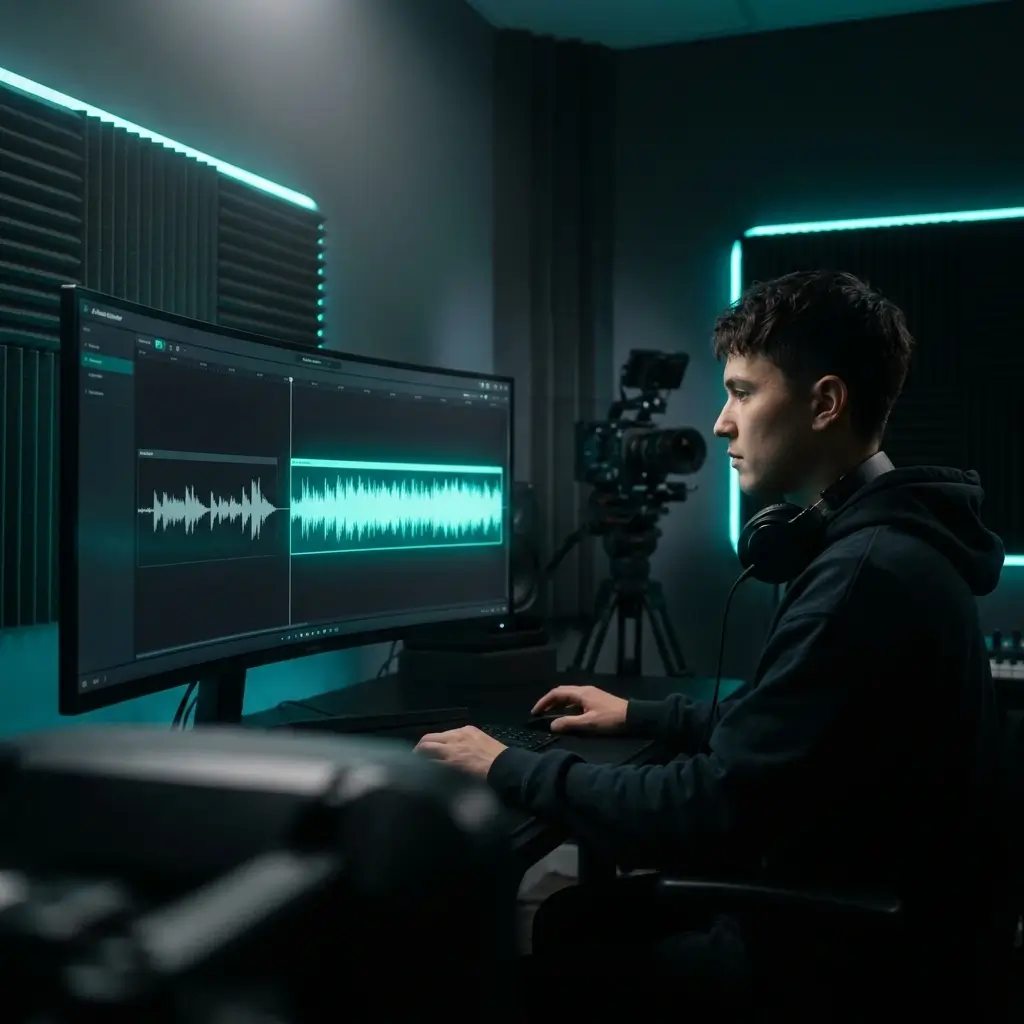
You've got a 3-minute video but only 90 seconds of music. Upload the track, pick where to extend, and the AI writes more. No awkward loops or hard cuts — just smooth music that actually fits your video length.
Extend Video Music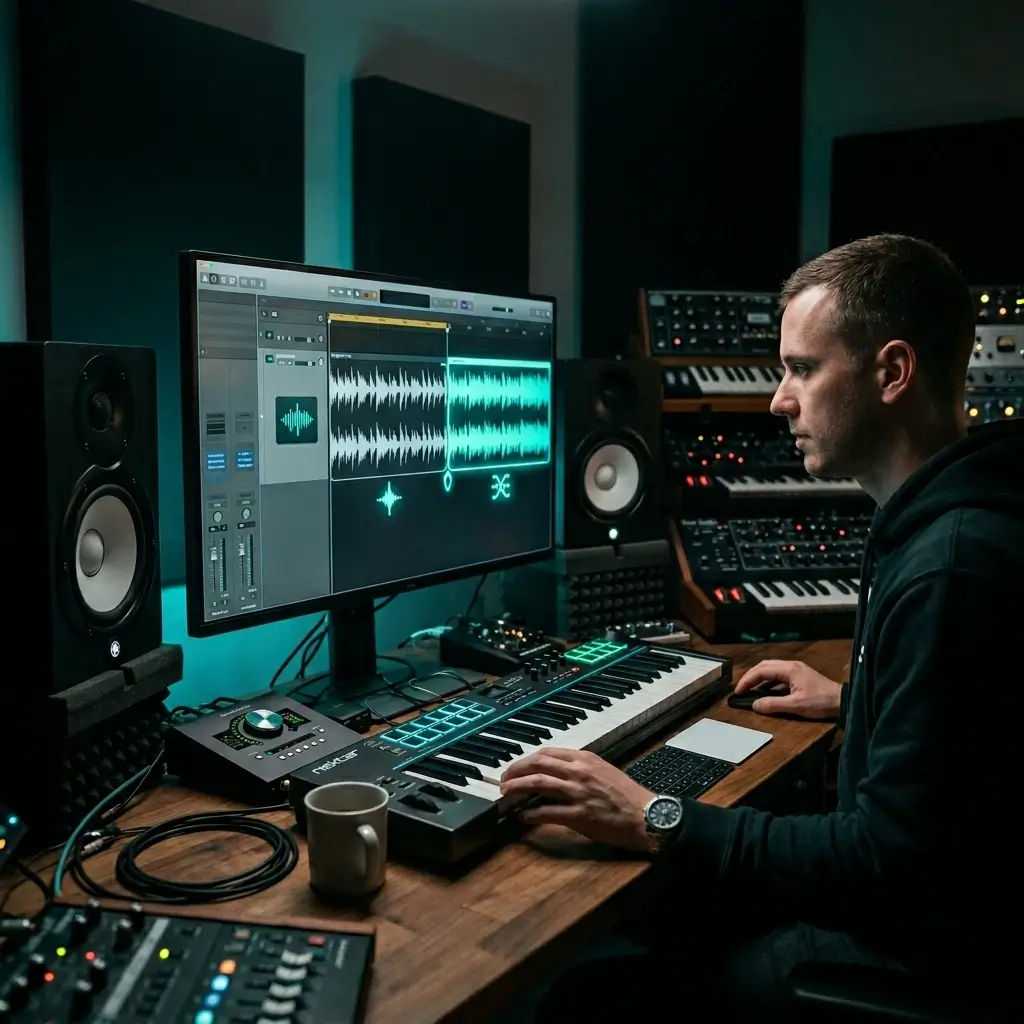
Got a killer 30-second loop? Turn it into a full track. The AI extends it and keeps the vibe going — great for producers who want longer beats and melodies without the repetition.
Extend Loops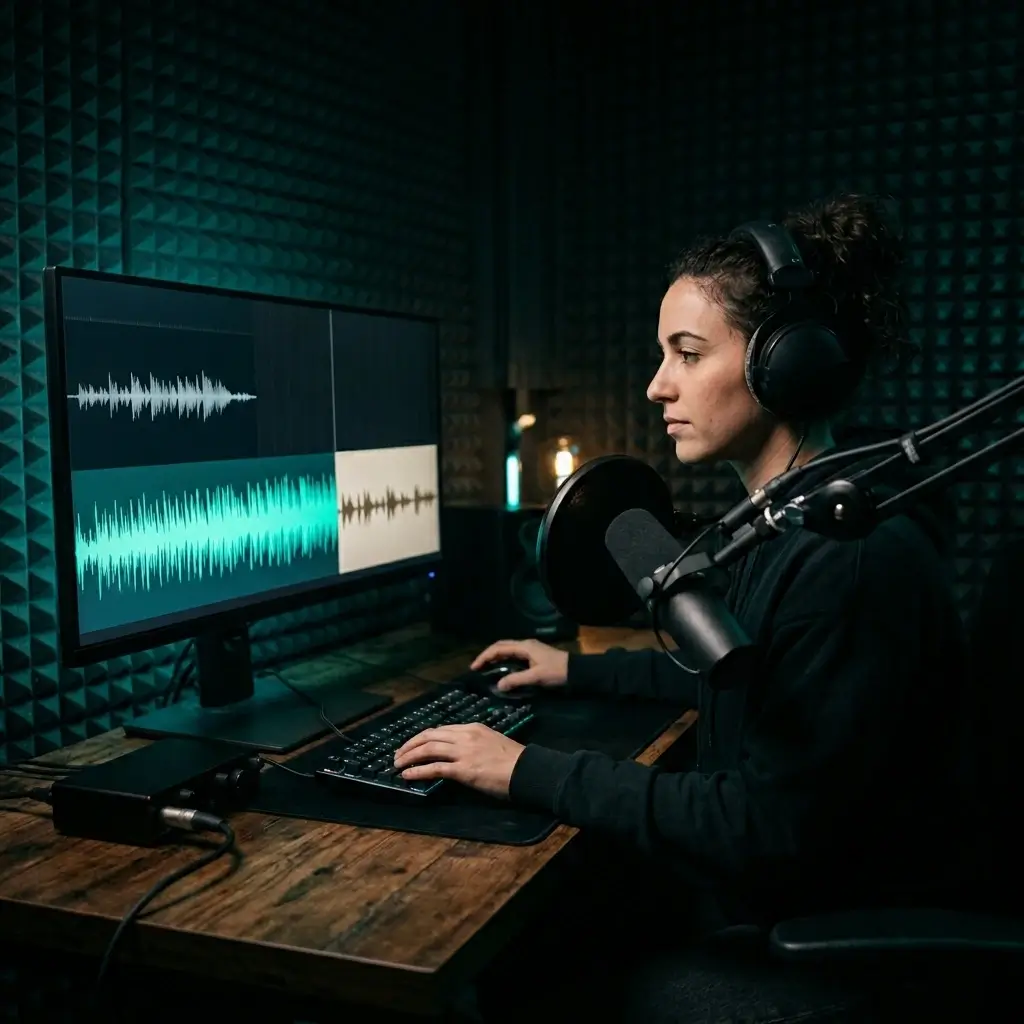
Intro music too short for your opening? Extend it with AI so it matches your talk time. The melody keeps going naturally — no one will hear a loop point or a sudden cut.
Extend Podcast Music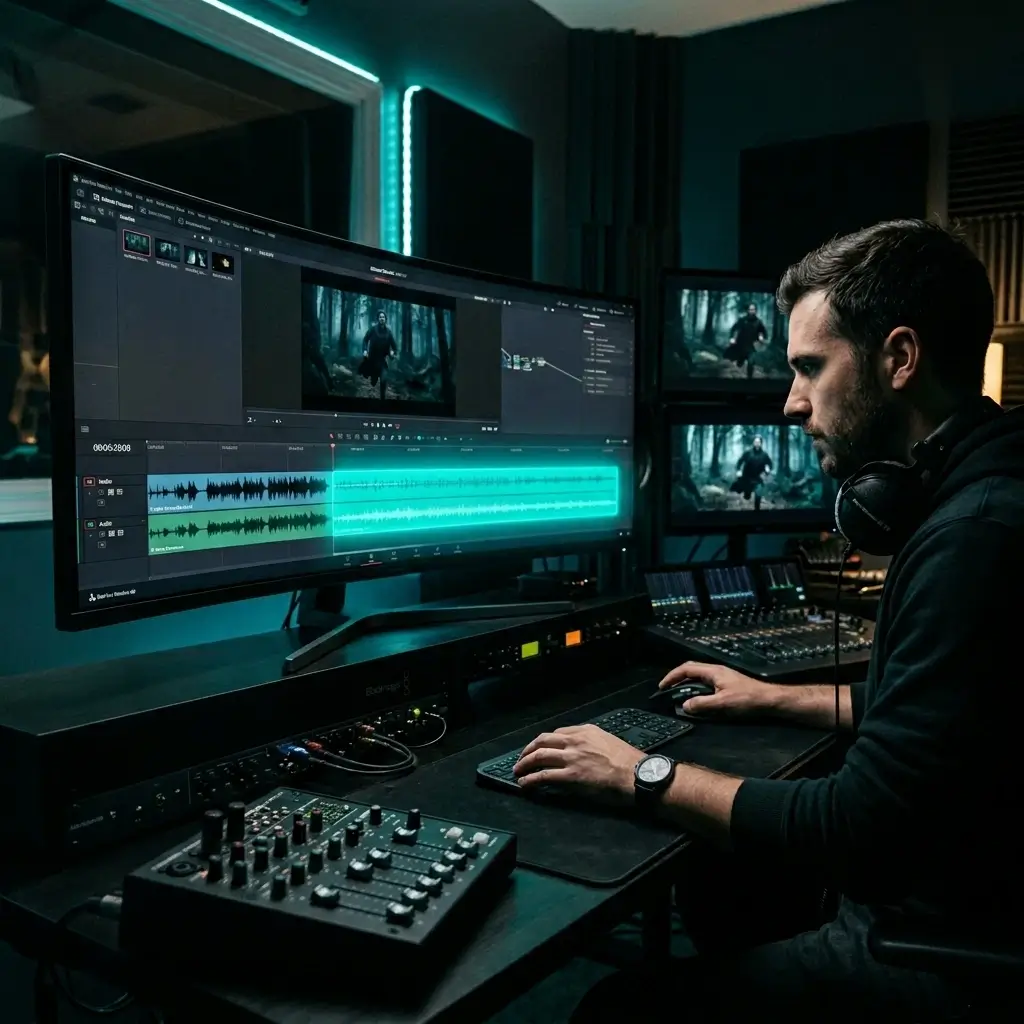
The scene runs longer than the music cue — it happens all the time in post. Upload the score, extend it to fit, and the AI keeps the emotional tone and instrumentation intact.
Extend Film Music
A 30-second game loop gets old fast. Extend it to 5–8 minutes so players hear music that actually evolves instead of the same bar on repeat.
Extend Game Music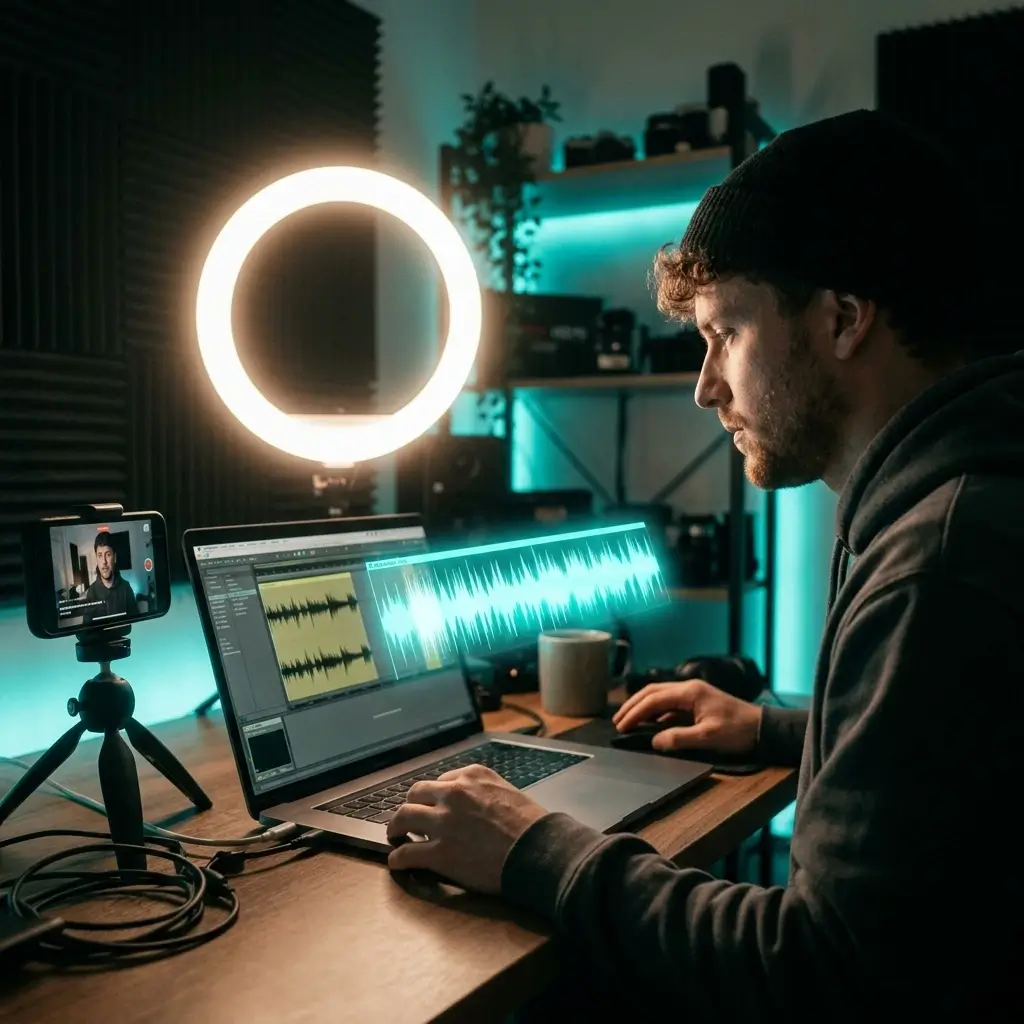
Your Reel or TikTok needs longer audio but the clip cuts out too early. Extend it so it fits your content — the AI keeps the energy up through the whole thing.
Extend Social AudioSpeed, audio quality, and precision — here's how the numbers stack up.
< 30 sec
Most tracks are done in under 30 seconds. Other tools? They usually take 1–2 minutes for the same file.
Tap anywhere on the waveform — chorus, bridge, outro. You decide exactly where the AI picks up. No other tool gives you that kind of control.
The AI writes original sections that match your melody, tempo, and key. It's composing a continuation, not copy-pasting or fade-looping what's already there.
Every extended track comes out at 320 kbps. For the cleanest results, upload lossless WAV or FLAC. No watermarks on any plan.
The original and extension get merged for you. You download one track that's ready to drop into your timeline — no splicing or crossfading on your end.
The AI picks up on your track's instrumentation, chord progression, and BPM. The extended part sounds like it was always there.
Bring in any common audio format or pick tracks from your Library. Max file size is 10 MB.
Your files are encrypted and may be retained for up to 30 days after processing, or until you delete them earlier. They are used only to provide the requested service unless you explicitly opt in to another use.
The stuff people ask us most about the AI music extender.
It's a tool that takes your existing audio and writes new sections to make it longer. You upload a track, pick a spot on the waveform, and the AI composes what comes next — matching your melody, tempo, and instruments. The result sounds like part of the original song, not a loop.
Looping just copies bars and plays them again — you hear the same thing over and over, and there's usually an obvious cut at the loop point. AI music extension actually writes new music that continues your track. Fresh melodies, new progressions, same style. No repetition.
Yep. You get free starter credits when you sign up. No credit card required. After that, paid plans are available if you need more.
Usually under 30 seconds. It depends a bit on file size and how long the extension is, but you'll rarely wait more than a minute.
Absolutely. Click anywhere on the waveform — the chorus, bridge, outro, or any bar in between. The AI picks up from that exact spot and figures out what should follow.
Up to 2 minutes per extension on the free plan. Paid plans let you go longer. And you can always extend the same track again to keep building it up.
For sure. Take a 60-second track to 2 minutes, then extend that version to 4 minutes. Each round builds on the last one, and there's no limit on how many times you can do it.
It does. The AI analyzes your track's BPM, key signature, chords, and instrumentation before writing anything. The new section stays locked to the same key and tempo.
Most of the time, yes. The AI writes new musical content — it's not stretching or pitch-shifting your audio. Tracks with a clear melodic structure tend to get the smoothest results. If something sounds off, try picking a different start point for a different continuation.
MP3, WAV, FLAC, and M4A — up to 10 MB. You can also pick tracks straight from your Library, including music you created with BeMusic AI.
320 kbps MP3. The original and extension get merged into one file automatically — no watermarks on any plan. For the cleanest input, upload lossless WAV or FLAC.
Yep. You get one file with everything combined. No editing, splicing, or crossfading on your end.
If you have the required rights to the original audio, you may extend it. Free and Creator output is for personal, non-commercial use. Pro and Studio include a commercial-use license for eligible extended audio, but the license does not clear the source track.
Just try a different start point on the waveform. The AI writes a different continuation each time depending on where you click. You can also tweak the style weight in advanced settings.
It does. The web app works in any modern mobile browser. Upload, pick your start point, and download — all from your phone. No app to install.
It's faster — under 30 seconds versus 1–2 minutes on most competitors. You can pick any start point on the waveform instead of only extending from the end. Output is 320 kbps with no watermarks, and the free tier includes starter credits without a credit card.
Still have questions? Drop us a line — happy to help.
Discover other powerful features to enhance your music creation
Upload a song, tap where you want it to keep going, and download the extended version. Free credits included, no credit card needed.