All Three Versions in One Generator
Switch between v9.5, v9, and v8 from the same model menu. The form adjusts its inputs, limits, and track controls without sending you to another page.

Play a few AI music examples and note the genre, pace, instruments, voice, and song shape you like. Use those details in your own request.
Pick the workflow that matches what you already have: an idea, finished lyrics, or a brief for instrumental music.
Use v9.5 when you want a song from a prompt. Choose any version for your own lyrics or BGM. v9 and v8 can return up to three tracks per request.
Name the genre, mood, instruments, pace, vocal direction, and intended use. For a vocal song in v9 or v8, add your lyrics in Advanced mode.
Select MP3, WAV, or FLAC and choose the track count when available. Review the cost, then generate and download the audio.
Start with the part of your project that is already clear. Use v9.5 for a song from a prompt, or bring your lyrics or BGM brief to any available model.
You know the theme and mood but have not written the words. Choose Mureka v9.5 and describe the genre, voice, instruments, and story. It creates the lyrics and arrangement.
Your verses and chorus still need melody, voice, and arrangement. v9.5 accepts up to 5,000 lyric characters. v9 and v8 accept up to 3,000.
Dialogue needs room, and a vocal track may fight with it. Every listed model supports BGM. Describe the scene, mood, pace, instruments, and ending in up to 1,024 characters.
A stock loop may not match your opening or scene change. Ask for a focused instrumental cue. With v9 or v8, request two or three options to review.
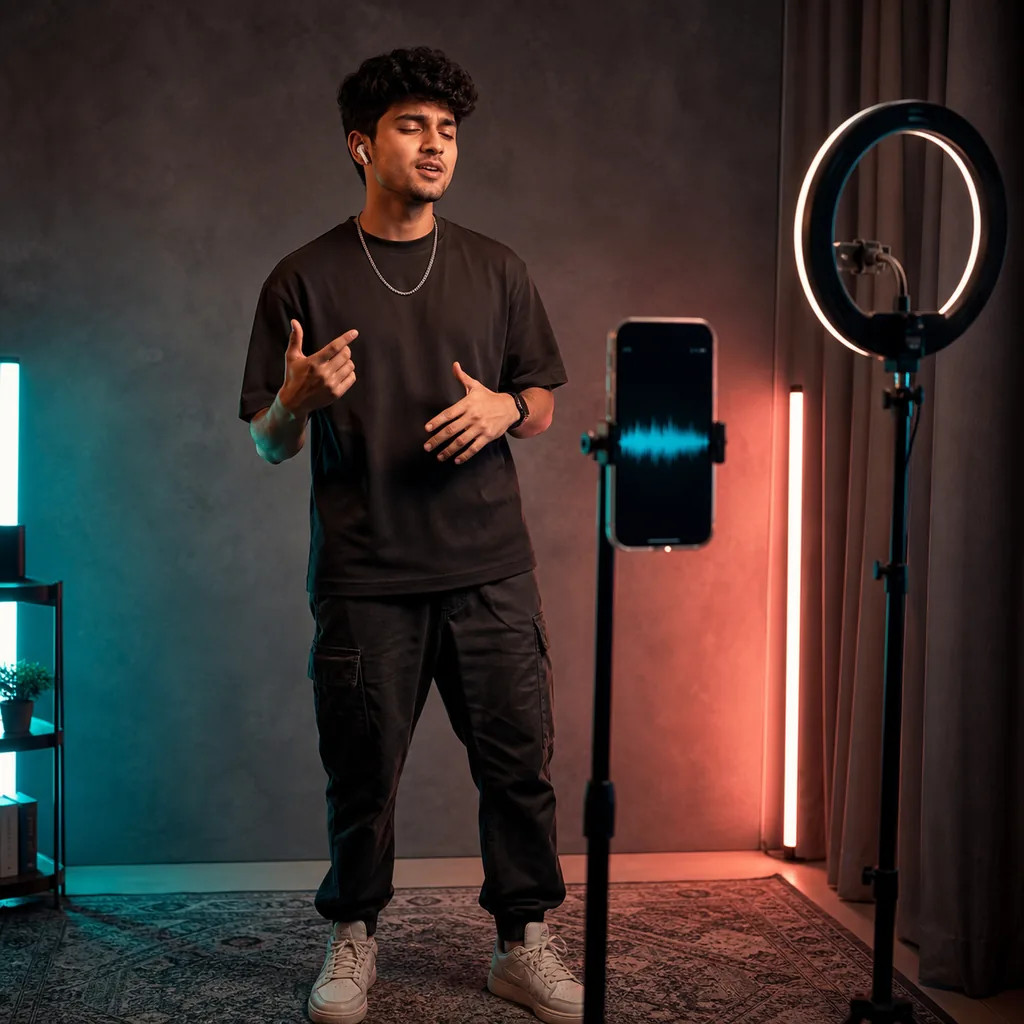
A short clip needs a clear idea fast. Let v9.5 write a hook from your prompt, or test your own short lyrics with v9 and v8. Review the results before editing.
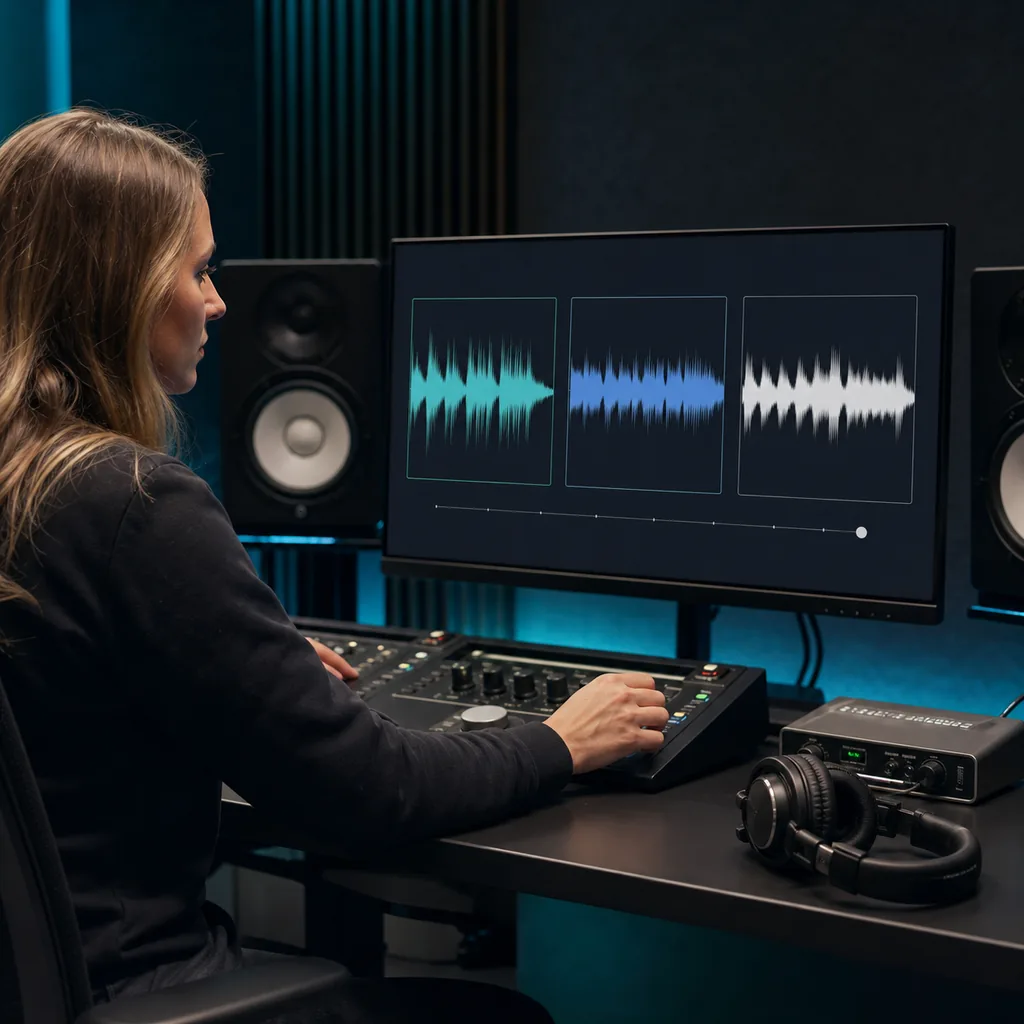
A small preview file and an editing master serve different jobs. Pick MP3 for easy sharing, or choose WAV or FLAC when your next step needs that format.
Each version supports a different starting point. Use this section to choose the model, input, track count, and cost for your project.
Switch between v9.5, v9, and v8 from the same model menu. The form adjusts its inputs, limits, and track controls without sending you to another page.
Start with a prompt when you need lyrics and an arrangement. You can also use your own lyrics for a vocal song or create BGM. v9.5 accepts up to 2,000 prompt characters or 5,000 lyric characters and returns one track.
Provide up to 3,000 characters of lyrics for a vocal track or write a BGM prompt of up to 1,024 characters. Choose one, two, or three outputs in MP3, WAV, or FLAC.
Create a vocal song from up to 3,000 characters of your lyrics. For instrumental music, write a BGM prompt of up to 1,024 characters. v8 can return as many as three tracks.
Every version supports MP3, WAV, and FLAC. Choose a lighter file for sharing or an uncompressed format when you plan to continue editing.
v9 costs 15 credits per track. With v8, each BGM track costs 15 credits and each lyrics-based song costs 24. v9.5 costs 75 credits for custom lyrics or BGM, and 250 credits for prompt-to-song.
You work in the browser and do not need to configure personal Mureka credentials. BeMusic handles the supported generation request.
BeMusic is an independent service and is not owned or run by Mureka. This page provides access to the v9.5, v9, and v8 workflows we support.
Check the modes, input limits, formats, cost, and connection before you create your first track.
Mureka is an AI music platform and model family. This BeMusic page gives you one generator for Mureka v9.5, v9, and v8.
You can select Mureka v9.5, v9, or v8. The same form changes its modes, input limits, track count, and available controls for the version you choose.
Mureka v9.5 supports prompt-to-song on this page. v9 and v8 do not use that workflow here, so a vocal song with either version requires your lyrics.
Yes. Switch to Advanced mode and add lyrics you wrote or have the right to use. v9.5 accepts up to 5,000 characters, while v9 and v8 accept up to 3,000.
Yes. All three models support BGM. Use Simple mode, turn on Instrumental, and describe the genre, mood, instruments, pace, scene, and ending.
The v9.5 prompt-to-song field accepts up to 2,000 characters. BGM prompts and optional style prompts for your own lyrics accept up to 1,024 characters in all three models.
You can choose MP3, WAV, or FLAC with v9.5, v9, and v8. The selected format is sent with the generation request.
v9 costs 15 BeMusic credits per track. With v8, BGM tracks cost 15 each, while lyrics-based songs cost 24 each. v9.5 costs 75 credits for custom lyrics or BGM and 250 for prompt-to-song.
No. You do not need to enter your own API key. BeMusic submits and checks the supported generation request for you.
BeMusic sends the request to the supported workflow for your selected Mureka model and mode. The completed audio returns to your BeMusic task.
No. BeMusic is an independent service and is not owned or operated by Mureka. We provide a browser interface for the supported model workflows.
Not on this page. The v8 and v9 APIs accept official Mureka reference IDs. This interface does not yet include the required upload flow, so those fields are not sent.
Yes. When the task finishes, you can play the result in BeMusic and download the generated audio file.
That depends on your BeMusic plan, the model terms, and the content you provide. Read the commercial license before you publish or sell a track.
State the genre, mood, pace, instruments, voice, song shape, and intended use. Describe the sound itself instead of naming a protected artist or existing song.
Discover other powerful features to enhance your music creation
Start with v9.5, v9, or v8. Add a prompt, your lyrics, or a BGM brief, check the track count and credits, then generate your audio.