Give the Riff One Clear Job
Decide whether the guitar opens the song, drives the verse, answers the vocal, or takes the lead. One clear role gives the rest of the band room to respond.
Start Pro at 50% off
Start Pro at 50% off
New accounts · First month/year
New accounts · First month or year

Treat the prompt like a short note to a band. Name the style, give each part a job, then revise what you hear.
Start with classic rock, alternative, indie rock, punk, or grunge. Add the song topic, energy, tempo feel, and whether you want vocals.
Say what the guitar, bass, and drums should do. Ask for a choppy power-chord riff, moving bass, and tight live-feel drums instead of only saying loud.
Check the riff, groove, vocal fit, and lift into the chorus. Keep the parts that work and change one weak choice in the next prompt.
Use a generated rock track as a rehearsal sketch, lyric demo, practice bed, or source of momentum for a visual edit.
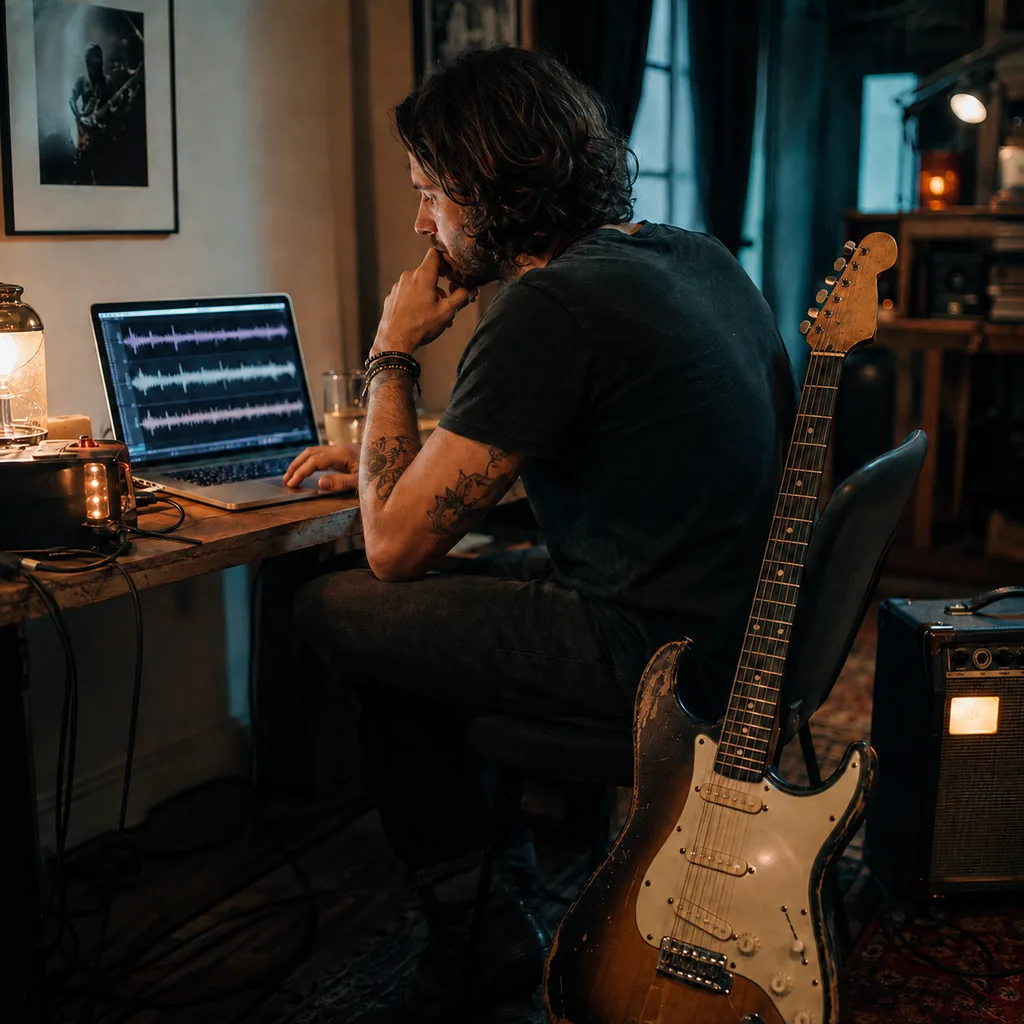
You may have a riff but no full arrangement. Describe the guitar part, groove, and chorus change to hear one possible band version before everyone meets.
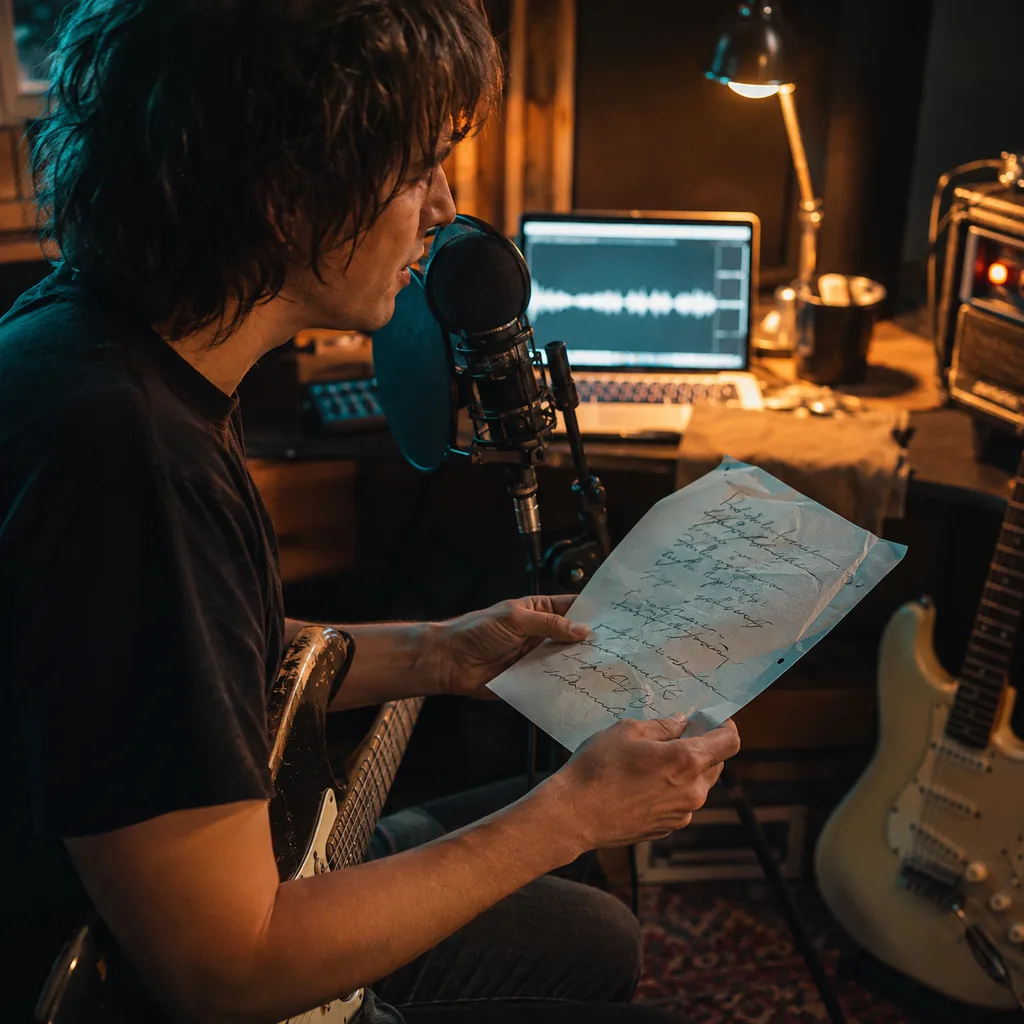
Words on a page do not show where the music should rise. Paste lyrics you wrote, mark the sections, and give the verse and chorus different levels of weight.

A sports cut, game trailer, or product reel may need forward motion. Ask for a defined tempo feel, a short intro, and an instrumental mix that leaves room for dialogue.
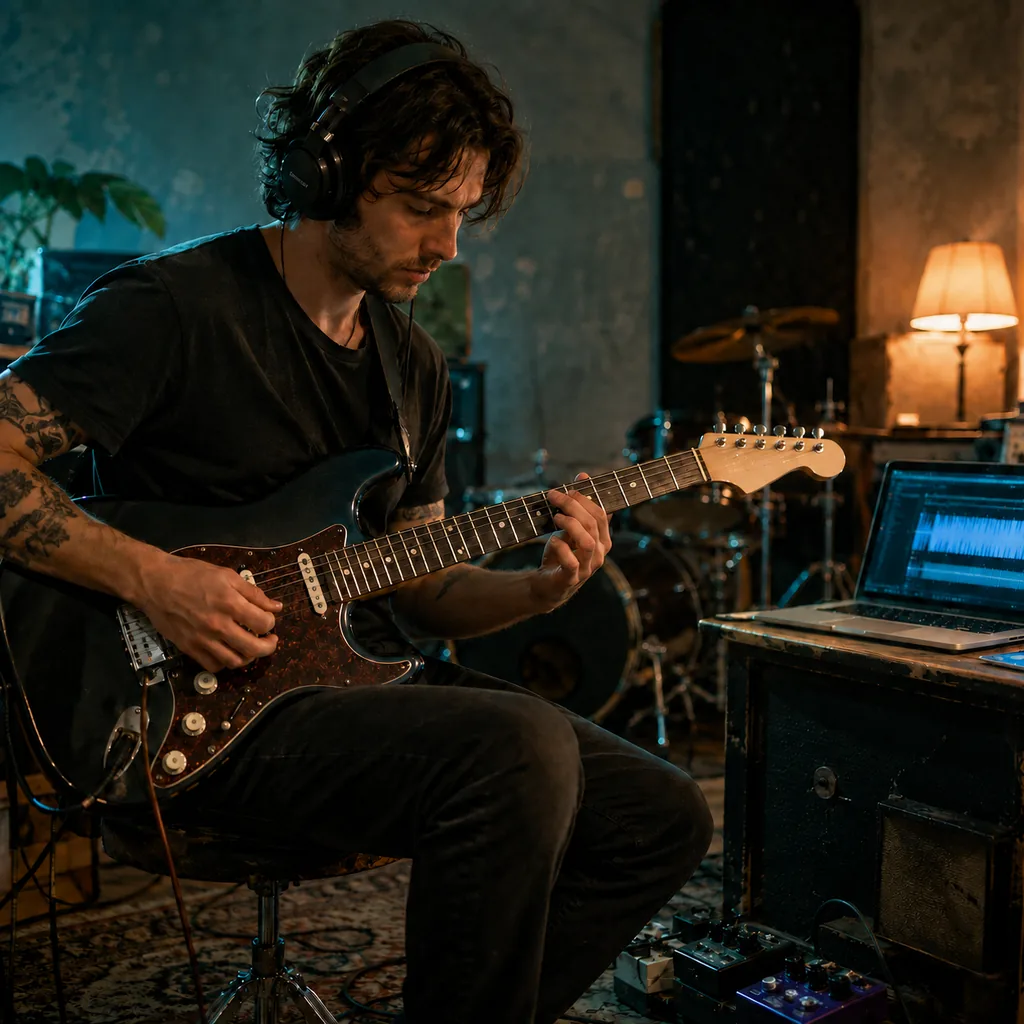
Practicing alone can make timing feel vague. Generate a steady bass-and-drum backing track, leave space for lead guitar, and rehearse the part against a full groove.
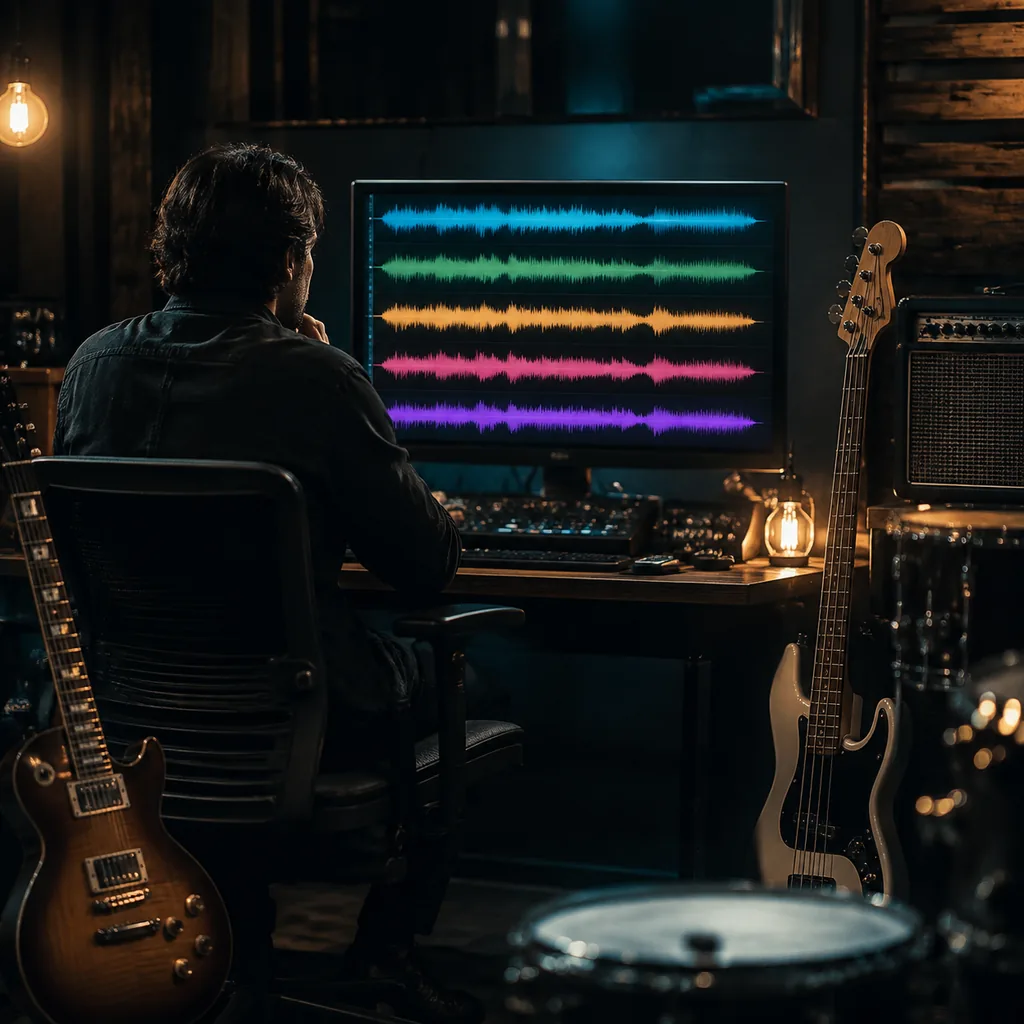
The same hook can feel bright, tense, raw, or heavy. Try it as classic rock, alternative, indie rock, punk, and grunge before you settle on the band sound.
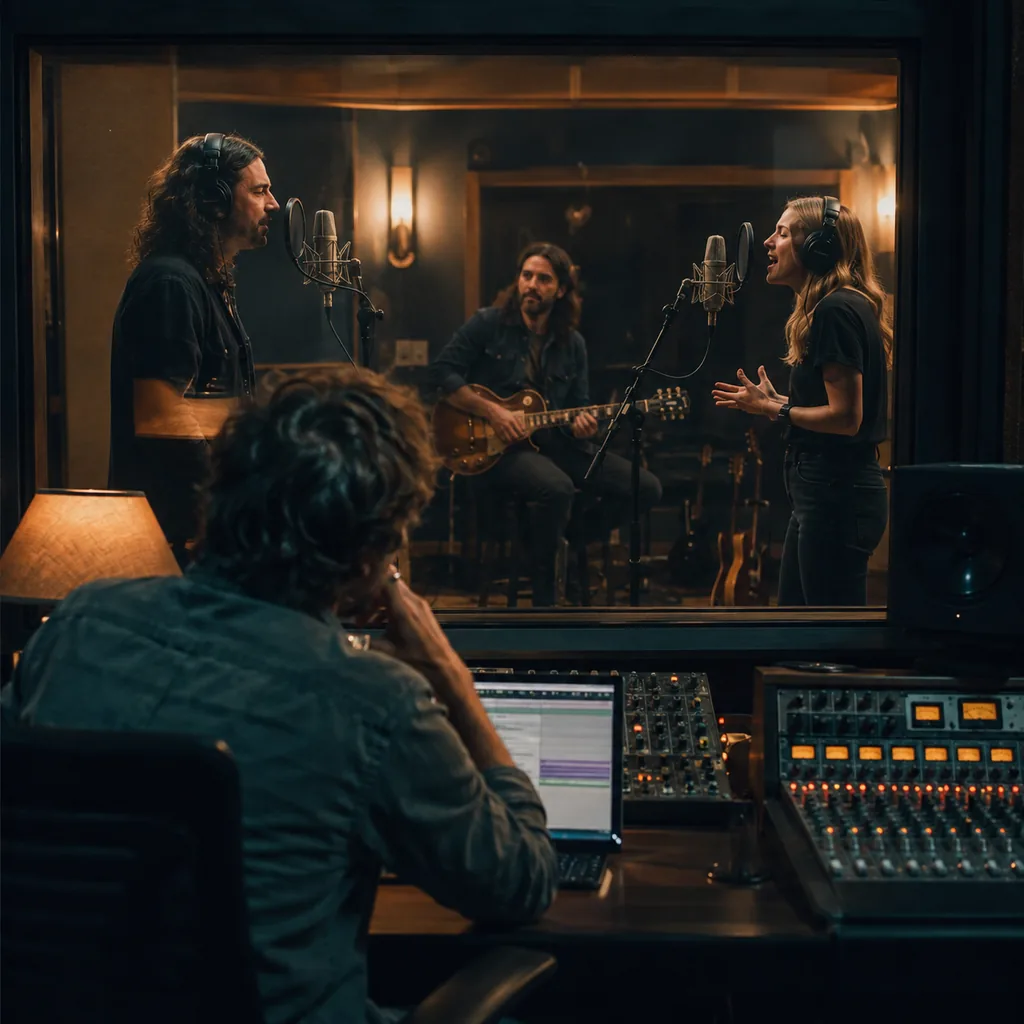
A strong lyric can still sit in the wrong voice. Compare male and female vocals, then describe the delivery and ask the band to pull back before the chorus opens.
Rock needs parts that react to each other. These choices help the track move like a band instead of sitting at one volume.
Decide whether the guitar opens the song, drives the verse, answers the vocal, or takes the lead. One clear role gives the rest of the band room to respond.
Classic rock, alternative, indie, punk, and grunge use different tempos, tones, and vocal shapes. Put the subgenre near the start of the prompt.
Try clean and bright, crunchy, fuzzy, palm-muted, or heavily distorted. Add rhythm and lead roles when two guitars should do different work.
Ask for a tight verse groove, wider cymbals in the chorus, or a half-time bridge. Section changes create lift without making every bar louder.
Use vocals when the lyric and hook lead the track. Switch to instrumental for backing tracks, video beds, practice, or any mix that needs space for speech.
Paste lyrics you wrote when every line matters. If you only have an idea, describe the point of view, conflict, and chorus message.
A loud chorus only works if something comes before it. Ask for a sparse opening, restrained verse, rising pre-chorus, and full-band release.
Use era, subgenre, tempo, guitar texture, drum feel, vocal delivery, and song structure. These details guide the result without asking it to copy a known band.
Quick answers about full songs, riffs, lyrics, vocals, instrumentals, prompts, free credits, and usage rights.
It is a tool that turns a written brief or your own lyrics into a new rock track. The result can include melody, vocals, guitars, bass, drums, and a full song structure.
Name the rock subgenre, song topic, tempo feel, guitar role, drum feel, vocal direction, and structure. Generate a version, listen for the weak choice, then change one or two details.
You can start with free credits after you sign in. The form shows the credit cost before you generate, so you can review it first.
It creates a playable track, not only a written riff idea. Ask for an intro, verse, chorus, bridge, solo, breakdown, and ending. Each result may interpret that direction differently.
Try classic rock, alternative rock, indie rock, punk, grunge, soft rock, garage rock, or a focused mix. Metal has its own sound, but you can still ask for a harder rock edge here.
Yes. Open Lyrics to Song mode and paste lyrics you wrote or have the right to use. Labels such as [Verse], [Chorus], [Bridge], and [Solo] can make the intended structure clearer.
Turn on Instrumental. Then describe the riff, tempo, bass movement, drums, and section changes. Note how much space you want for a lead part or voice-over.
Choose male, female, or automatic vocals in the form. Then add a short delivery note such as clean, close, rough, restrained, bright, or forceful.
Add that direction to the prompt or style tags. Fuzzy guitar, palm-muted chords, live-feel drums, and a half-time bridge act as creative guidance. They are not exact studio controls.
Include the subgenre, tempo, mood, riff role, guitar texture, bass movement, drum pattern, vocal delivery, and energy curve. For example, ask for a 132 BPM alternative rock song with a tense verse and open chorus.
Commercial use depends on your BeMusic plan and the track. Review the commercial license before monetized, client, or paid use.
Give the riff a role and create contrast between sections. Pull instruments back in the verse and change the drum pattern. Let the bass move, then save the widest guitars for the chorus.
Need help with a generation? Contact the BeMusic team.
Discover other powerful features to enhance your music creation
Bring one riff, lyric, or band idea. Shape the groove and dynamics, then hear where the song wants to go.