Fast Iteration
Fast
Prompt in, instrumental out. Generation time depends on the model and the queue, and free-plan jobs include a short wait before processing starts. When you're testing several versions, quick turnaround matters.
Start Pro at 50% off
Start Pro at 50% off
New accounts · First month/year
New accounts · First month or year

Each track below came from a single text prompt. Press play and hear it for yourself.
Go from idea to finished instrumental in three steps. You don't need music theory, a DAW, or any learning curve.
Just tell us the mood, genre, and vibe you want. Keep it short or go into detail — prompts like "chill piano for studying" or "epic rock for a game trailer" both work.
Your prompt becomes a full instrumental. You'll get complete audio that matches the style and mood you asked for. How long it takes depends on the model and the queue.
Give it a listen. If you love it, download it. If not, tweak your prompt and generate another version. Keep going until it sounds right.
YouTubers, podcasters, game devs, and singers all use this AI instrumental generator — just for different reasons. Here's how they put it to work.
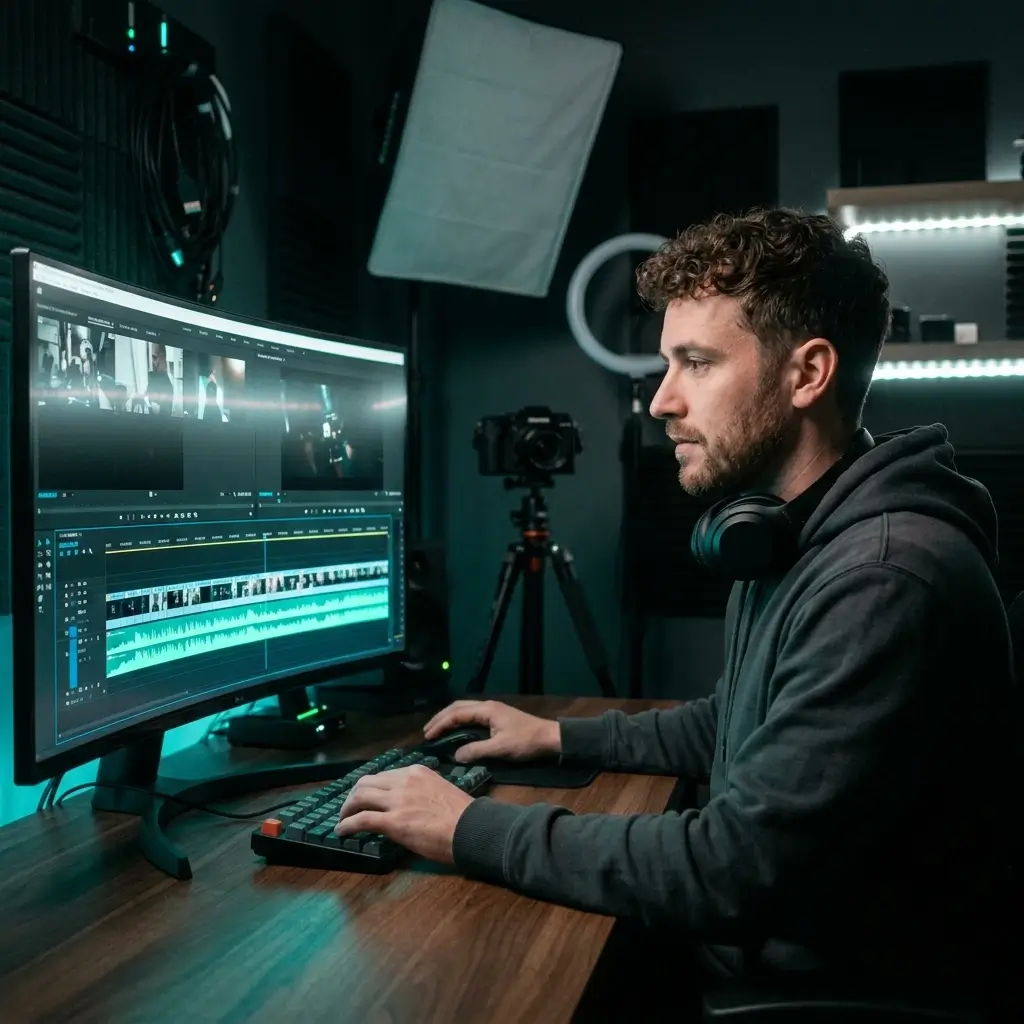
Generate background tracks that fit your video's mood. Pro and Studio plans include a commercial-use license for eligible output, but platform review and third-party claims are still possible.
Try Free Generator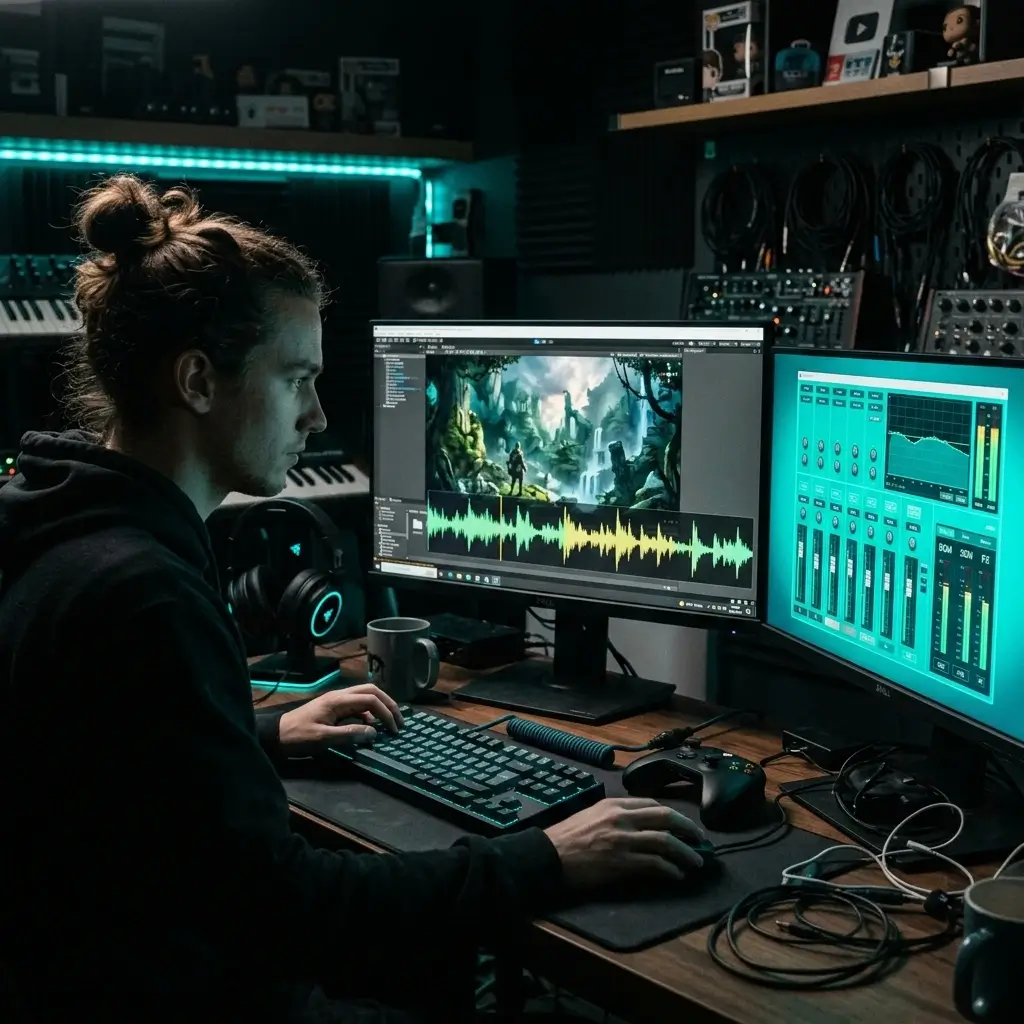
Just describe the scene — a menu screen, a boss fight, an open world — and get a soundtrack to try in your game. Perfect if you're an indie dev on a tight deadline.
Create Game Music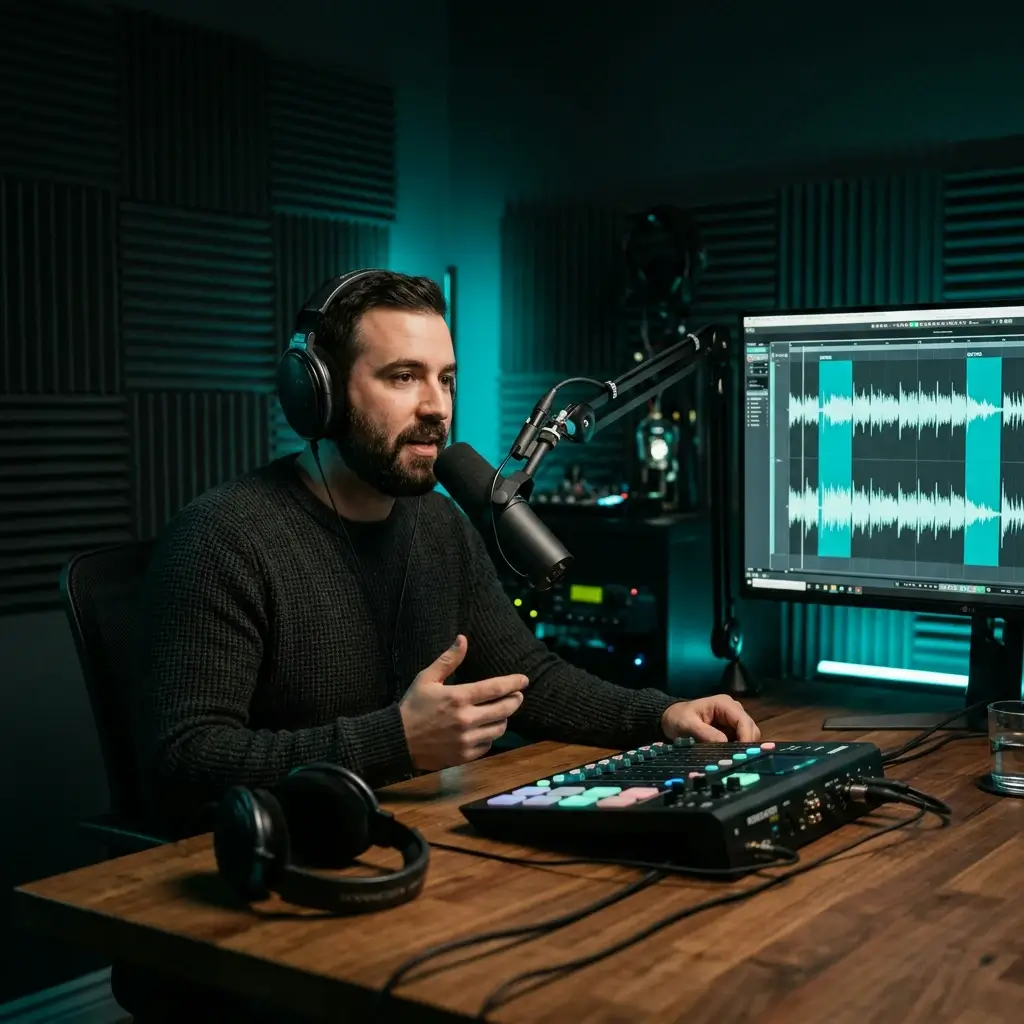
Give your show its own sound without hiring a composer. Generate a 30-second intro, adjust the prompt until it feels right, and download the MP3.
Make Podcast Music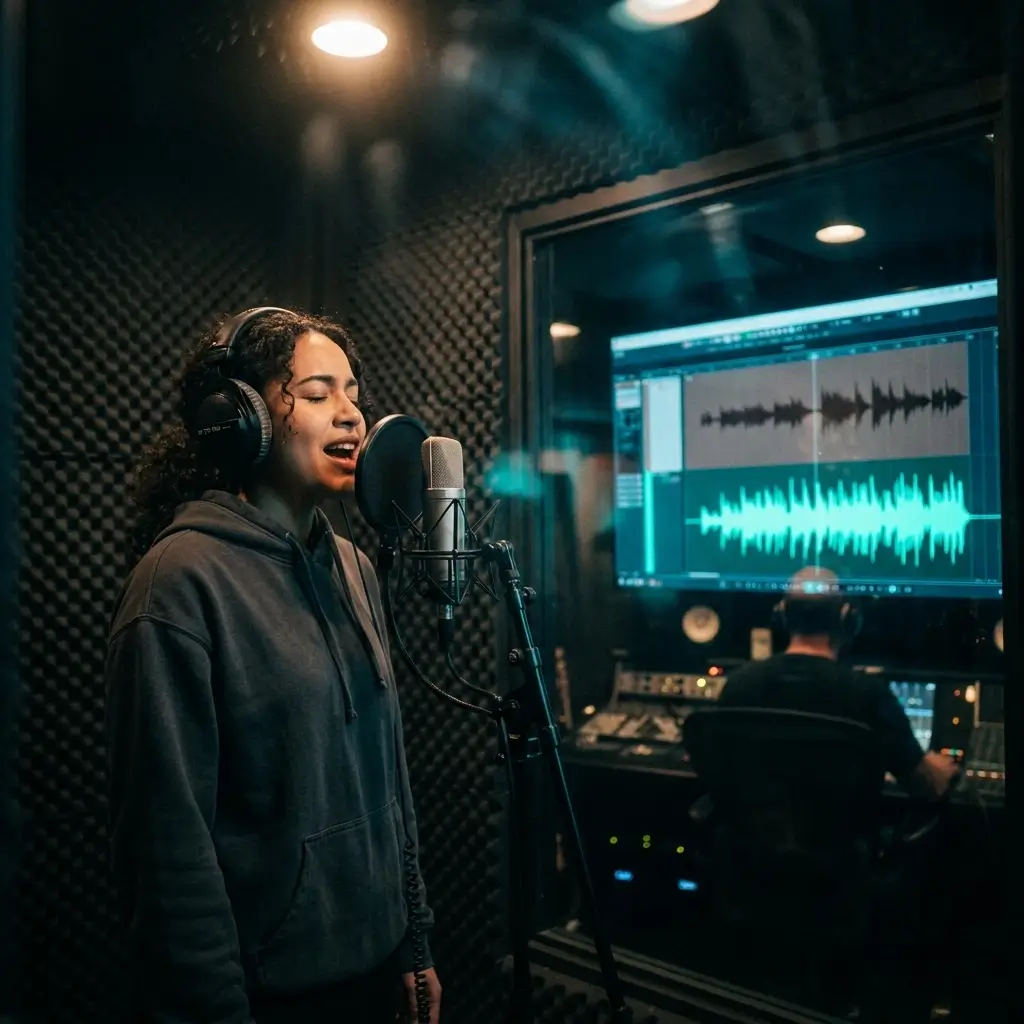
Looking for a clean instrumental to sing over? Tell us the key, tempo, and genre. You'll get a vocal-ready backing track with no bleed and no competing melodies.
Create Backing Track
Upload any song and strip the vocals out. You'll get the drums, bass, and melody as separate stems — ready for remixes, karaoke, or sampling.
Separate Stems
Paste your lyrics and pick a genre. The AI picks up on the rhythm and emotion of your words, then writes an instrumental that fits. You write it once, and hear it back right away.
Generate from LyricsIt comes down to speed, control, and flexibility. Here's what you get.
Fast
Prompt in, instrumental out. Generation time depends on the model and the queue, and free-plan jobs include a short wait before processing starts. When you're testing several versions, quick turnaround matters.
Tell the AI your genre, mood, tempo, and instruments, and it builds the track around them.
Pop, rock, hip hop, EDM, jazz, lo-fi, orchestral, ambient — you name it. One tool covers every style you'll ever need.
The AI composes each track from your prompt rather than assembling it from a sample library. Commercial use requires a Pro or Studio license.
The stuff creators usually ask before they hit generate.
New accounts may get free starter credits, with no credit card required. Paid plans add more credits; commercial use is included only with Pro and Studio.
You do, but it only takes about 30 seconds with your email. New accounts may get free starter credits to begin creating. No credit card required.
You describe what you want — the mood, genre, tempo, instruments — and the AI composes a full instrumental based on that. How long it takes depends on the model and the queue.
It depends on the model, the track length, and the queue. Free-plan jobs also include a short wait before processing starts. Generate several versions and keep the one you like best.
Just tweak your prompt and generate again. Try adding more detail about the tempo, instruments, or mood. Even small changes can give you a completely different track.
You can go up to 8 minutes per track. That's plenty for full songs, podcast episodes, or long-form video backgrounds.
Absolutely. Pick from 30+ genres in the dropdown, or just type the genre into your prompt. It works for pop, rock, hip hop, EDM, jazz, lo-fi, orchestral, ambient, and more.
Try to include four things: (1) Genre — like "lo-fi hip hop", (2) Mood — like "relaxed, chill", (3) Tempo — like "slow, 80 BPM", and (4) Instruments — like "piano, soft drums". For example: "Relaxed lo-fi hip hop with piano and soft drums, 80 BPM, perfect for studying."
Yes, and you've got two options: (1) Upload a song and the AI strips out the vocals, leaving just the instrumental — great for remixes and karaoke. (2) Paste your lyrics and the AI writes music that matches the rhythm and feel of your words.
Generating creates music from a text prompt. Vocal removal instead takes an existing song and separates the voice from the instrumental, so rights in that source song still apply. BeMusic handles both workflows in one place.
Not at all. If you can describe a mood in plain English — something like 'upbeat pop for a travel vlog' — you're good to go. No music theory, no DAW skills needed.
Downloads are MP3 or WAV with a paid plan or credit pack. They work in YouTube, podcast, and broadcast editors, and in any audio software.
Of course. Download as MP3 and open it in whatever audio software you like — Audacity, GarageBand, Logic Pro, Ableton, you name it. Add effects, adjust levels, or mix it with other audio.
Free and Creator tracks remain for personal, non-commercial projects unless later licensed. While Pro or Studio is active, you can obtain a royalty-free commercial-use license for eligible output in your account, including tracks generated before upgrading.
While Pro or Studio is active, subscribers can obtain a commercial-use license for eligible output in their account, including output generated before upgrading. Other output remains under a personal, non-commercial license unless later licensed. Copyright and third-party claims can still depend on the output, jurisdiction, and platform.
Generated tracks are created from your prompt, but no service can guarantee that a platform or third party will never issue a copyright claim, Content ID match, takedown, or distribution rejection. Follow platform rules and keep the license certificate for eligible commercial output.
The free plan includes starter credits. Paid plans include higher monthly limits, and you can always buy extra credits.
You can buy more credits or jump on a paid plan. Head to the pricing page to see all your options.
Length — up to 8 minutes per track. Two modes in one tool — generate from text prompts and extract instrumentals from existing audio. Clear plan-based usage rights for eligible output.
Be specific. Include the genre, mood, tempo, and instruments you want. Something like "Upbeat electronic dance music, 128 BPM, energetic synths" or "Calm acoustic guitar, slow tempo, coffee shop vibe." The more detail you give, the closer the result will be to what you're imagining.
Have more questions? Contact our team — we're happy to help.
Discover other powerful features to enhance your music creation
New accounts may get free starter credits, no credit card. Describe the sound you need, download the track, and use it under your plan's license.