A Full Breakdown from One Upload
Upload a track and get BPM, key, genre, instruments, mood, vocals, and an AI prompt in one report. How long it takes depends on the file size and the queue.
Start Pro at 50% off
Start Pro at 50% off
New accounts · First month/year
New accounts · First month or year

These cards are example analyses that show the kind of breakdown you get. Tap one to see the full breakdown.
Cinematic Synthwave
A pulsing retro-futuristic track built on analog synth pads and arpeggiated sequences. The production leans into 80s nostalgia with modern clarity — wide stereo imaging, sidechain-pumped bass, and a dreamy reverb tail that evokes neon-lit highways.
synthwave, cinematic, retro-futuristic, 118 bpm, A minor, analog synths, arpeggiated sequences, sidechain bass, gated snare, 80s revival, atmospheric pads, instrumental, polished production
Neo-Soul / Acoustic R&B
A warm, intimate track centered around fingerpicked acoustic guitar and silky vocals. The production is deliberately understated — room reverb, subtle bass, and brushed drums create a living-room-session feel. The vocal performance blends chest voice with airy falsetto transitions.
neo-soul, acoustic R&B, 82 bpm, D major, fingerpicked guitar, silky vocals, falsetto, brushed drums, upright bass, warm reverb, intimate, organic production, lo-fi adjacent
Hyperpop / Glitchcore
An explosive, maximalist track that throws genre rules out the window. Pitch-shifted vocals collide with distorted 808s, glitchy transitions, and sugar-rush synth melodies. The energy is relentless — every four bars introduces a new texture or effect.
hyperpop, glitchcore, 155 bpm, F# minor, pitch-shifted vocals, autotune, distorted 808s, bit-crushed synths, maximalist, sugar-rush energy, experimental, bright production
Contemporary Jazz / Piano Trio
An elegant piano trio recording with a classic jazz sensibility. The pianist navigates complex chord voicings with effortless swing, supported by a walking bass line and tasteful brush work. The recording captures the natural ambience of a small club setting.
contemporary jazz, piano trio, 132 bpm swing, Bb major, grand piano, walking bass, brush drums, sophisticated harmony, acoustic, intimate club recording, natural dynamics
Trap Metal / Aggressive Hip-Hop
A ferocious hybrid of trap production and metal aggression. Distorted 808 slides collide with blast-beat-inspired hi-hats, while screamed vocals ride over detuned guitar riffs. The mix is intentionally abrasive — clipping and saturation are used as creative tools.
trap metal, aggressive hip-hop, 140 bpm, C minor, distorted 808s, detuned guitars, screamed vocals, blast-beat hi-hats, abrasive mix, hardcore energy, dark atmosphere
Ambient / Downtempo Electronica
A meditative soundscape that unfolds slowly over six minutes. Granular synthesis textures drift over sub-bass drones, while field recordings of rain and distant thunder add organic depth. The piece has no traditional beat — rhythm emerges from the interplay of evolving textures.
ambient, downtempo electronica, no fixed bpm, E minor drone, granular synthesis, sub-bass drone, field recordings, rain sounds, meditative, textural, immersive spatial design, atmospheric
You don't need to install anything or know music theory. Just upload a file and let the AI handle the rest.
Drag and drop an MP3, WAV, FLAC, M4A, AAC, or OGG file (up to 50 MB), or pick a song from your library.
An AI model (Google Gemini) listens to the file and estimates BPM, key, genre, instruments, vocal techniques, production style, and mood. How long it takes depends on the file size and the queue.
Look through the full breakdown, then copy the generation prompt into BeMusic AI, Suno, Udio, or whatever AI music tool you like.
Most tools stop at BPM. Here's what you actually get when you run a track through our analyzer.

Get the genre, sub-genre, and stylistic influences behind a track — from lo-fi hip-hop to cinematic orchestral. Use the tags to sort your library or hunt down reference tracks.
Detect Genre Now
Skip tapping along to the beat or guessing with a piano. Upload your track and get an estimated tempo and key to check against your ear. For a measurement-based reading of key and BPM, use the Key & BPM Finder.
Find BPM & Key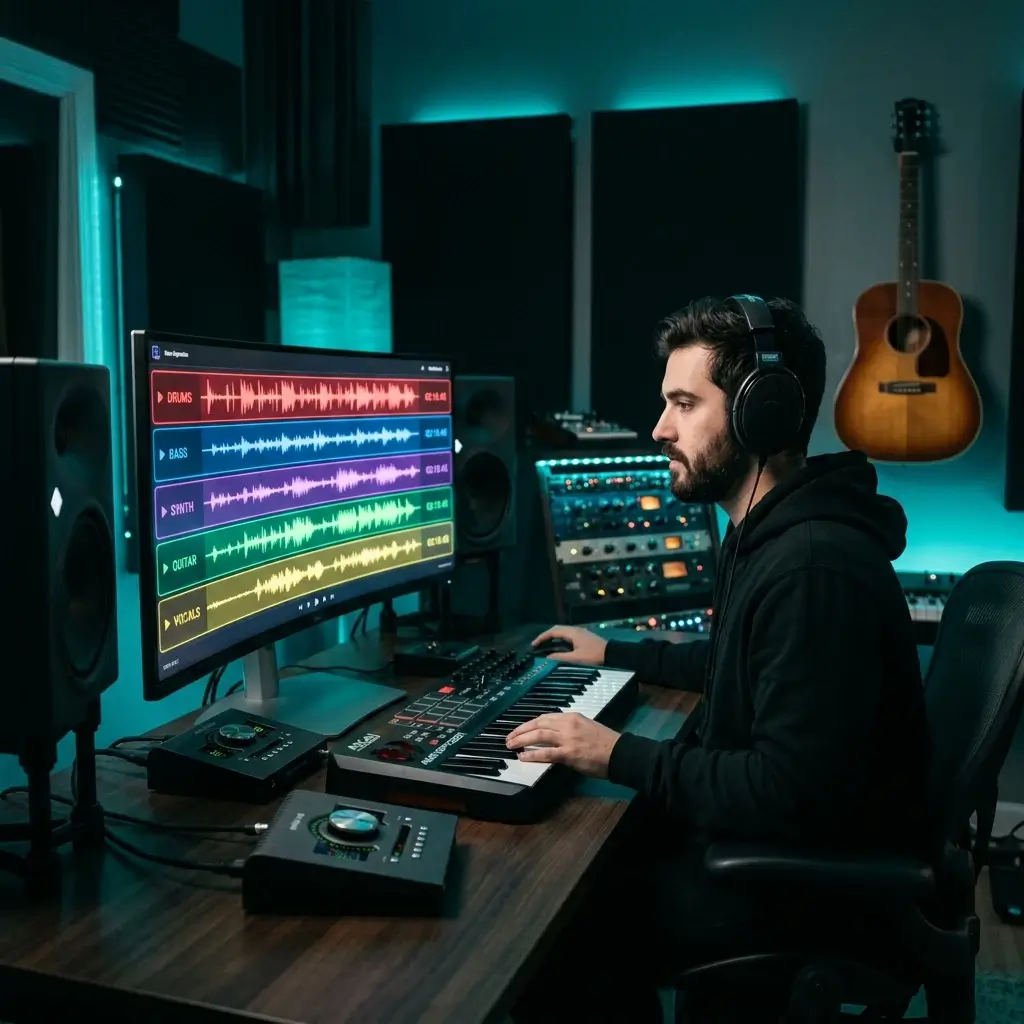
See every instrument in the mix — drums, bass, synths, guitars, strings — plus vocal techniques like falsetto, vibrato, or rap flow. The report also describes the mood and energy of the track, so it works as a song mood analyzer too.
Break Down a Track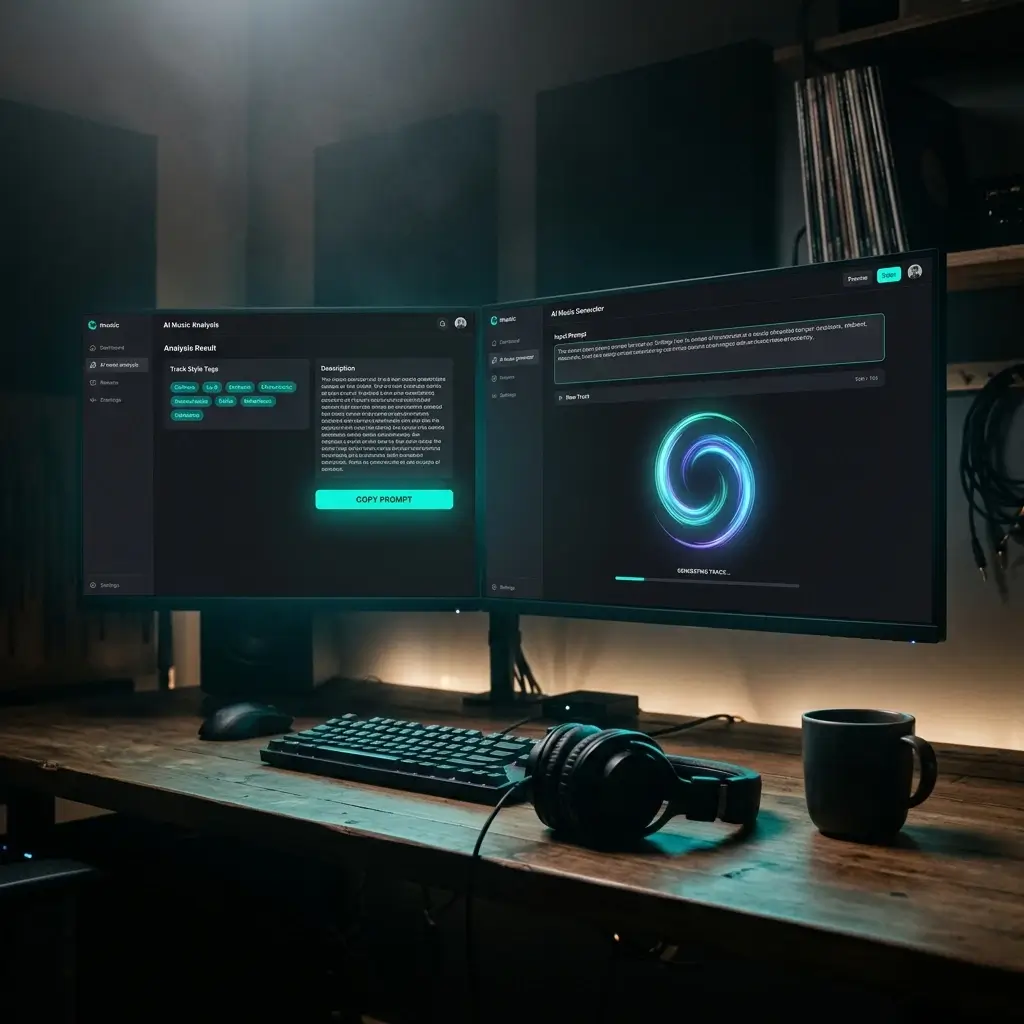
Each analysis gives you a text prompt that captures the track's style, mood, tempo, and production. Paste it into BeMusic AI, Suno, or Udio and create something with a similar feel.
Get a PromptUpload a track and get BPM, key, genre, instruments, mood, vocals, and an AI prompt in one report. How long it takes depends on the file size and the queue.
Most tools hand you a tempo number and call it a day. This one gives you key, genre, instrumentation, vocal style, production notes, and a generation prompt. One upload replaces five browser tabs.
Each analysis gives you a text prompt ready for BeMusic AI, Suno, or Udio. No more struggling to describe a sound in words — the analyzer writes it for you.
Hip-hop, EDM, classical, ambient, Afrobeat — upload anything. Results are AI estimates, so unusual or experimental tracks may be less reliable.
Drag in files up to 50 MB or pick a song from your library. No format conversion needed.
Your file is uploaded for analysis and sent to the AI provider that runs the model. It isn't made public, and it may be retained for up to 30 days after processing or until you delete it. Only upload material you have the right to use.
Everything you want to know about using AI to analyze music — from how accurate it is to how we handle your files.
It listens to any audio track and gives you a full breakdown — genre, BPM, musical key, instruments, vocal techniques, production style, mood, and a text prompt you can plug into AI music generators. Think of it as X-ray vision for music.
Yes. Every analysis includes the genre, sub-genre, and stylistic influences the AI hears, for example lo-fi hip-hop or cinematic orchestral. The genre is an AI estimate, so treat it as a starting tag and check it against your own ear, especially for blended or experimental tracks.
Yes. The report describes the mood and energy of the track, such as dark, uplifting, or chill, along with production style and vocal delivery. Mood is subjective, so the AI's description is a useful reference rather than a fixed rating.
Song analysis means breaking a track down into its parts: genre, tempo, key, instruments, vocals, mood, and production style. BeMusic's AI music analyzer does this from one uploaded audio file and turns the result into a text prompt you can reuse in an AI music generator.
MP3, WAV, FLAC, M4A, AAC, and OGG — up to 50 MB each. You can also pick songs straight from your library.
The analysis comes from an AI model (Google Gemini), not from a dedicated measurement algorithm. BPM, key, genre, instrument, and mood labels are estimates, and we haven't published a benchmark against reference data. Use them as a starting point and check tempo and key by ear. For a measurement-based key and BPM, use the Key & BPM Finder. Very experimental tracks are more likely to be off.
It estimates which instruments it hears — drums, bass, guitar, piano, synths, strings, brass, and more — and describes production details like reverb or sidechain compression. These are AI descriptions and can miss or misname instruments.
That's the whole point. After analyzing a track, you get a text prompt that captures the song's style, mood, tempo, instruments, and production. Paste it into Suno or Udio, or use it to generate music from text with BeMusic AI and create something with a similar feel.
You need to sign in, and each analysis uses 10 credits. New accounts may get free starter credits. Paid plans and credit packs add more credits.
For sure. The AI handles pop, rock, hip-hop, electronic, classical, jazz, R&B, metal, lo-fi, ambient, Latin, Afrobeat, and more. It adjusts its analysis to match each genre's specific traits.
This gives you more than one number — genre, key, instruments, vocals, mood, production style, and an AI-ready prompt. It's a full song description tool, but its BPM and key are estimates, while a dedicated BPM finder measures them directly.
It depends on the file size and the queue. Larger files or more complex tracks take longer.
It's one of the most popular use cases. Producers drop in reference tracks to get an estimate of the BPM, key, instrumentation, and production style. Then they grab the AI prompt to kick off their own projects from a similar starting point.
Your file is uploaded for analysis and sent to the AI provider that runs the model. It isn't made public, and it may be retained for up to 30 days after processing, or until you delete it earlier. We don't use your uploads to train shared AI models unless you explicitly opt in.
Nope. Everything is explained in plain language. You don't need to know what "Dorian mode" or "syncopated rhythm" means — the results are written so anyone can follow along.
DJs can use it to get a quick estimated BPM and key for harmonic mixing, plus genre tags for sorting a library. Because both come from an AI estimate, double-check them by ear or with the Key & BPM Finder.
Not directly — you'll need an audio file (MP3, WAV, FLAC, M4A, AAC, or OGG) to upload. If you've got a downloaded track you have the right to use, it works right away.
Discover other powerful features to enhance your music creation
Upload a track and get BPM, key, genre, instruments, mood, and a generation prompt. Sign in required; each analysis uses 10 credits, and new accounts may get free starter credits.