Measured, Not Guessed
Loudness follows ITU-R BS.1770-4 with gating, and true peaks are checked with 4x oversampling. You see the before and after readings instead of a promise.
Start Pro at 50% off
Start Pro at 50% off
New accounts · First month/year
New accounts · First month or year

No plugins, no DAW. Add a track, choose a loudness target, and compare the master with your original.
Upload an MP3 or WAV (up to 50 MB and 10 minutes) or pick a song from your BeMusic library. Its loudness, true peak and loudness range are measured right away.
Pick a tonal style, how much compression to apply and a loudness target (-14 LUFS for streaming by default). Processing runs on your device, and a typical song takes a few seconds on a modern computer.
Switch between the original and the master at matched loudness, check the before and after numbers, then export a 320 kbps MP3 after signing in, or a 24-bit WAV on a paid plan.
Producers, YouTubers, podcasters, game developers and filmmakers who need a track at a predictable loudness without opening a DAW.
Hear your mix at release loudness. The tool levels it to -14 LUFS with peaks held at -1 dBTP, so you get a quick reference master and clear before and after numbers. For a final release, keep your own critical listening in the loop.
Master Your Track
Open a song you generated from your library and level it without downloading and re-uploading it somewhere else. The loudness readout shows where it sits against streaming targets, and mastering brings it to the level you choose.
Master AI Music
Background music that is too quiet or too hot makes viewers reach for the volume. Level each track to the same target, such as -14 LUFS, with true peaks under control, so it plays at a predictable level on any device.
Master Video Audio
Intro and outro music should sit at the same loudness as your voice track. Pick the -16 LUFS target commonly used for podcasts, and check the measured result before you export.
Master Podcast Audio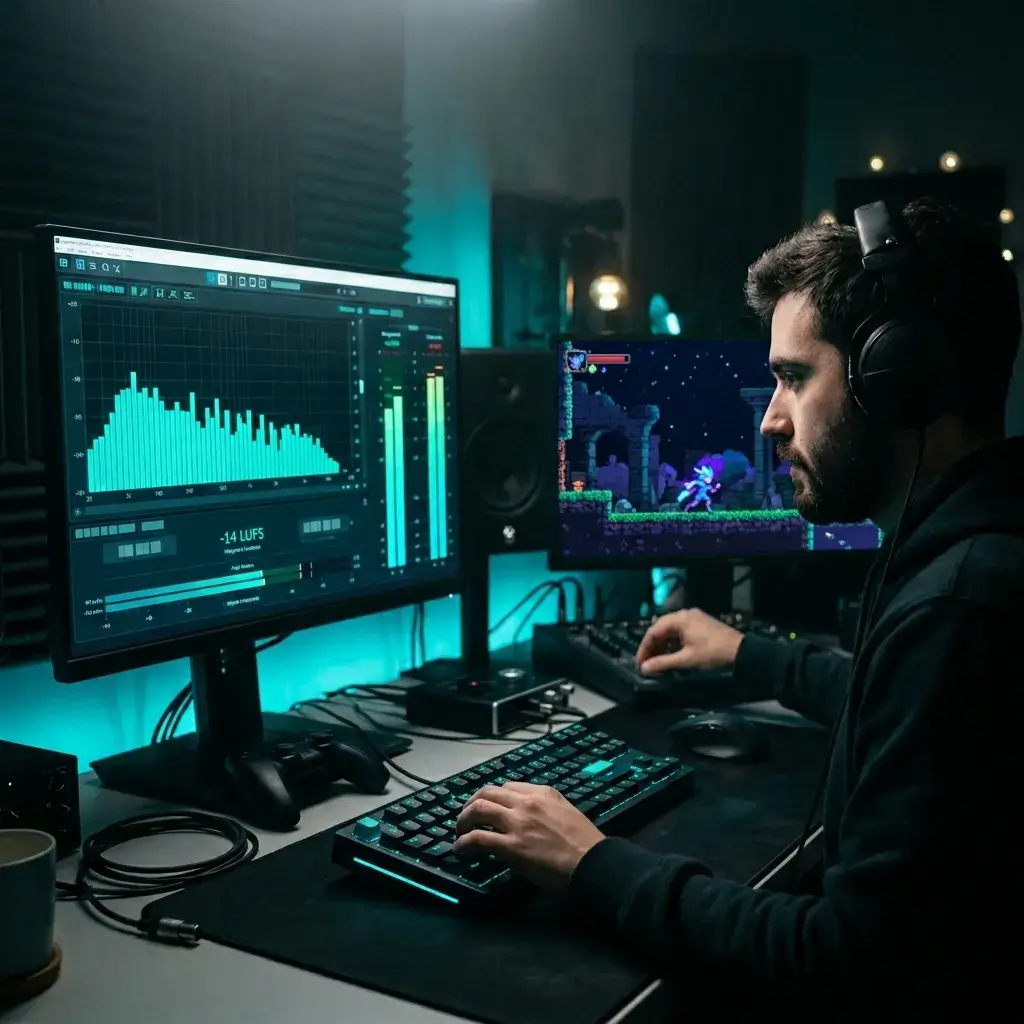
Keep soundtrack cues at a consistent loudness across levels and cutscenes. Run every cue to the same LUFS target so no track jumps out when it starts.
Master Game Audio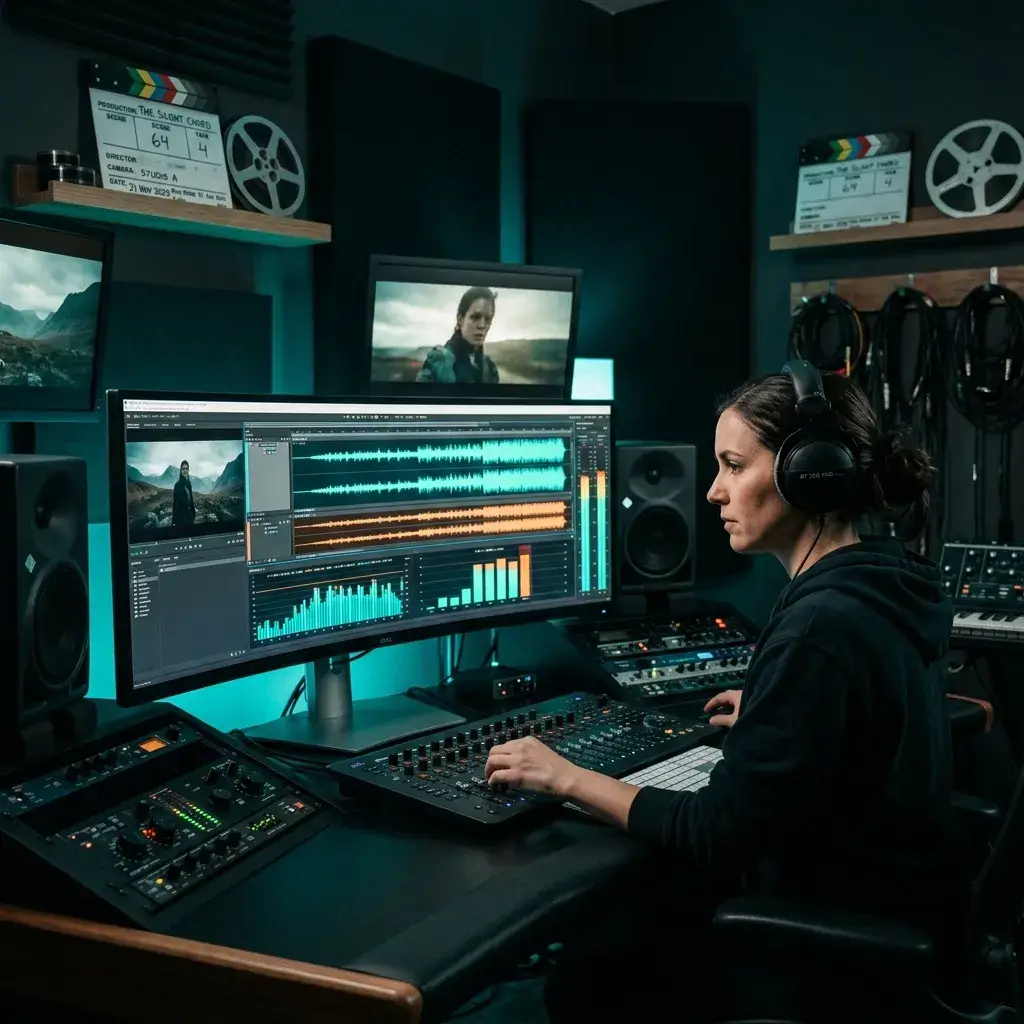
Need EBU R128 broadcast loudness? Choose the -23 LUFS target and the -1 dBTP ceiling is already applied. Always check your festival or broadcaster's own delivery spec before you submit.
Master Film AudioIt shows its work. You see measured numbers, you hear the result before you export, and nothing is hidden behind a score.
Loudness follows ITU-R BS.1770-4 with gating, and true peaks are checked with 4x oversampling. You see the before and after readings instead of a promise.
Choose -9, -11, -14, -16 or -23 LUFS. The tool levels the track, re-measures it and corrects until it lands within about 0.3 LU, or tells you plainly when the peak ceiling stops it.
Warm, Bright and Punchy use fixed EQ curves that never move more than 1.5 dB. Auto nudges the low and high shelves by at most 1 dB based on the track's measured balance. Clean skips EQ and compression.
A look-ahead limiter holds peaks to -1 dBTP, which leaves headroom for MP3 conversion and different playback devices.
Compare the original and the master at matched loudness, so the difference you hear is about tone and dynamics, not just volume. Click the waveform to jump anywhere while you listen.
Export a 320 kbps MP3 after signing in. Paid plans and credit packs unlock a 24-bit WAV at the track's sample rate.
Mastering happens in your browser. Files you upload are not sent to our servers for processing, and there is no cap on how many times you can re-master.
Made a song with BeMusic? Pick it from your library and master it here, with no download and re-upload step in between.
What people usually want to know before they master their first track.
Mastering is the last step before release. It balances the tone of a finished stereo mix, controls its dynamics and sets its final loudness. Here an automatic chain does it in your browser: EQ, gentle compression, loudness leveling and true-peak limiting.
In order: a 20 Hz subsonic filter and small EQ moves for the style you pick, a stereo-linked bus compressor (1.5:1, 2:1 or 2.5:1), make-up gain to your loudness target, and a look-ahead true-peak limiter at -1 dBTP. The result is measured again, and the gain is corrected until the target is met.
No. An automatic chain applies the same kind of moves to every track, within safe limits. That is useful for a consistent, release-level reference, demos, content and streaming uploads. An engineer can make track-specific decisions and fix mix problems, which this cannot. If your mix has issues, fix those first.
Processing, measuring and previewing are free. You need to sign in to export. A 320 kbps MP3 export is free with an account, and a 24-bit WAV export needs a paid plan or credit pack.
MP3 or WAV, up to 50 MB and 10 minutes. WAV gives the cleanest input. Tracks recorded at 44.1 or 48 kHz keep their sample rate; other rates are converted to 48 kHz.
A 320 kbps stereo MP3, or a 24-bit WAV at the track's sample rate. Mono sources stay mono.
You choose: -23 LUFS (broadcast), -16 LUFS (Apple Music and podcasts), -14 LUFS (Spotify and YouTube, the default), -11 LUFS or -9 LUFS. True peaks are limited to -1 dBTP. The results panel shows the measured loudness, and if a target cannot be reached without breaking the peak ceiling it says so.
If your track is louder than the target you chose, it is turned down to that target. Many streaming services normalize playback loudness anyway, so a louder file does not play louder there. Pick -11 or -9 LUFS if you want a louder master.
LUFS measures perceived loudness over the whole track. True peak estimates the highest level of the reconstructed waveform, including peaks between samples that a normal peak meter misses. Both are shown before and after mastering.
The chain does not detect genre, so you choose. Use Clean or Gentle for dynamic material such as classical and jazz, and Punchy or Strong for beat-driven music. Always listen to the result before you export.
Yes. Pick a BeMusic song from your library or upload the file. Mastering adjusts loudness, tone and peaks. It cannot remove artifacts that are already in the audio.
Mastering runs on your device, so it depends on the track and your hardware. A typical song takes a few seconds to under a minute on a modern computer, and longer on a phone. The limit is 10 minutes of audio.
Mixing balances the individual elements inside a song: vocals, drums, bass and synths. Mastering comes after that. It works on the finished stereo mix to set loudness, tonal balance and peak level so the track plays consistently on different systems.
Mastering runs in your browser. Files you upload are not sent to our servers for processing. Songs you pick from your library are loaded from our storage to your device first.
The exports are standard MP3 and WAV files, but each platform decides what it accepts. For songs generated on BeMusic, commercial use follows your plan's license. For any other audio, you need all the rights to the source track.
Mastering does not change who owns the music. If you own the original, you own the master. Check our terms of service for the details on songs generated on BeMusic.
Not yet. Master tracks one at a time. Using the same loudness target for each track keeps an album at a consistent level, but it does not match their tone.
Change the style, compression or target and master again. Processing runs on your device, so there is no cap on how many times you can try.
Have more questions? Contact our team — we're happy to help.
Discover other powerful features to enhance your music creation
See where your track sits, master it to the loudness you choose, and compare the result with your original before you export. Previewing is free.