Stable Reading in 3–4 Taps
A rolling average smooths out your timing wobbles. You'll have a solid number after just a few beats — no need to sit there tapping for half a minute.

We tapped along to a handful of tracks and wrote down what we got. Check the readings against the official BPM — you'll see how close it lands.
No app, no file upload. Just play a song, tap along, and watch the tempo show up in real time.
Pull up whatever you're listening to — Spotify, YouTube, a vinyl record, doesn't matter. The BPM tapper runs right alongside it.
Hit spacebar, click the button, or tap your phone screen — whatever feels right. Lock onto the kick or snare, and after 3–4 taps you've got a solid number. Keep going for even tighter accuracy.
The BPM shows up live as you tap. Copy it into your DAW, drop it in your DJ software, or stick around and use BeMusic to detect the key and Camelot code from the actual audio file.
When you know the exact tempo of a track, everything clicks — your mixes, your productions, your practice sessions. Here's how people actually use tap tempo day to day.
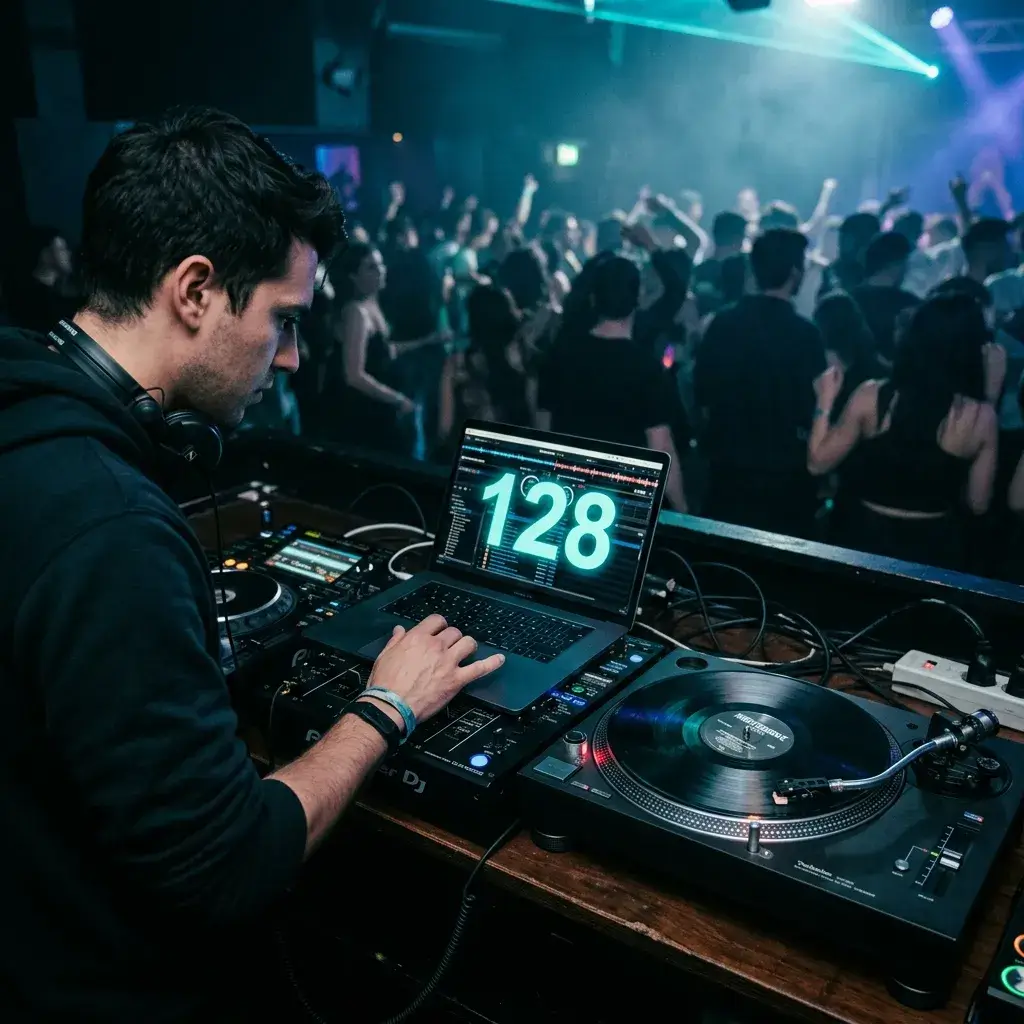
Vinyl and older MP3s almost never have BPM tags. Tap along to the beat, grab the number, and write it on the sleeve or tag the file before your gig. Your transitions will thank you.
Tap BPM for DJ Sets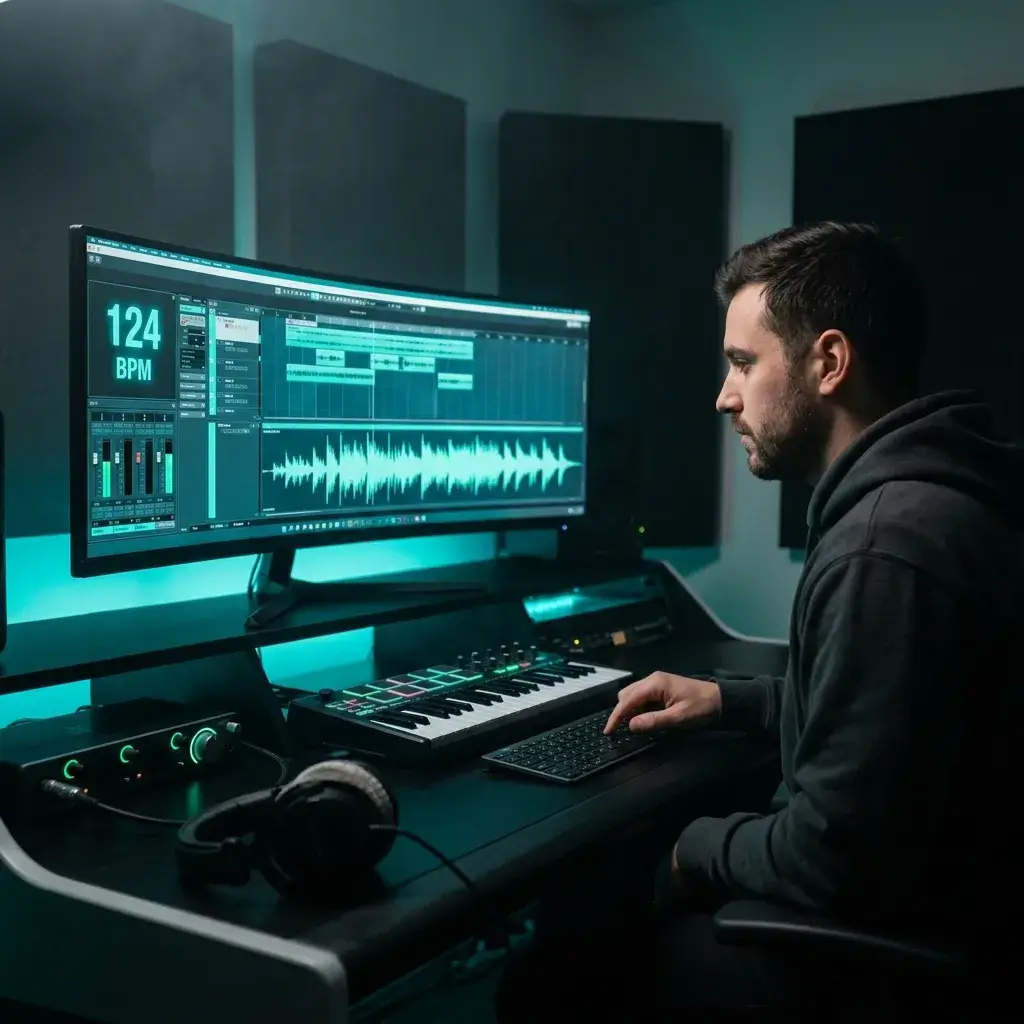
Found a loop you want to flip? Tap out the tempo, set your DAW to that BPM, and the grid lines up on the first try. Beats guessing and nudging for five minutes.
Find Sample Tempo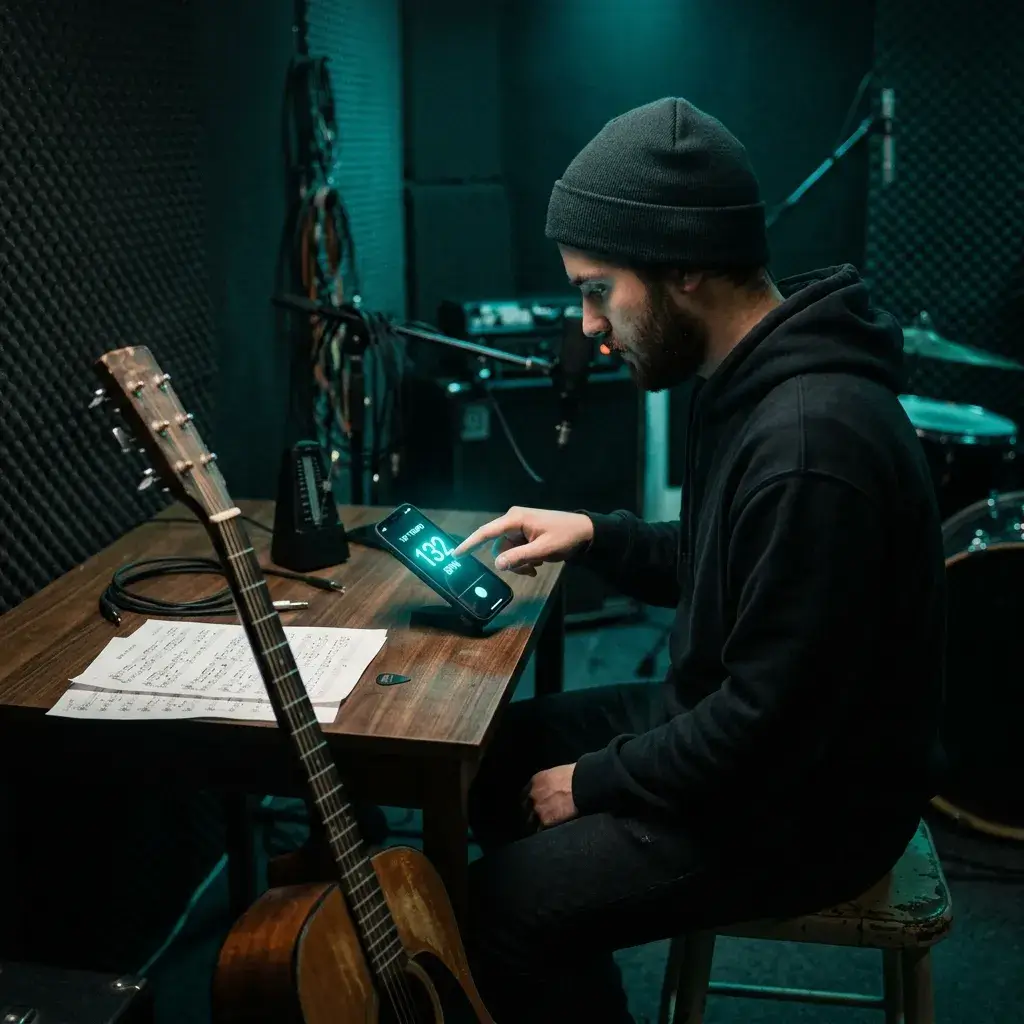
Trying to learn a song on guitar or piano? Tap the tempo, set your metronome to that number, and you're playing at the right speed from bar one.
Tap Tempo for Practice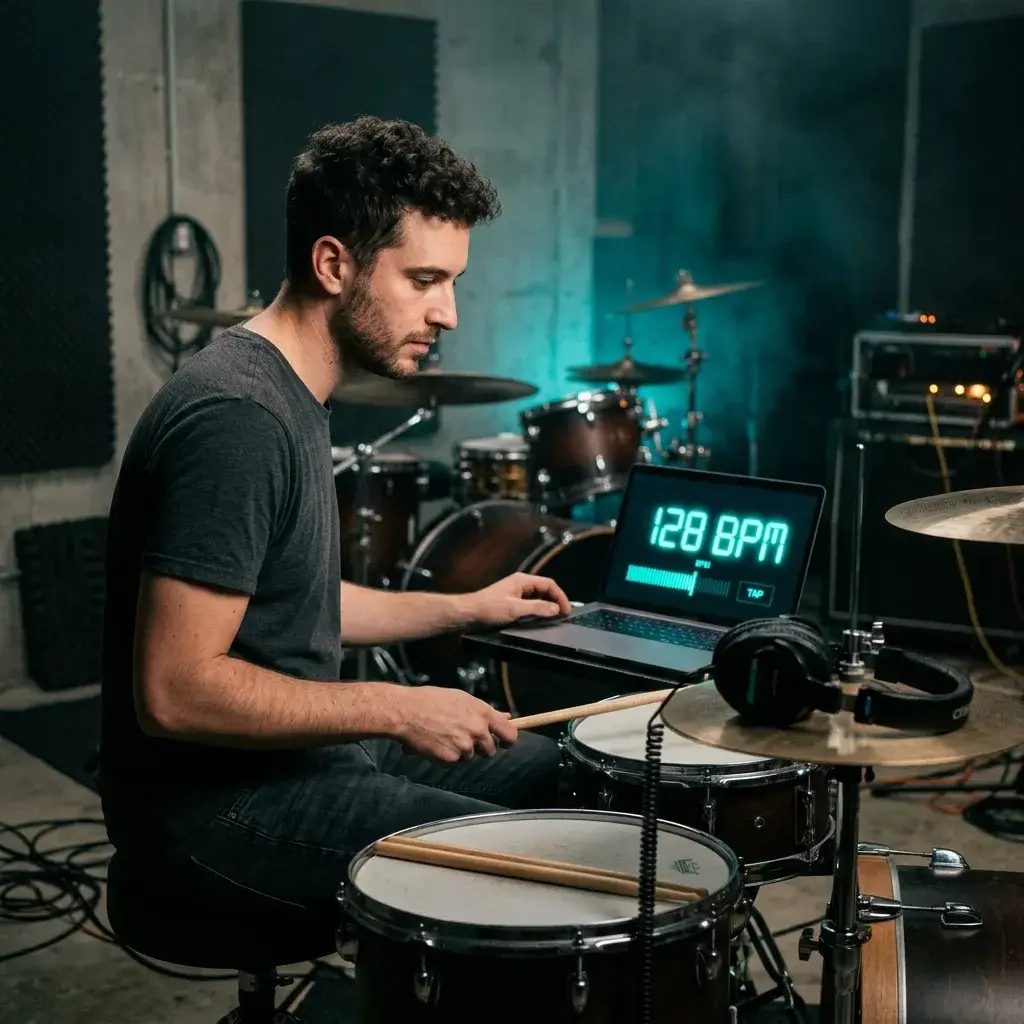
Want to check if you're rushing or dragging mid-rehearsal? Tap the snare hits on your phone and you'll know in seconds. Way quicker than opening a full metronome app.
Check Your Tempo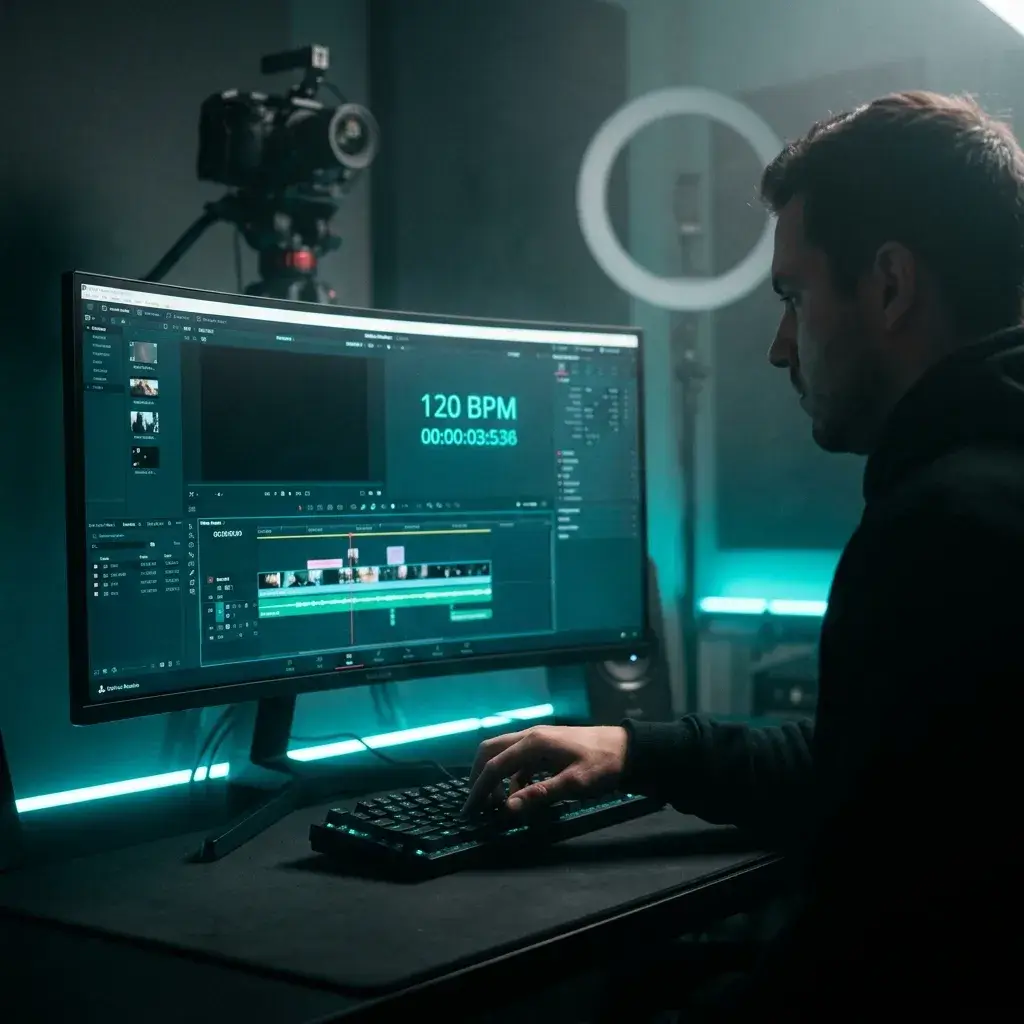
Editing a video to the beat? Tap the tempo of your background track first, then space your cuts evenly. The whole edit feels tighter when you know the actual BPM.
Sync Edits to BPM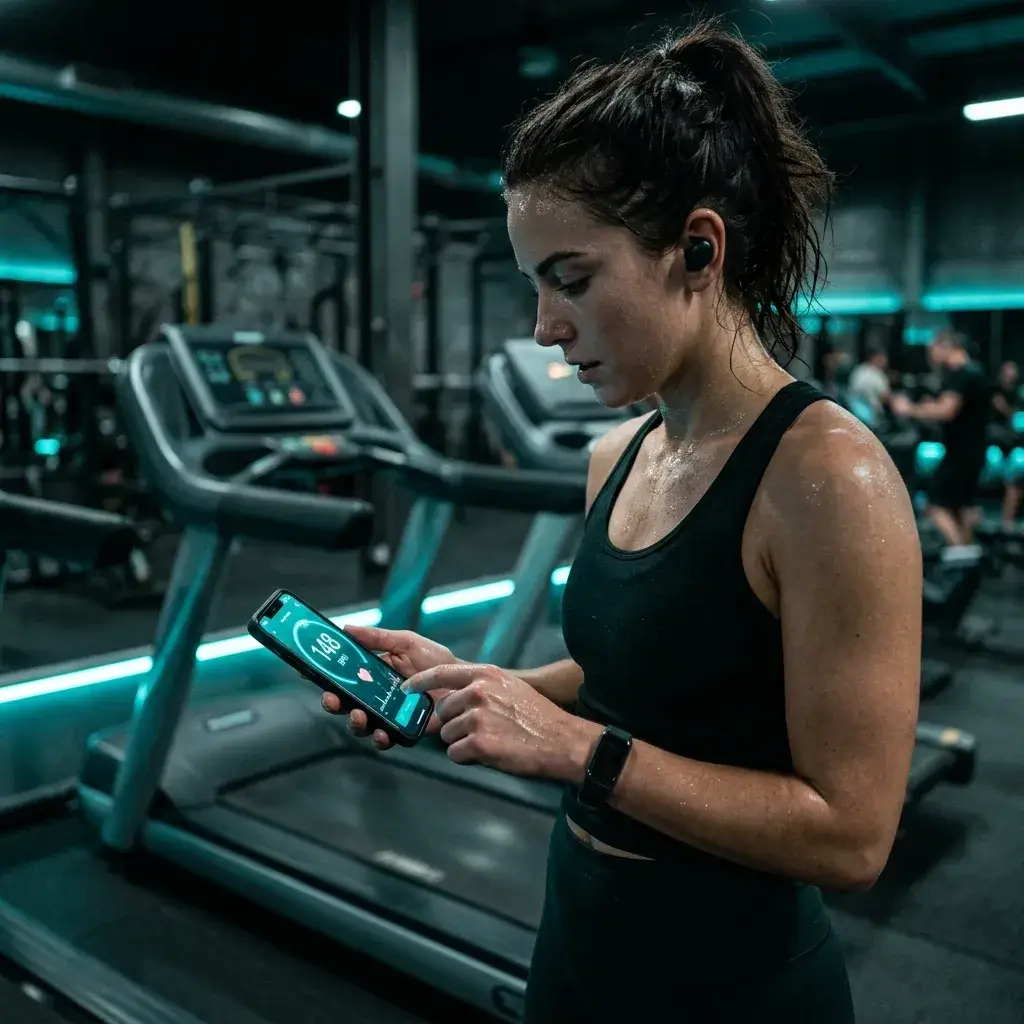
Putting together a workout playlist? Tap your pulse or the beat of a song to see the BPM. Then match your music to the intensity you're going for.
Measure Your PulseMost tap tempo pages give you a number and that's it. This one plugs into a full music toolkit — so the tempo you find actually leads somewhere.
A rolling average smooths out your timing wobbles. You'll have a solid number after just a few beats — no need to sit there tapping for half a minute.
A rolling average smooths your timing. Keep tapping for 8–10 beats and the reading settles, which is plenty for beatmatching, syncing your DAW, or setting a metronome.
Use whatever feels natural. Spacebar on desktop, mouse click, or just tap the screen on your phone. All three work the same way.
No downloads, no installs. Just open the page and start tapping. Chrome, Safari, Firefox, Edge — if it's a modern browser, it works.
Stop tapping and it clears itself after 3 seconds. No hunting for a reset button between songs — just start tapping the next one.
Tapped at half speed? Hit ×2. Too fast? Hit ×½. Super handy for drum & bass or slow ballads where the groove is easy to misread.
Got the tempo? Now upload the track to grab its key and Camelot code, spin up new music at the same BPM, or remix it — all right here on BeMusic.
Just open the page and go. No signup, no email, no paywall. It's free and there's no limit on how much you use it.
Quick answers to the things people ask before they start tapping.
It's a simple tool that figures out the beats per minute of a song from your taps. You tap along to the music — spacebar, button, touchscreen, whatever — and it turns the gaps between your taps into a live BPM reading.
3–4 taps gets you in the ballpark. For a steadier reading, keep going for 8–10 taps. The rolling average smooths out any wobbles in your timing.
With steady tapping the result is usually close to what automatic detectors give you. The nice thing about tapping is that your ears can tell the real beat apart from syncopation, ghost notes, and odd rhythms that can trip up software.
Yep. On desktop, just press spacebar in time with the music. It's way more comfortable than clicking, especially if you're tapping through a bunch of tracks.
Yep. The tap area works with touch on any phone or tablet. Just open the page in your mobile browser and tap away with your finger.
A BPM tapper uses your manual taps — you listen and tap along to the beat. A BPM finder takes an audio file and analyzes it automatically. Both get you the tempo, but tapping doesn't need a file upload and handles tricky rhythms that auto-detection sometimes gets wrong.
Every time you tap, the tool logs the exact timestamp. It averages the gaps between taps and converts that into BPM with a simple formula: 60,000 ÷ average gap in milliseconds. A rolling window of your recent taps keeps things stable.
No worries — just hit ×2 to double the reading or ×½ to halve it. Happens all the time with drum & bass (feels like half tempo) or slow ballads (easier to tap double speed).
Yep. Stop tapping for 3 seconds and it clears itself. Just start tapping the next song — no buttons to click.
Roughly: hip-hop and trap land around 70–100 BPM, pop and R&B around 100–115, house at 120–130, techno at 130–145, trance at 136–148, and drum & bass at 160–180. Every track is different though — these are just ballpark ranges.
Sure. Feel your pulse and tap along for 10–15 seconds. The reading will show your heart rate in BPM. For most adults, a resting rate between 60 and 100 is normal.
100% free. No account, no daily limit, no paywall. Just open the page and tap — that's literally it.
Go for the downbeat — that's usually the kick on beats 1 and 3, or the snare on 2 and 4. Don't tap every hi-hat or percussion hit, or you'll end up with double the real tempo.
Absolutely. Just copy the number and plug it into Ableton, FL Studio, Logic Pro, Rekordbox, Serato, Traktor — whatever you use. BPM is a universal number, so it works everywhere.
Tons of stuff. Set your metronome for practice, tag tracks for DJ sets, sync samples in your DAW, or upload the track to BeMusic's Key & BPM Finder to grab the musical key and Camelot code too. The tempo is just where it starts.
Most tap tempo pages are dead ends — you get a number and that's it. BeMusic hooks the BPM tapper into a full music toolkit: key detection, AI music generation, remixing, mastering. So the tempo you find can actually kick off your next creative move.
Have more questions? Contact our team — we're happy to help.
Discover other powerful features to enhance your music creation
Hit spacebar and tap along to any song to see its tempo. No download, no account.