From Upload to Preview in Minutes
3 steps
Upload a source song, choose a voice model or style, and start generating. Processing time varies with the source length and selected model, and progress is shown while you wait.
Start Pro at 50% off
Start Pro at 50% off
New accounts · First month/year
New accounts · First month or year

Listen to public BeMusic tracks for ideas about genres, vocals, and production directions you can use when creating your own AI cover.
Create a Voice Cover or Style Cover in three steps. No studio software is required, but only upload music and voice recordings you own or have permission to transform.
For Style Cover, upload an MP3 or WAV file up to 50 MB. For Voice Cover, upload MP3, WAV, FLAC, or M4A up to 10 MB. You can also choose an eligible track from My Library.
Use Voice Cover with an available preset or a private model trained from your own or expressly authorized recordings. Use Style Cover to describe a genre such as jazz, lo-fi, rock, or acoustic.
Review the credit cost shown on the Generate button, create your cover, and preview the result. Downloading the MP3 or WAV needs a paid plan or credit pack, and WAV conversion may use extra credits. Files carry no watermark; permitted uses depend on your plan and your rights to the source material.
Whether you're a bedroom producer or a full-time content creator, AI cover versions save you hours of studio work. Here's how people actually use them.
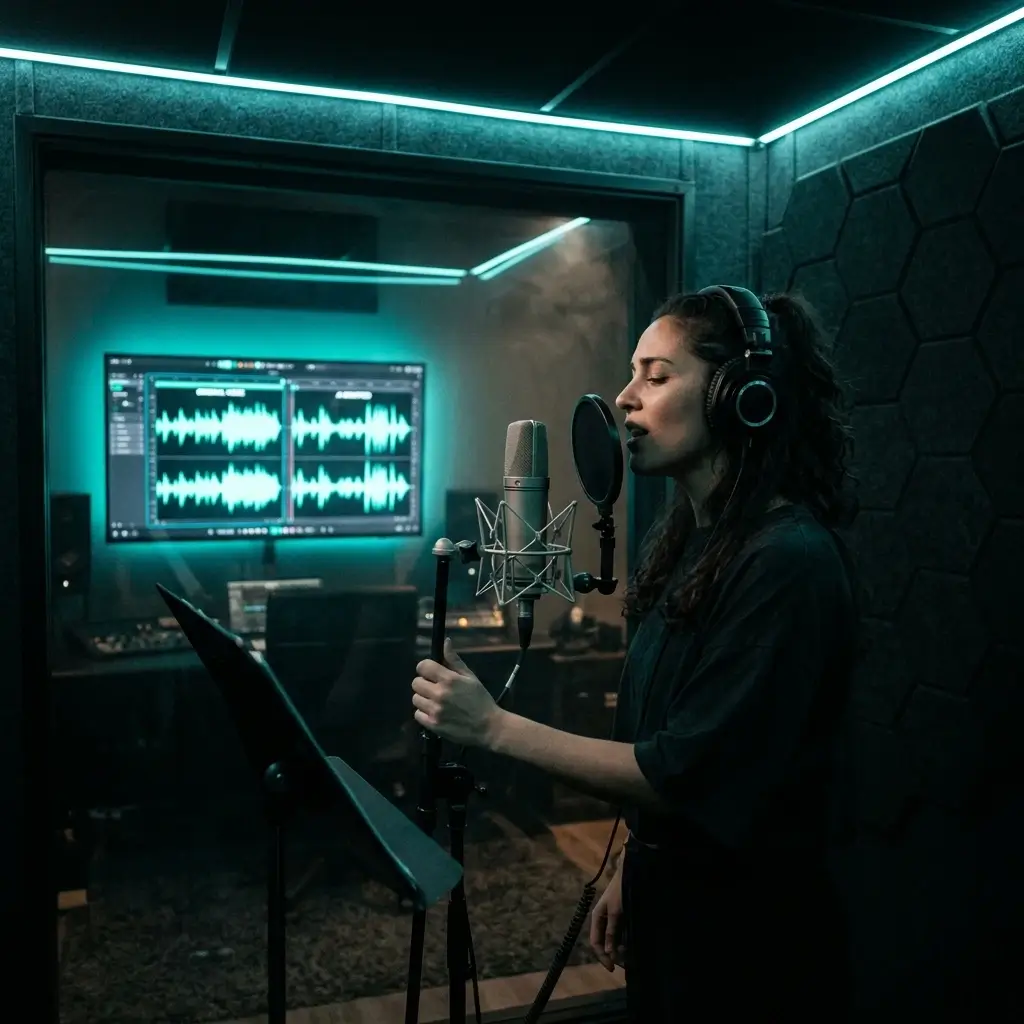
Voice Cover applies your authorized private voice model to a permitted vocal performance while aiming to preserve the underlying song. Adjust pitch, generate, and review the result before publishing.
Create Voice Cover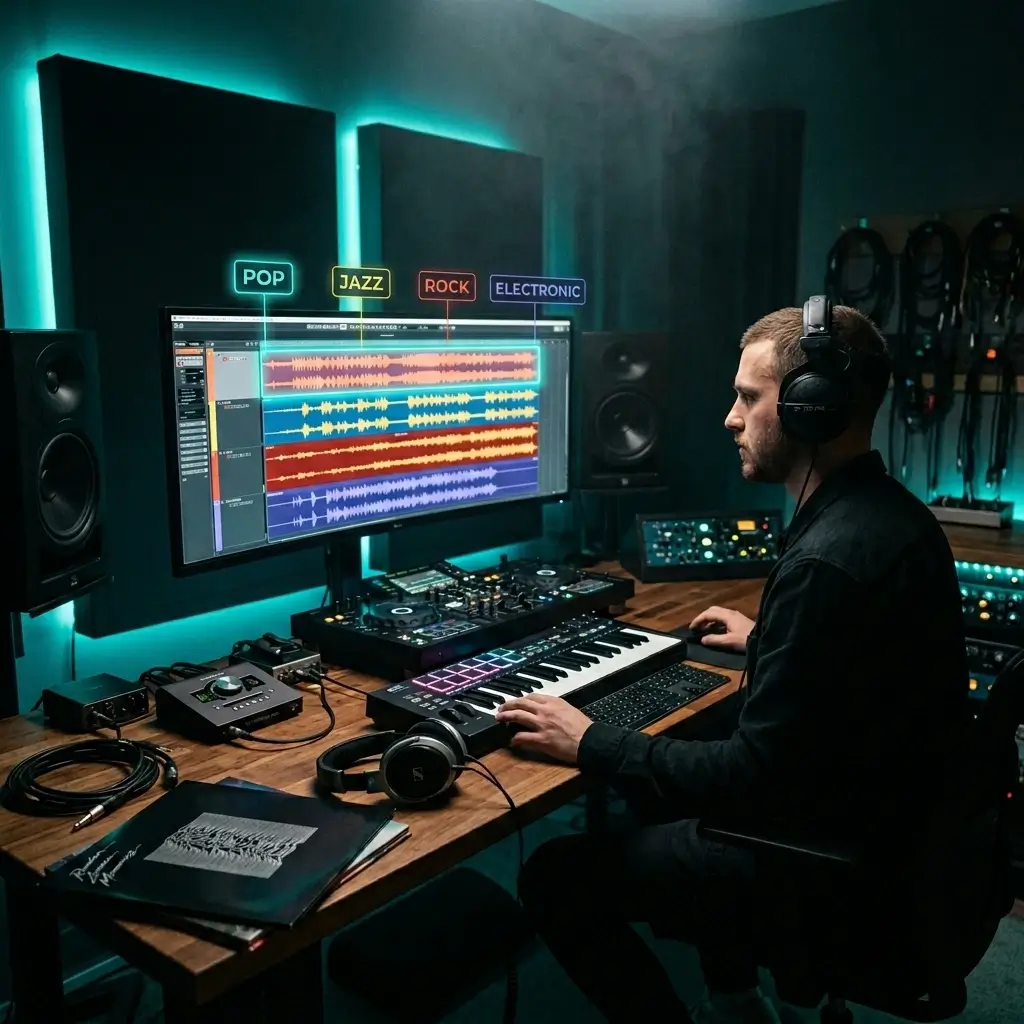
Always wondered what a rock track sounds like as lo-fi? The AI cover maker rebuilds the instruments, arrangement, and production from the ground up. DJs and producers test five or more genre variations in the time it takes to do one by hand.
Remix a Song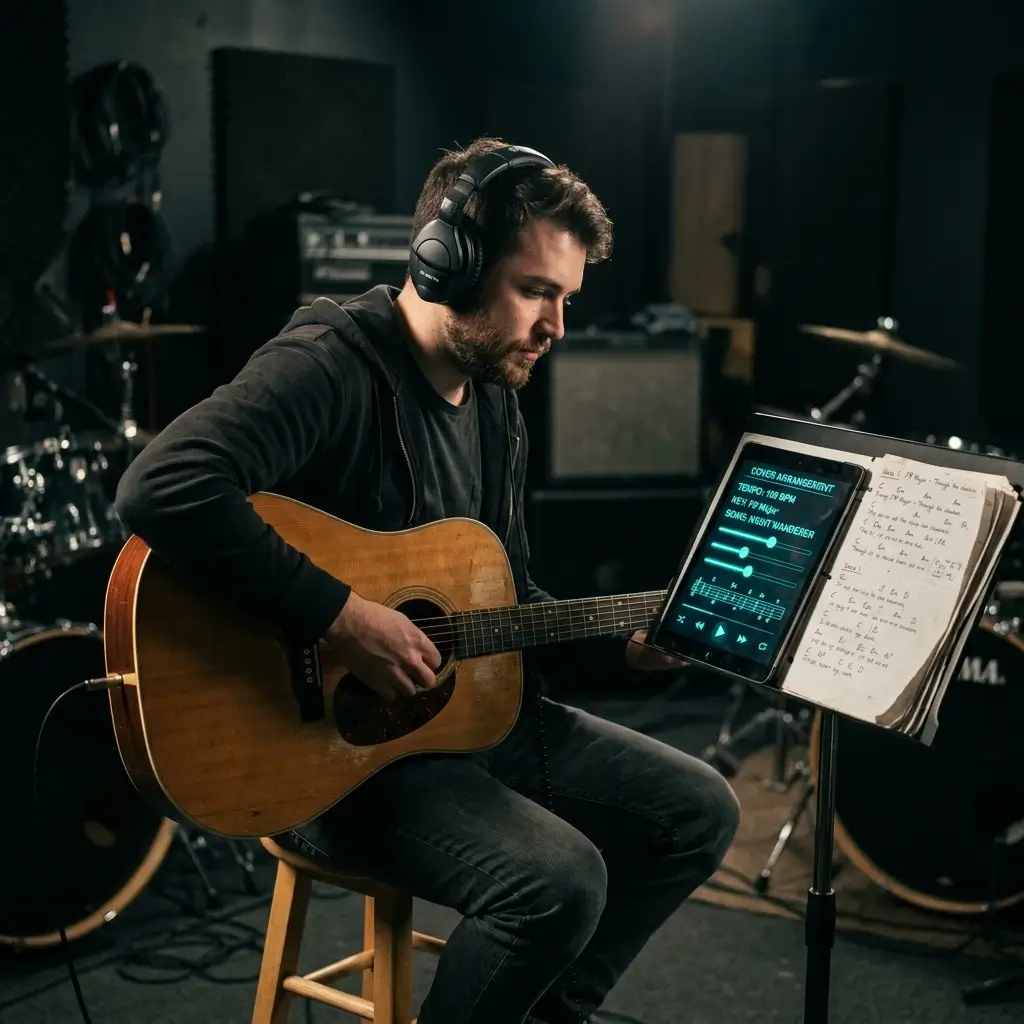
Need the same song in a different key or tempo? Vocal coaches use this to make custom backing tracks for students. Musicians rehearse with fresh arrangements instead of spending hours on manual transposition.
Create Practice Track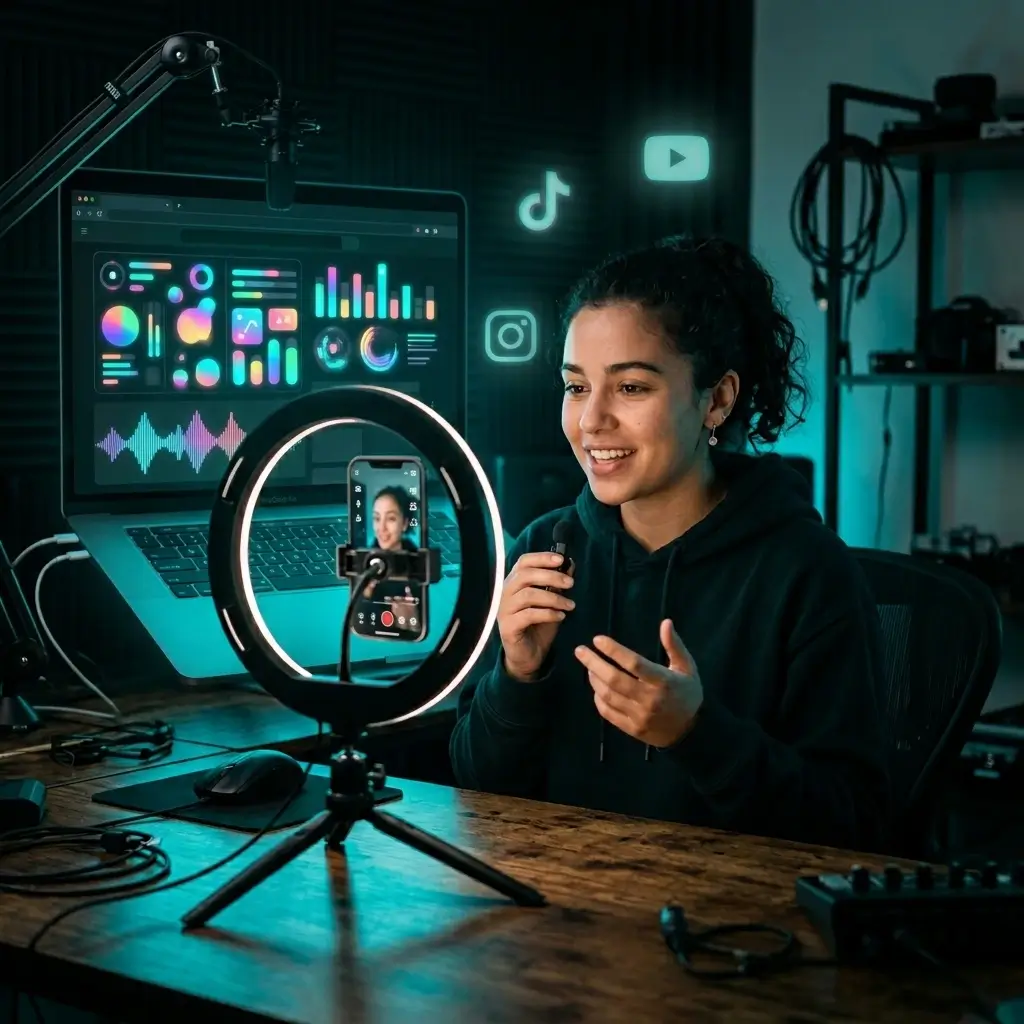
Turn music you own or have permission to use into fresh arrangements for YouTube, TikTok, and short-form videos. An AI-generated arrangement can speed up production, but you still need the necessary rights to the source song, lyrics, recording, and voice.
Make Viral Content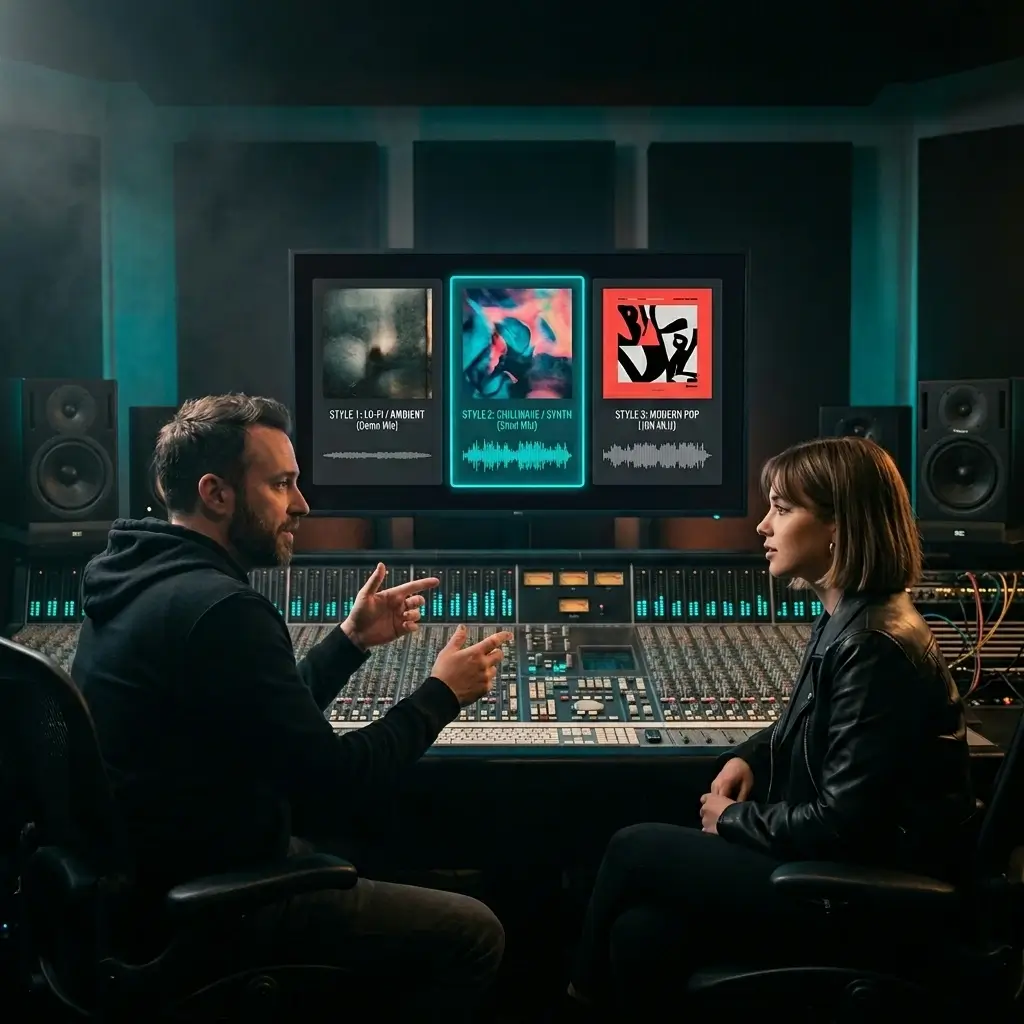
If you're a freelance producer or run a music agency, you know how long arrangements take. Prototype several style variations quickly to test ideas before you commit studio time.
Start Producing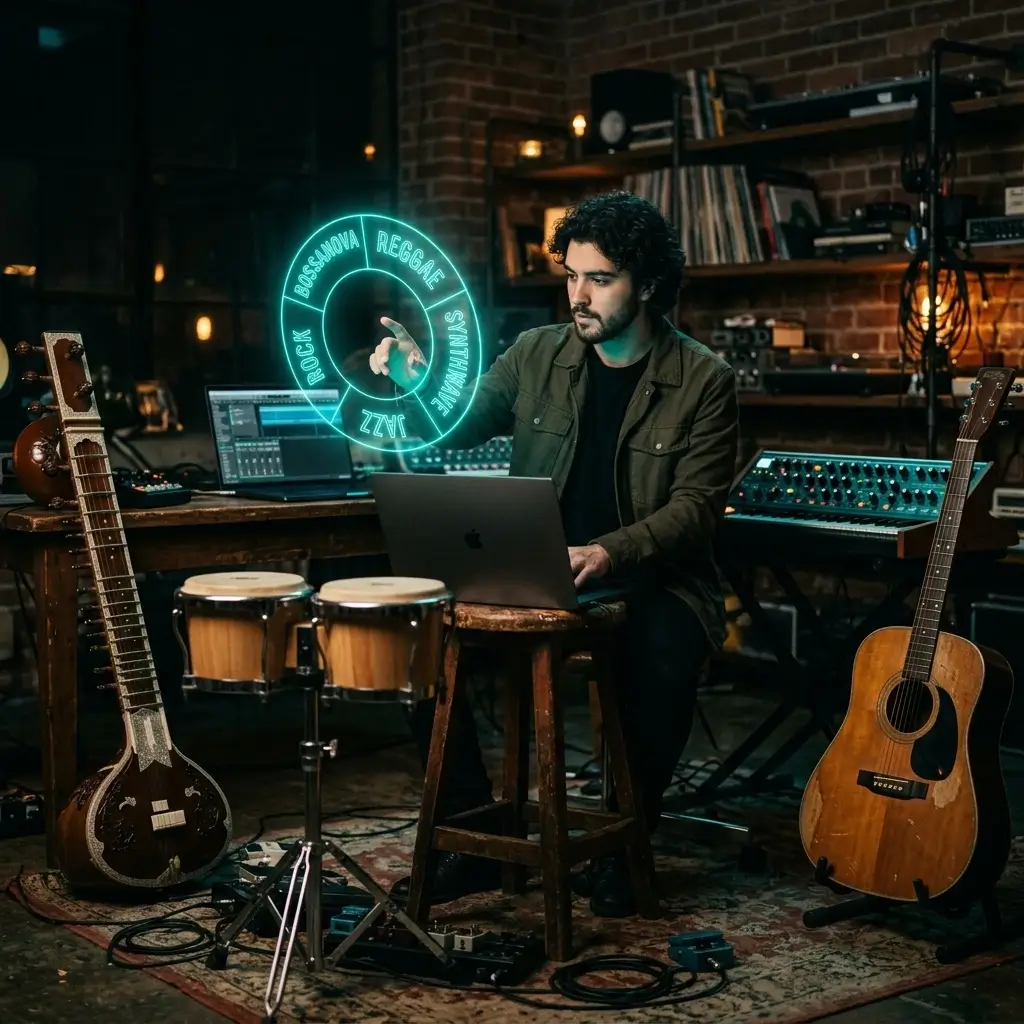
What does your song sound like as bossa nova? Reggae? Synthwave? Just type a style tag and find out. You don't need to learn a new instrument or hire anyone — the AI handles it all.
Explore StylesMost tools do genre conversion or voice swap — not both. Here's what you actually get with BeMusic AI.
3 steps
Upload a source song, choose a voice model or style, and start generating. Processing time varies with the source length and selected model, and progress is shown while you wait.
The AI takes care of arrangement, mixing, and mastering in one go. What comes out sounds polished enough to post right away — no cleanup on your end.
Pop, rock, jazz, electronic, lo-fi, hip hop, classical, bossa nova, synthwave — if you can type it, the AI can build it. The whole track gets rebuilt to match the style you asked for.
Downloaded files are clean audio with no BeMusic watermark or spoken tag. Downloading needs a paid plan or credit pack, and your plan and the rights you hold in the source song and voice still determine where and how you may publish it.
Style Cover offers several music models for different levels of speed, control, and fidelity. Voice Cover supports a limited set of preset voices and private models trained from voices you own or are expressly authorized to use.
Write your own words and the AI sings them over the new arrangement. Or flip on instrumental mode when you need a backing track or karaoke version.
Clear answers about voice models, uploads, free credits, downloads, copyright, and commercial use.
An AI cover generator transforms source audio into a new version. Voice Cover applies a selected voice model to the vocal performance, while Style Cover reworks the genre, arrangement, instruments, and production around the source song.
Yes. Sign up to receive free starter credits with no credit card required. Each generation uses the credit amount shown on the Generate button, so free use is limited by your available credits rather than unlimited. Paid plans add more credits; commercial licensing is included only with Pro and Studio.
Upload a song or select one from My Library. Choose Voice Cover and a voice model, or choose Style Cover and enter a genre or production direction. Confirm the displayed credit cost, select Generate, preview the result, and download the finished AI cover.
Results depend on the source audio, selected model, and settings. Voice Cover changes the sung voice, while Style Cover can rebuild the arrangement, instruments, vocals, and mix. Use the public music examples on this page for production ideas, then preview your own result before downloading.
Absolutely. Type any genre tag — pop, jazz, rock, lo-fi, bossa nova, synthwave, you name it — and the AI rebuilds the entire arrangement with new instruments, tempo, and production. Your original melody stays intact.
Pretty much anything you can think of. Pop, rock, jazz, electronic, acoustic, hip hop, lo-fi, classical, country, R&B, bossa nova, reggae, synthwave — just type it and the AI figures out the rest.
Yes. Type your lyrics into the lyrics field and the AI will sing them over the new arrangement. If you leave it blank, the cover keeps the original melody and feel.
In Style Cover, turn on Instrumental Only to generate a new arrangement without vocals. If you only need to separate the existing recording into vocal and instrumental tracks without creating a new cover, use the AI Vocal Remover.
Most cover generations finish within a few minutes. Processing time varies with the source length and selected model. Training a custom voice model is a separate step and usually takes 5–15 minutes.
Style Cover accepts MP3 and WAV files up to 50 MB. Voice Cover accepts MP3, WAV, FLAC, and M4A files up to 10 MB. Use the cleanest source audio available, and only upload recordings you own or have permission to process. Finished covers can be downloaded as MP3 or WAV.
While Pro or Studio is active, you can obtain a commercial-use license for eligible output in your account, including covers made before upgrading. Free and Creator output remains for personal, non-commercial use unless later licensed. The BeMusic license covers eligible output only; you must also have all necessary rights to the source recording, composition, lyrics, and voice.
Free and Creator users may use covers only for personal, non-commercial purposes. Monetized or other commercial use requires Pro or Studio plus all rights and permissions needed for the original song, composition, lyrics, and voice.
Core, Open, and Lite are available without a subscription and work well for experimentation. Apex, Pro, and Plus require a subscription and offer different levels of fidelity and control. MiniMax Cover is a dedicated style-transfer option. Check the model picker for the current limits before generating.
An AI cover creates a new voice or style version around a source song. An AI Music Remixer reshapes the source track, while an AI Vocal Remover separates vocals from the instrumental. If you want to start without source audio, use BeMusic AI to create original music from a prompt.
No. BeMusic AI does not add an audio watermark to downloads. A watermark-free file does not by itself grant publishing or commercial rights; your plan and the permissions for the source material still apply. Downloading MP3 and WAV needs a paid plan or credit pack.
Voice Cover lets you select an available preset voice, choose a private voice model in your account, or train one from recordings you own or have explicit permission to use. For a standalone workflow, use the AI Voice Changer.
We focus on style and genre transformation, not voice cloning of real people. You can pick vocal styles and tones, but we don't offer named celebrity voice models — we want to respect artists' rights.
Producers can use AI covers to prototype arrangements and test genre ideas. Releasing or using a cover in client work requires Pro or Studio and all necessary rights to the original song, composition, lyrics, and voice; the BeMusic license does not clear those third-party rights.
Yes. The Generate button shows the current credit cost before you start. Your free starter credits can be used first, and you can choose a paid plan or buy more credits when you need additional generations.
We don't make your uploads public. To process a cover, your file is handled by BeMusic and the service providers needed to run the request, as described in our Privacy Policy. We don't use your private prompts, uploads, or voice samples to train shared AI models unless you separately and explicitly opt in. See the Privacy Policy for retention periods.
Still have questions? Drop us a line — we're happy to help.
Discover other powerful features to enhance your music creation
Sign up, get free starter credits if your account is eligible, and make your first AI cover online. Audio downloads carry no watermark; MP3 and WAV downloads need a paid plan or credit pack.