Runs on Your Device
Analysis uses Essentia.js, an open-source audio analysis library compiled to WebAssembly. There is no upload wait, and the speed depends on the file length and your device.

No music theory and no software to install. Upload a file, wait for the analysis, and read the results.
Drag an MP3 or WAV file (up to 50 MB) into the upload area. The file stays on your device.
The tool estimates the main key, the tempo and the matching Camelot code in your browser. How long it takes depends on the length of the file and on your device.
Automatic detection can be wrong, for example at half or double tempo, so confirm important results by ear. Then copy them into your DAW, DJ software or playlist notes, or start a new song in the same key.
Knowing the key and tempo of a track changes how you mix, remix and practice. Here is how people use a key and BPM detector.

Check the Camelot code and BPM of a track before you add it to a set, so your transitions blend instead of clashing. Confirm anything that matters by ear.
Find Key for DJ Sets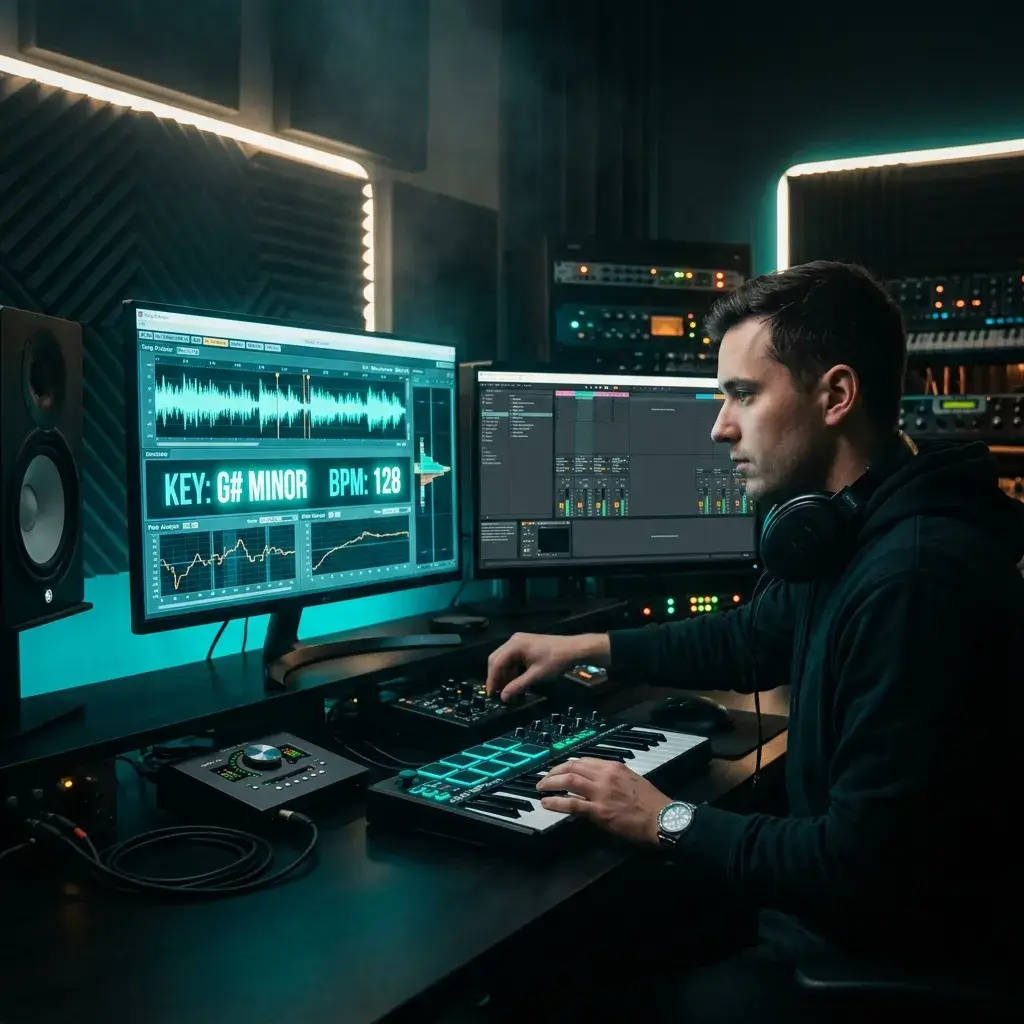
Before you chop a sample or layer a vocal, find out what key it is in. Upload the source, note the key and tempo, and build your remix on them, adjusting if your ear disagrees.
Analyze Samples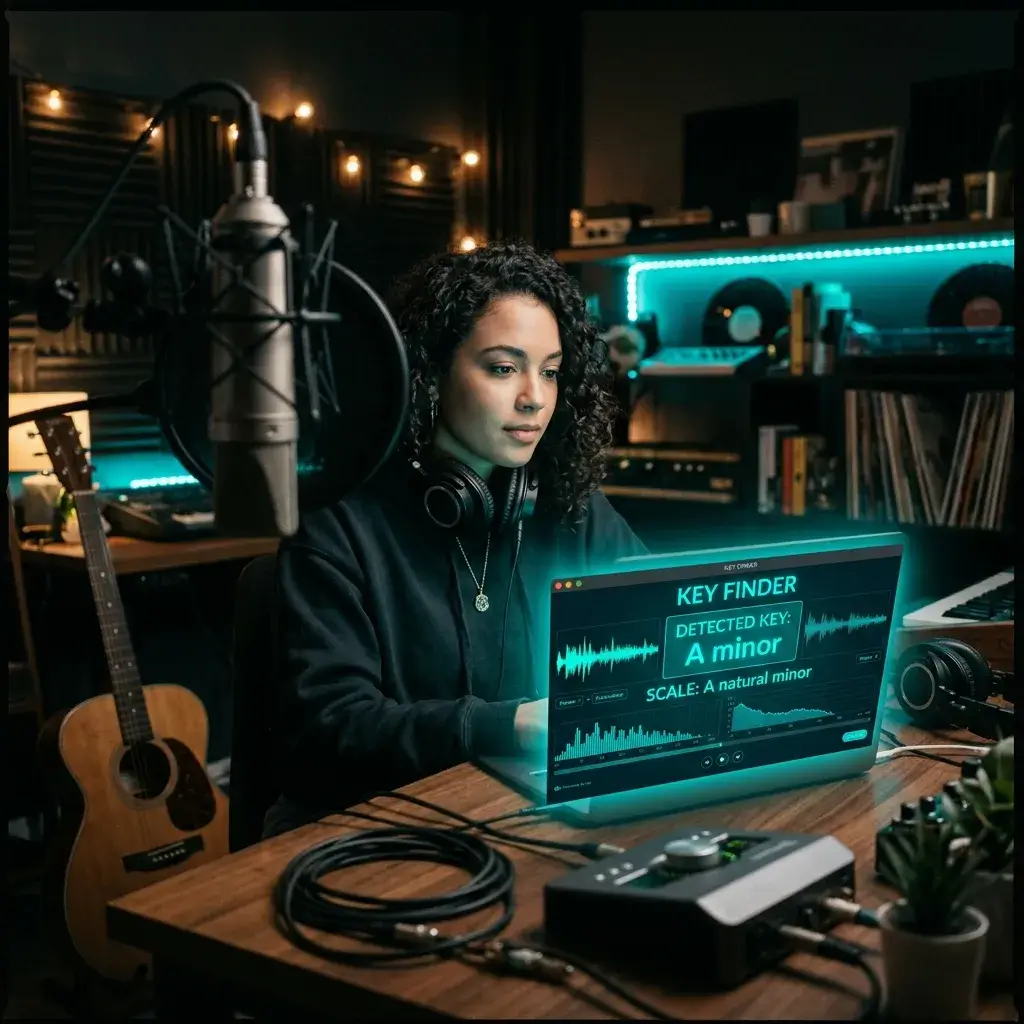
Working out the key of a song so you can sing it in your range? Upload it, see the detected key and transpose if you need to.
Find Song Key for Covers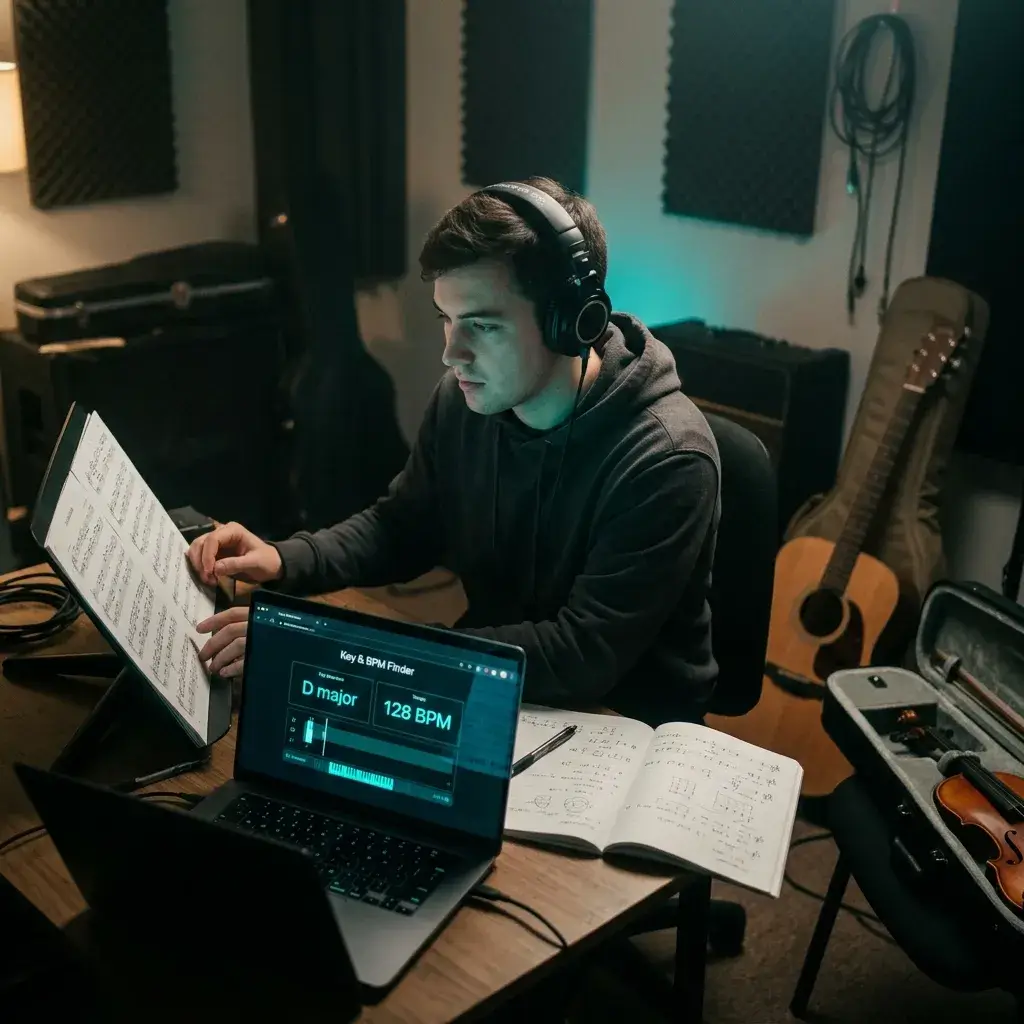
Check what you are hearing. Upload a piece, compare the detected key and tempo with your own answer, and use the difference to train your ear. Detection is an estimate, not an answer key.
Detect Key for Practice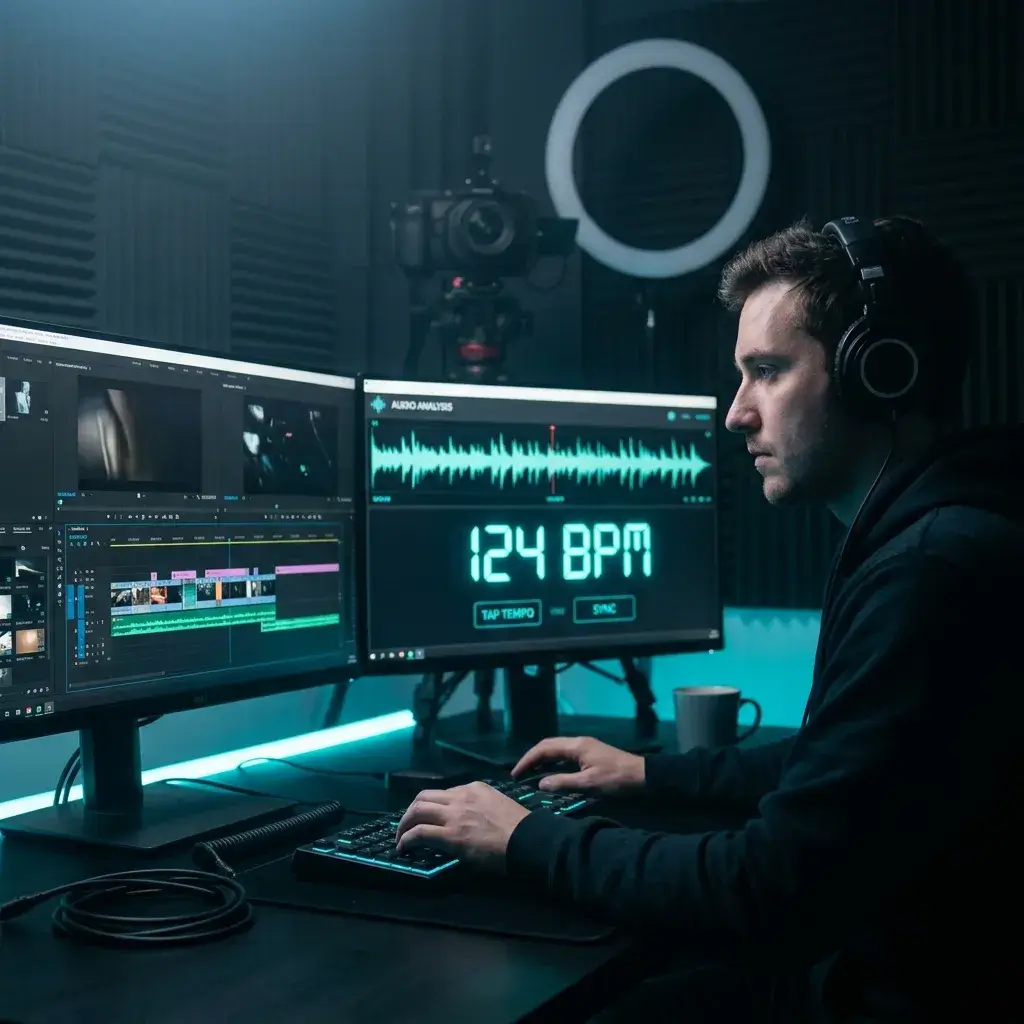
Need background music at a specific tempo? Analyze a reference track first, then pick or generate something that fits your edit.
Analyze Track Tempo
Note each track's key and BPM so you can find compatible songs quickly when you build a set. Tracks are analyzed one at a time.
Organize by Key & BPMIt runs in your browser, it is upfront about how it works, and it connects to the rest of the BeMusic toolkit.
Analysis uses Essentia.js, an open-source audio analysis library compiled to WebAssembly. There is no upload wait, and the speed depends on the file length and your device.
Key detection matches the track's pitch content against key templates, and tempo comes from an onset-based BPM estimator. These are classic signal-processing methods, not a trained AI model, so results can differ from other tools.
Every result comes with the Camelot code and the relative key next to the standard musical key, so you can go straight from analysis to harmonic mixing.
It runs in any modern browser on desktop, tablet and phone. No app, no plugins, no command line.
Your audio is analyzed in your browser and is not uploaded to our servers.
Upload an MP3 or WAV. WAV keeps the most detail, but MP3 works fine for key and tempo.
Key, relative key, BPM and Camelot code are free and need no signup. Energy, danceability and happiness estimates are shown to subscribers and credit-pack holders.
Once you know the key and BPM, you can remix, master, split stems, or generate new music in the same key without leaving BeMusic.
What people usually want to know before they analyze their first track.
Upload an MP3 or WAV file to the analyzer above. It estimates the main key, the tempo and the Camelot code in your browser. No music theory is needed.
Yes. Key, relative key, BPM and the Camelot code are free, need no account and have no daily limit. Energy, danceability and happiness estimates are shown to subscribers and credit-pack holders.
It is an automatic estimate. The tool matches the track's pitch content against key templates, which works best on clearly tonal, well-mixed recordings. Results are less certain for tracks with key changes, heavy distortion, sparse arrangements or atonal sounds, and a major key is easy to confuse with its relative minor. The match strength shown tells you how closely the track fits the detected key. It is not a measured accuracy rate, so confirm important keys by ear.
The tool estimates tempo between 50 and 210 BPM. Tracks with a steady beat usually work well. Half-time or double-time results are possible, for example 70 instead of 140, and tempo changes within a song are averaged. If the number matters, check it against the track by ear.
The Camelot wheel maps musical keys to simple numbered codes like 8A or 11B. DJs use it for harmonic mixing, blending tracks in compatible keys so transitions sound smooth instead of clashing. Every analysis here shows the Camelot code next to the standard key.
MP3 and WAV, up to 50 MB per file. WAV keeps the most detail, but MP3 works fine for key and tempo.
No. You can analyze a track right away without signing up.
No. Your file is analyzed in your browser and is not uploaded to our servers, so it is neither stored nor shared. If you click Generate in Same Key, only the detected key and tempo are passed to the creation page as text, not your audio.
Not yet. The tool analyzes one file at a time and does not keep a history, so copy the results you need before you analyze the next track.
BPM stands for beats per minute and tells you how fast a song is. DJs use it for beatmatching, producers use it to sync loops and samples, and video editors use it to cut on the beat.
It returns one main key for the whole track. If a song modulates, you get the key that fits the track best overall. For tracks with many key changes, analyze individual sections separately.
They are rough estimates calculated from the audio, not trained mood models. Energy reflects the track's overall loudness, danceability comes from Essentia's rhythm-regularity algorithm, and happiness is a rule-of-thumb score from mode (major or minor), tempo, energy and danceability. Use them as a guide, not as facts about the song. They are shown to subscribers and credit-pack holders.
Not from a link. The tool needs the audio file itself, so upload a file you have the right to use.
It means blending songs with compatible keys so transitions sound natural instead of jarring. On the Camelot wheel, match the number, move one step up or down, or switch between A and B on the same number.
No. Upload a file and the tool shows the key, BPM and Camelot code. If you are a DJ, the Camelot code is all you need. If you are a musician, the standard key name is right there too.
Yes. Copy the key and BPM values and enter them in your software. Some DJ software uses its own key notation, so check how yours displays Camelot codes.
It runs on them, but results are most reliable on clean studio recordings. Live tracks with crowd noise or heavy reverb can give less certain key estimates, and tempo is easier to detect than key on rough sources.
Use the key for harmonic mixing in DJ sets, transpose a song to fit your vocal range, sync samples in your DAW, or generate new music in the same key on BeMusic.
No app is needed. The tool runs in your browser on phones, tablets and desktops.
Have more questions? Contact our team — we're happy to help.
Discover other powerful features to enhance your music creation
Upload an MP3 or WAV and read its key, BPM and Camelot code. The analysis runs in your browser, so your file stays on your device.