Free, No-Account Conversion
Free
Upload an MP3 or WAV, run the note detection, download the .mid file, or open it in the MIDI Editor without spending credits or creating an account.
Start Pro at 50% off
Start Pro at 50% off
New accounts · First month/year
New accounts · First month or year

Turn a recording into editable MIDI note data in three steps. Uploaded files are processed on your device, and no account is required for the upload workflow.
Choose an MP3 or WAV file up to 50 MB. You can convert a local upload without signing in, or sign in to select an eligible song from My Library.
The browser-based model estimates note pitch, start time, duration, and velocity. It can detect overlapping notes, but a clean melody, isolated instrument, or single vocal line gives the most useful MIDI draft.
Download the standard .mid file for free, or send the detected notes directly to BeMusic's online MIDI Editor. Refine timing and pitch before opening the file in your DAW or notation app.
Use audio-to-MIDI transcription to capture a melody, inspect a performance, or build an editable starting point for production.
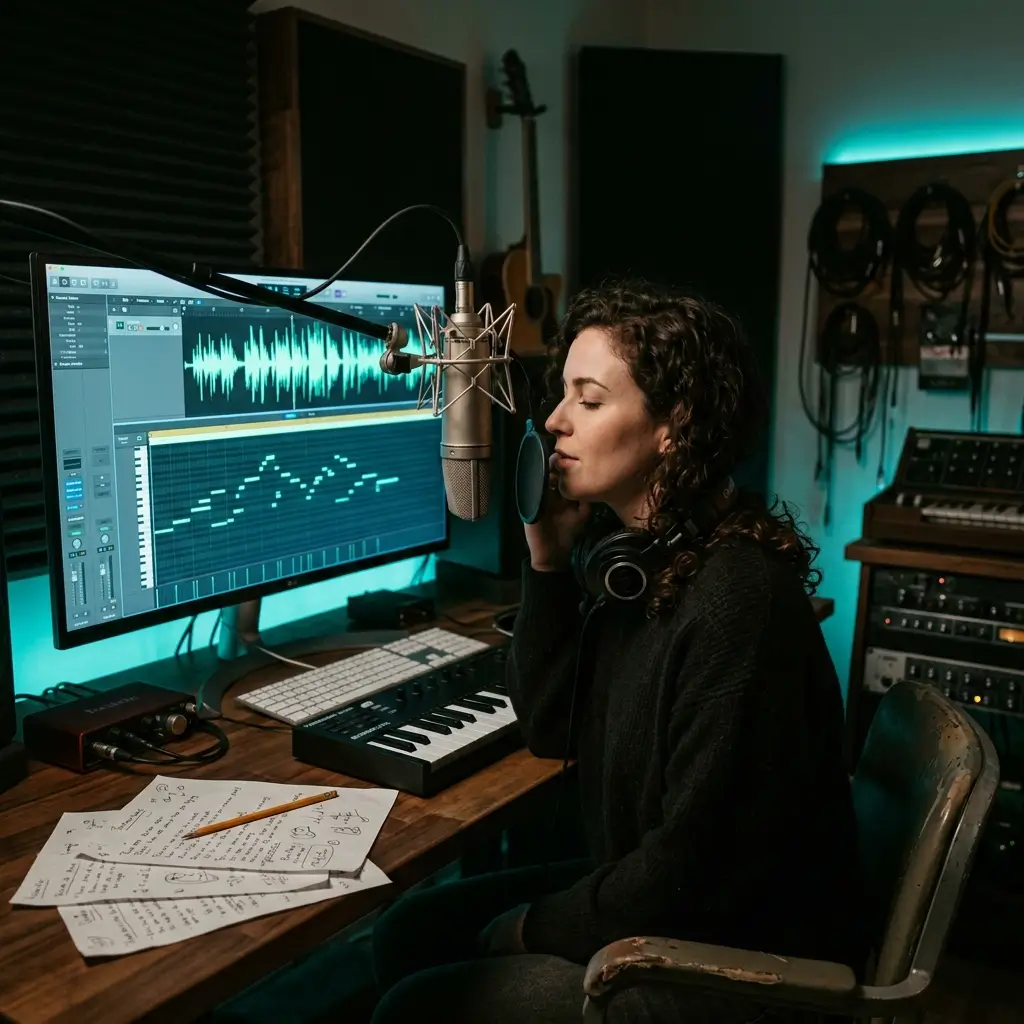
Hum, sing, whistle, or play a clear melodic line and turn the detected notes into a MIDI draft. Open it in the editor to correct notes before the idea slips away.

Analyze an audio sample you are allowed to use, then edit the detected pitches and timing instead of replaying the part from scratch. Clean tonal samples work better than dense or noisy loops.

Convert a song or music recording into an approximate piano-roll view for study and arranging. Full mixes can produce extra or missing notes, so isolate the part you need before conversion when possible.
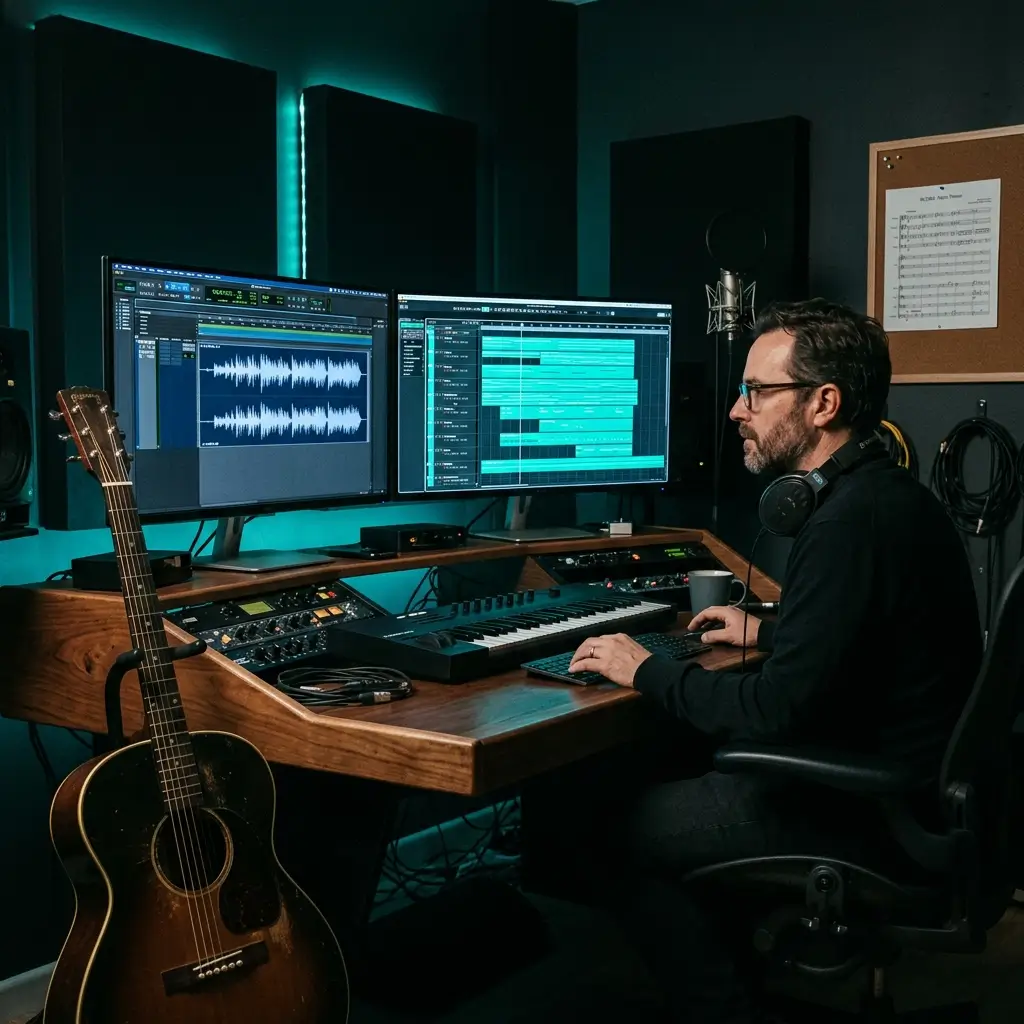
Convert a clear guitar, piano, bass, or vocal phrase to MIDI, then assign a different virtual instrument in your DAW. The MIDI contains note data rather than the original sound or instrument tone.
Convert a local recording, review the detected note data, and continue editing without an account, upload queue, or desktop installation.
Free
Upload an MP3 or WAV, run the note detection, download the .mid file, or open it in the MIDI Editor without spending credits or creating an account.
A local upload is decoded and analyzed on your device with the browser's audio tools and an in-browser transcription model. Your uploaded file is not sent to a conversion API.
The model can estimate single-note melodies and overlapping pitches in chords or harmonies. Monophonic audio remains the best choice when you want a cleaner MIDI transcription.
Move the detected notes directly into the online MIDI Editor to fix pitch and timing before export. You can also download the first draft immediately.
Use clear piano, guitar, bass, strings, wind instruments, humming, or singing. Background noise and full multi-instrument mixes usually require more correction.
The converter creates a standard single-track .mid file containing detected pitch, timing, duration, and velocity data for use in common DAWs and notation applications.
Answers about free conversion, MP3 and WAV input, song-to-MIDI results, local processing, .mid output, editing, and usage rights.
Yes. You can upload a supported local audio file, run the conversion, download the .mid file, and open the result in the MIDI Editor without an account, subscription, or credits. Signing in is only needed if you want to select a source from My Library.
Upload an MP3 or WAV, select Convert to MIDI, and wait while the browser analyzes the recording. When notes are detected, download the standard .mid file or continue editing the result online.
The current uploader accepts MP3 and WAV files up to 50 MB. FLAC, M4A, OGG, AAC, video files, and direct media URLs are not supported by this converter.
Yes. In the local Upload workflow, the browser decodes your file and runs the transcription model on your device; the source file is not uploaded to a conversion API. Choosing a song from My Library fetches that existing audio into the browser for analysis.
Accuracy depends on the recording. A clean melody, isolated instrument, or single vocal line usually creates a more editable result than a mastered song with drums, vocals, bass, and harmony playing together. Treat the output as a transcription draft and review the detected notes.
The model supports polyphonic note detection, so it can estimate overlapping pitches in chords and harmonies. Dense arrangements may still produce missing or extra notes, and monophonic audio remains the most reliable starting point.
Yes. A clear sung, hummed, or whistled melody can be converted into MIDI note events. Use one voice at a time, minimize background noise, and edit uncertain notes after conversion.
Yes. Pitched sources such as piano, guitar, bass, strings, and wind instruments can produce MIDI notes. Clear isolated recordings work best; the current output is not designed to turn a percussion-only recording into a mapped drum track.
You can analyze a full song, but the result is a combined note estimate rather than separate instrument tracks. For a cleaner song-to-MIDI workflow, first isolate the part with the AI Vocal Remover or Stem Splitter, then convert that stem.
The converter creates a standard Format 0 .mid file with one track of detected note pitch, start time, duration, and velocity data, plus 120 BPM tempo metadata. It does not contain the original audio, instrument sound, lyrics, chord labels, or separate stems.
The current export stores note events but does not write continuous pitch-bend or vibrato automation into the MIDI file. Slides and expressive pitch changes may appear as nearby note estimates and can be refined manually.
Yes. Select Edit MIDI Online to send the detected notes to the MIDI Editor, where you can adjust the draft before exporting. You can also download the .mid file and edit it in your preferred DAW or notation application.
Standard .mid files can be imported by common tools such as Ableton Live, FL Studio, Logic Pro, GarageBand, Cubase, Studio One, Reaper, MuseScore, Sibelius, and other applications that support MIDI import.
No. This page does not accept YouTube links, video URLs, or video files. It converts a local MP3 or WAV file, or an eligible audio track already stored in your BeMusic library.
The converter does not charge for the file or grant rights to the underlying music. MIDI transcribed from a protected recording or composition can still require permission from its rights holders. Use your own or properly licensed source material and confirm the rights needed before publishing, distributing, selling, or using the result in client work.
Audio stores a recorded sound waveform. MIDI stores performance instructions such as note pitch, timing, duration, and velocity. Converting audio to MIDI creates editable note data; it does not preserve the original voice, instrument tone, mix, or production effects.
Audio-to-MIDI estimates notes from an existing recording. If you want to create a new original track from a description, use BeMusic's AI Music Generator instead.
Have more questions? Contact our team — we're happy to help.
Discover other powerful features to enhance your music creation
Upload an MP3 or WAV, create an editable MIDI draft locally in your browser, and download the .mid file or continue in the online editor. No account, credits, or software installation required.