Prompt In, Song Out
Type a prompt and get a track back without setting up a DAW. Generation time depends on the model, song length, and the queue, and free-plan jobs include a short wait before processing starts.
Start Pro at 50% off
Start Pro at 50% off
New accounts · First month/year
New accounts · First month or year

These tracks were made from short text prompts. Press play and judge for yourself.
You don't need music theory or a DAW. Sign in, describe what you want, and listen to your track.
Tell us the mood, genre, and vibe you're going for. Keep it short or go into detail — both work. Something like "chill piano for studying" or "upbeat pop for TikTok" is a great start.
Your words become a full song — vocals, instruments, structure. How long it takes depends on the model, the song length, and the current queue; free-plan jobs also include a short wait before processing starts. Every track comes out different.
Give it a listen. If you love it, download it (MP3 download needs a paid plan or credit pack). If something's off, tweak your prompt and try again.
Whether you make YouTube videos, build games, host a podcast, or write songs — AI-generated music helps you move faster. Here's how people use it.
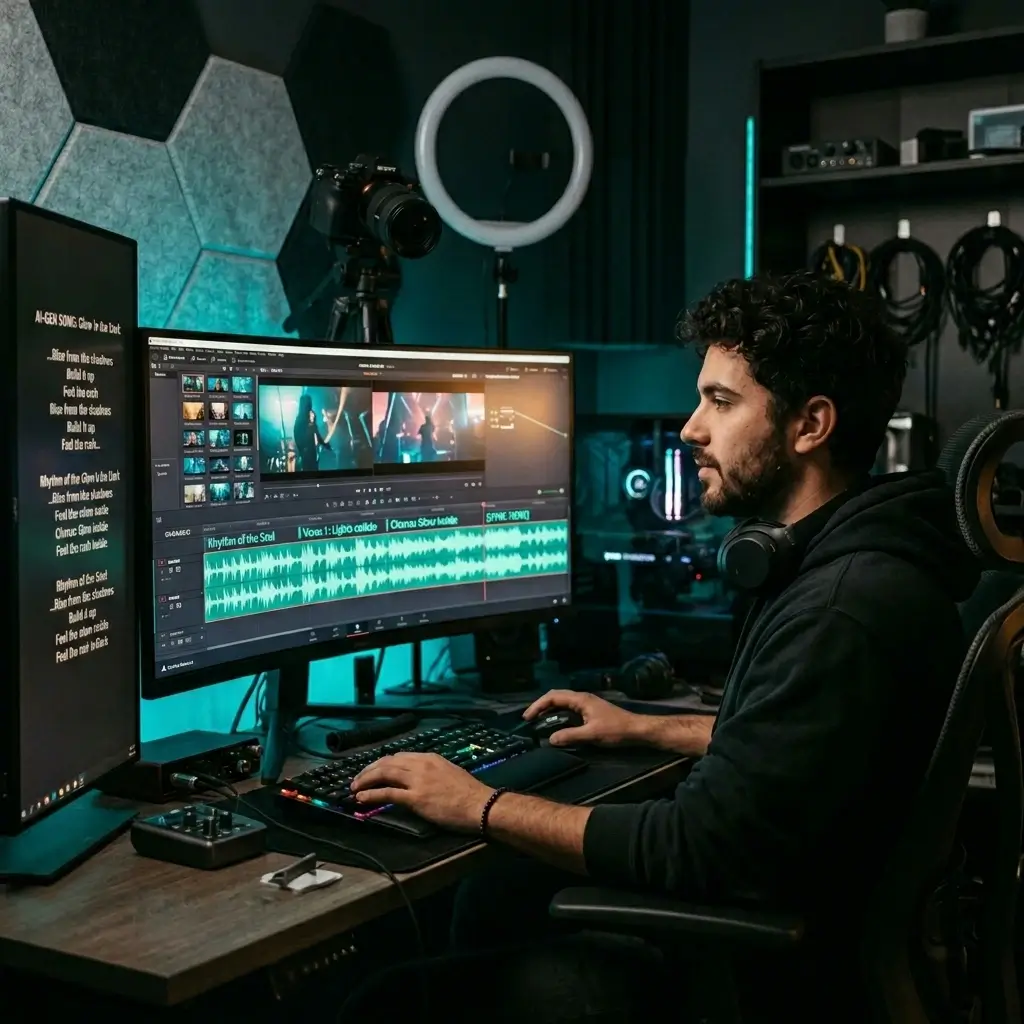
Stop digging through stock libraries. Describe the mood you need and get a track that fits your edit. Pro and Studio plans include a royalty-free commercial-use license for eligible output.
Make Video Music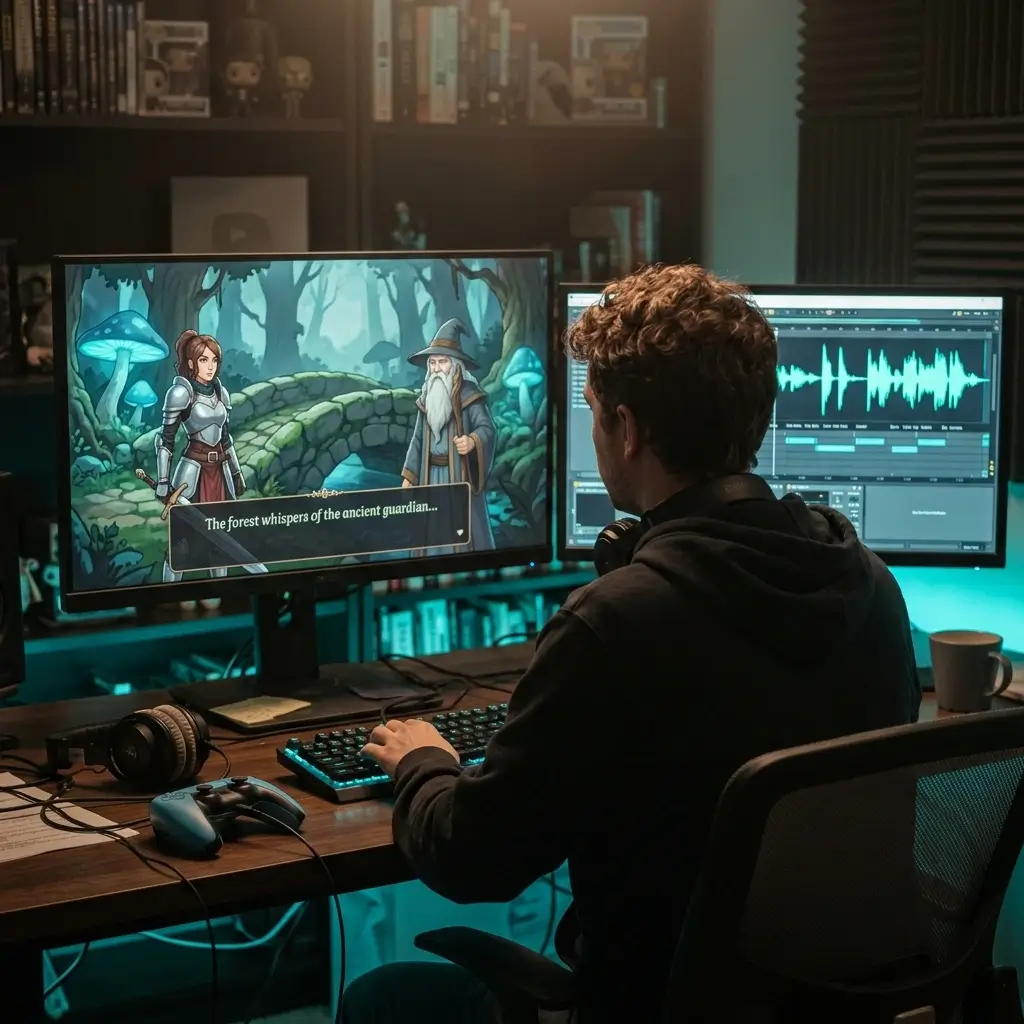
Need background music for a level, menu, or cutscene? Pick a mood, choose a length (up to 8 minutes), and get a track ready to drop into your project. Perfect if you're an indie dev working on a deadline.
Create Game Music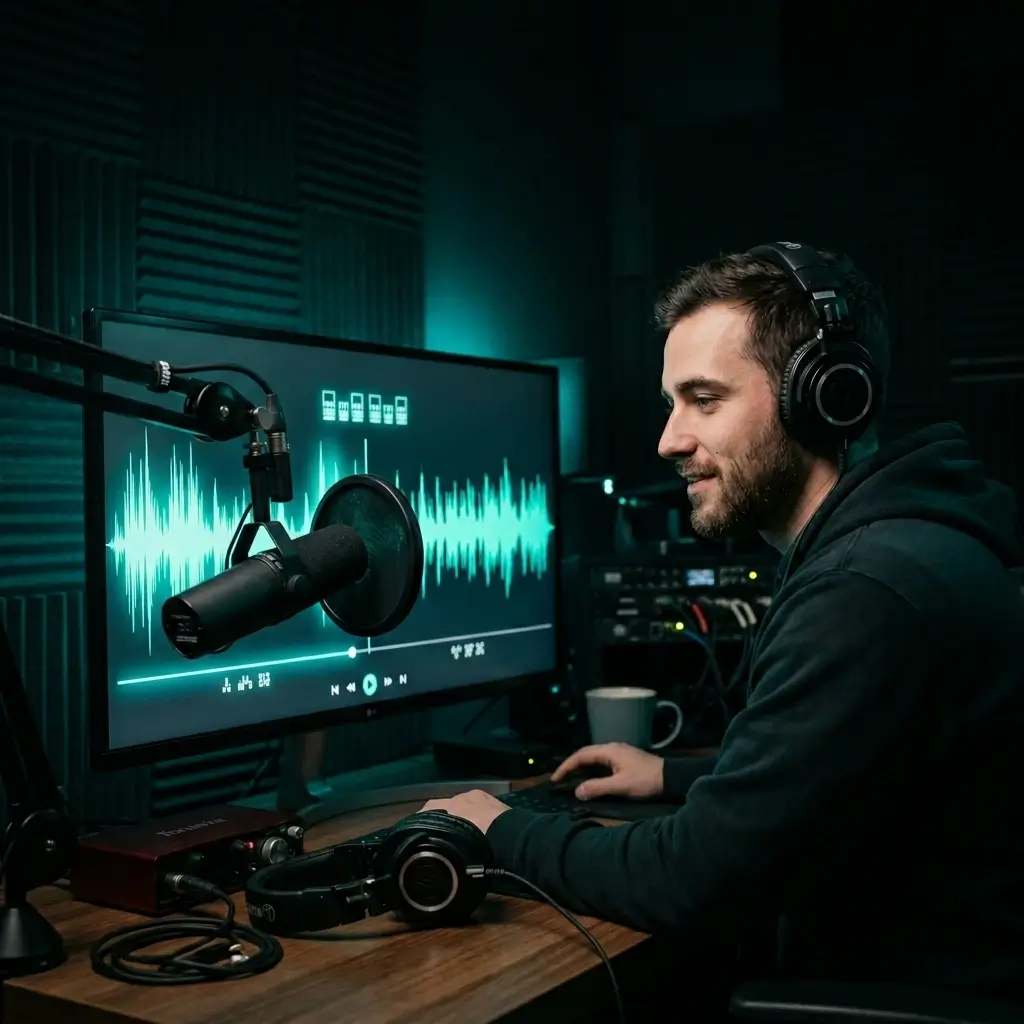
Give your show a sound that's yours. Create intro music, outro music, and transitions that match your brand — instead of using the same stock loops everyone else has.
Make Podcast Music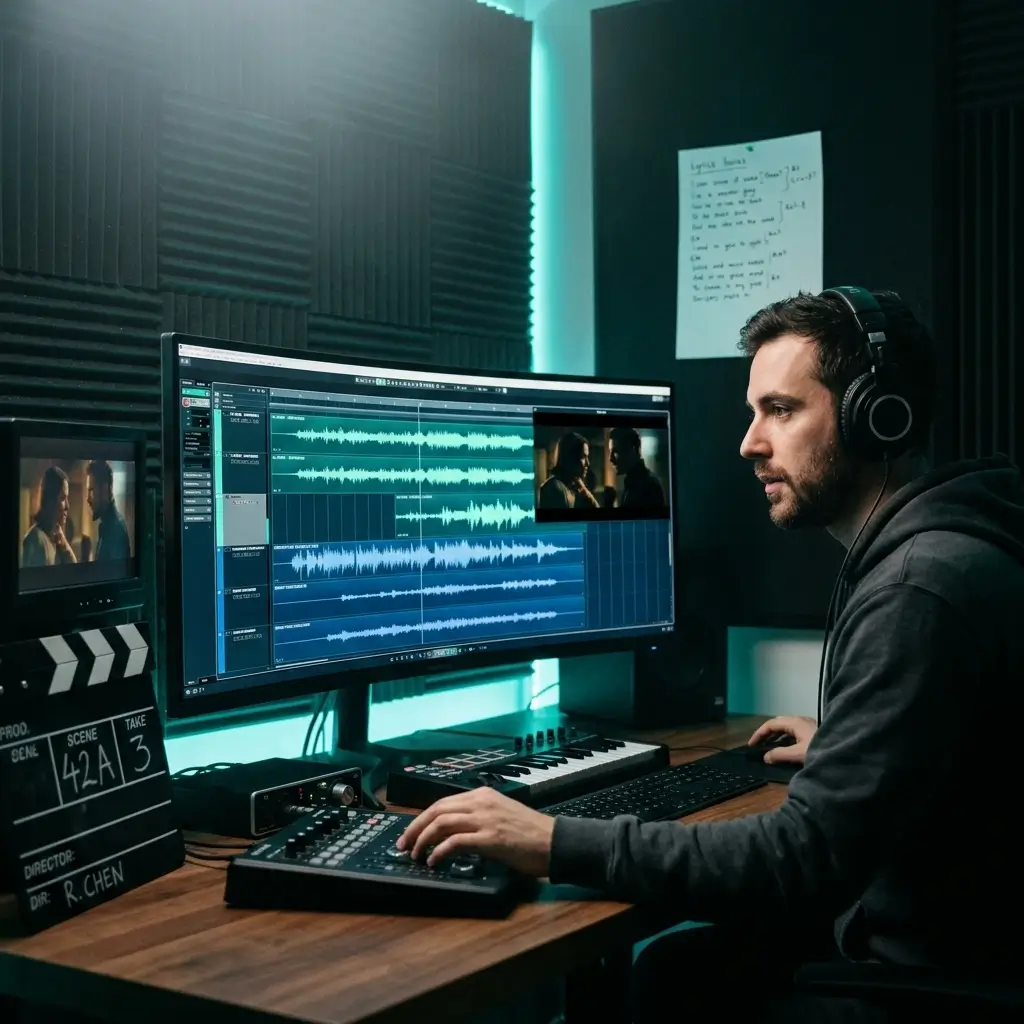
Score your scenes with AI-generated music that fits the emotion. Whether it's a tense thriller or a warm drama, you can try different directions quickly before you decide what to use.
Score Your Film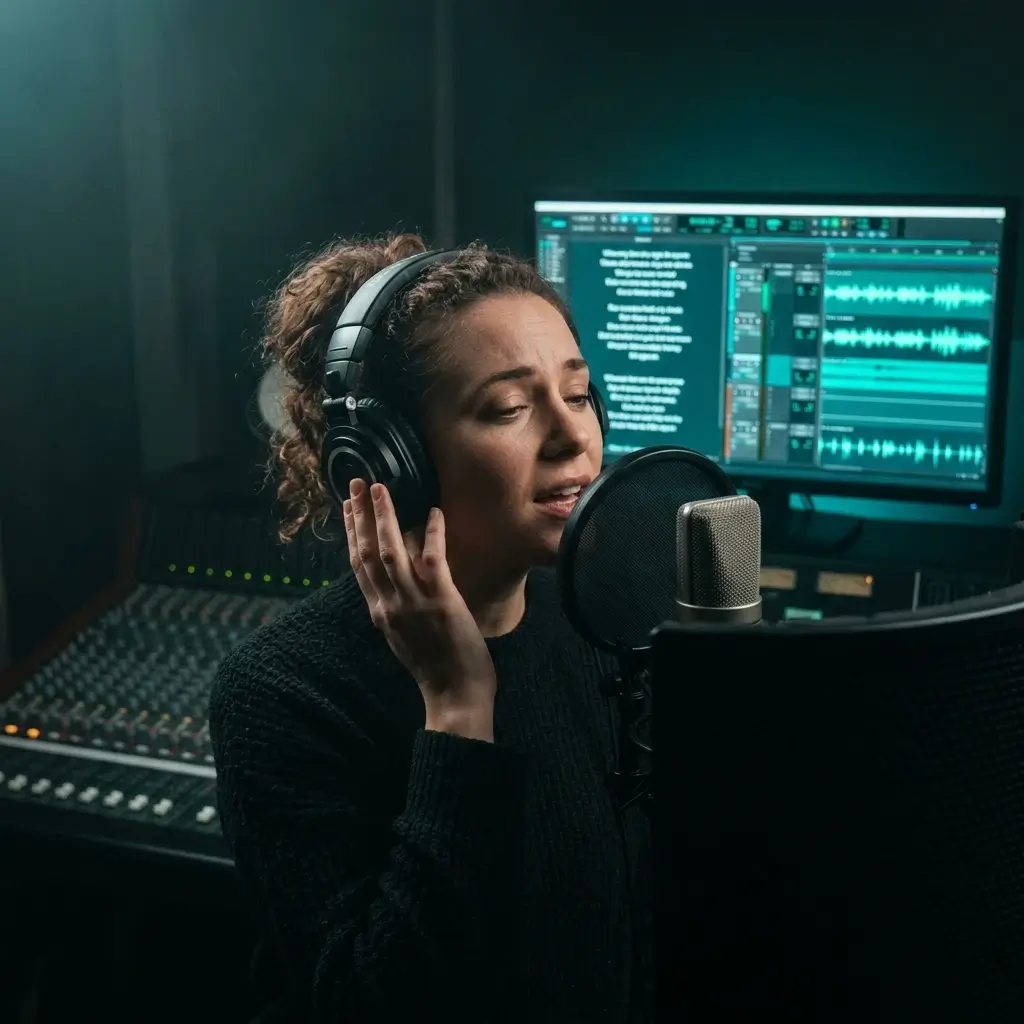
Looking for a backing track? Generate instrumentals in any genre — pop, jazz, rock, R&B — and record your vocals over them. Great for practice, demos, or just getting ideas flowing.
Make Backing Tracks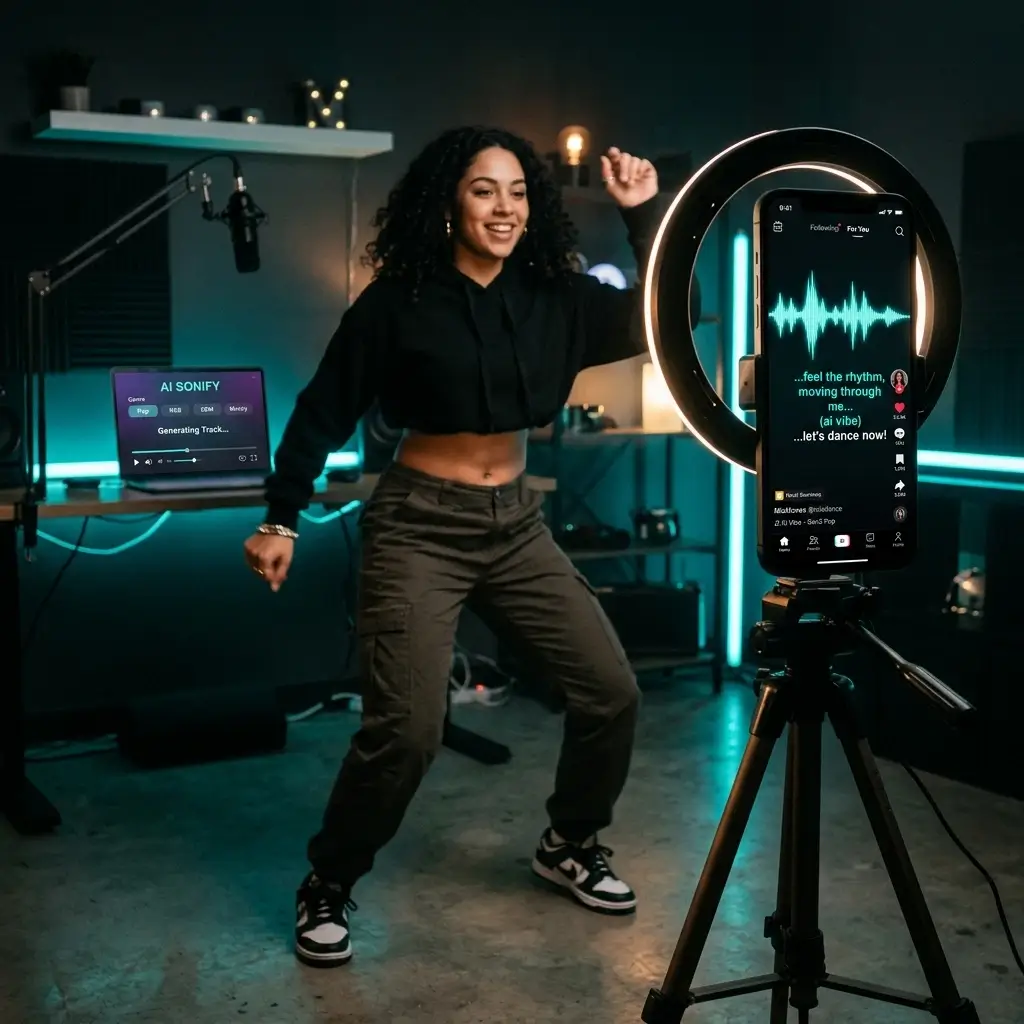
Make short songs for TikTok, Reels, and Shorts. Original audio gives your content its own sound, though how any platform ranks or promotes it is up to the platform.
Make Social AudioIt's simple to use, and usage rights depend on your plan. Here's what to expect.
Type a prompt and get a track back without setting up a DAW. Generation time depends on the model, song length, and the queue, and free-plan jobs include a short wait before processing starts.
Preview in the browser, then download your track as MP3 or WAV once you have a paid plan or credit pack, ready to drop into your video timeline or podcast edit.
While Pro or Studio is active, you can obtain a royalty-free commercial-use license for eligible songs in your account, including songs generated before upgrading.
Pop, hip-hop, EDM, jazz, classical, lo-fi, cinematic — you name it. Pick a style or mix genres in one prompt to create something totally new.
Got lyrics? Paste them in and the AI writes the music around your words. Pick a vocal style, set the genre, and hear your lyrics come to life.
Create full-length songs, ambient soundscapes, and background tracks up to 8 minutes long.
Just describe what you want in plain English. Something like "sad acoustic guitar, slow, rainy day" is a good start. The AI picks up on mood, tempo, and instruments.
The AI sings. Choose male, female, or let it decide. From rap verses to pop choruses, the vocals are built to sound natural.
Quick answers to the things people ask before making their first track.
You can start without a credit card, but you need to sign in. New accounts may get free starter credits, and paid plans and credit packs are available when you need more.
You do. Sign up with your email, and new accounts may get free starter credits to try generating songs.
You type a prompt describing what you want — the mood, genre, tempo, instruments. The AI reads that and creates a track with vocals and instruments. How long it takes depends on the model and the queue.
Yes. It can generate songs with vocals — male, female, or auto-selected from your prompt. You can try rap verses, pop choruses, R&B harmonies, and more. If you'd rather skip the vocals, instrumental-only tracks are an option too.
Over 20, including pop, rock, hip-hop, EDM, jazz, classical, lo-fi, cinematic, ambient, R&B, country, folk, and metal. You can even mix genres in a single prompt to get something unique.
An AI song generator makes complete songs — vocals, lyrics, and music together. An AI music generator is broader and can also create instrumentals, beats, and background tracks without vocals. BeMusic does both, so you're covered either way.
It depends on the model, the song length, and the current queue. Free-plan jobs also include a short wait before processing starts, and longer songs generally take longer.
While Pro or Studio is active, you can obtain a royalty-free commercial-use license for eligible songs in your account, including songs generated before upgrading. Free, Creator, trial, and one-time credit output remains for personal, non-commercial use unless later licensed.
You may use eligible songs under a Pro or Studio commercial license, but no service can guarantee that YouTube Content ID or another claimant will never flag a track. Follow YouTube's rules and keep your license certificate for any review or dispute.
You retain rights to lyrics and other material you provide. BeMusic grants usage rights to generated output based on your plan, but copyright eligibility and ownership of AI-generated music vary by jurisdiction. See our Terms of Service and Commercial License Agreement.
Downloads are available as MP3 or WAV with a paid plan or credit pack. The audio is ready to use in your video, podcast, or project.
8 minutes per track. Most people create songs between 1 and 4 minutes, but longer tracks are great for background music, ambient soundscapes, or full-length compositions.
Yes. Paste your lyrics into the prompt and the AI will compose music and vocals around your words. You can also pick a vocal style, gender, and genre to shape how it sounds.
Not at all. Just describe what you want in everyday language — something like "upbeat pop, female vocals, summer vibe." No music theory or production skills needed.
Just tweak your prompt and generate again. Try adding more detail about the mood, tempo, or instruments you want. Every generation is unique, so keep going until it sounds right.
Be specific. Include the genre, mood, tempo, and instruments you want. For example, "upbeat pop song, 120 BPM, bright synths and claps, female vocals" works much better than just "happy song." Adding context like "for a YouTube intro" helps the AI get the vibe right.
Simplicity. Describe the song, and the tool handles lyrics, vocals, and instruments. Tracks go up to 8 minutes, and Pro and Studio plans include a commercial-use license for eligible output. The prompt engine handles detailed descriptions well, so you spend less time re-generating and more time creating.
It depends on your credits. Generations use credits, and paid plans and credit packs give you more. Whether you can download or use a song depends on your plan and the license terms for that output.
Have more questions? Contact our team — we're happy to help.
Discover other powerful features to enhance your music creation
Describe a song, listen to the result, and download it when you're ready. Sign in required; new accounts may get free starter credits.