Storyboard-First Workflow
You see every shot before anything renders. Approve what works, swap what doesn't, then compose. No surprises at the end.
Start Pro at 50% off
Start Pro at 50% off
New accounts · First month/year
New accounts · First month or year

Upload your finished track, pick a look, then choose quick storyboard generation or advanced timeline control. Generate and regenerate only the clips you need.
Checking your account…
Each video below came from a single audio upload. The AI took care of storyboarding, scene generation, and syncing every cut to the beat.
Signal Before Dawn
Star Courier
Electric Heartbeat
Sin Miedo
Chrome Pulse
Sunstep
No film crew. No editing software. No timeline scrubbing. Just upload your track, pick a style, and download your video.
Upload an MP3, WAV, or paste a Suno link. The AI listens for BPM, song structure, and energy shifts — then maps out scene transitions that land right on the beat.
Choose from 12 visual styles like cinematic, anime, or cyberpunk. Layer on a mood. Then select a content mode — storytelling, singing, or dancing. You can add reference images to keep your character looking consistent.
You'll see a full storyboard with previews for every shot. Don't love one? Regenerate just that scene. Once it all looks right, hit compose and grab your 1080P MP4.
Whether you're dropping singles on Spotify, posting clips on TikTok, or pitching to labels — a video doubles your reach. Here's how different creators use it.
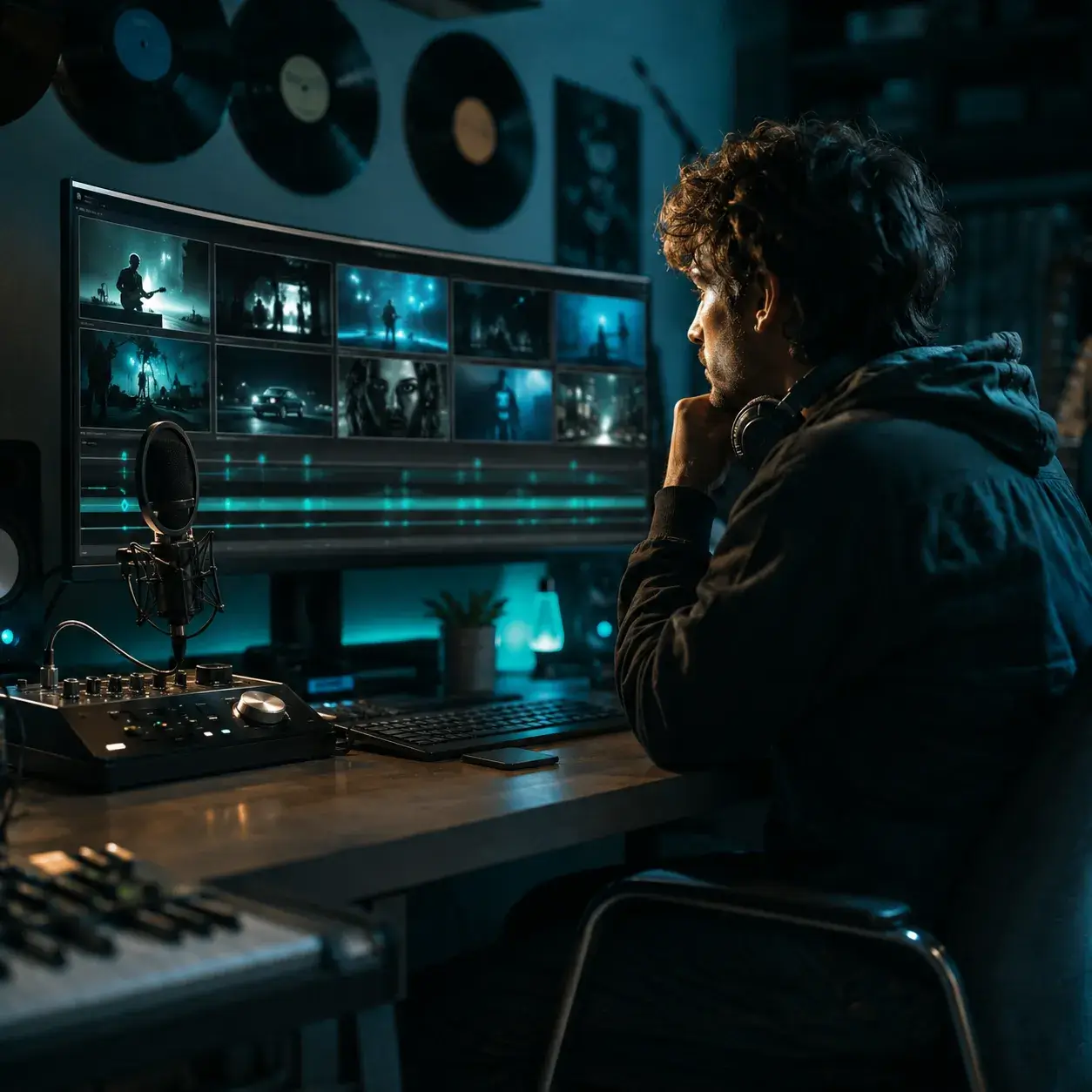
Put out a music video with every single — no director needed. Upload your mastered track, pick a cinematic or realistic style, and get a video that actually fits your sound instead of some generic stock loop.
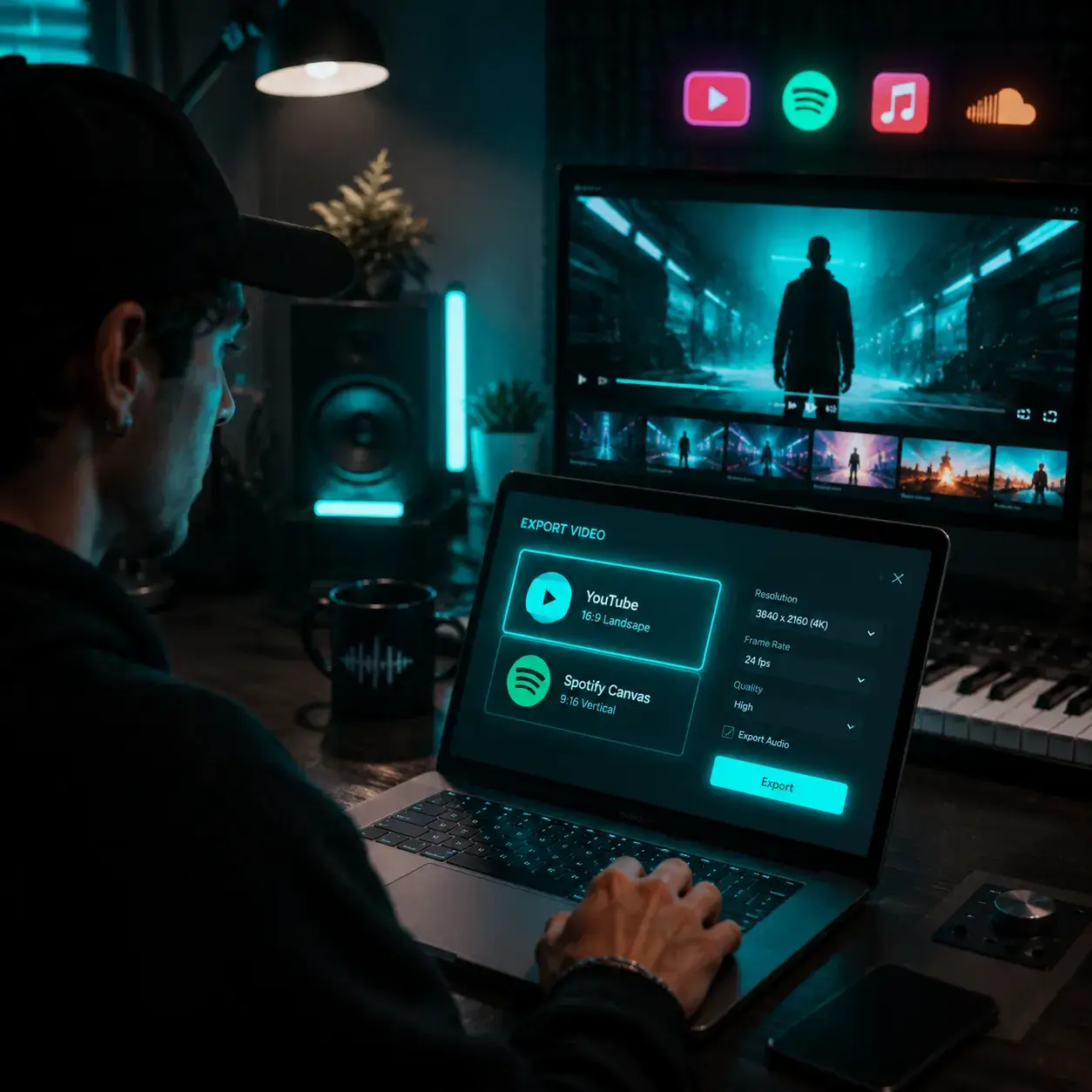
Use the AI music video generator to create a full-length video for YouTube or cut short loops for Spotify Canvas and Shorts, all from the same project.
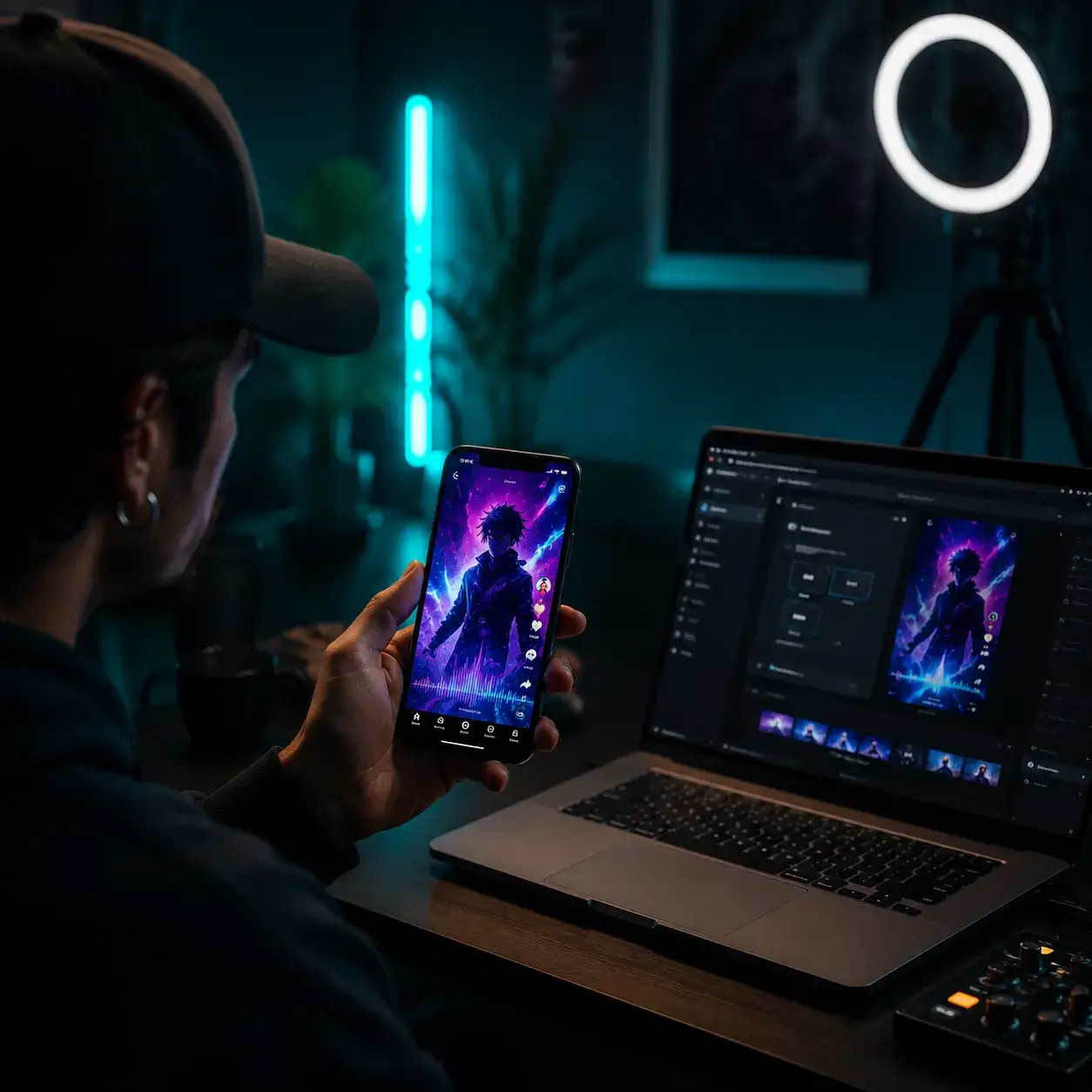
Switch to 9:16 and you've got a vertical music video ready for TikTok, Instagram Reels, or YouTube Shorts. Original AI visuals grab more attention than static lyric cards — the algorithm loves motion.
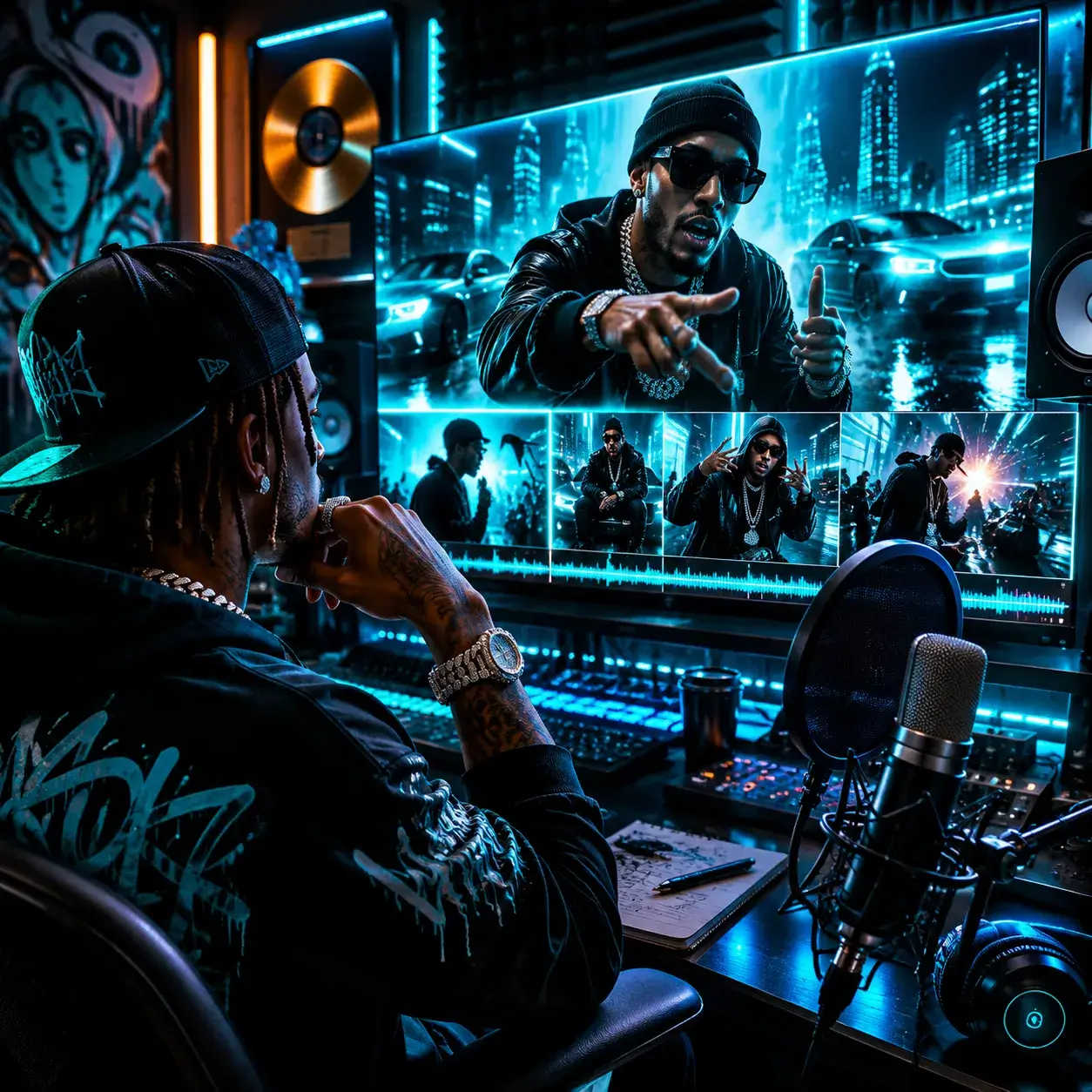
Turn on Singing mode with lip sync, upload a reference photo, and get a video where your character actually performs your bars. The AI picks up on verse energy, hook drops, and bridge cool-downs to match visuals to the flow.
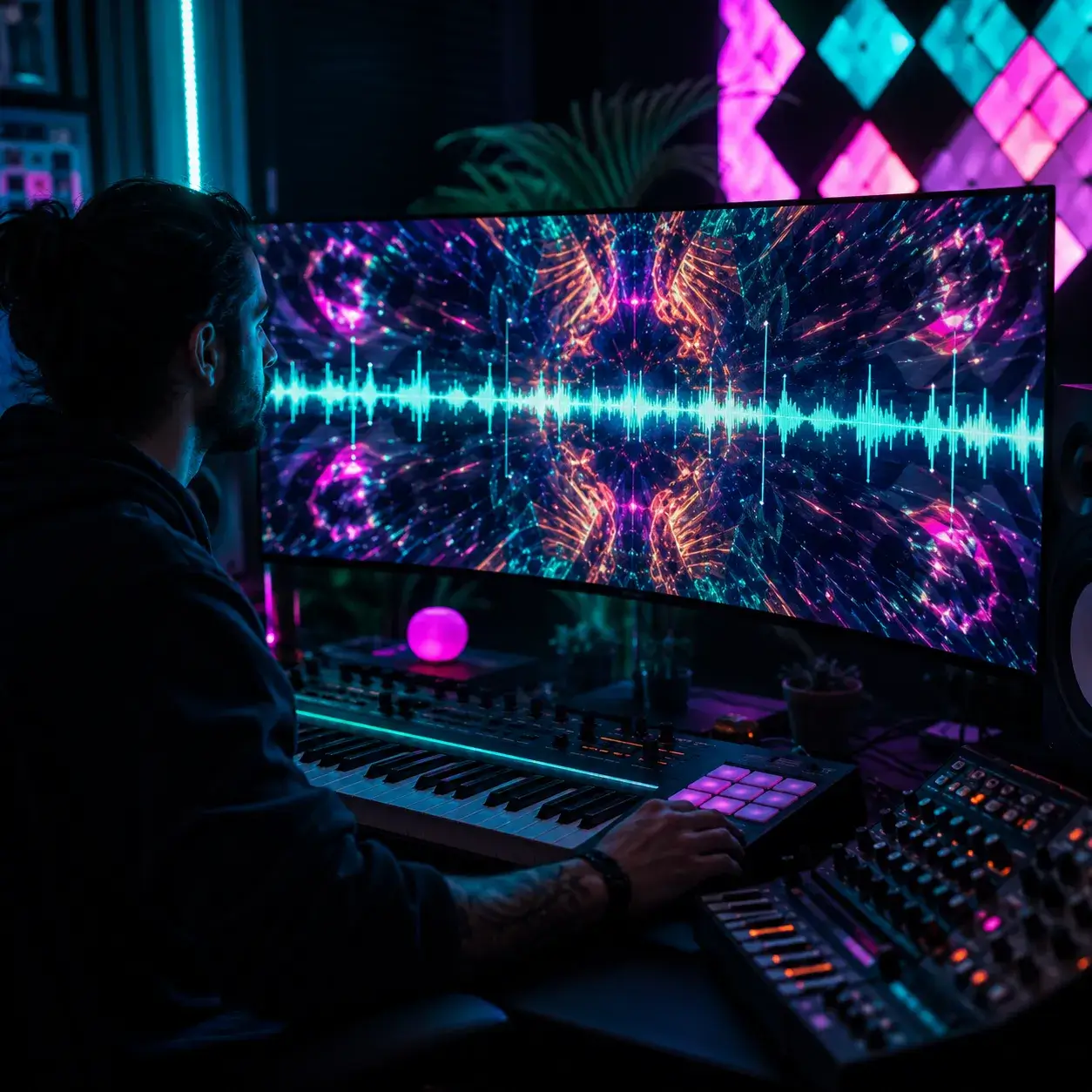
Your drops need visuals that hit just as hard. Pick cyberpunk or psychedelic, set the mood to euphoric, and the AI places every scene transition right on your kick transients — not some tempo-approximated slideshow.
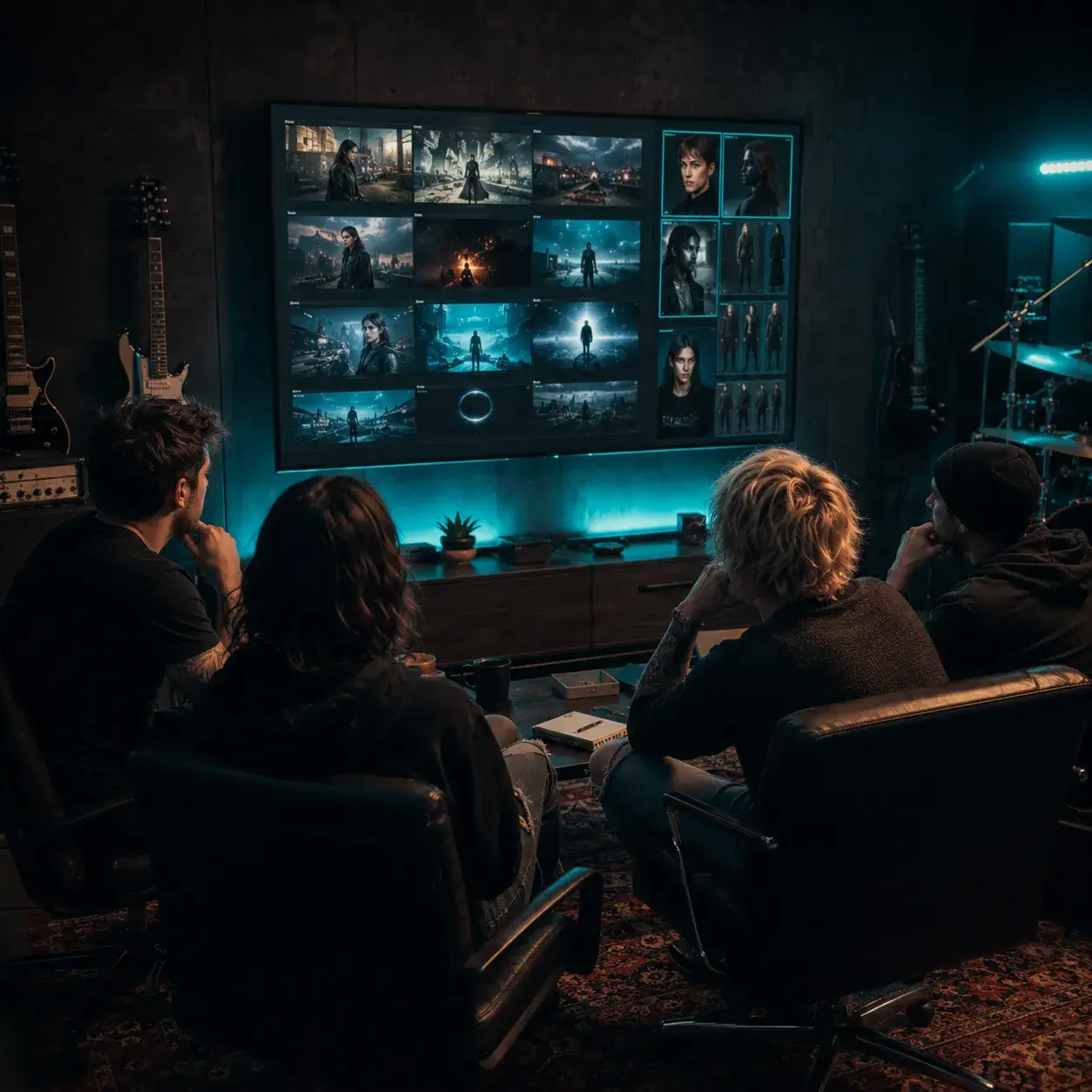
Upload your mixed track, add a reference image for each band member, and get a narrative music video where everyone looks consistent across every scene. No more random face swaps halfway through.
It syncs to your beat, lets you control every scene, and exports in 1080P. Here's what sets it apart.
You see every shot before anything renders. Approve what works, swap what doesn't, then compose. No surprises at the end.
Shot #4 not working? Rewrite the prompt and regenerate just that one. Everything else stays exactly as you left it.
The AI reads your BPM, onset transients, and song sections to place scene transitions on actual beat positions — not a tempo-approximated timer. Your cuts feel musical.
Cinematic, anime, cyberpunk, watercolor, pixel art, 3D render, and more. Mix any visual style with any mood — romantic, psychedelic, melancholy, euphoric — for a look that's yours.
Upload a face or character reference and the AI keeps that look across every shot. No morphing faces or random switches mid-video.
Choose Singing mode and selected vocal shots move your character's mouth to the vocals. Works at 480p, 720p, and 1080p with the required reference image.
Download in 480p, 720p, or 1080p. Pick from 16:9, 9:16, 1:1, 4:3, or 3:4 — whatever your platform needs.
Your storyboard shows up first so you can review every shot, then compose the final MP4. How long each stage takes depends on song length, shot count, and the queue.
Everything people ask before making their first AI music video.
AI Music Video requires an active Pro or Studio plan. Storyboarding, shot generation, lip sync, and resolution-dependent rendering consume the credit amounts shown before confirmation.
MP3, WAV, and M4A files up to 5 minutes long. You can also paste a public Suno song link and the tool pulls in the audio automatically. There's a built-in trimmer if you only want to use part of the track.
The AI listens to your audio and picks up BPM, onset transients (the actual hits), and song sections like verse, chorus, and bridge. It places scene transitions on real beat positions instead of timed intervals, so cuts feel musical rather than robotic.
Yes. Once the storyboard generates, you see a preview for every shot. If something doesn't look right, rewrite the prompt for that one shot and regenerate it. Everything else stays the same.
There are 12 styles: cinematic, realistic, anime, watercolor, comic, pixel art, oil painting, 3D render, cyberpunk, fantasy, sci-fi, and horror. You can pair any style with 8 different moods (romantic, dreamy, dark & moody, nostalgic, ethereal, psychedelic, melancholy, euphoric) — that's 96 possible combinations.
Yes, as long as you upload a reference image. The AI uses your face or character reference to keep things visually consistent throughout the video. Without a reference, characters might look different from scene to scene.
When you pick Singing as your content mode, the director assigns lip sync to selected vocal shots and uses beat-driven cutaways for the others. It works at 480p, 720p, or 1080p with audio from 10 seconds to 5 minutes. A reference image is required to anchor the performer's look.
It depends on song length, shot count, resolution, and the current queue. The storyboard comes first, and after you approve or tweak the shots, composing the final video is a second stage.
You get three resolution options: 480p, 720p, and 1080p. For aspect ratio, pick from 16:9 (landscape), 9:16 (vertical for TikTok and Reels), 1:1 (square for Instagram), 4:3, or 3:4. Everything exports as MP4.
Pro and Studio plans include a commercial-use license for eligible generated video output. No service can guarantee that Content ID or another platform system will never flag an upload, and you must have all rights required for the source music and images.
Storytelling builds a narrative arc with evolving scenes and atmosphere. Singing focuses on vocal performance with performer presence and stage energy. Dancing puts the emphasis on choreography, body movement, and rhythmic cuts.
While Pro or Studio is active, you can obtain a commercial-use license for eligible output in your account, including output created before upgrading. Other output remains for personal, non-commercial use unless later licensed. The license does not clear rights in source music, images, people, trademarks, or other third-party material.
Planning is charged in confirmed stages based on song length, reference count, and shot count. Generation depends on the number of six-second shots, lip-sync routing, and resolution, plus one keyframe-priced scene anchor per story segment. Regenerating a shot uses the same per-shot rate, and composing is free.
Yes. You can grab any song from your BeMusic library directly — no need to download and re-upload. Just hit 'From Library' in the audio source picker and choose your track.
The storyboard-first approach. You get a complete storyboard first, then selectively fix the shots that don't work, without redoing the whole thing.
Still have questions? Drop us a line — we're happy to help.
Discover other powerful features to enhance your music creation
Drop your song in, pick a visual style, and download a beat-synced MP4. Pro or Studio required.