1–10 Samples Per Voice Model
5–15 min
Upload one to ten clean samples between 10 seconds and 5 minutes each. Training usually takes 5–15 minutes and can take longer depending on provider capacity.
Start Pro at 50% off
Start Pro at 50% off
New accounts · First month/year
New accounts · First month or year

Confirm your rights, upload clean samples, and allow about 5–15 minutes for training.
Upload MP3, WAV, FLAC, or M4A files, or record in your browser. Use only your own voice or recordings covered by explicit permission.
BeMusic sends the temporary training archive to a secure processing provider. Training usually takes 5–15 minutes and may take longer during busy periods.
Select the finished private model in Voice Changer or Voice Cover, provide audio you may transform, and export the permitted result as MP3 or WAV.
These workflows are appropriate only when every speaker, performance, and source recording is authorized.
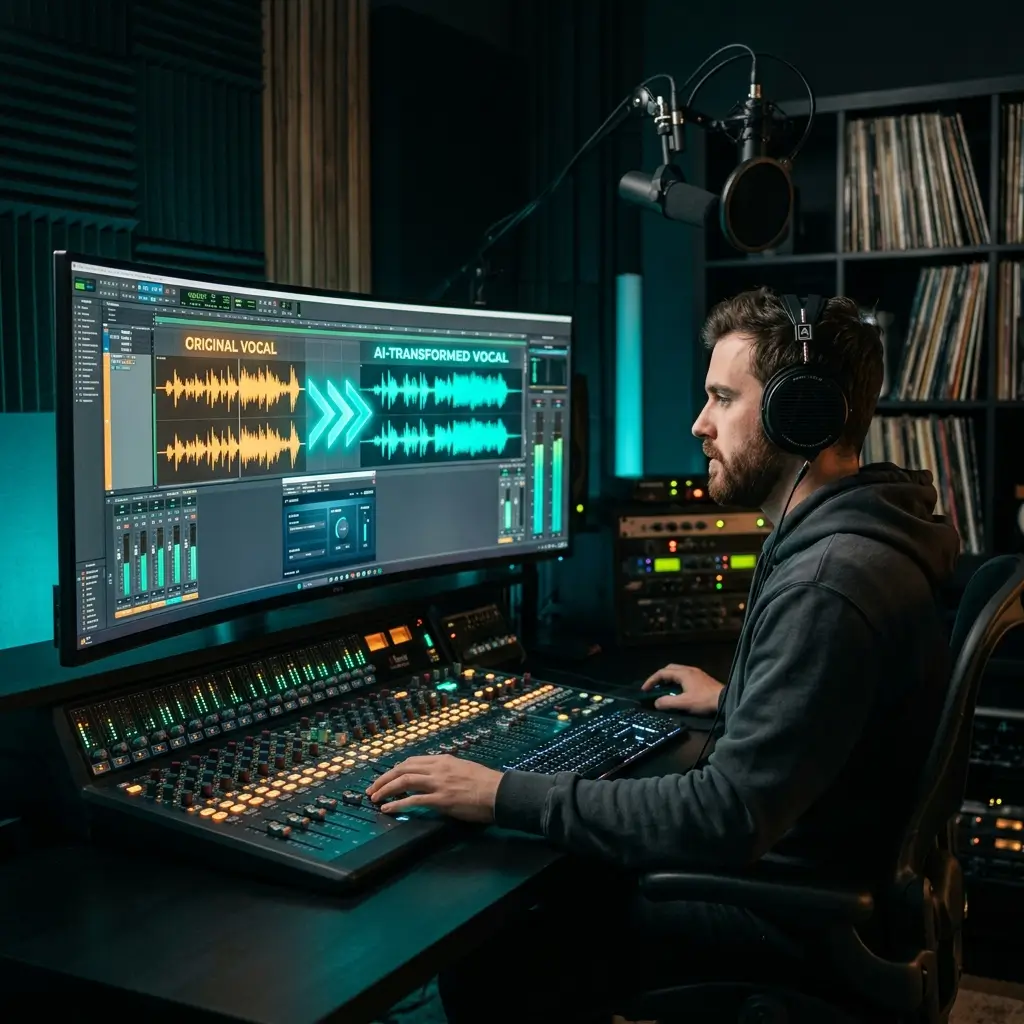
Apply your own or a licensed singer's trained model to audio you may transform. Voice conversion aims to preserve the source performance while changing vocal timbre; results depend on the source and training samples.
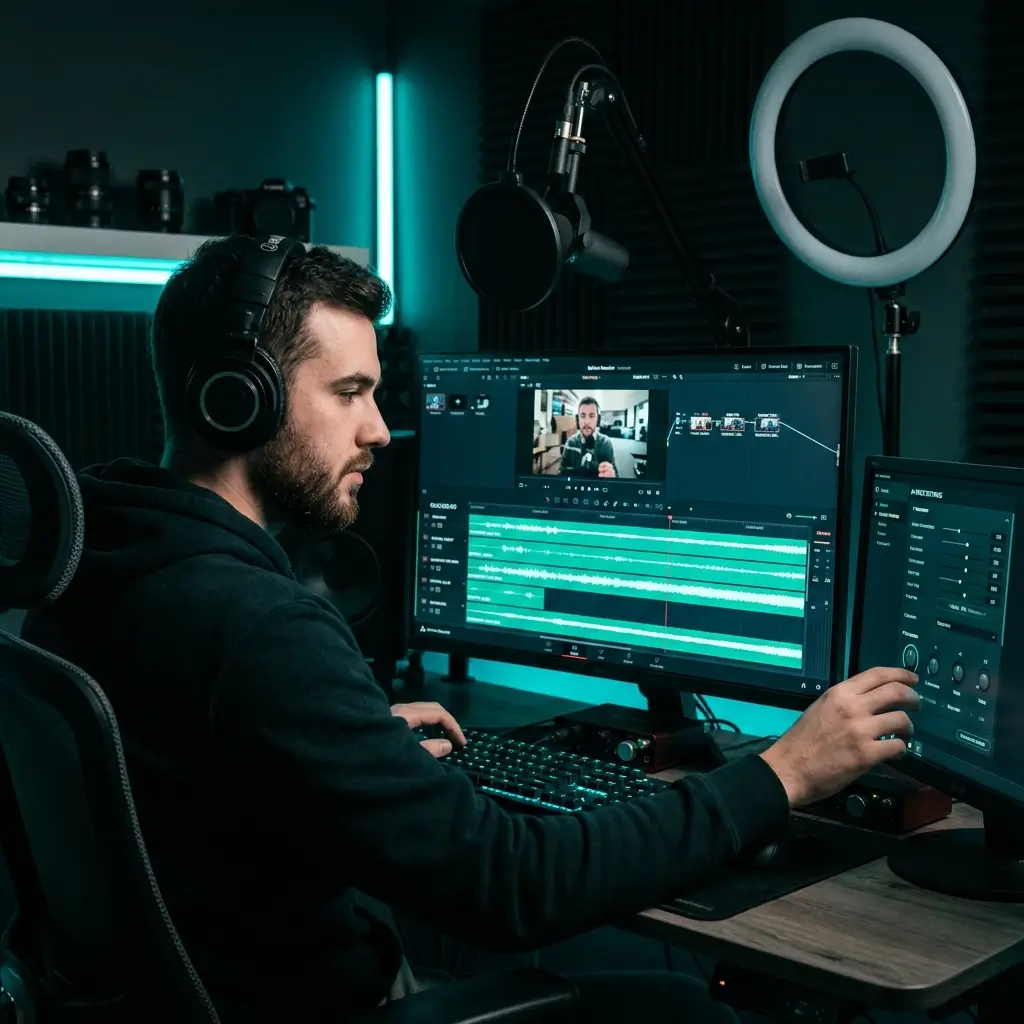
Record a source performance, convert it with your private authorized model, and use the resulting audio in videos when you hold all required rights. This is voice-to-voice conversion, not text-to-speech.
Create consistent vocal treatments for podcasts or narration using your own performance or recordings licensed by the speaker. Do not imitate an unconsenting person or protected character.
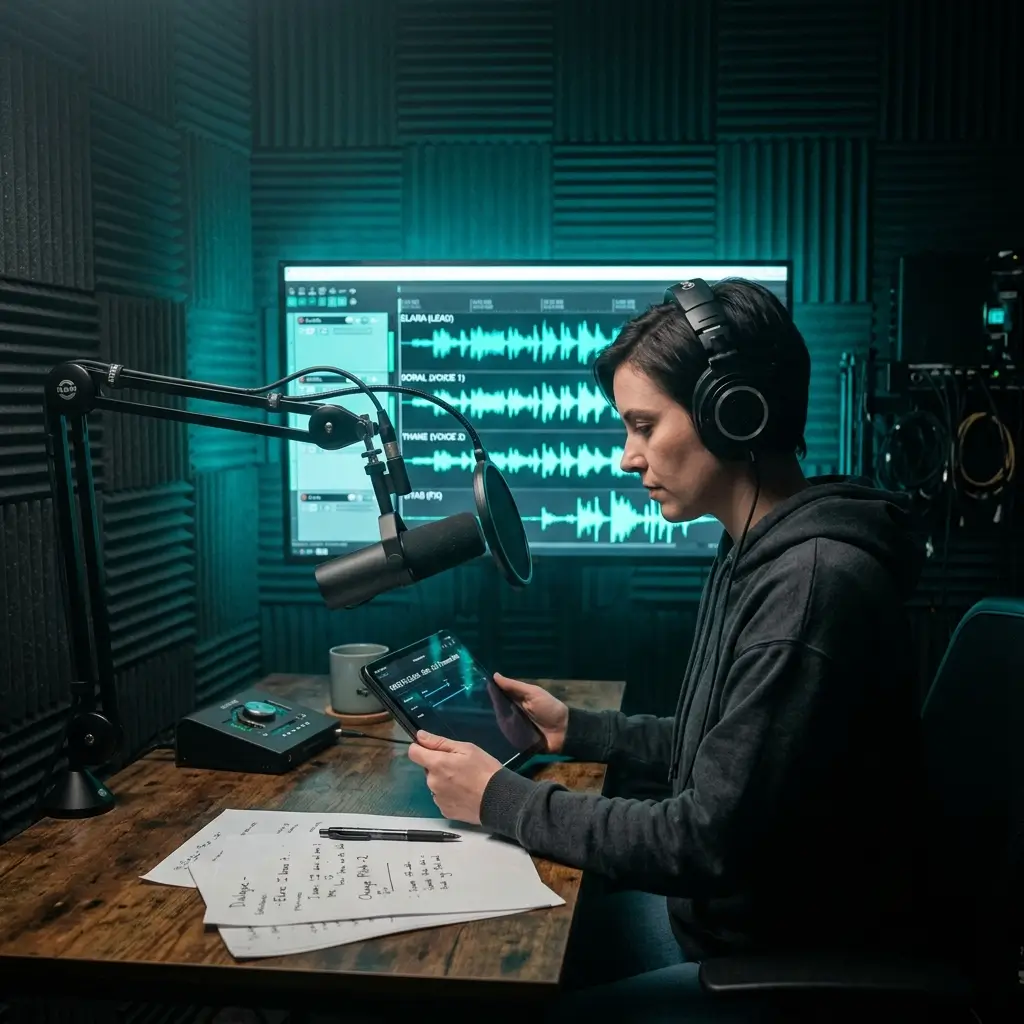
Prototype dialogue with consenting voice actors whose agreements cover model training and the intended project. Keep the authorization record with your production files.
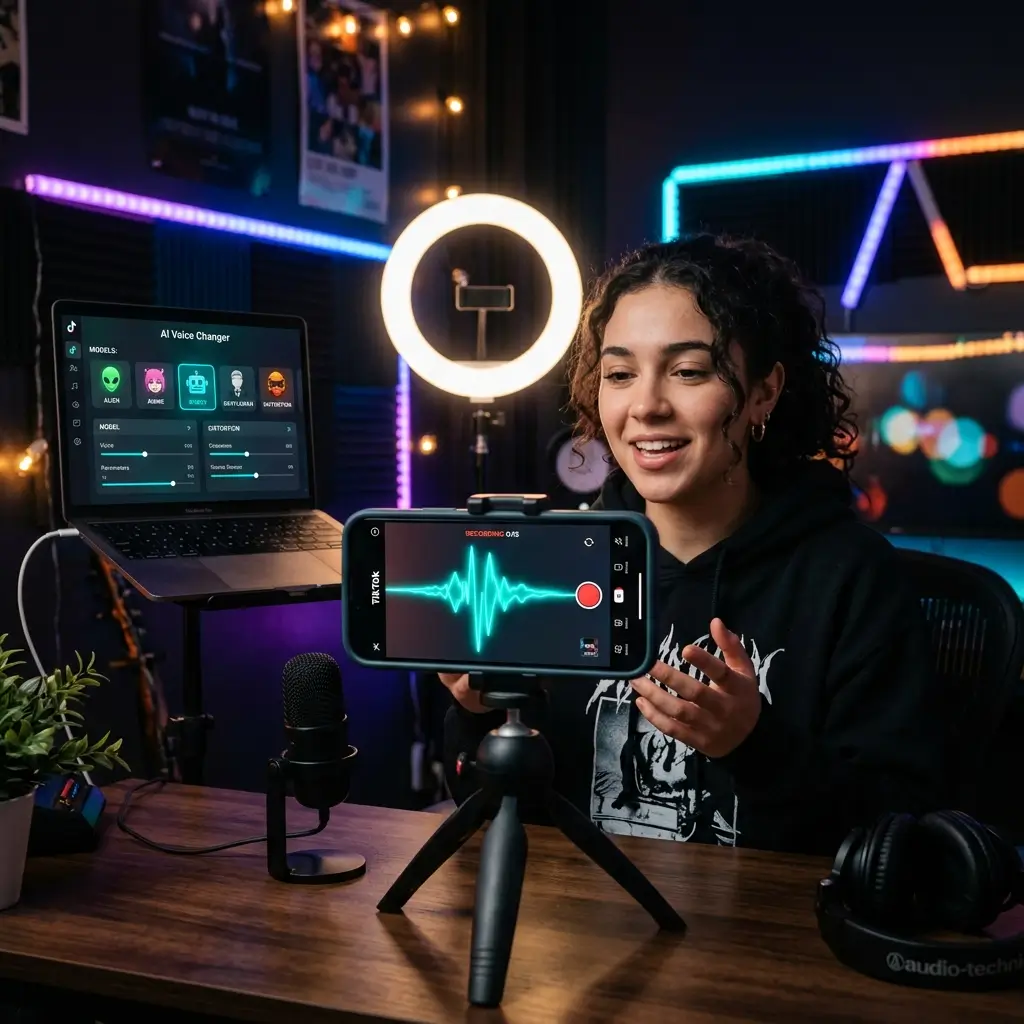
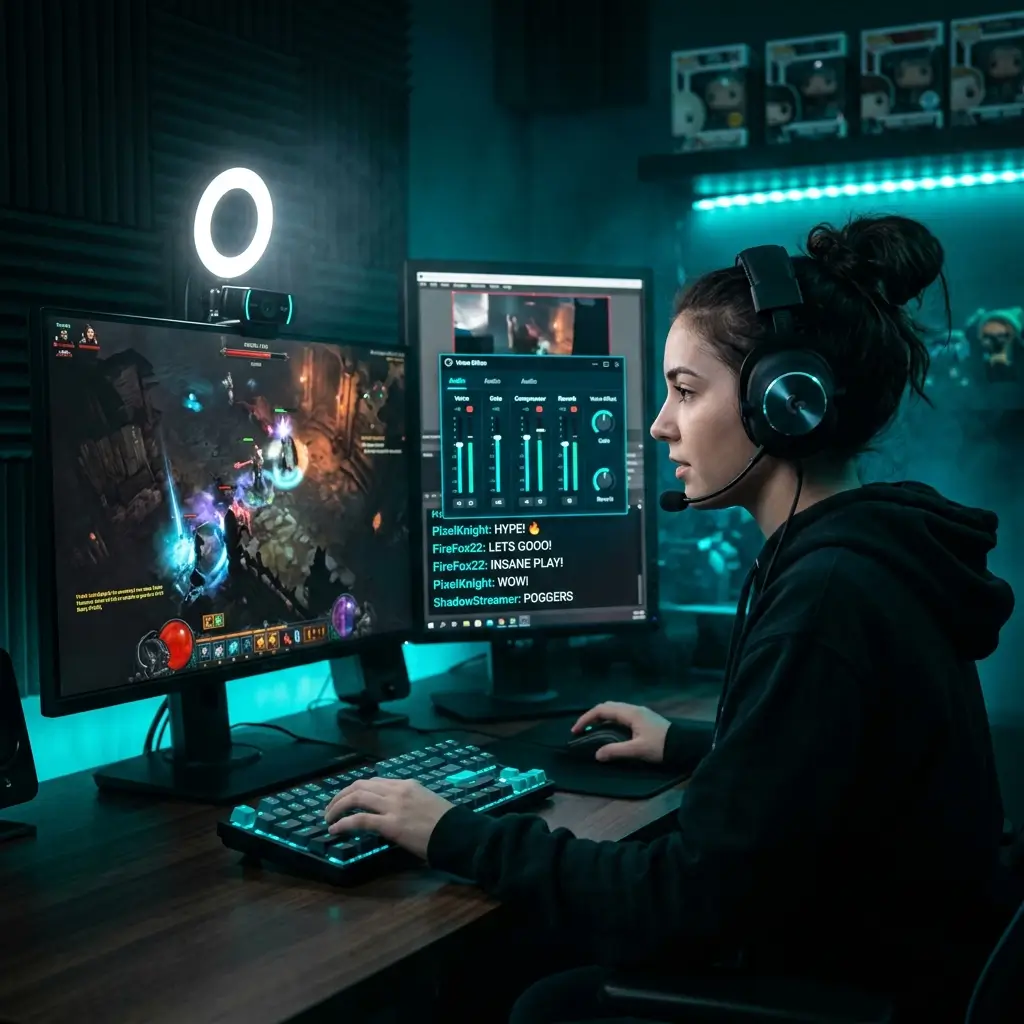
Convert authorized source performances for short-form content. Review every result and disclose synthetic audio when required by law or platform rules.
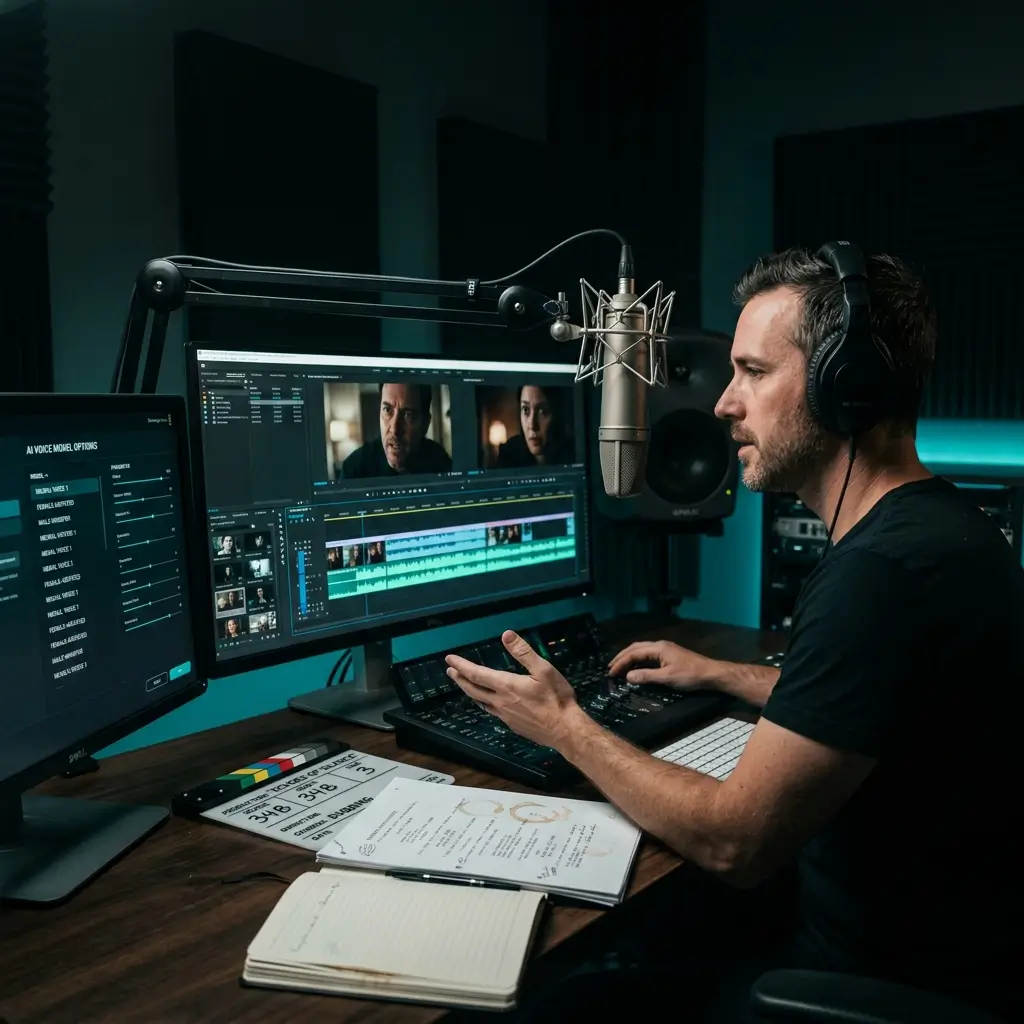
Use a consenting instructor's trained model with recorded source performances for permitted course material. This tool does not generate narration directly from typed scripts.
Clear technical and privacy details for the private voice-model training and conversion workflow.
5–15 min
Upload one to ten clean samples between 10 seconds and 5 minutes each. Training usually takes 5–15 minutes and can take longer depending on provider capacity.
Voice conversion is designed to preserve the source performance while changing vocal timbre, but results vary.
The converted output follows the words and language already present in the source audio. BeMusic Voice Cloning is not a text-to-speech or translation service.
No downloads, no plugins, no GPU required on your end. It works on Mac, Windows, Chromebook, and mobile. Just open the page and start cloning.
Export voice-conversion results as MP3 or WAV. Quality depends on the source audio, training samples, and selected settings; review the result before publishing.
The temporary training archive is deleted from BeMusic-controlled object storage when training succeeds or fails. A third-party service provider processes the archive only to provide the requested training, and the resulting private model remains in your account until you delete it.
The most common questions about how AI voice cloning works, what it costs, and how to use it the right way.
AI voice cloning requires an active Pro or Studio plan and uses the credit cost shown in the workspace. Commercial use is included for eligible output, subject to the voice owner's authorization and all required source rights.
BeMusic uses your authorized samples to train a private voice model. Voice Changer then applies that model to permitted source audio while aiming to preserve its words, melody, and timing.
Upload 1–10 clean samples between 10 seconds and 5 minutes each. Use only your own voice or recordings covered by explicit permission. A quiet recording with minimal background noise generally gives the model better training material.
Private voice models support singing voice conversion. Use only your own voice or a singer who has explicitly authorized model training and the intended use, and only transform source audio you have permission to process. Results vary with the recordings.
You can upload MP3, WAV, FLAC, and M4A files up to 10 MB, or record a sample in the browser. Voice-conversion results can be exported as MP3 or WAV.
Voice-model training usually takes 5–15 minutes and may take longer during busy periods. Voice conversion time depends on source length and processing capacity; progress is shown in the workspace.
No. This is a voice-to-voice workflow. The output follows the words and language in the source recording; BeMusic Voice Cloning does not generate narration directly from text or translate the recording.
Laws vary by location and use. BeMusic permits only your own voice or a voice covered by explicit authorization. Non-consensual cloning, impersonation, fraud, and unauthorized use of celebrity, politician, private-person, or character voices are prohibited by our Acceptable Use Policy.
The temporary dataset archive is deleted from BeMusic-controlled object storage after training succeeds or fails. A third-party service provider processes the samples only to provide the requested training. We do not use private samples to train shared models, and the resulting private model stays tied to your account until you delete it. See the Privacy Policy for processing and retention details.
Voice changing takes a recording and transforms it into a different voice using a model that already exists — you pick a target voice and your audio gets converted. Voice cloning is different: it creates a brand-new voice model from a sample of a specific person. Once you have that clone, you can apply it to any audio. Our tool handles both.
Pro and Studio plans include a royalty-free commercial-use license for eligible output. Other plans are for personal, non-commercial use. You must also have the voice owner's authorization and any other rights required for the source material.
Nope. Everything runs in your browser. There's nothing to download, nothing to update, and no GPU needed on your machine. It works on Mac, Windows, Linux, Chromebook, iPad, and phone.
Accuracy varies with sample quality, source audio, accent, range, and provider behavior. Clean recordings in a quiet room generally improve results, but BeMusic does not guarantee that output will be indistinguishable from the original speaker.
You can. Upload anywhere from 1 to 10 samples to train a custom model. More samples means better accuracy and a more natural sound. Each sample should be 10 seconds to 5 minutes of clean vocal audio. Training takes about 5 to 15 minutes, and once it's done, the model is saved to your account.
BeMusic focuses on a voice-to-voice workflow integrated with music tools such as Voice Changer, AI Cover, and Vocal Remover. It is not a text-to-speech service.
You may train your own voice for accessibility-related voice conversion. This feature requires recorded source audio and is not currently a text-to-speech assistive communication service.
Not for custom cloning without documented authorization from the applicable voice and rights holders. Unauthorized celebrity, politician, public-figure, private-person, and fictional-character training data is prohibited. Separate provider-supplied presets may appear in Voice Changer, but they may not be used for misleading impersonation, false endorsement, or infringement.
It does. The AI picks up accent-specific patterns like vowel placement, rhythm, and intonation from your sample. Whether the voice has a British, Southern American, Australian, or any regional accent, the clone keeps those details across everything you generate.
Detection methods vary and no method is guaranteed. Do not use synthetic audio to deceive listeners. Clearly disclose AI-generated or AI-modified audio whenever required by law, contract, or platform policy.
Have more questions? Contact our team — we're happy to help.
Discover other powerful features to enhance your music creation
Confirm your rights, upload clean samples, and train a private voice model for authorized voice conversion.