Two Songs From One Prompt
Tell Suno the genre, mood, topic, or scene you hear in your head. It will turn that prompt into two songs with lyrics, music, and vocals.

These examples come from BeMusic AI. Press play to hear a few styles, then use the generator above to try your own idea.
You don't need a finished melody or a DAW. Start with the sound in your head, compare two versions, and keep the one you like.
Got one line of an idea? Use Simple Mode. Open Custom Mode when you want to add your own lyrics, choose a style, upload audio, or make an instrumental.
Suno turns your input into two songs. Each version can have its own melody, beat, structure, instruments, and vocals.
Choose the version that feels closer. Your plan may let you extend it, make a cover, fix a section, split stems, download it, or share it.
Whether you have one sentence, finished lyrics, or a rough recording, you can use Suno to hear the idea as a song.
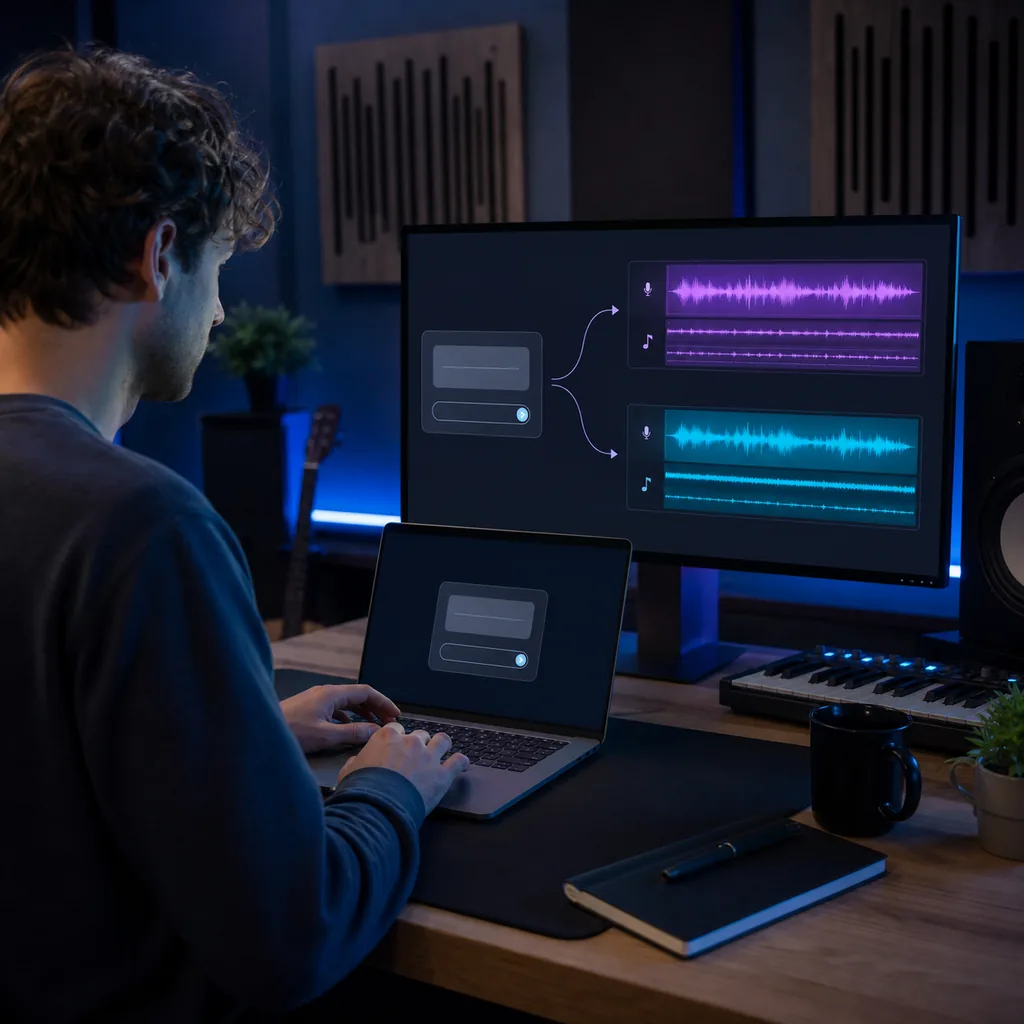
You may only know the mood, topic, or genre you want. Write it down in plain words, and Suno will give you two songs with instruments and vocals.
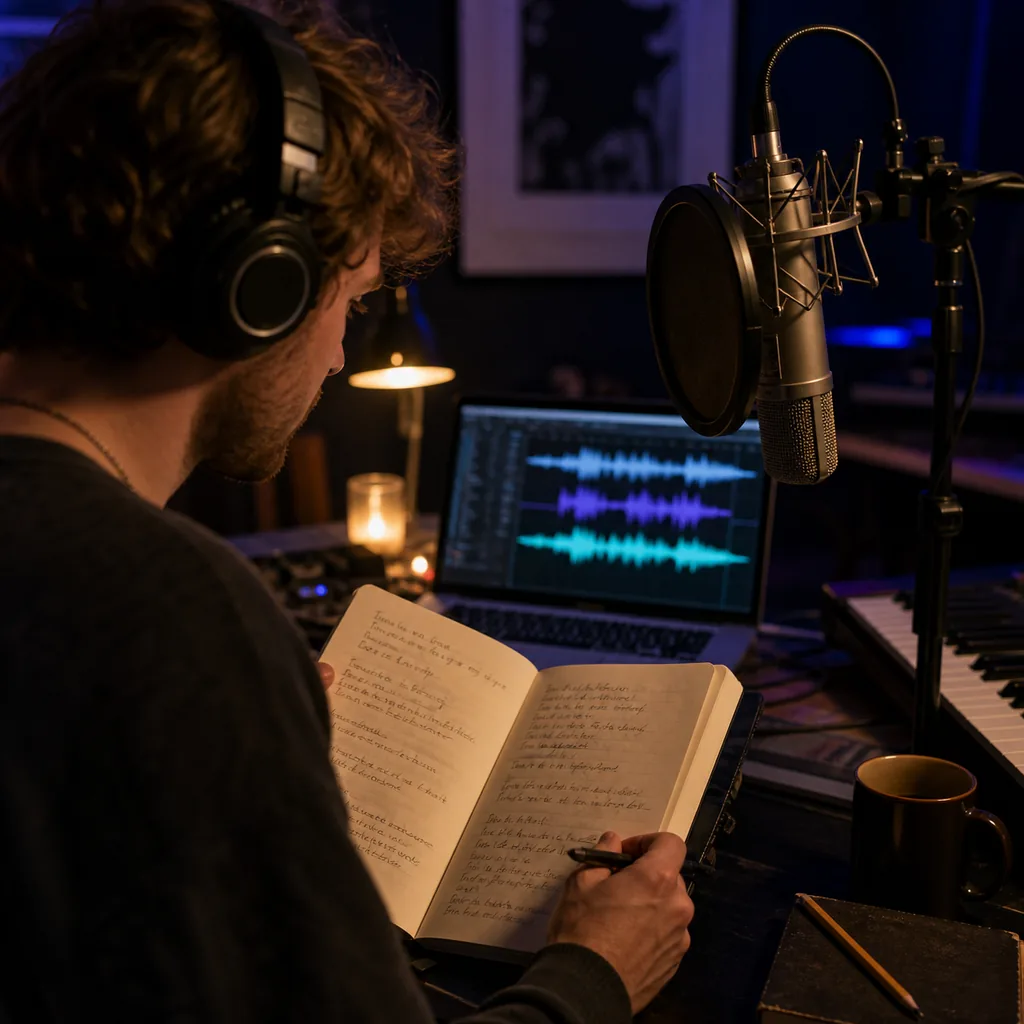
Already wrote the words? Paste them in and choose a style. Labels such as [Verse] and [Chorus] can help Suno follow the shape of your song.
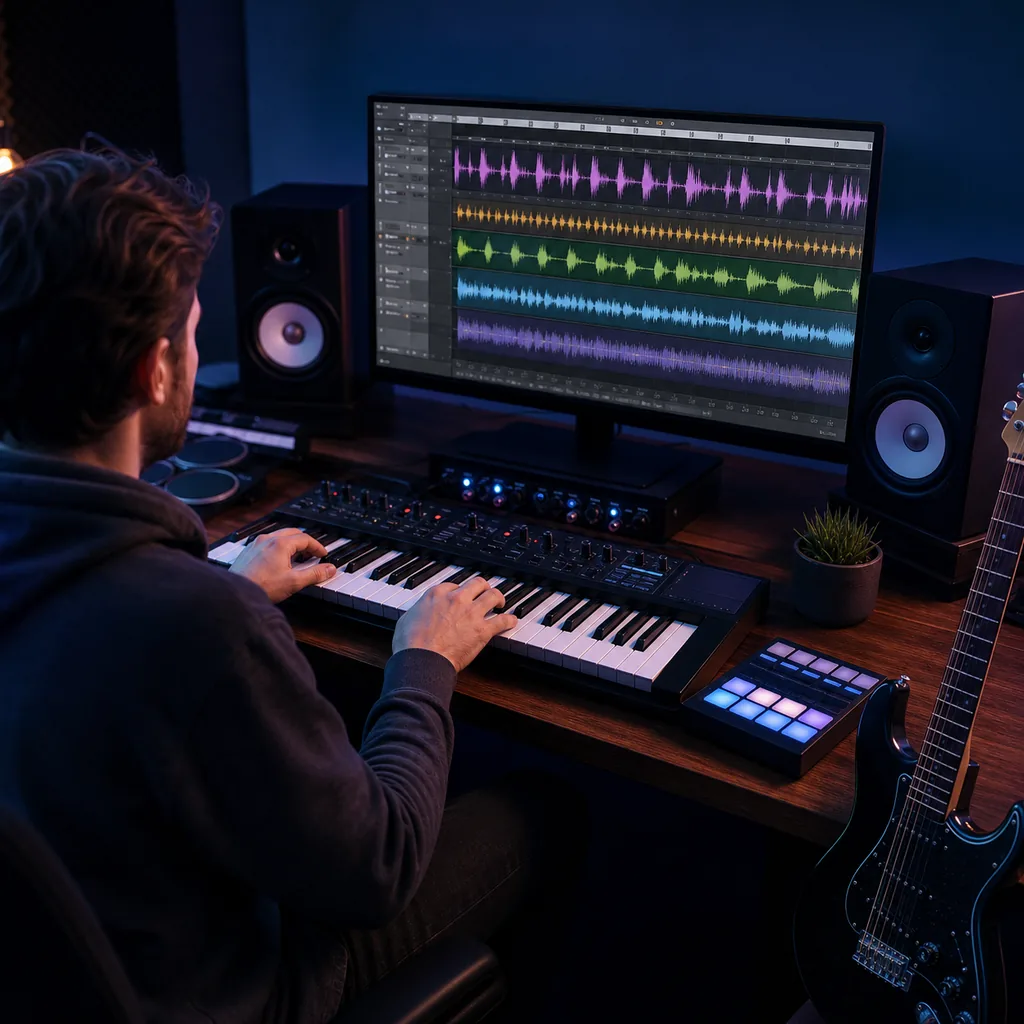
Need a beat, score, sound bed, or backing track? Turn off vocals, then tell Suno the pace, instruments, mood, and scene you have in mind.
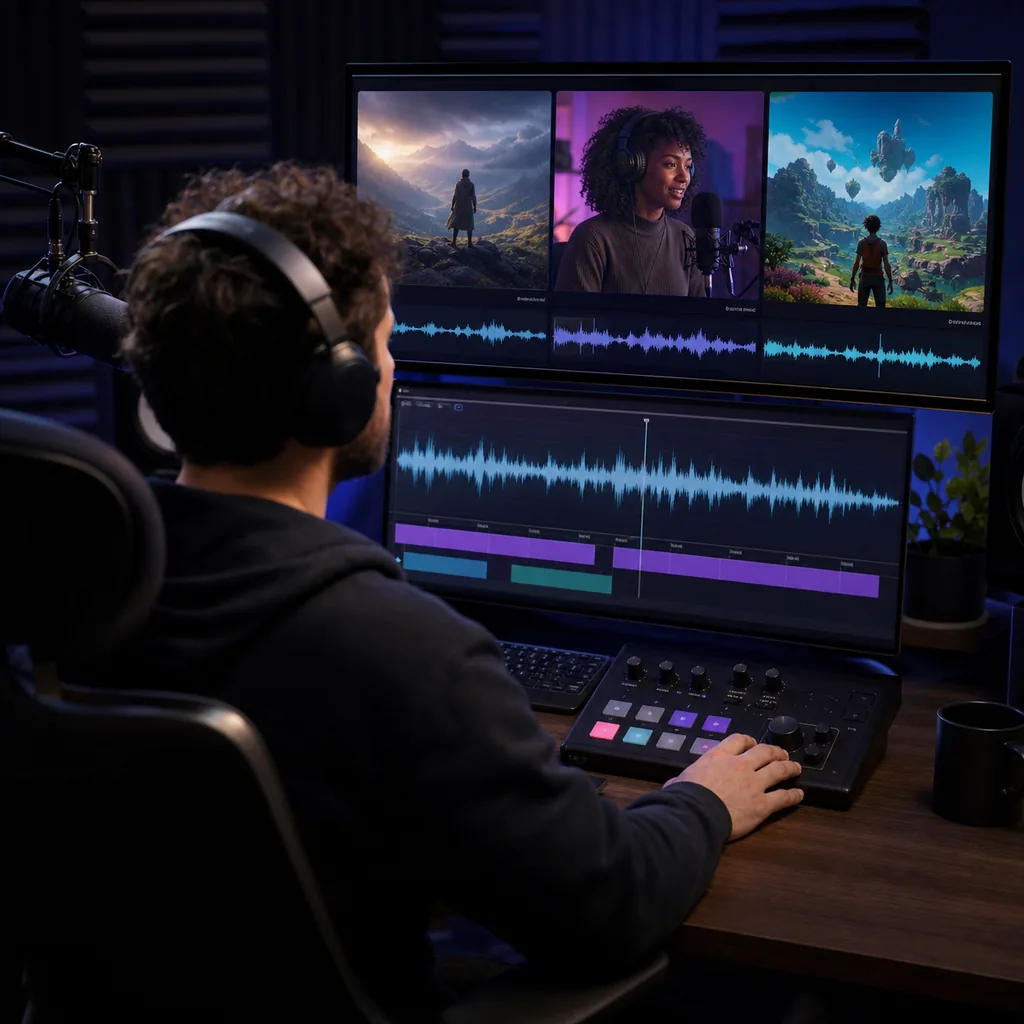
A stock track may not fit the pace of your scene or show. Describe the moment you need to score, and check that your plan covers commercial use for paid work.
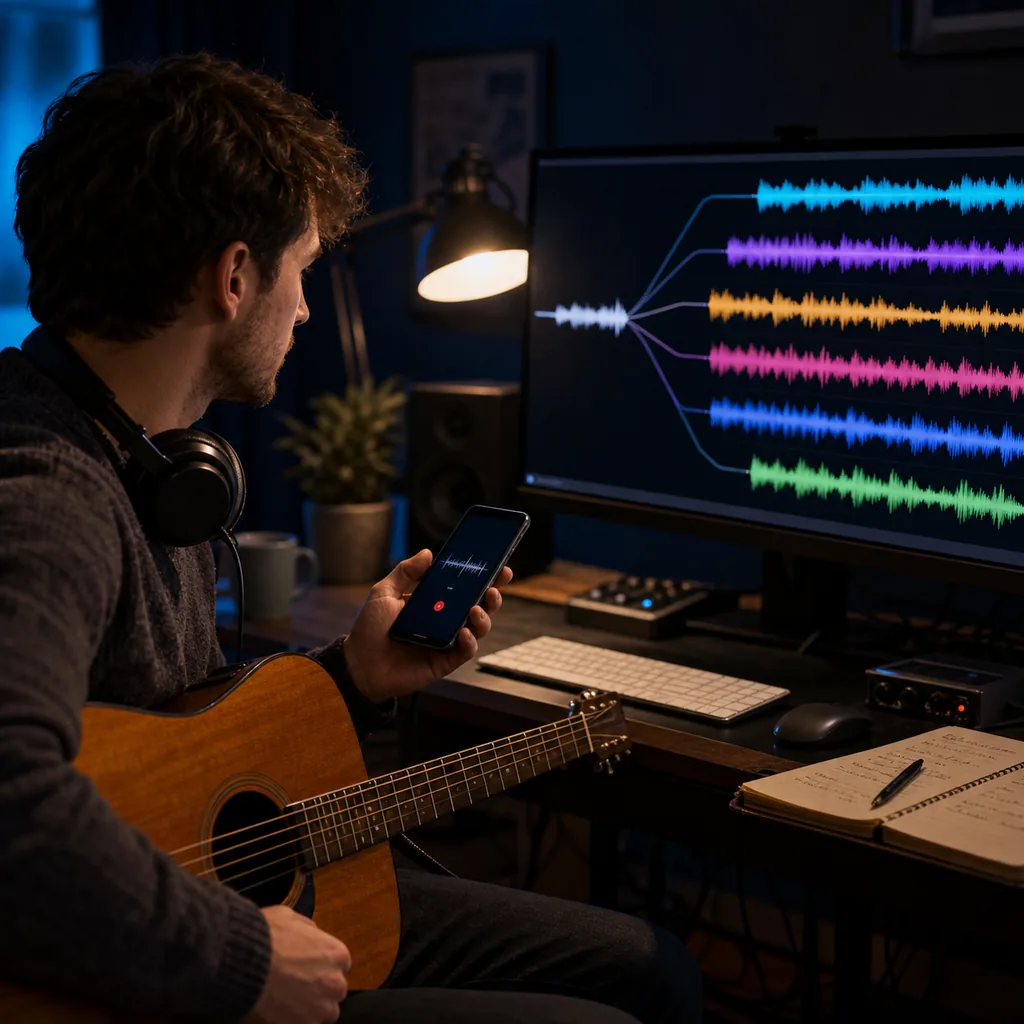
Start with lyrics, a tune, a voice note, a riff, or part of a song. Try new versions, covers, and longer edits until the idea starts to click.
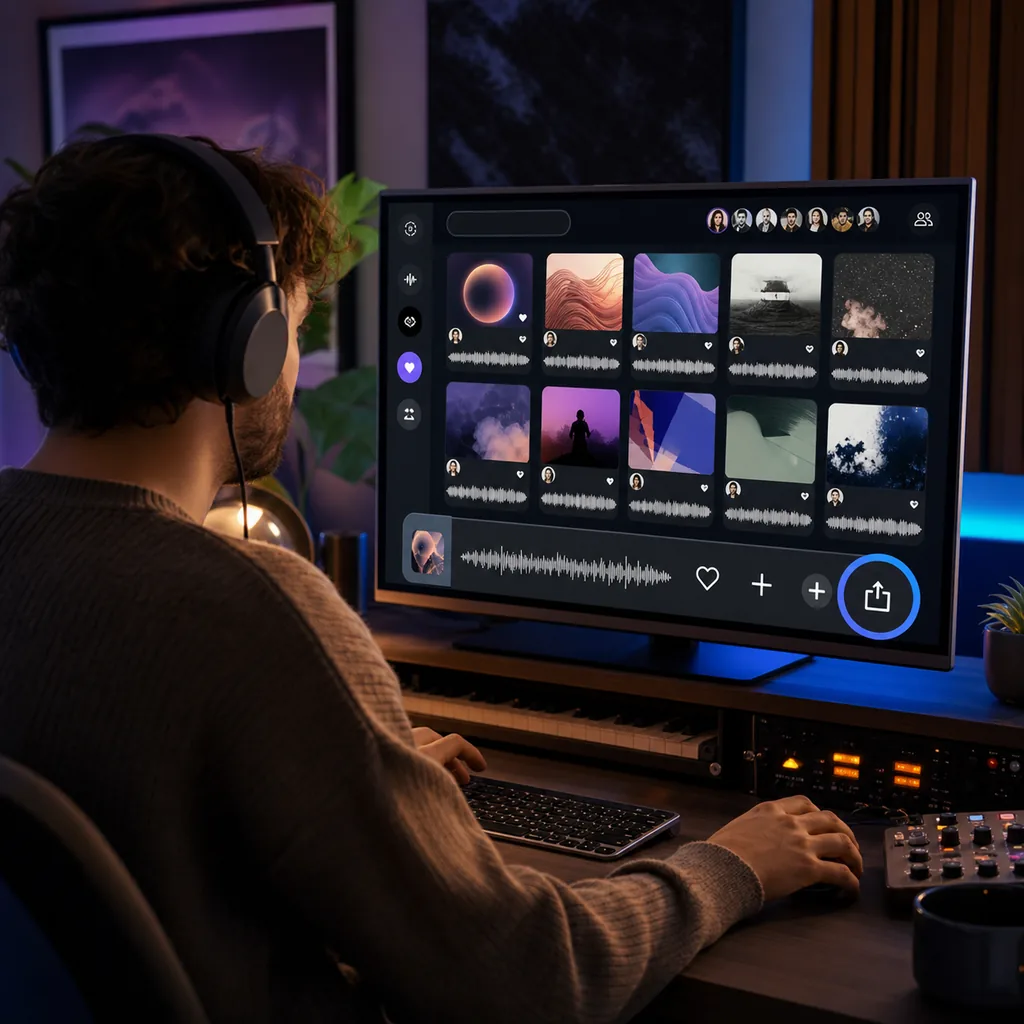
If you are not sure what to make next, browse public songs, styles, prompts, and playlists. Save what inspires you, then publish your own song or share its link.
Your first version may be close, but not quite right. These Suno features help you keep the good parts and change the rest.
Tell Suno the genre, mood, topic, or scene you hear in your head. It will turn that prompt into two songs with lyrics, music, and vocals.
Bring the lyrics you already wrote, or ask Suno to draft them from a theme. Add section labels, style notes, and a title when you want more control.
You decide whether the song needs a voice. You can also mix genres and set the pace, instruments, mood, vocal type, and style strength.
Have a voice note, tune, riff, or audio file already? Upload it instead of starting from text. The length and tools you get depend on your plan.
You don't have to throw away a take that almost works. Add more music, change the style, or make a new version from the same idea.
Use the Song Editor to move parts, swap words, crop, fade, and test another take. Paid plans can also split vocals and instruments into stems.
Browse public songs, popular styles, playlists, and other creators when you need ideas. You can publish your own tracks, sort them, or share them elsewhere.
Premier gives you Suno Studio when a simple edit is not enough. Arrange stems and MIDI on a timeline, then add effects and automation.
Wondering what is free, what you can download, or whether you can earn from a song? Here are the details worth checking before you start.
Suno is an AI music generator. Give it a prompt, your lyrics, a melody, or an audio file, and it can make a song with instruments and vocals. You can then extend, remix, edit, publish, or share the result.
No. You are on a BeMusic AI guide about Suno. The generator above belongs to BeMusic AI, so it is not the official Suno product.
Start with a prompt, lyrics, audio, or a mix of them. Suno makes two songs for you to compare. Each can include a melody, structure, instruments, and vocals.
Yes. The free plan gives you 50 credits each day. Suno says that is enough to make up to 10 songs.
With annual billing, Suno currently lists Pro at $8 a month and Premier at $24 a month. Monthly billing costs more, and tax may be added at checkout.
Pro includes 2,500 credits a month. Premier includes 10,000. Your plan credits reset each month instead of carrying over.
Starting September 3, 2026, Free gets up to 7 trial downloads in total. Pro gets 20 downloads a month, and Premier gets 60. Downloads from Suno Studio stay unlimited for Premier subscribers.
Suno says it owns songs made on the Basic free plan. You may use them for lawful personal projects, but not to earn money. Lyrics you wrote yourself still belong to you.
Yes, if you made the song while Pro or Premier was active. Suno grants commercial use rights for those songs. Keep a record of the date and plan in case you need proof later.
Not by default. A song made on the free plan normally stays noncommercial after you upgrade. Suno may offer an exception for a specific song, but you should not count on it.
Not always. Copyright rules vary by country and may require real human authorship. Your lyrics or edits may matter, but a prompt alone may not be enough.
Yes. Open Custom Mode, paste in your lyrics, and add the genre, mood, tempo, or type of voice you want. The lyrics you wrote stay yours.
Yes. Turn on the instrumental option, or say in your prompt that you do not want singing or spoken words.
Yes. Suno's current pricing page lists uploads of up to 8 minutes on Free and up to 30 minutes on paid plans. Only upload audio you have the right to use.
Yes, on a paid plan. You can record, upload, and create with your own voice. Use only recordings you own or have clear permission to add.
Simple Mode is for a quick idea with fewer choices. Custom Mode gives you direct control over the lyrics, style, title, vocals, and instrumental setting.
Yes, though the tools depend on your plan. Suno offers Extend, Cover, section editing, and stem splitting. Paid tiers get more edit options and more stem types.
Write it like a short note to a musician. Name the genre, mood, tempo, instruments, voice, and purpose. For example: "indie pop, 110 BPM, warm female vocal, bright guitars, hopeful final chorus."
If you want another prompt-to-song workflow for your idea or lyrics, try this Suno alternative. Compare the sound, controls, price, and license terms before you choose.
Discover other powerful features to enhance your music creation
Have a prompt or a set of lyrics ready? Put them into BeMusic AI and hear where your idea goes next.