3–5 Minute Processing, Not Hours
The AI renders about 1 second of video every 10–30 seconds. A 30-second clip? Done in under 15 minutes. It all runs in the cloud, so feel free to close the tab and come back later.
Start Pro at 50% off
Start Pro at 50% off
New accounts · First month/year
New accounts · First month or year

These were made with the tool below. Hit play, see what you think, then make your own.
You don't need to know anything about video editing. Three steps, one singing video.
Drag in a selfie, a family portrait, your dog — anything with a face. People, pets, illustrations, even old black-and-white photos all work. The AI figures out the rest.
Browse 1,000+ songs in our library, upload your own MP3, or let the AI write something original. The face will lip-sync to whatever you choose.
The AI animates your photo with realistic mouth and face movements in 3–5 minutes. Grab the MP4 in 480p or 720p and post it wherever you want — TikTok, Instagram, YouTube, you name it.
From scroll-stopping social clips to gifts that make people cry, here's what creators, marketers, and regular people actually do with singing photo videos.
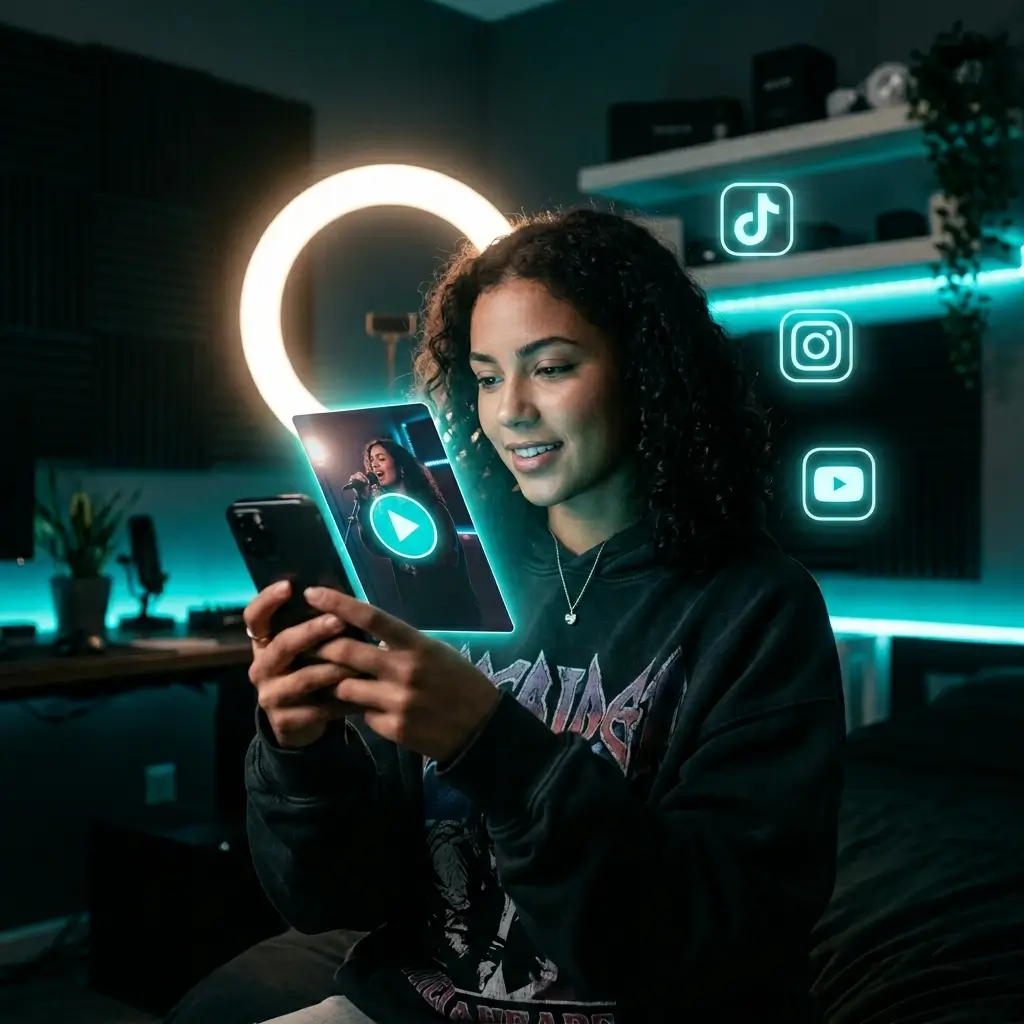
A singing portrait video is a fun, easy-to-make format for TikTok, Instagram Reels, and YouTube Shorts. Weird and shareable is the point.
Make Viral Content Now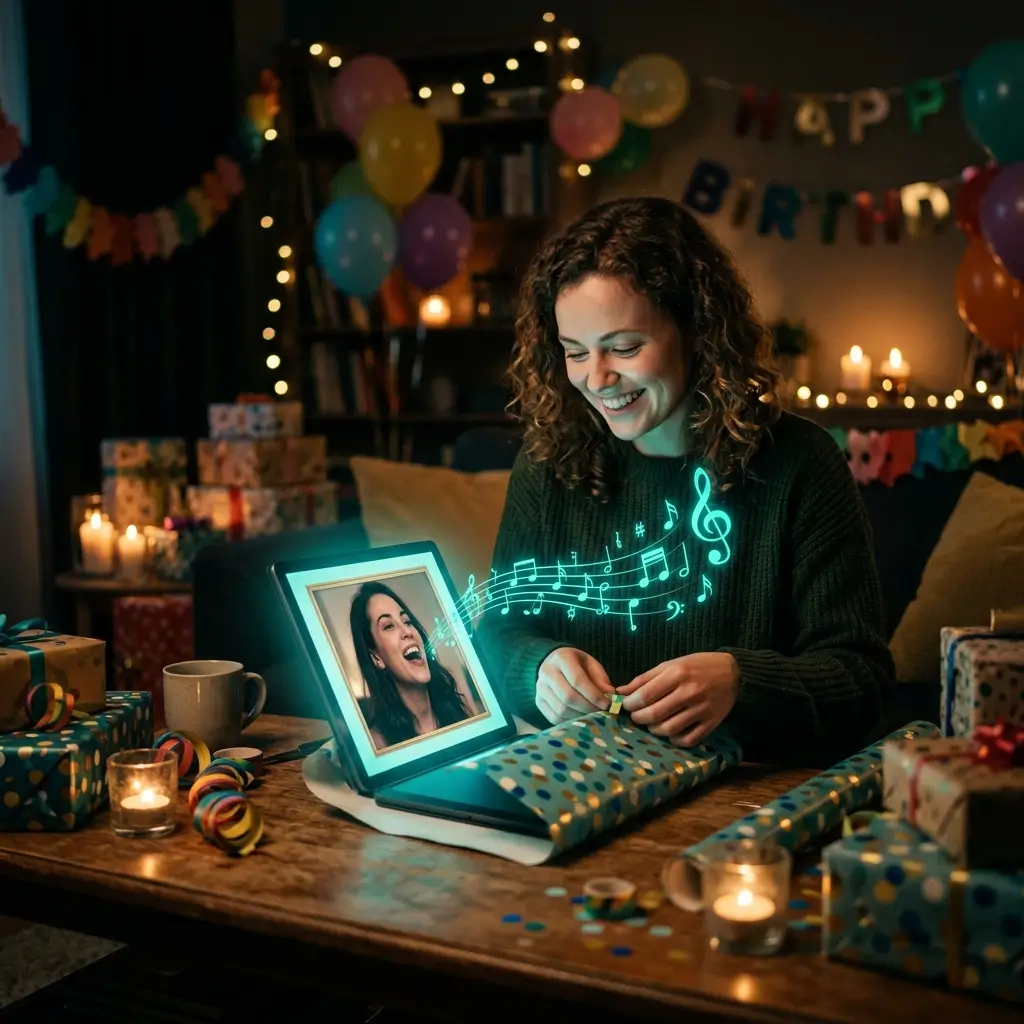
Turn someone's photo into a personalized singing message for a birthday, Mother's Day, or anniversary. Takes under 5 minutes and hits way harder than a greeting card.
Create a Singing Gift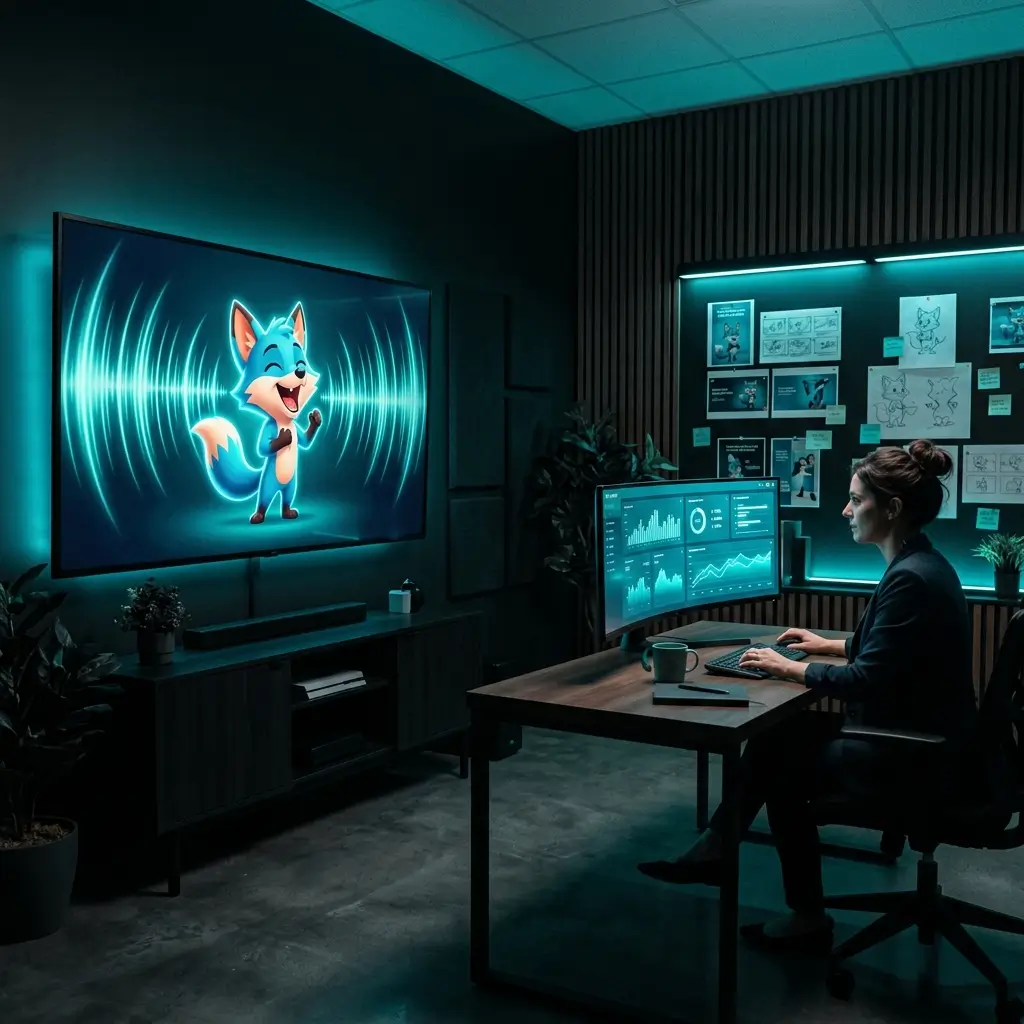
Give your product photos, team headshots, or mascots a voice. Animated singing faces hold attention longer than static images — great for ads, emails, and landing pages.
Create Marketing Videos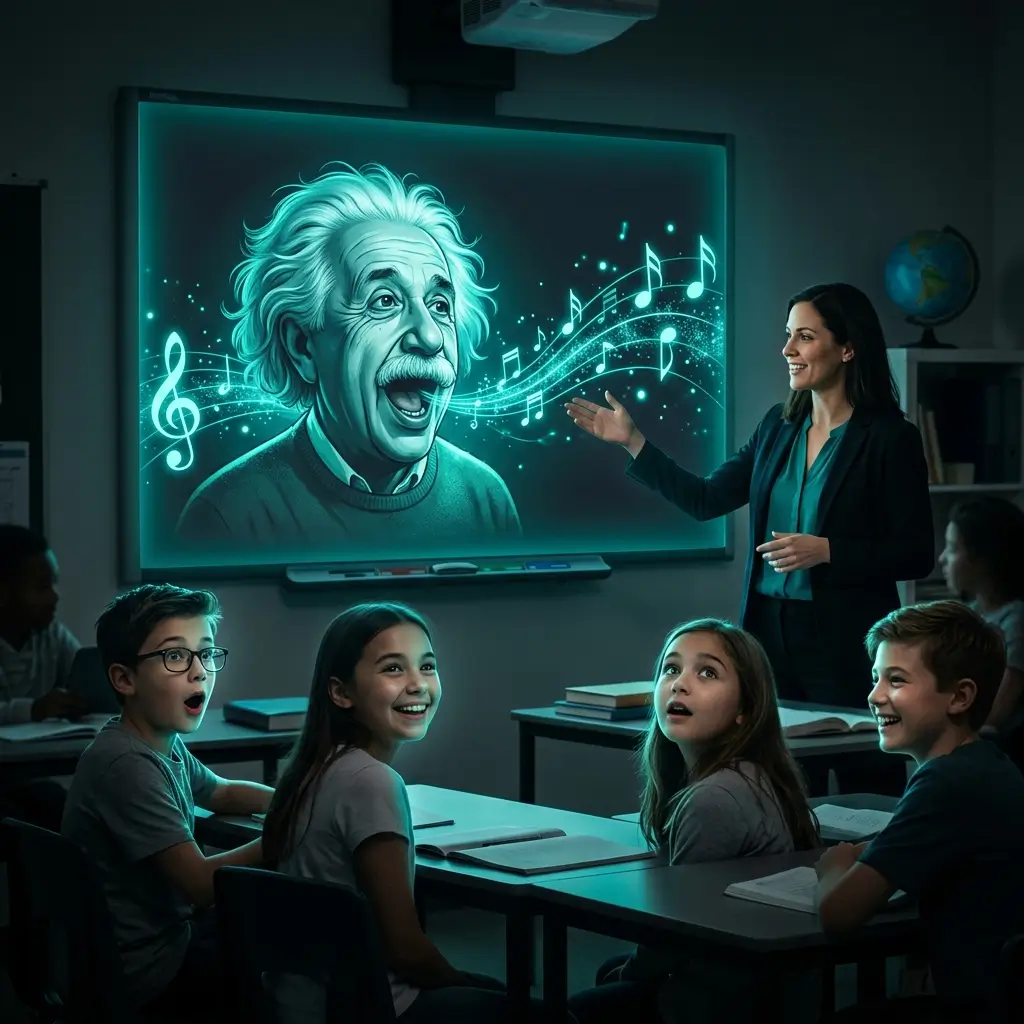
Imagine Einstein singing about relativity or Frida Kahlo rapping her biography. Teachers can use AI face animation to make lessons more memorable. Only use images you have the right to use.
Create Educational Content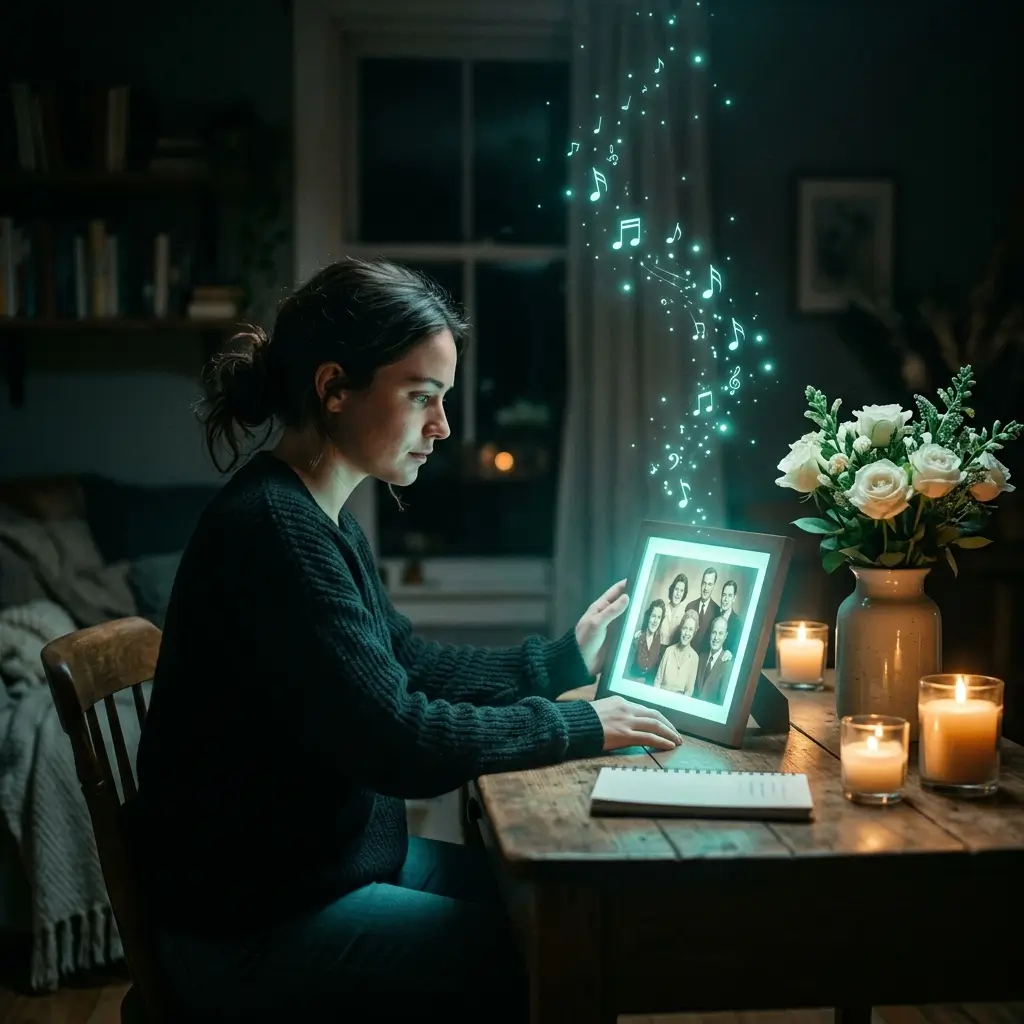
Pair a cherished photo with a song that meant something. People share these tribute videos at funerals, anniversaries, and family gatherings — it's a beautiful way to keep someone's memory alive.
Make a Tribute Video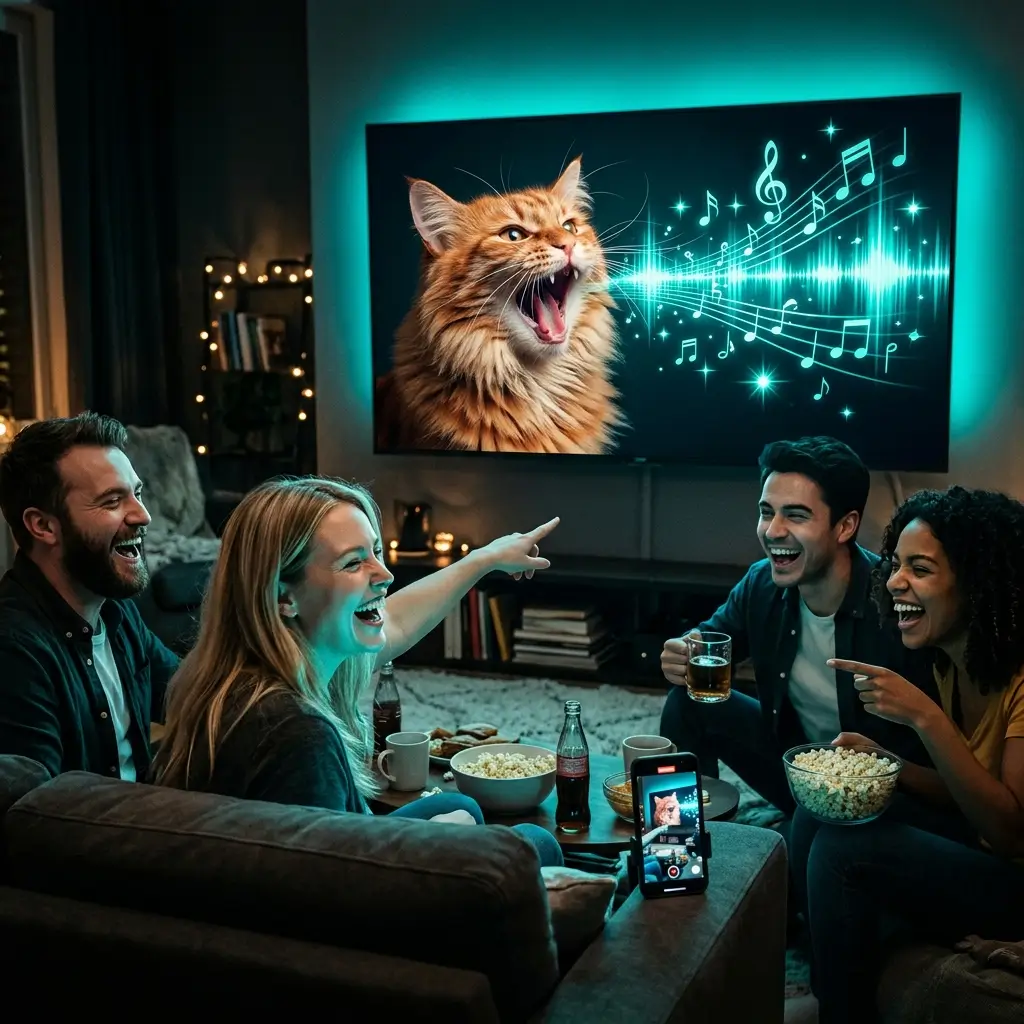
Dogs, cats, hamsters — they can all sing now. Pet singing videos are a popular format on social media, and they're quick to make.
Start Creating Fun VideosHere's what the singing photo generator does and what it takes to use it.
The AI renders about 1 second of video every 10–30 seconds. A 30-second clip? Done in under 15 minutes. It all runs in the cloud, so feel free to close the tab and come back later.
The AI matches each syllable to the right mouth shape and throws in natural blinks, eyebrow raises, and head tilts. Most people can't tell it's AI on first watch.
Front-facing portraits look sharpest, but side angles, blurry shots, illustrations, and cartoon characters all work too. If there's a face in it, the AI can animate it.
Browse the built-in library, upload your own MP3/WAV/M4A, or generate a brand-new song with our AI music creator. No other singing photo tool has a built-in music generator.
Your photos are encrypted and never used for shared AI-model training without your explicit opt-in. Uploads may be retained for up to 30 days after processing, or until you delete them earlier.
Grab your video as an MP4 in 480p (faster) or 720p (sharper), ready for TikTok, Instagram, YouTube, and video editors.
Three steps: upload a photo, pick audio, hit generate. No software, no plugins, no learning curve. If you can attach a file to an email, you can do this.
Choose Pro or Studio to create singing photos. Generation uses the credit amount shown before you start, and eligible output includes commercial licensing.
Quick answers about making photos sing with AI — pricing, privacy, photo types, and output quality.
It's a short video where AI makes a still photo look like it's singing. The AI listens to the audio, then animates the face with realistic lip movements, expressions, and subtle head motions. The result is a video where the person — or pet, or character — in the photo genuinely appears to sing.
AI Singing Photo requires an active Pro or Studio plan. Each generation uses the displayed credit amount; eligible output includes commercial-use licensing.
Sign in with an active Pro or Studio plan, upload a portrait, choose a song from your library or upload your own audio, and select Generate. Processing time depends on the video length and current service load.
Clear, front-facing portraits with decent lighting give you the sharpest results. That said, the AI handles a lot — side angles, grainy old photos, illustrations, paintings, even cartoon characters. The main thing is that the face should be visible and not blocked by sunglasses or hands.
It depends on the length. The AI processes about 1 second of video every 10–30 seconds, so a 30-second clip usually takes 5–15 minutes. Everything runs in the cloud — you can close the page and come back when it's done.
For sure. You've got three options: pick from our library of 1,000+ songs, upload your own file (MP3, WAV, or M4A), or generate a custom song with our AI music generator. The singing photo will lip-sync to whatever audio you give it.
Really realistic. The AI breaks down each syllable and matches it to the right mouth shape (called visemes). It also adds natural touches like eyebrow raises, blinks, and small head movements. Most people don't realize it's AI-generated on first watch.
Yes. Dogs, cats, hamsters, birds — anything with a visible face is worth a try. The AI adjusts its animation to the face it finds in the photo.
While Pro or Studio is active, you can obtain a commercial-use license for eligible output in your account, including output created before upgrading. Other output remains for personal, non-commercial use unless later licensed. You must have rights and consent for the source image, audio, lyrics, and depicted or cloned person; the license does not transfer those third-party rights.
We take this seriously. Your photos are not sold or used for shared AI-model training without your explicit opt-in. They are shared only with providers needed for the requested processing and may be retained for up to 30 days afterward, or until you delete them earlier. Check our privacy policy for full details.
You get MP4 videos in 480p or 720p. They work everywhere — TikTok, Instagram, YouTube, Facebook, Twitter, LinkedIn, and any video editing app you use.
Upload a portrait, pick a trending song (or upload your own), and hit Generate. In 3–5 minutes you'll have an MP4 ready to post. It works natively on TikTok, Instagram Reels, and YouTube Shorts — no reformatting. For vertical platforms, a portrait-orientation photo gives you the cleanest look.
Up to 1 minute, based on the length of your song or audio clip.
Nope. The whole thing is three steps: upload a photo, pick a song, click generate. No video editing software, no plugins, no tutorials. If you can send an email, you can make a singing photo.
Yes — the AI can detect and animate multiple faces in one photo. Everyone lip-syncs to the same audio. Works great for family photos, team shots, and group pictures.
A singing photo syncs a face to music — lip movements follow the vocals and melody. A talking photo syncs a face to speech. BeMusic AI does both. Singing photos are more fun and shareable; talking photos work better for presentations and educational content.
The AI can animate any face, but we recommend only using photos you have the right to use. Celebrity photos in commercial content may violate publicity rights. For personal, non-commercial fun it's generally fine — just be mindful of copyright and personality rights where you live.
It does. The AI has built-in image enhancement that handles old, faded, blurry, and low-resolution photos. Better photos give better results, but you'd be surprised how well it works with imperfect images. Great for bringing vintage family photos to life.
The generated MP4 works in any video editor — iMovie, CapCut, Premiere Pro, DaVinci Resolve, you name it. Trim it, add filters, overlay text, combine clips. If you want a different song or photo, just generate a new one.
Under the hood, an AI model animates the face in your photo to follow the audio: it detects facial landmarks, analyzes the audio's phonemes and timing, generates frame-by-frame facial animation that matches, and renders a smooth video with natural motion.
You can regenerate as many times as you like — each attempt may look slightly different. For better results, try a well-lit photo with the face looking forward, pick a song that fits the vibe, and make sure nothing covers the face. Still not happy? Our support team is here to help.
Not at the moment. AI singing photo generation is only available through our web interface. If you're interested in API access down the road, drop us a line at support@bemusic.ai.
Still have questions? Email our support team — we're happy to help.
Discover other powerful features to enhance your music creation
Upload a photo, pick a song, and create a lip-synced singing video with Pro or Studio.