Full Songs With Real Vocals
Not just background loops. You get complete songs — verses, choruses, vocals (male, female, or auto-picked based on the image mood). It actually sings.
Start Pro at 50% off
Start Pro at 50% off
New accounts · First month/year
New accounts · First month or year

Every track here started as a single image. Hit play and see if the AI nailed the vibe.
No music theory, no DAW, no editing skills. Just upload, tweak if you feel like it, and download.
Drag in a sunset, a selfie, concept art, a meme — literally anything. The AI picks up on colors, lighting, and mood to figure out what the image "sounds like."
The AI turns the image into a full track with vocals, instruments, and song structure. Want to nudge it? Add a genre tag or paste in your own lyrics. How long it takes depends on the model and the queue, and free-plan jobs include a short wait before processing starts.
Hit play right away. If you love it, download it (MP3 download needs a paid plan or credit pack). If it's not quite there, tweak the style tags and try again — every generation is different.
Your image already carries a feeling. The AI just turns that feeling into sound. Here are some ways creators put it to work.
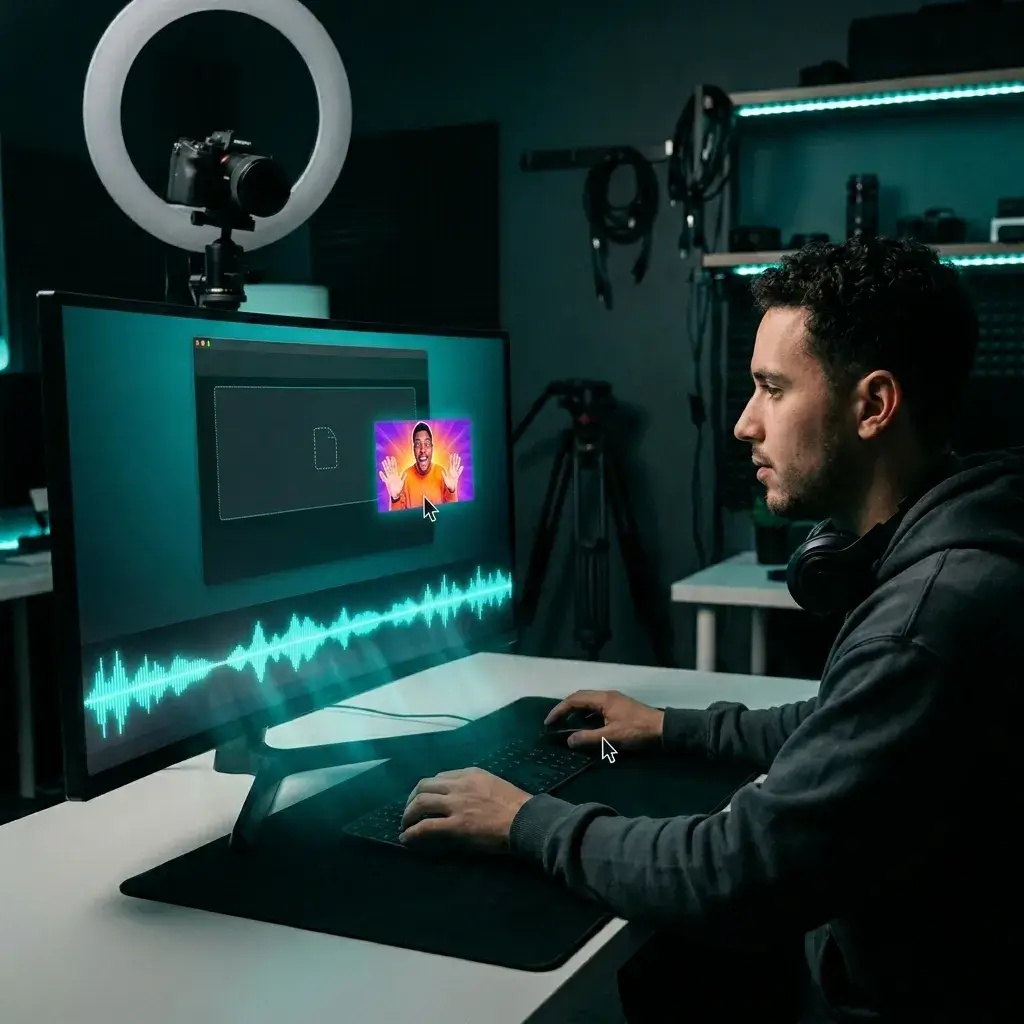
Drop your thumbnail or a key frame in and get a track that fits your edit. Commercial use requires a Pro or Studio license and the right to use the source image.
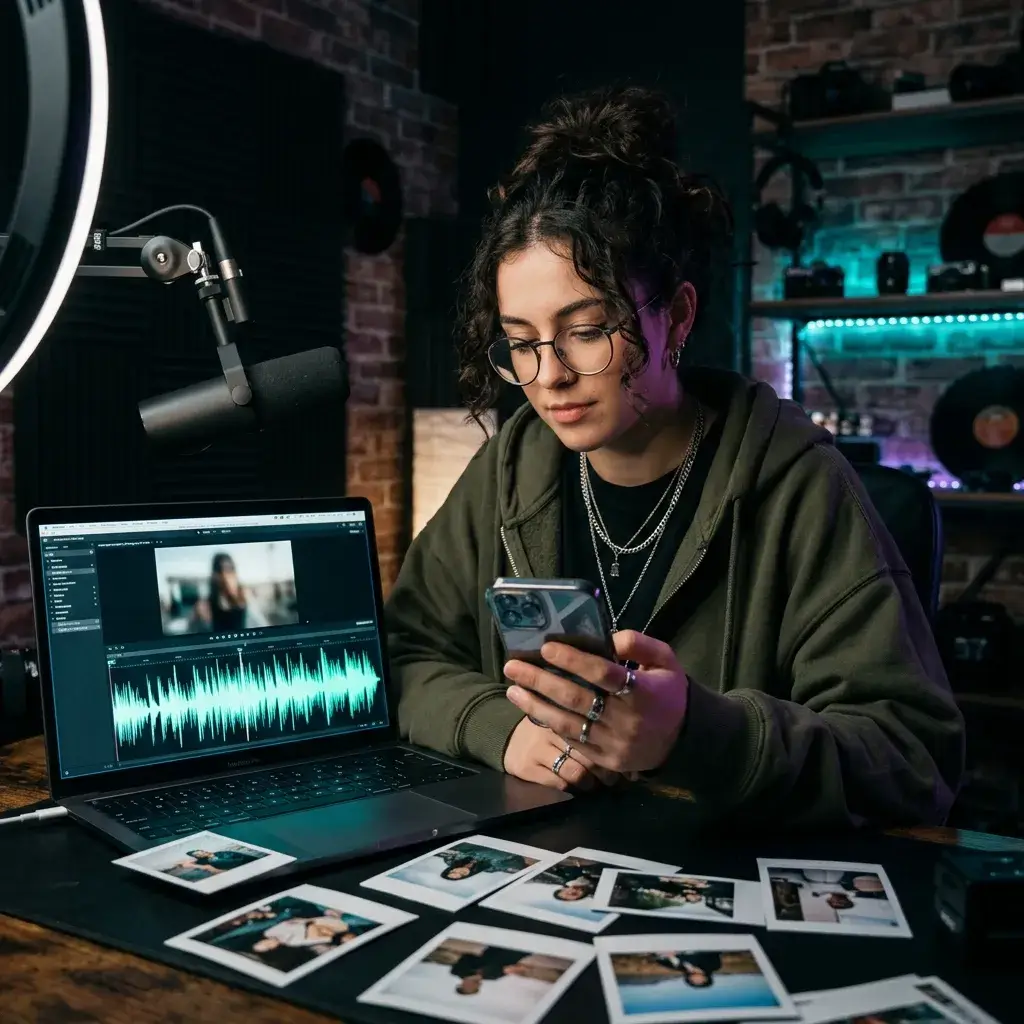
Turn a photo into a catchy clip. Original audio gives your post its own sound instead of the same trending track everyone else is using.
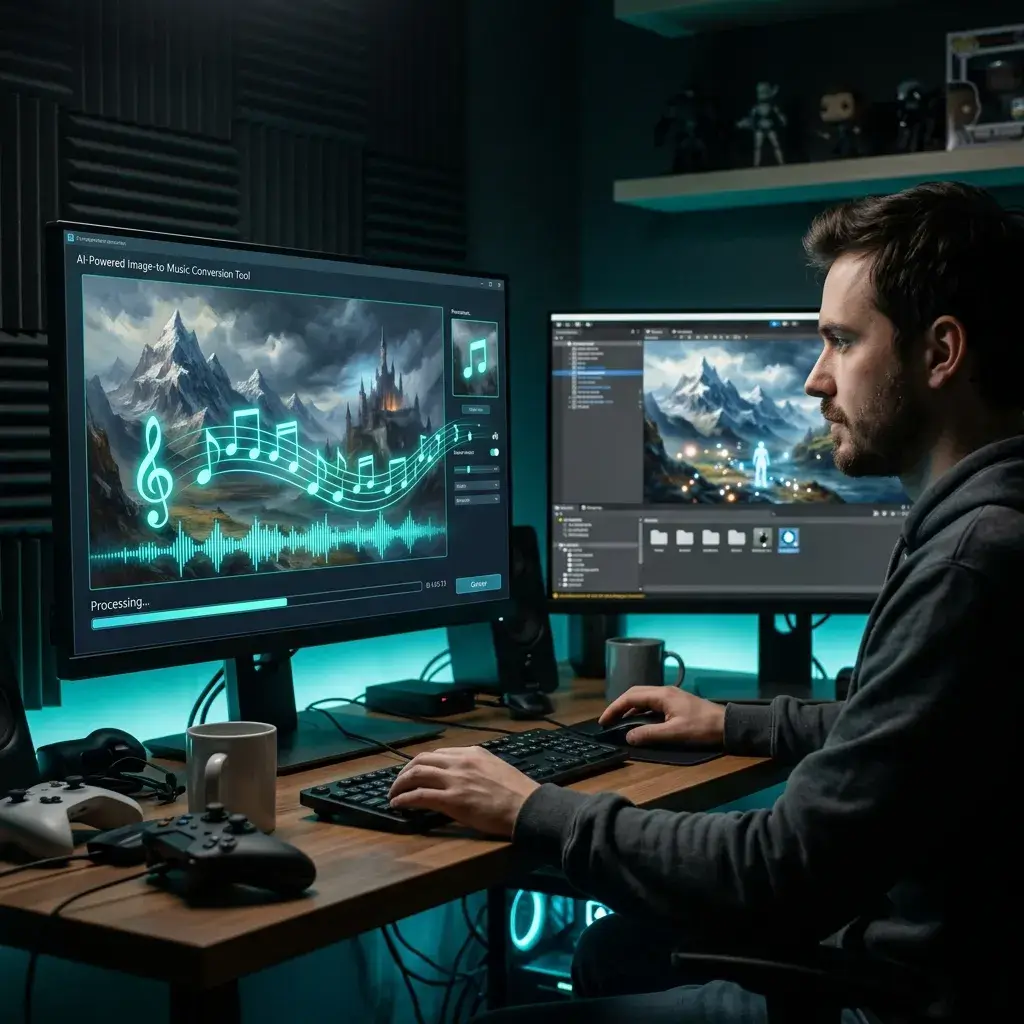
Feed the AI your concept art or a level screenshot. You'll get ambient tracks, battle themes, or menu music up to 8 minutes — no composer needed.
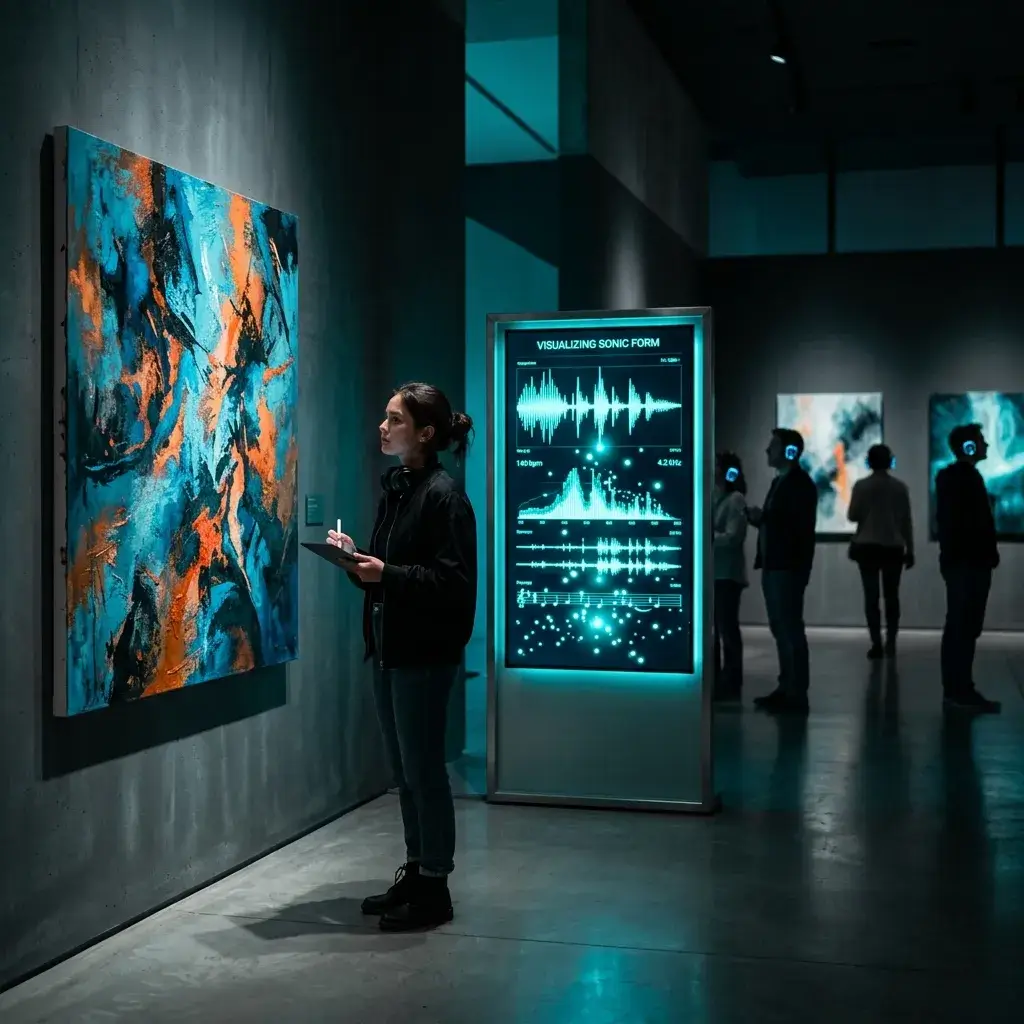
Give your paintings or digital art a sonic layer. Visitors can hear what a piece "sounds like" — it adds a whole new dimension to the experience.
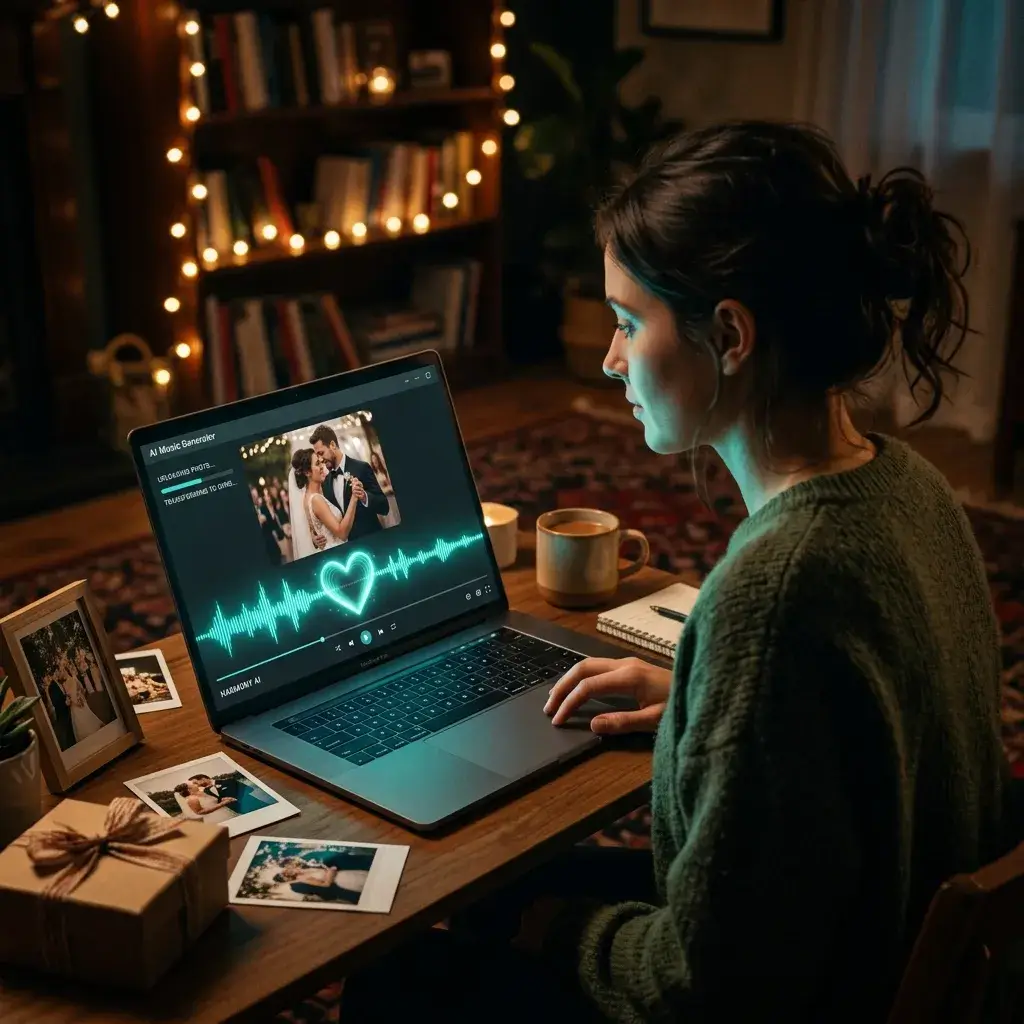
Upload a wedding photo, a travel shot, or a family portrait and get a one-of-a-kind song. Makes for a gift nobody else can replicate.
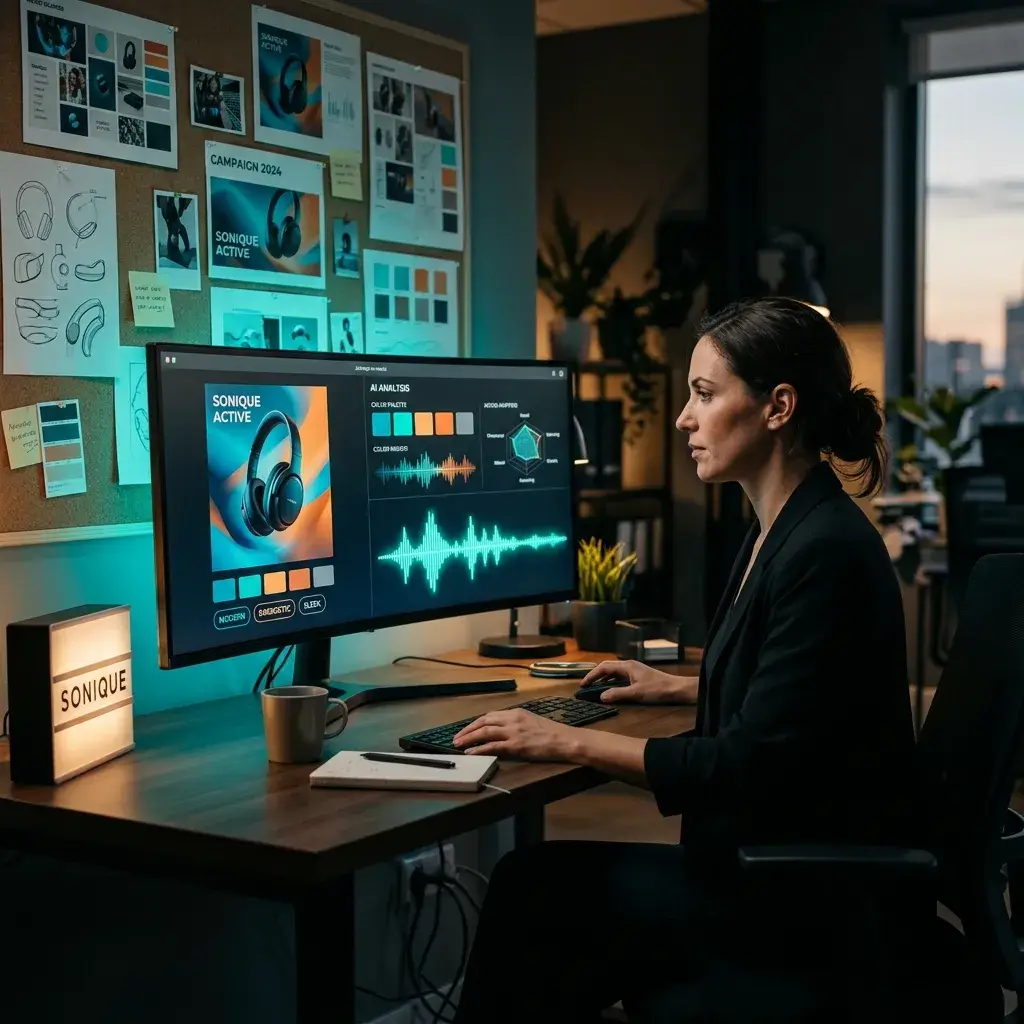
Turn a product shot or campaign visual into on-brand audio. Consistent mood across visual and sound — without weeks of back-and-forth.
Most image-to-music tools give you a 15-second instrumental loop and call it a day. Here's why this one's different.
Not just background loops. You get complete songs — verses, choruses, vocals (male, female, or auto-picked based on the image mood). It actually sings.
Upload a photo and the track is generated for you, with no DAW or session needed. How long it takes depends on the model and the queue, and free-plan jobs include a short wait before processing starts.
The photo sets the emotional starting point. From there, you can layer on genre, tempo, vocal style, and even paste in lyrics. Or just let the AI run with it.
Make full-length songs, long ambient pieces, or background music that doesn't loop awkwardly.
Download your track as an MP3 with a paid plan or credit pack, ready to drop into your video editor, podcast, or streaming upload.
While Pro or Studio is active, you can obtain a royalty-free commercial-use license for eligible output in your account, including output created before upgrading. You must also have the right to use the source image.
Pop, cinematic, lo-fi, jazz, EDM, hip-hop, classical, ambient — pick one or let the AI decide based on what it sees in your image.
First result not what you had in mind? Tweak a tag, crop the image differently, or add a short prompt. Every generation comes out unique.
The stuff people usually ask before uploading their first photo.
It looks at your image — the colors, the lighting, any objects it can detect, the overall composition — and figures out the mood. Then it maps that mood to musical choices: tempo, key, instruments, vocal style. The result is a fully composed track that feels like it belongs with your photo.
Yep. Most image-to-music tools only do instrumentals. This one generates complete songs with singing — male, female, or auto-selected to fit the image vibe. You can also paste in your own lyrics if you've got them.
You can start without a credit card, but you need to sign in. New accounts may get free starter credits, and paid plans and credit packs add more. Commercial use requires a Pro or Studio plan.
JPG, PNG, and WebP all work. Higher-res images give the AI a bit more to work with, but a regular phone photo is totally fine. No minimum resolution.
Up to 8 minutes. Most people make tracks between 1 and 4 minutes, but longer pieces are great for ambient music, video backgrounds, or full compositions.
For sure. Your image sets the emotional foundation, but you can layer on genre (pop, jazz, EDM, cinematic, whatever), vocal gender, tempo, and even negative tags to keep out styles you don't want.
It depends on the model and the queue. Free-plan jobs include a short wait before processing starts, and longer songs take longer.
While Pro or Studio is active, you can obtain a royalty-free commercial-use license for eligible output in your account, including output created before upgrading. Other output remains for personal, non-commercial use unless later licensed, and you must have the right to use the source image.
Ever tried to describe a specific mood in words and just... couldn't? That's the problem. An image already carries the feeling — the colors, the light, the energy. Upload it and the AI gets it instantly. You can also add a text prompt on top if you want extra control.
Downloads are MP3 with a paid plan or credit pack, ready to drop into a video edit or podcast.
Yes. Upload your image to anchor the mood, then paste your lyrics into the text field. The AI composes music and vocals around your words while matching the emotional tone of the photo.
Nope. The image does the explaining for you. If you want more say in the output, you can pick a genre or add style tags — but it's 100% optional.
Change your style tags, crop the image differently, or add a short text prompt to steer it. Every generation is unique, so just keep going until it clicks.
You retain rights to the image and other material you provide. BeMusic grants usage rights to generated output according to your plan. Copyright eligibility and ownership of AI-generated material vary by jurisdiction; see the Terms of Service and Commercial License Agreement.
Have more questions? Contact our team — we're happy to help.
Discover other powerful features to enhance your music creation
Upload a photo, hear your track, download the MP3. Sign in required; new accounts may get free starter credits.