Name a Specific Lo-Fi Style
Chillhop, jazz-hop, sleepy study beats, lo-fi boom bap, and ambient lo-fi do not move the same way. Put the closest lane near the start of the prompt.
Start Pro at 50% off
Start Pro at 50% off
New accounts · First month/year
New accounts · First month or year

A useful prompt sounds like a short producer note. Set the pace, name the main sounds, and leave enough space for the track's job.
Start with chillhop, jazz-hop, study beats, sleepy lo-fi, or a mellow boom-bap feel. Add the mood and where you plan to use the music.
Give a BPM, drum feel, lead instrument, and texture. Try soft swung drums, warm electric piano, rounded bass, vinyl crackle, and light tape wear.
Check whether the melody, drums, or texture asks for too much attention. Keep what works, then simplify or change one detail for the next version.
Quiet music still needs a purpose. Decide whether the beat should support focus, speech, sleep, or a scene before shaping its movement.
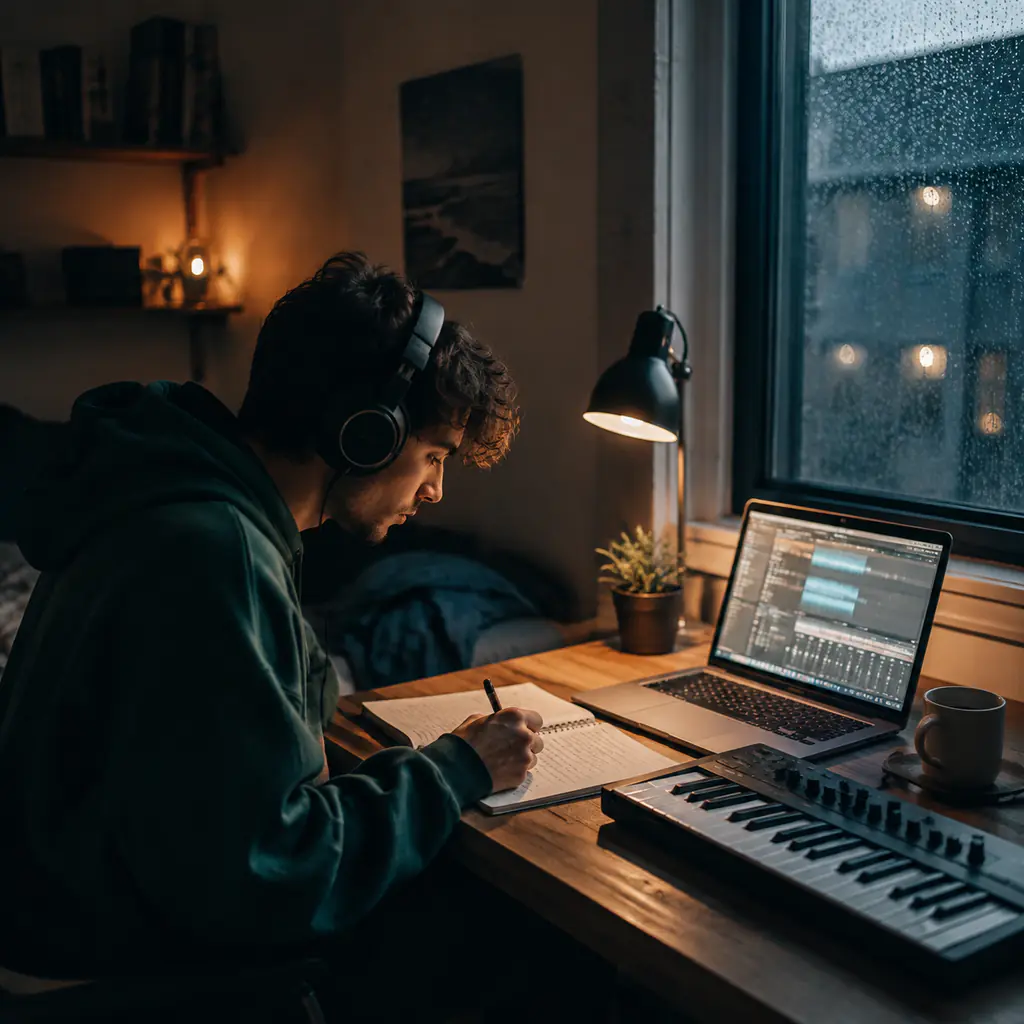
Create a steady instrumental with a low-key melody and few sharp changes. Ask for soft drums and a repeating chord bed that stays behind your work.
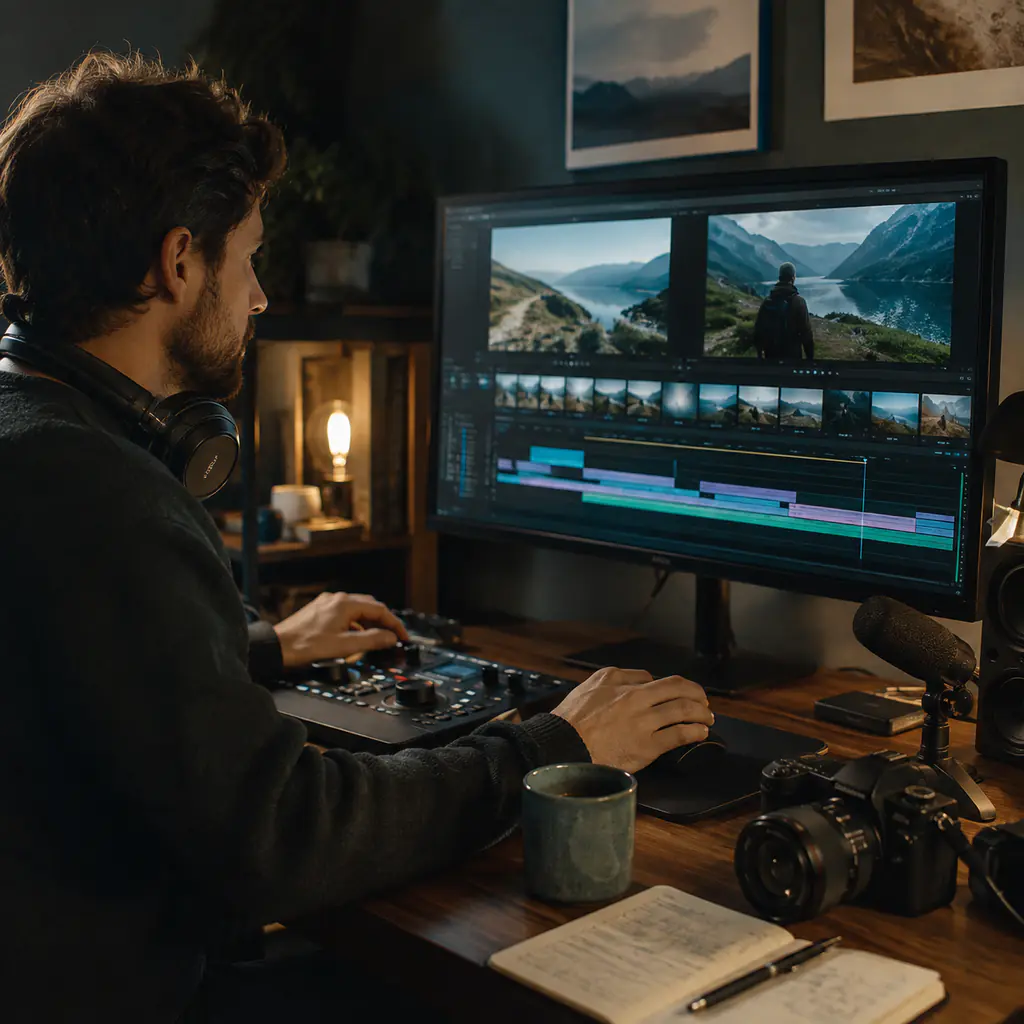
A vlog or tutorial needs room for speech. Request a short intro, restrained lead, stable groove, and instrumental arrangement that does not fight the voice-over.
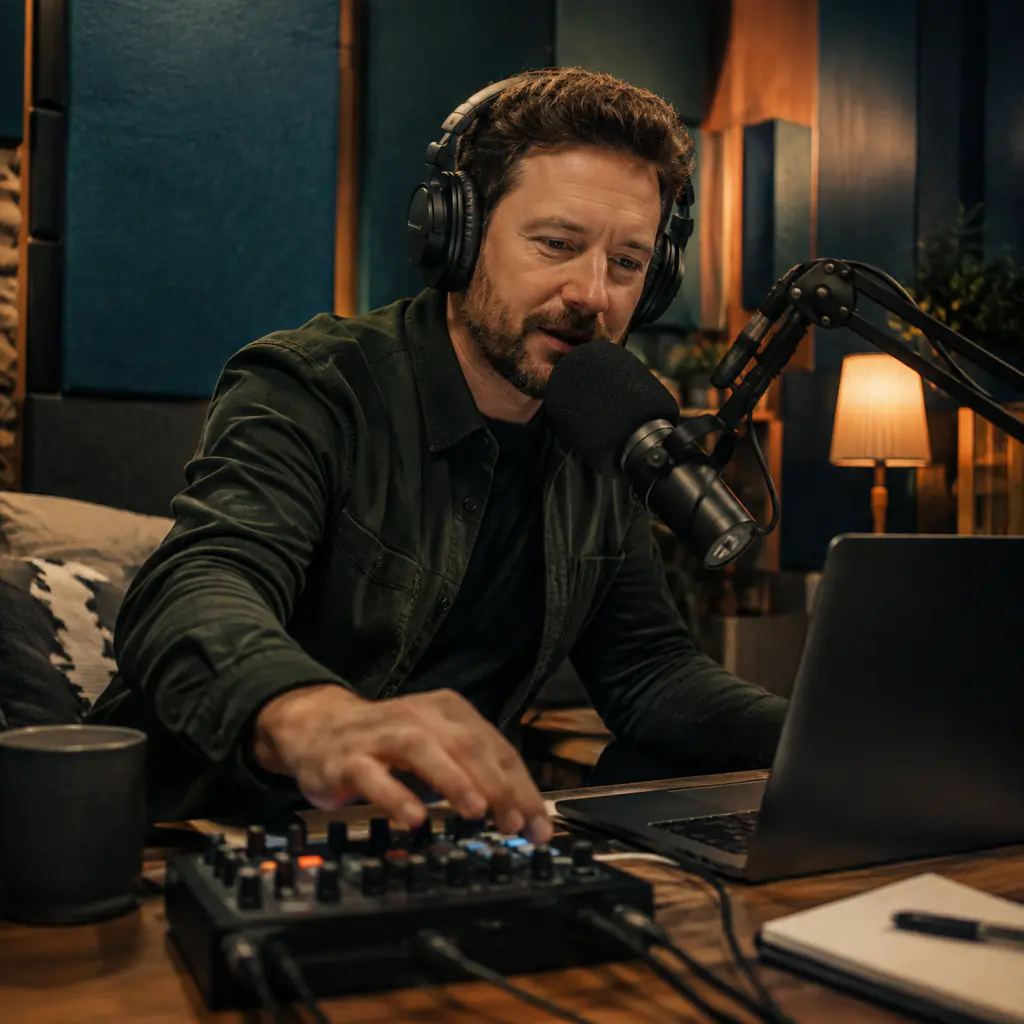
Give a spoken segment a warm identity without adding a loud hook. Describe the desired pace, texture, and a simple ending you can edit around.
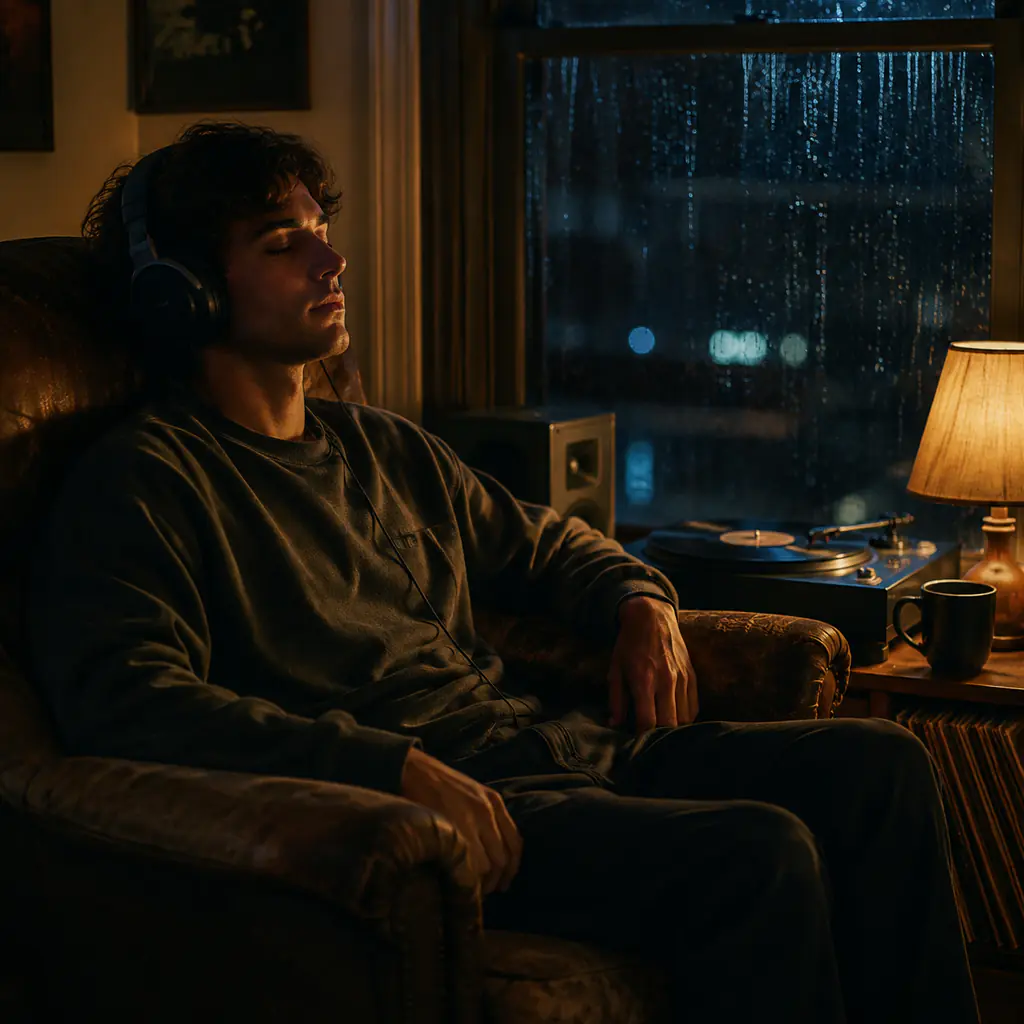
Build a sleepy track with muted drums, soft keys, and a darker chord color. Keep the energy even when you want music that can sit in the room.
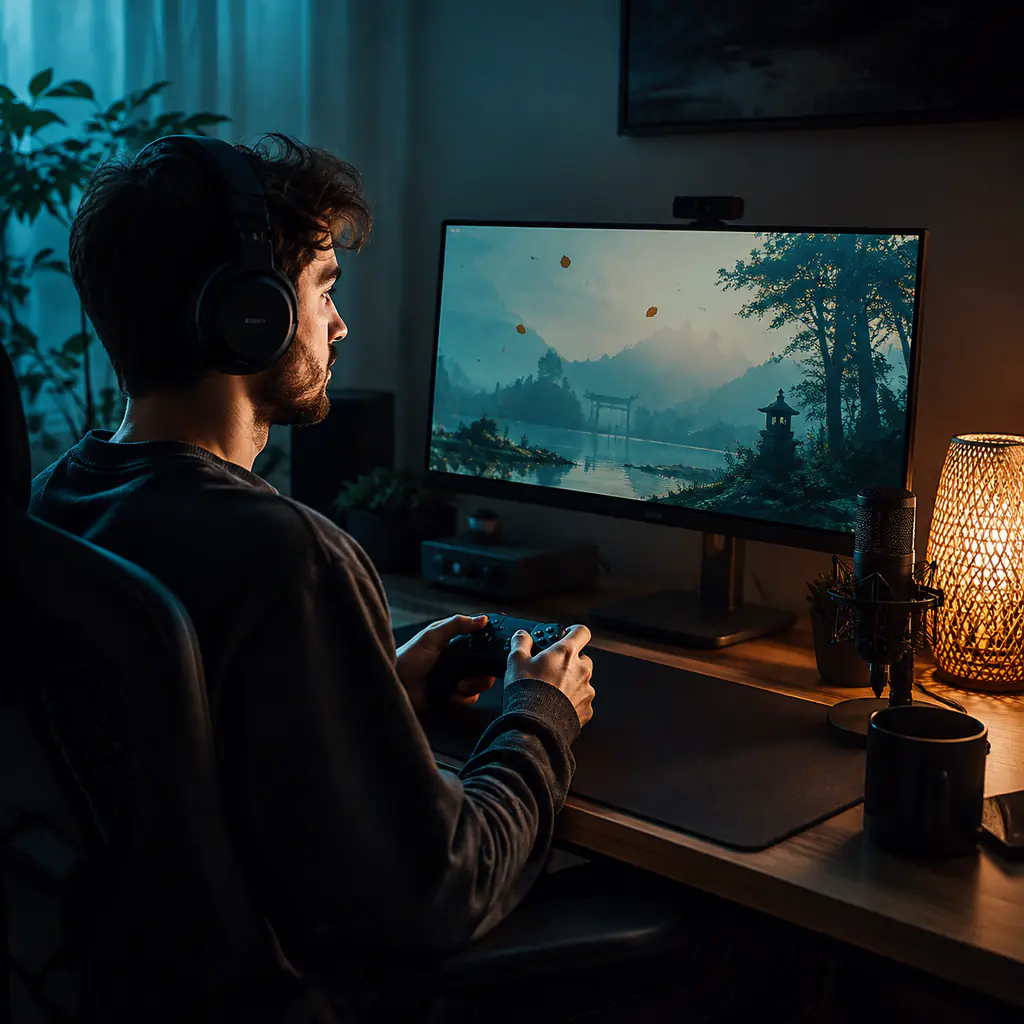
Menus, chat screens, and slow exploration need motion without a big drop. Ask for a compact motif, gentle beat, and no sudden section change.
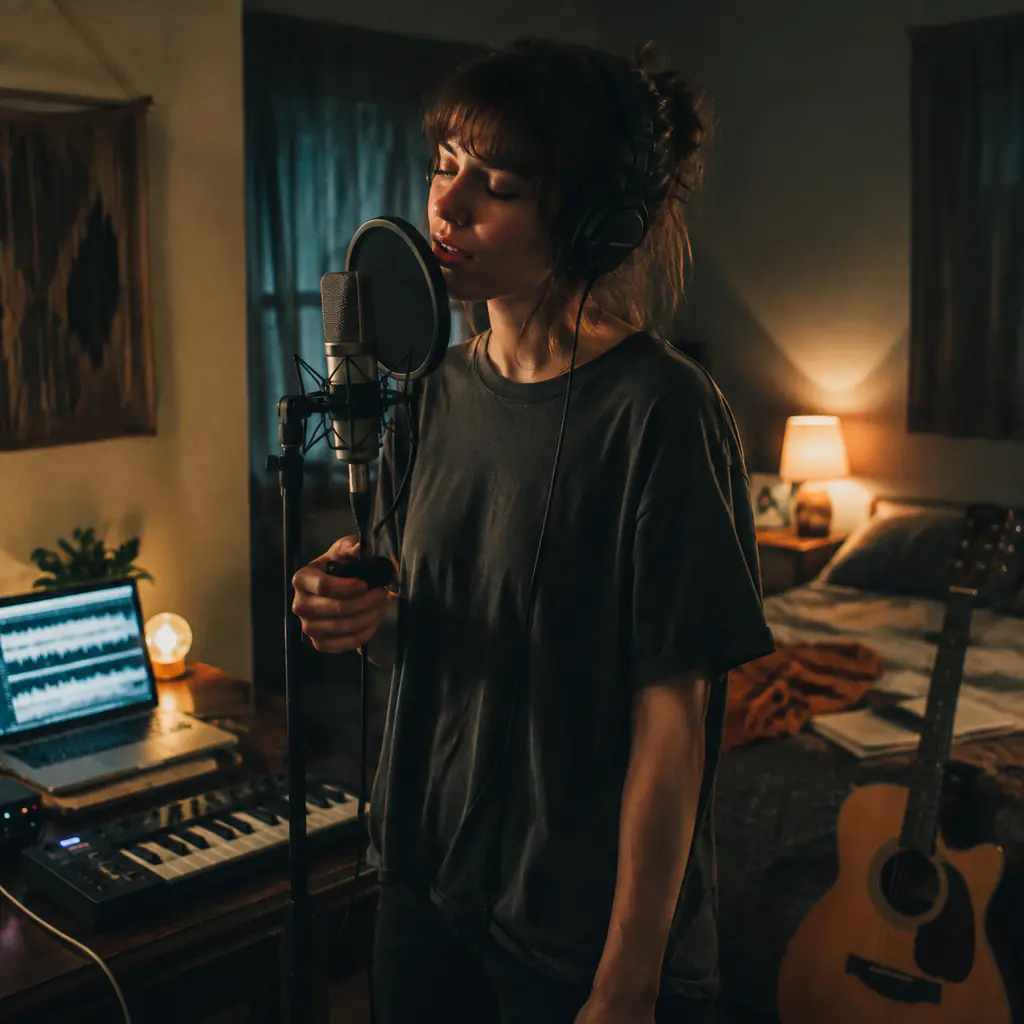
Instrumental is the default, but a close vocal can suit bedroom lo-fi. Turn vocals on, add your lyrics, and describe a restrained delivery that fits the soft mix.
A generic request can sound clean or crowded. These choices give the beat a clearer pocket, palette, and level of imperfection.
Chillhop, jazz-hop, sleepy study beats, lo-fi boom bap, and ambient lo-fi do not move the same way. Put the closest lane near the start of the prompt.
A range of 70–90 BPM is a practical starting point for many study beats. Choose a number, then add straight, lightly swung, or lazy drum timing.
Warm electric piano, felt piano, muted guitar, or a soft synth can lead the track. Keep the melody short when the music should stay in the background.
Try a muted kick, dry snare, brushed percussion, or dusty boom-bap pattern. State whether the drums should sit back or carry a gentle head-nod groove.
Vinyl dust, tape hiss, soft saturation, room tone, and slight pitch drift can suggest age. Use one or two textures so the track does not turn into noise.
Keep Instrumental on for study, speech, and background use. Turn it off for a lo-fi song, then describe a quiet vocal and leave room around the words.
Ask for a stable eight-bar idea, small variations, and a gentle ending. You can then cut and arrange the result in your editor for a longer scene.
Use subgenre, BPM, chords, instruments, drum feel, room sound, and mix texture. Those details give useful direction without asking for a copy of a known track.
Quick answers about beats, study music, vocals, prompts, texture, free credits, editing, and usage rights.
An AI lofi music generator turns a written music brief or your lyrics into a playable lo-fi track. You can describe the subgenre, mood, BPM, instruments, drum feel, texture, and arrangement.
Choose a lo-fi lane, then set a BPM and mood. Name the lead sound, describe the drums, and add one or two texture cues. Generate a version, listen for anything too busy or clean, then revise that detail.
You can start with free credits after you sign in. The form shows the credit cost before you generate, so you can review it first.
Try 70–90 BPM as a starting range for chillhop and study beats. A lower tempo can feel sleepier, while a higher tempo can add motion. BPM is guidance, so listen to the groove rather than treating the range as a rule.
Try chillhop, jazz-hop, lo-fi hip hop, mellow boom bap, sleepy study beats, ambient lo-fi, lo-fi bossa, or a focused mix. Add the drums, keys, mood, and texture that define the version you want.
The page starts in Instrumental mode. Describe the groove, keys, bass, texture, and intended use. State that you want no vocal samples if that matters to your edit.
Turn Instrumental off, open Lyrics to Song mode, and paste lyrics you wrote or have the right to use. Keep lines compact and describe a close, restrained vocal delivery.
Write those textures in the prompt or style direction. Subtle vinyl dust, warm tape hiss, soft saturation, and slight pitch drift act as creative guidance. They are not exact audio-effect controls.
Try: “78 BPM instrumental study beat, warm electric piano, soft swung drums, rounded bass, subtle vinyl crackle, and a low-key melody.” Ask for no sudden transitions when you need an even background track.
Ask for an instrumental, stable groove, restrained melody, and space for speech. You can also describe the scene, desired intro, and a gentle ending that is easier to place in an edit.
Commercial use depends on your BeMusic plan and the track. Review the commercial license before monetized, client, or paid use.
Reduce the number of lead sounds, ask for softer drums, and keep the melody short. Add one texture such as tape hiss or vinyl dust, lower the energy, and request fewer section changes.
Need help with a generation? Contact the BeMusic team.
Discover other powerful features to enhance your music creation
Set a gentle pace, choose the sounds that should stay out of the way, and create a beat for the moment.