Preview Before You Download
Preview
You'll hear a preview before you download a single file. How long it takes depends on the file length, the mode, and the current queue.

No DAW, no plugins. Sign in, drop a file, let AI do the splitting, and grab the stems you need.
Pick an MP3 or WAV file up to 50 MB. You don't need a multitrack session — the AI drum separator works straight from the stereo mix.
A neural network finds the kick, snare, hi-hat, and percussion and groups them into one drum stem. Everything else — vocals, bass, keys — stays in a separate drumless track.
Hit play on the drum stem or mute it to hear the backing track on its own. When you're happy, download the MP3 or WAV (both need a paid plan or credit pack) or keep editing with BeMusic's other tools.
Whether you want the drums gone or you want the groove by itself, the AI drum remover gives you stems you can use.
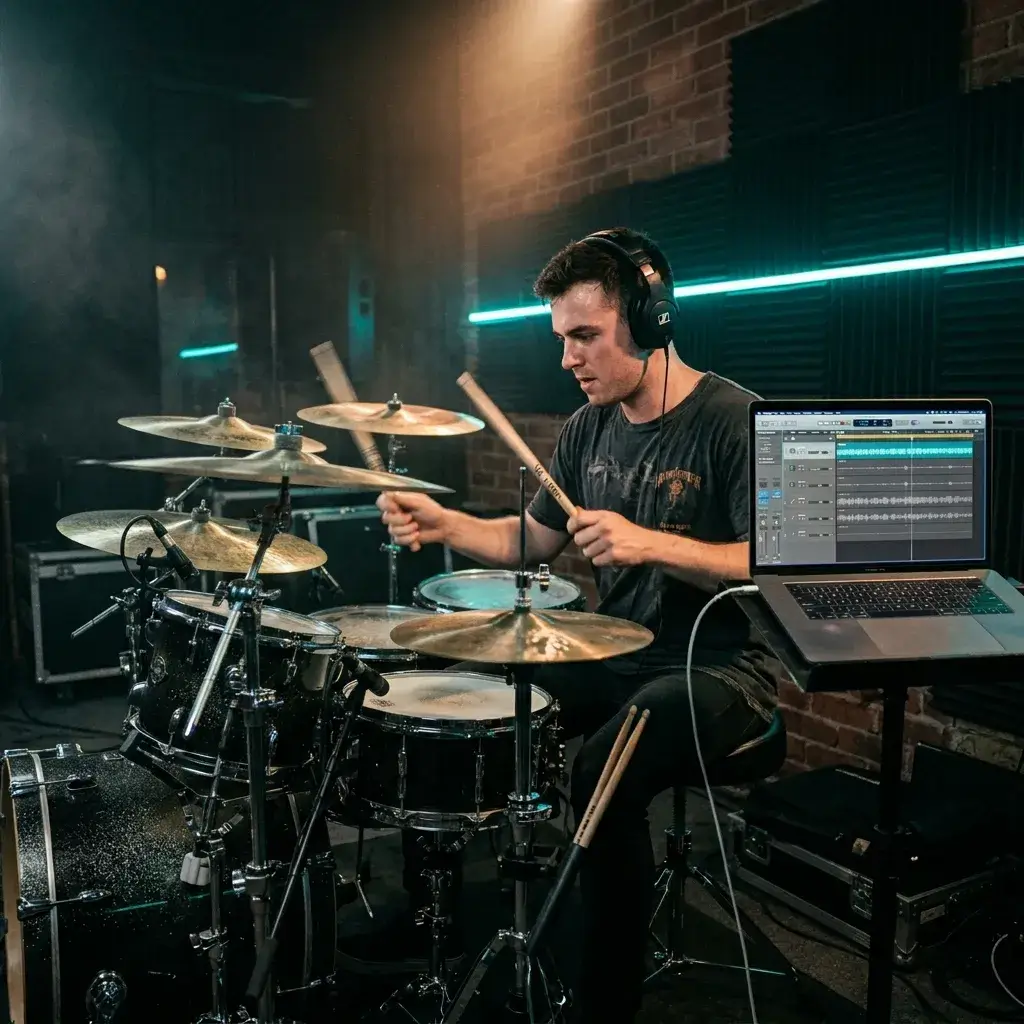
Strip out the drums and jam over the full band. Great for recording covers, filming drum cam videos, or just running through a tricky song at home.
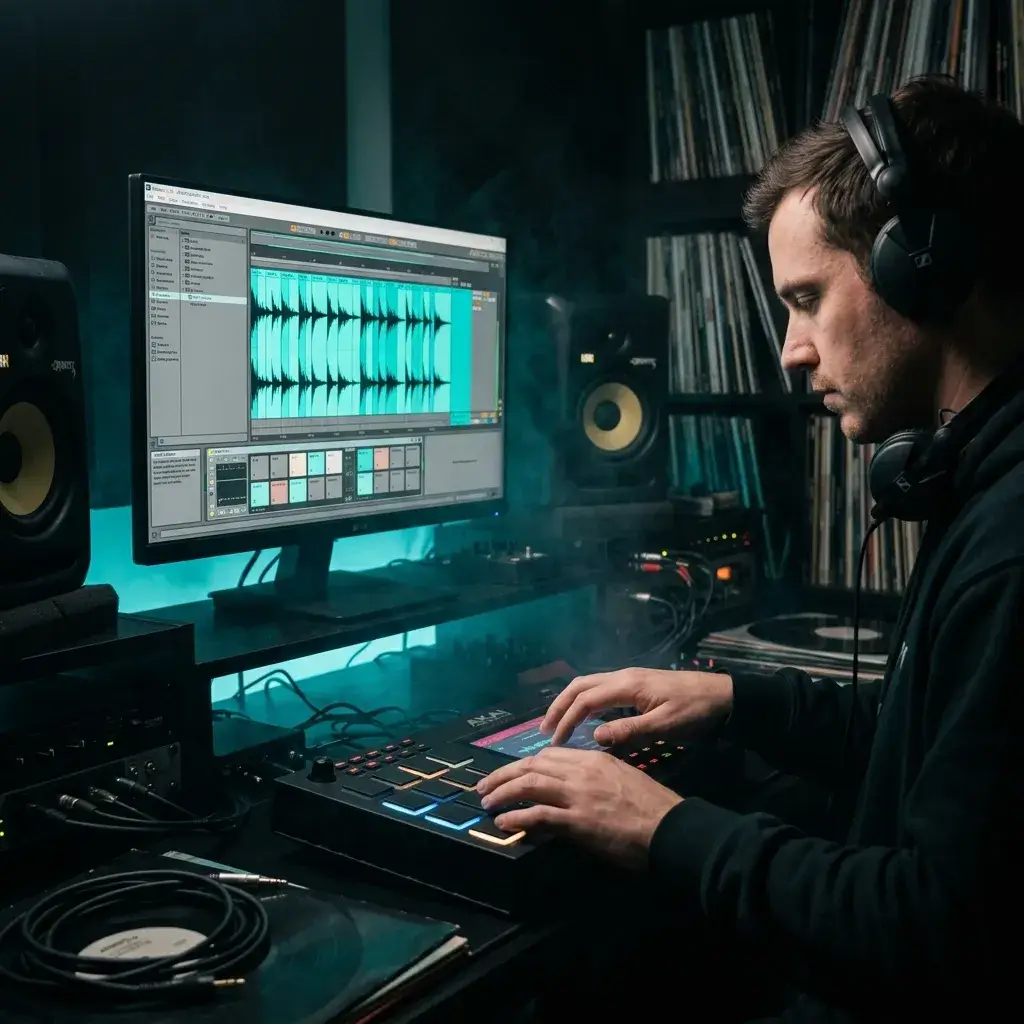
Grab the isolated drum stem, chop it up in your DAW, and flip it into something new. Perfect for lo-fi beats, remix drafts, and reference grooves.
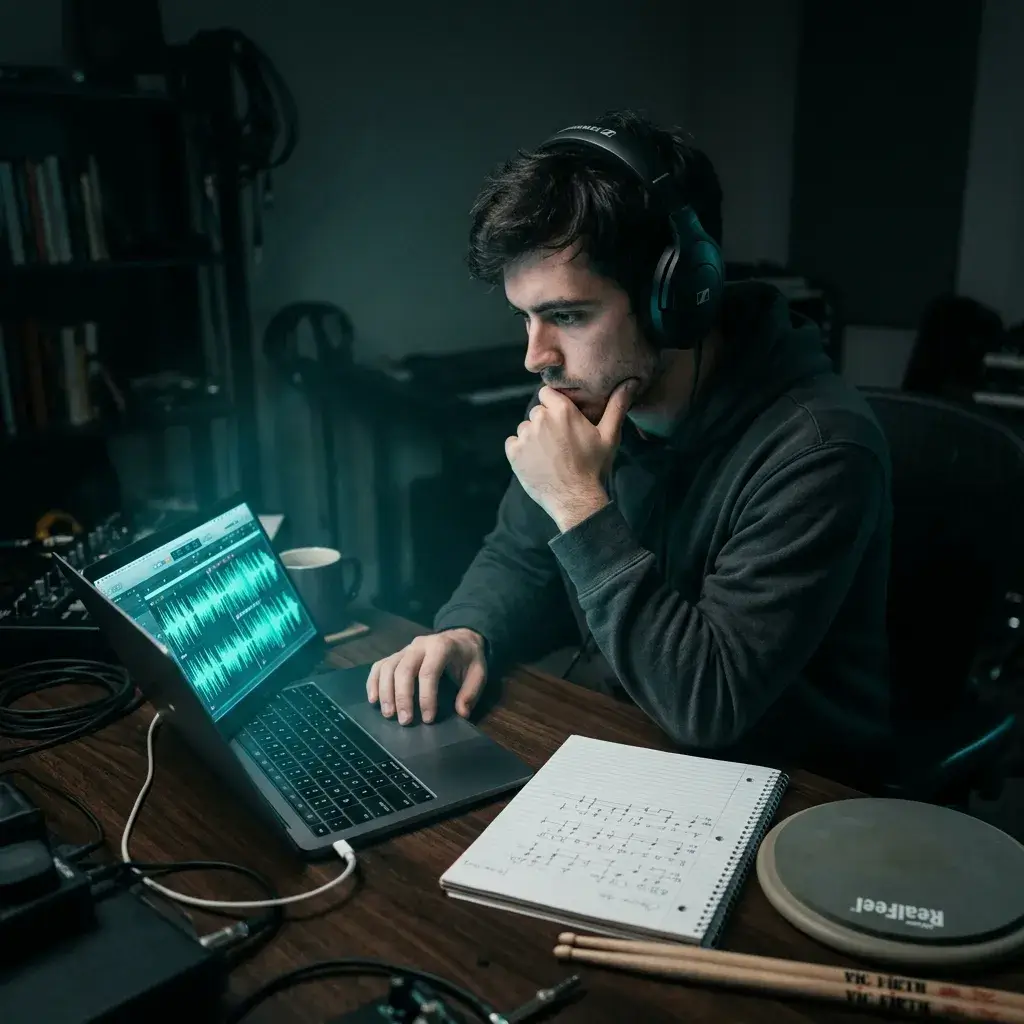
Ghost notes, fill patterns, hi-hat work — it's all easier to pick apart when nothing else is fighting for space. Slow it down and learn the part note by note.
Preview before you download, and a creative toolkit that doesn't stop at a download link.
Preview
You'll hear a preview before you download a single file. How long it takes depends on the file length, the mode, and the current queue.
Solo the drums, mute the drums, flip between the original and the split — all in the same browser tab, no extra software needed.
One upload gives you vocals, bass, and instruments as separate stems too. No need to run the song through a second tool.
Take your stems into BeMusic's AI remix, tempo changer, or vocal tools. The session keeps flowing instead of ending at a ZIP file.
Quick answers before you upload your first track.
Yes. The AI pulls the drums into their own stem and gives you a separate drumless mix with vocals, bass, and all other instruments still intact.
Absolutely. After the split you can grab the drum track on its own — handy for sampling, transcription, or layering into a new beat.
MP3 and WAV, up to 50 MB. Cleaner source files tend to give you a tighter drum separation with less bleed.
It handles most mixes well. Very dense or heavily compressed recordings might show faint bleed, but for practice, remixes, and production sketches the result is more than usable.
You need to sign in, and each run uses the credits shown on the button. New accounts may get free starter credits, and paid plans and credit packs add more credits and unlock downloads.
This page is built around the drum workflow — remove or isolate drums. If you want a general-purpose stem split with guitar, piano, and more, check out the Stem Splitter.
Discover other powerful features to enhance your music creation
Upload a song, hear the drumless version in your browser, and download the stems. Sign in required; new accounts may get free starter credits.