Keep It Short
Many shows use an intro between 5 and 20 seconds. Ask for the length you want in your prompt, then trim the file in your editor for a clean fit.
Start Pro at 50% off
Start Pro at 50% off
New accounts · First month/year
New accounts · First month or year

A good intro is short, clear, and gives way to your voice. Write the prompt with that in mind.
Say what the show covers and who listens, such as a true crime series, a business interview show, or a relaxed comedy chat. Add the mood you want people to feel.
Choose a tempo, two or three instruments, and a target length such as 10 or 15 seconds. Ask for a clean start and a clear ending so you can cut under your voice.
Play the draft under your own opening line. If the music covers your words, ask for fewer lead sounds. If it feels dull, ask for a brighter tone or a faster beat.
An intro is only the start. The same prompt skills help you build the other pieces of your show.
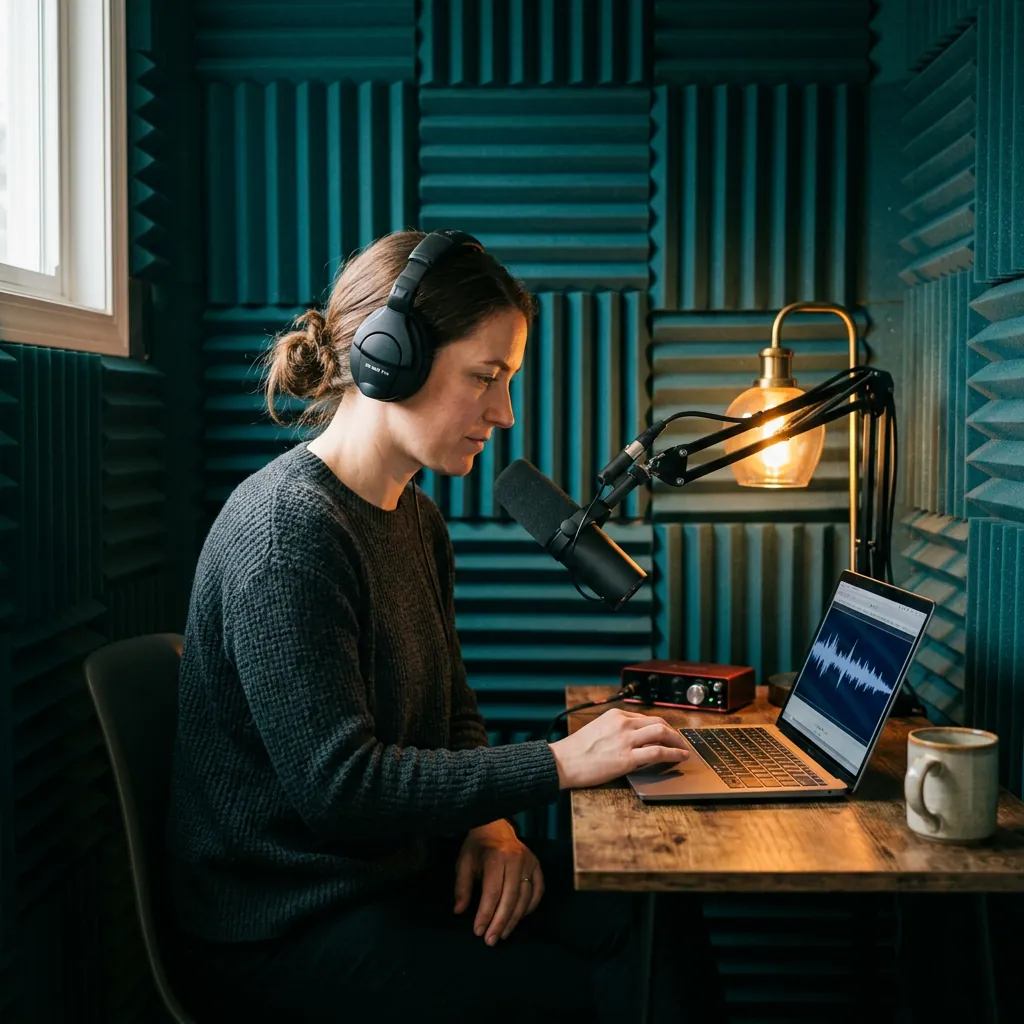
This is the sound listeners learn to know. Ask for one clear idea, such as a bright guitar line or a soft synth pulse, that fits your topic.
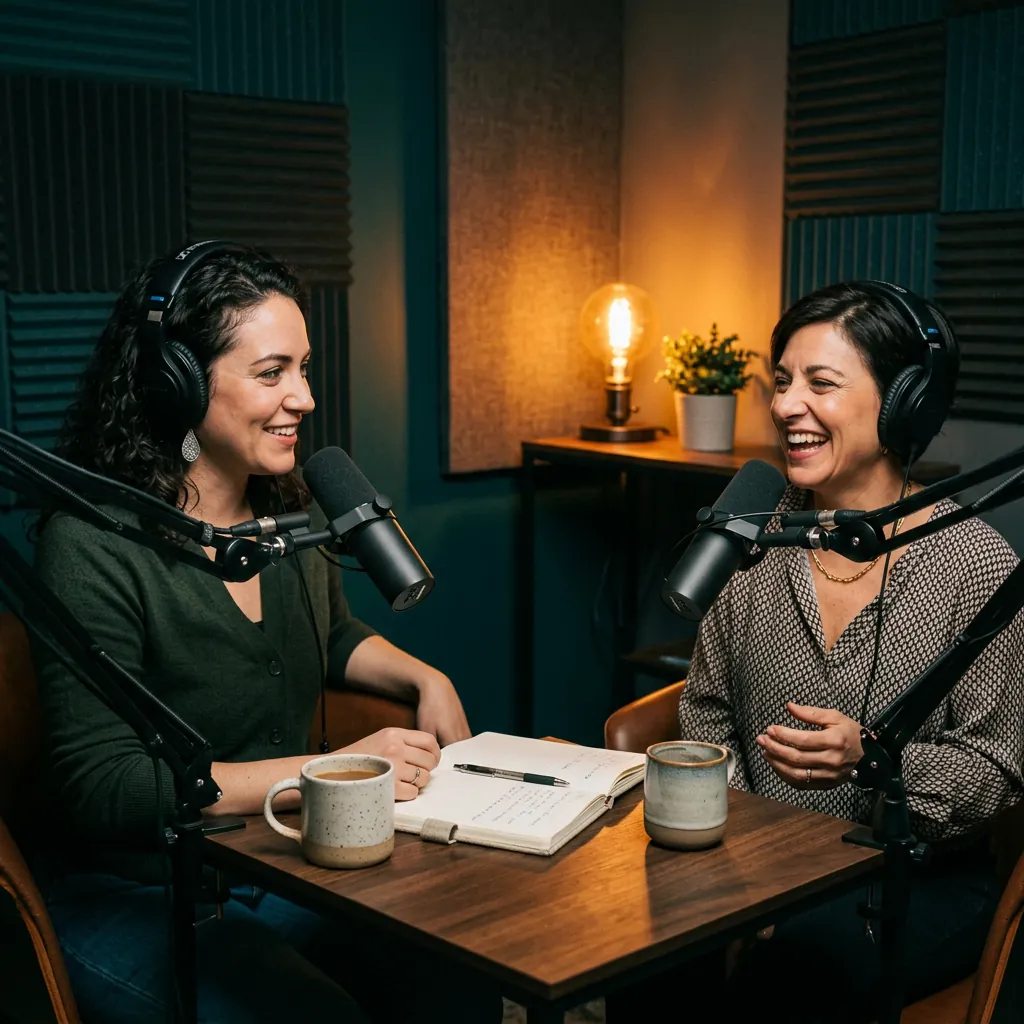
Guests and hosts should be heard first. Ask for a warm, steady track with a simple melody and a clean ending.
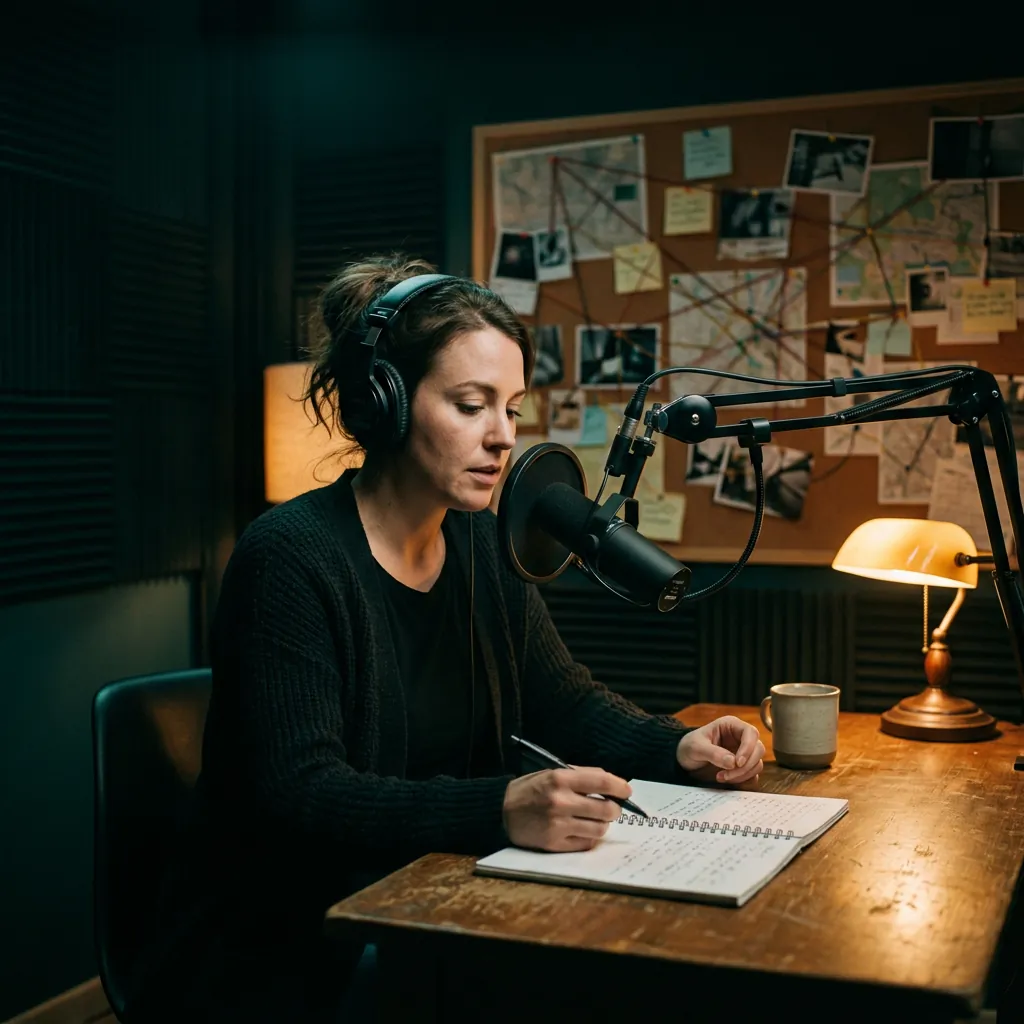
Story shows need tension without noise. Ask for low strings, sparse piano, and a slow pace that leaves space for narration.
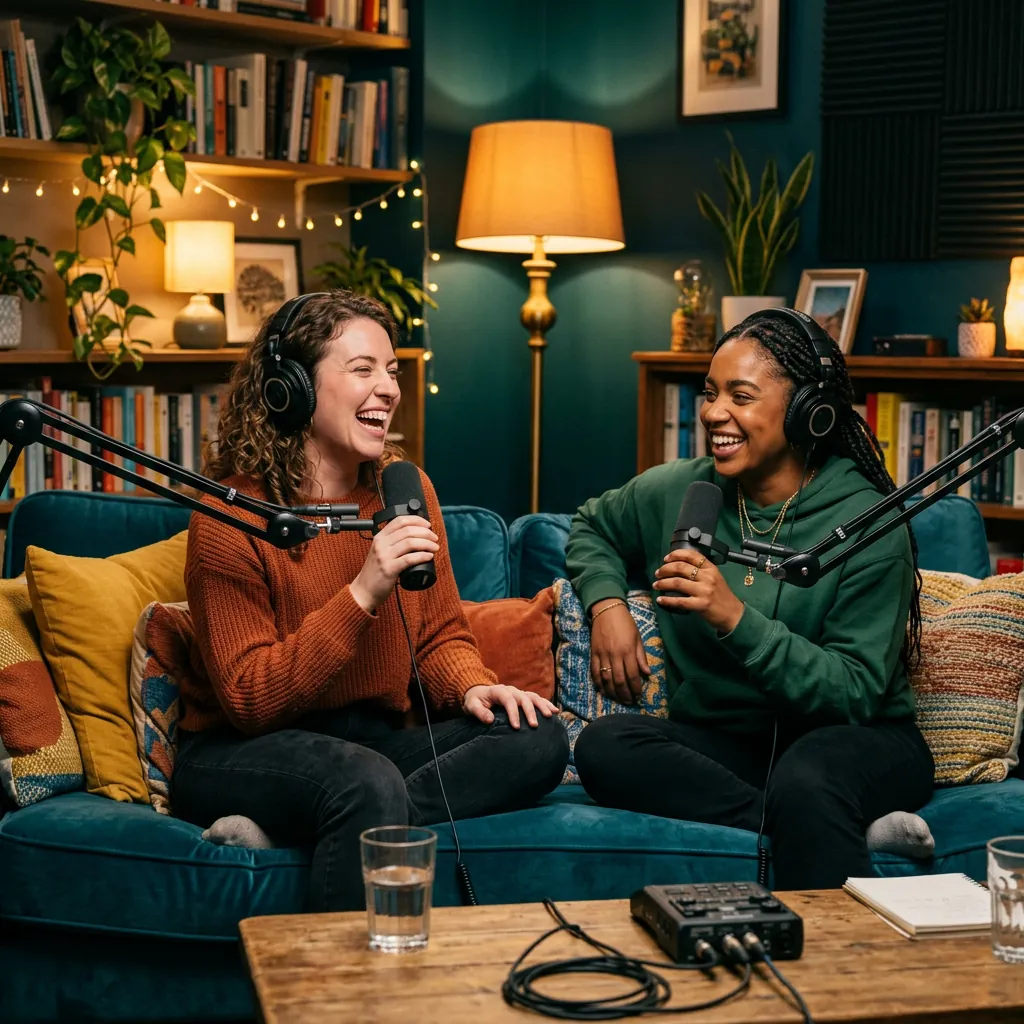
Playful shows can open with energy. Ask for light percussion, a bouncy bass line, and a friendly, upbeat tone.
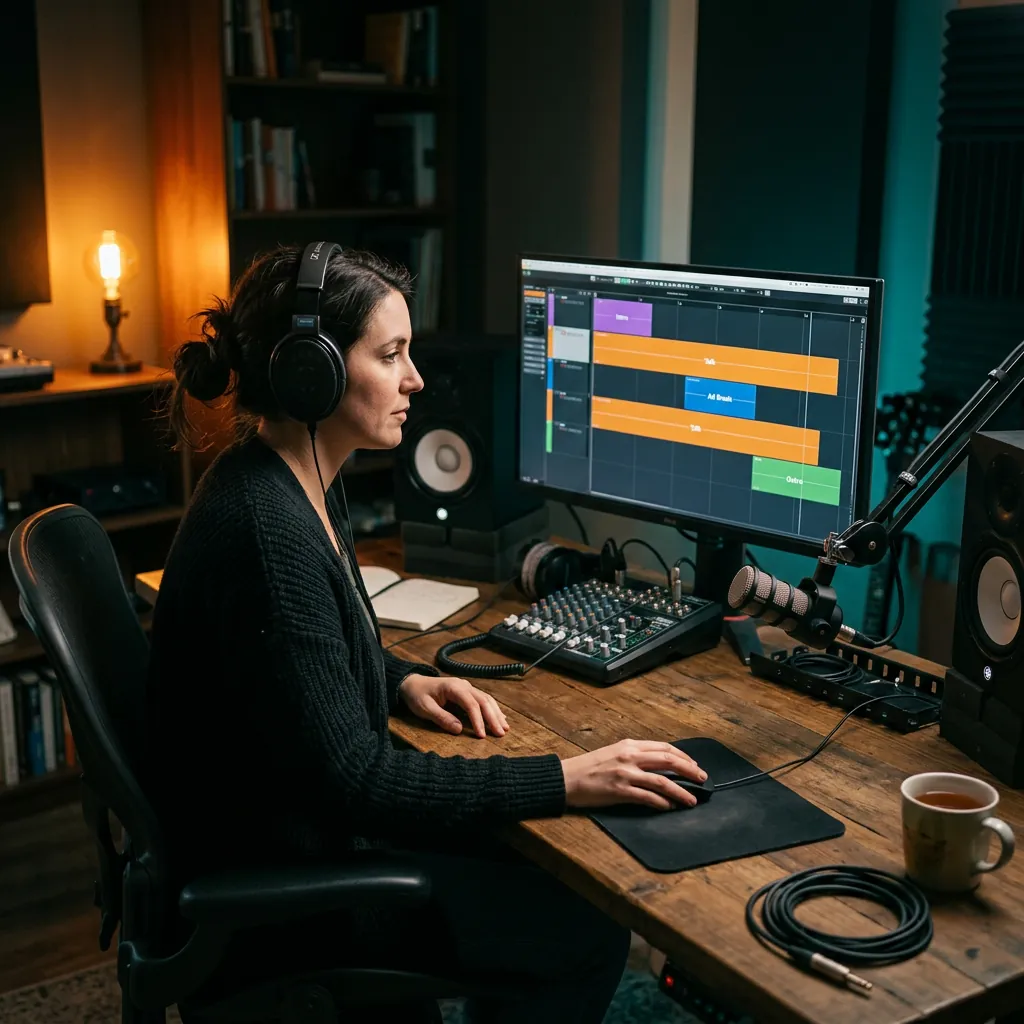
Generate a calmer version of your theme for the end of an episode, or a short bed to play under sponsor reads.
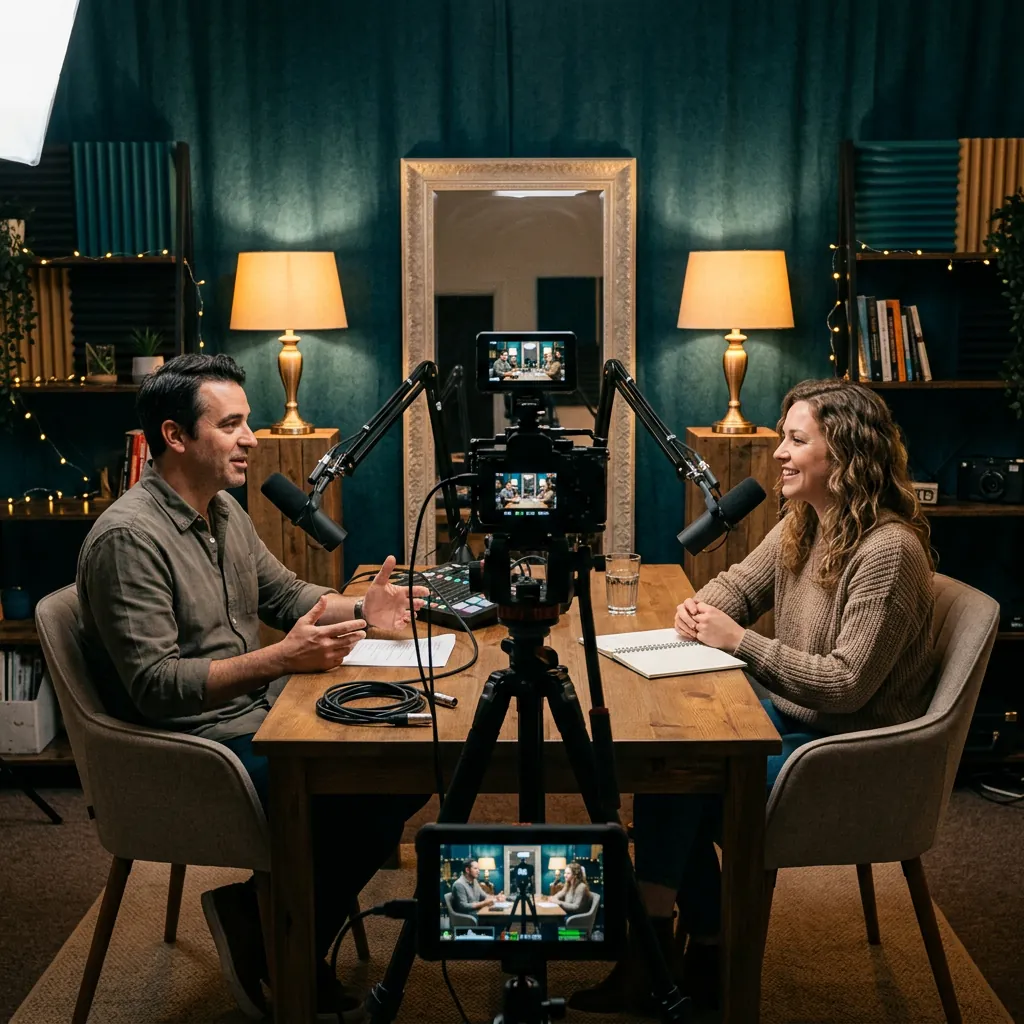
A short, clear intro also works for video episodes and social clips. Keep the same style so your show sounds consistent.
Listeners decide quickly whether to stay. These choices help your intro feel clear and on-brand.
Many shows use an intro between 5 and 20 seconds. Ask for the length you want in your prompt, then trim the file in your editor for a clean fit.
Speech is the main event. Ask for few lead sounds and a calm middle range so your first sentence stays easy to hear.
A news show and a bedtime story need different sounds. Name the feeling you want, such as focused, warm, curious, or playful.
Slow tempos around 70 to 90 BPM feel calm and serious. Mid tempos near 100 to 120 BPM feel friendly and active. Use these as starting points.
A clear final note makes it easy to move into your first line. You can also ask for a version without a strong ending to use as a bed.
Free and Creator output is for personal, non-commercial use. A monetized show with sponsors needs a Pro or Studio plan and the commercial license.
Short answers about prompts, length, licensing, and using music in a show.
It turns a written description of your show into a music track. You describe the topic, mood, tempo, and instruments, and the tool makes an instrumental you can use as an intro.
Describe your show and the feeling you want. Add a tempo, two or three instruments, and a target length. Generate a draft, play it under your voice, and change one detail at a time.
Many shows use between 5 and 20 seconds, but there is no fixed rule. Pick a length that suits your format, then trim the file in your audio editor.
You can ask for a length in your prompt, but the tool does not guarantee an exact duration. The result depends on the model. Trim or fade the file in your editor to match your script.
While Pro or Studio is active, you can obtain a commercial-use license for eligible output in your account. Free, Creator, trial, and credit-pack output is for personal, non-commercial use. Read the commercial license before you publish a monetized show.
Not by default. The page starts in Instrumental mode so the music will not compete with your voice. You can turn it off to make a sung jingle, and add lyrics you wrote or have the right to use.
Yes. Describe a calmer version of your theme for the outro, or a short, quiet bed for sponsor reads. Keep the same instruments and mood so the pieces match.
Try: "A 15-second podcast intro, 100 BPM, acoustic guitar, soft claps, warm bass, friendly and confident, with a clean ending." Change the instruments and mood to fit your show.
You can sign in and use free starter credits if your account is eligible. The form shows the credit cost before you generate. Downloading MP3 files needs a paid plan or credit pack.
The AI Background Music Generator covers many scenes. This page starts with podcast presets, so the example prompt and tips focus on intros, outros, and short beds.
Describe the sound instead: tempo, instruments, mood, and energy. That gives clearer direction and avoids asking for a copy of someone else's work.
Need help with a generation? Contact the BeMusic team.
Discover other powerful features to enhance your music creation
Describe your show, choose a tempo, and listen to a first draft. Sign in to generate.