Say Where the Track Plays
A menu, a boss fight, and a quiet village need different music. Put the location or screen near the start of the prompt.
Start Pro at 50% off
Start Pro at 50% off
New accounts · First month/year
New accounts · First month or year

Treat the prompt like a short note to a composer. Say where the track plays, how it should feel, and what it must not do.
Start with the moment: a forest exploration map, a final boss, a shop menu, or a quiet save room. Add the genre of your game, such as fantasy RPG, horror, or pixel platformer.
Give a BPM, the main instruments, and the energy level. A calm map may use soft strings at 80 BPM. A boss fight may use driving drums and brass at 150 BPM.
Play the draft in your game build if you can. If the music pulls attention from the action, ask for fewer lead sounds. If it feels flat, raise the tempo or add percussion.
Every part of a game asks for a different kind of music. Pick the screen first, then shape the track around what the player is doing.
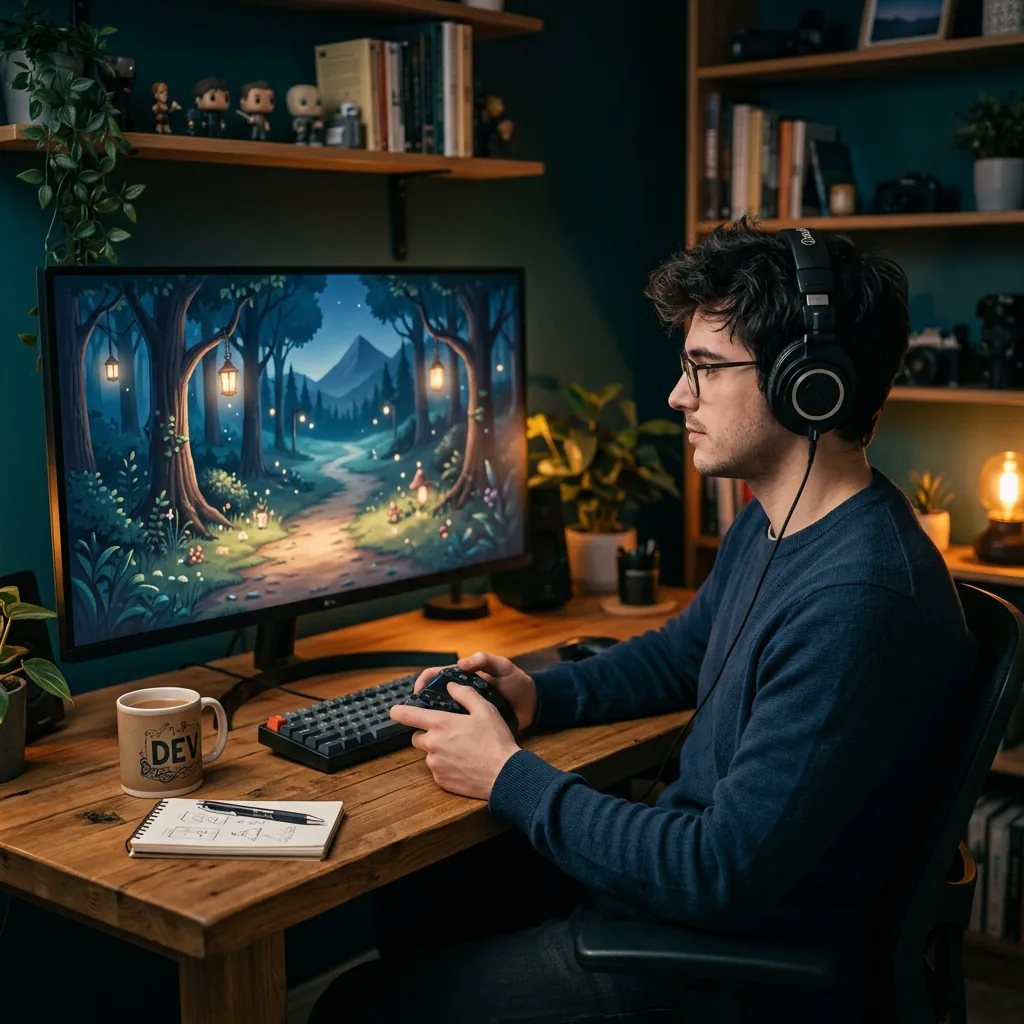
Players spend the most time here, so the music should not tire them out. Ask for a gentle motif, soft instruments, and few sudden changes.
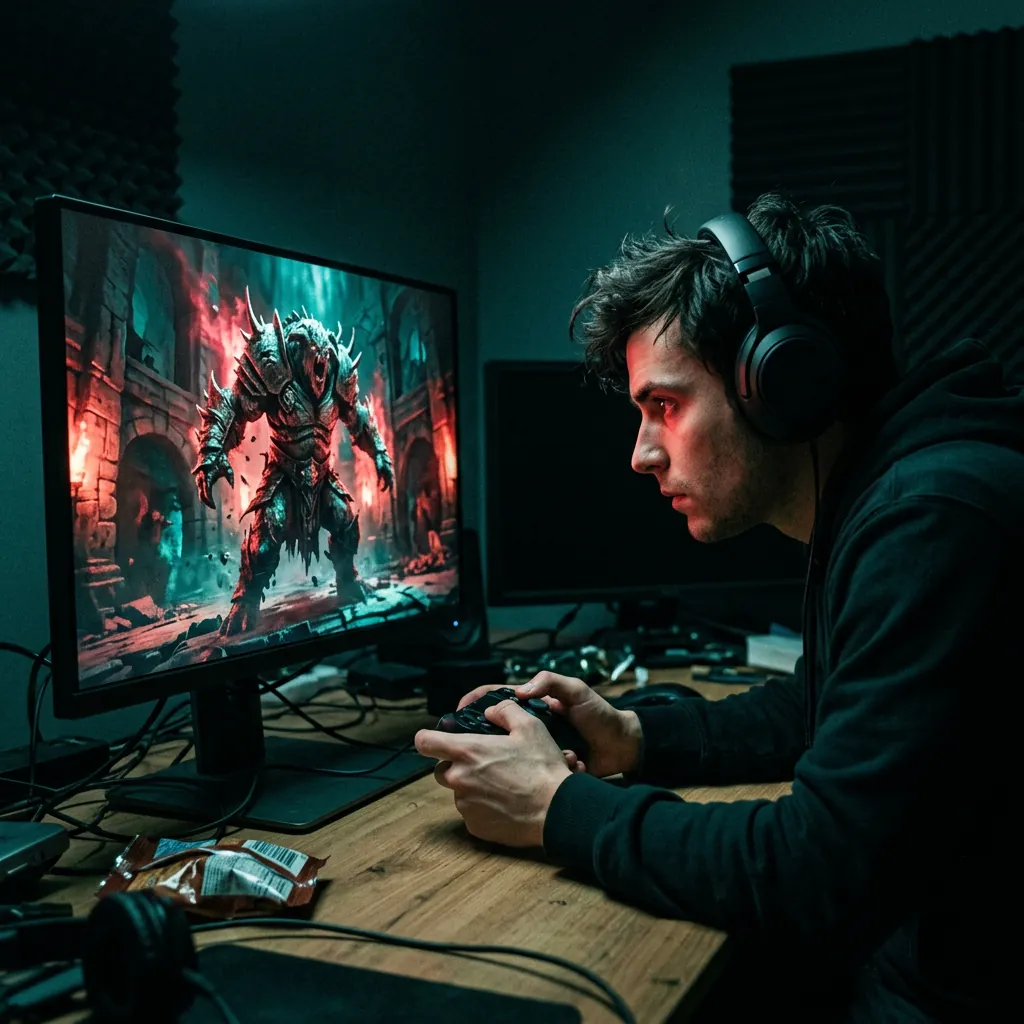
Fights need pressure. Ask for a faster tempo, heavy drums, and a bold lead line, and say whether the mood is heroic, dark, or frantic.
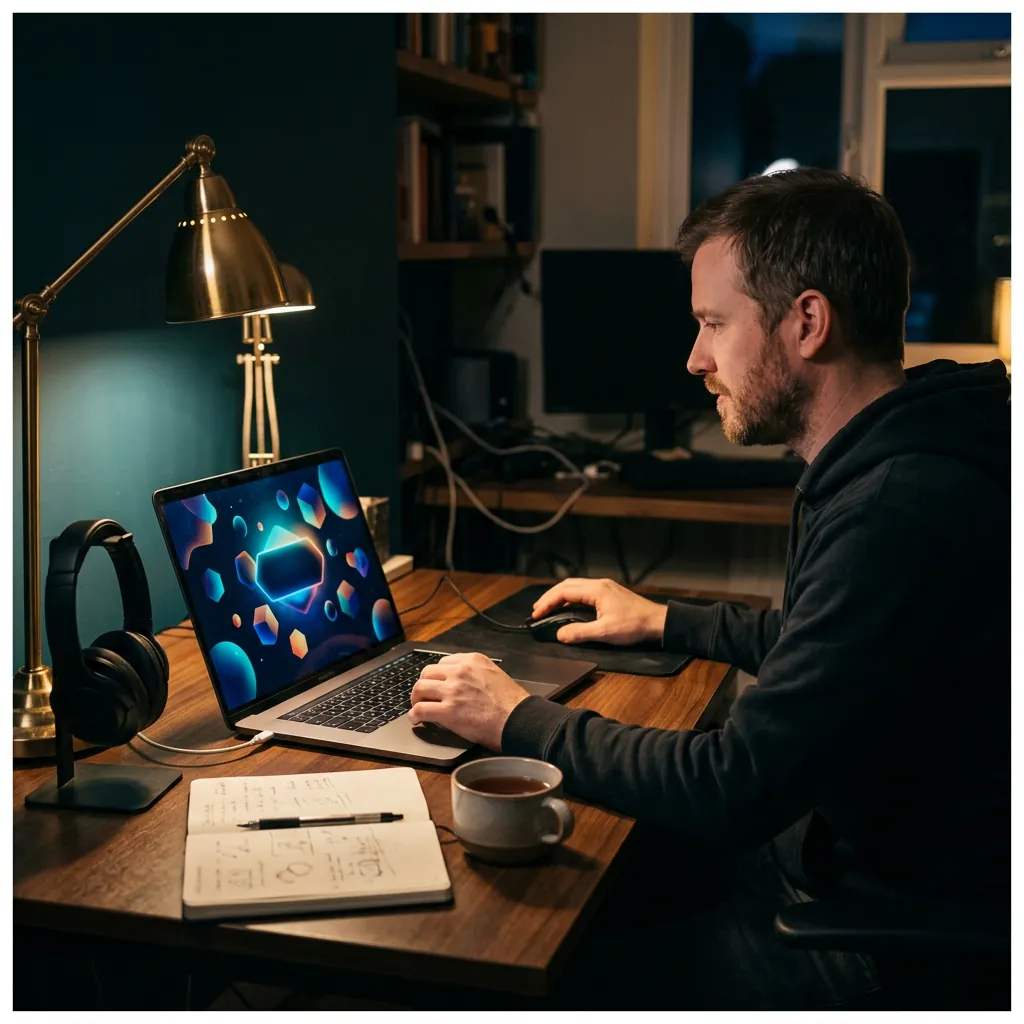
Menu music runs while players think, not while they act. Ask for a calm, steady piece with a small motif that is easy to ignore.
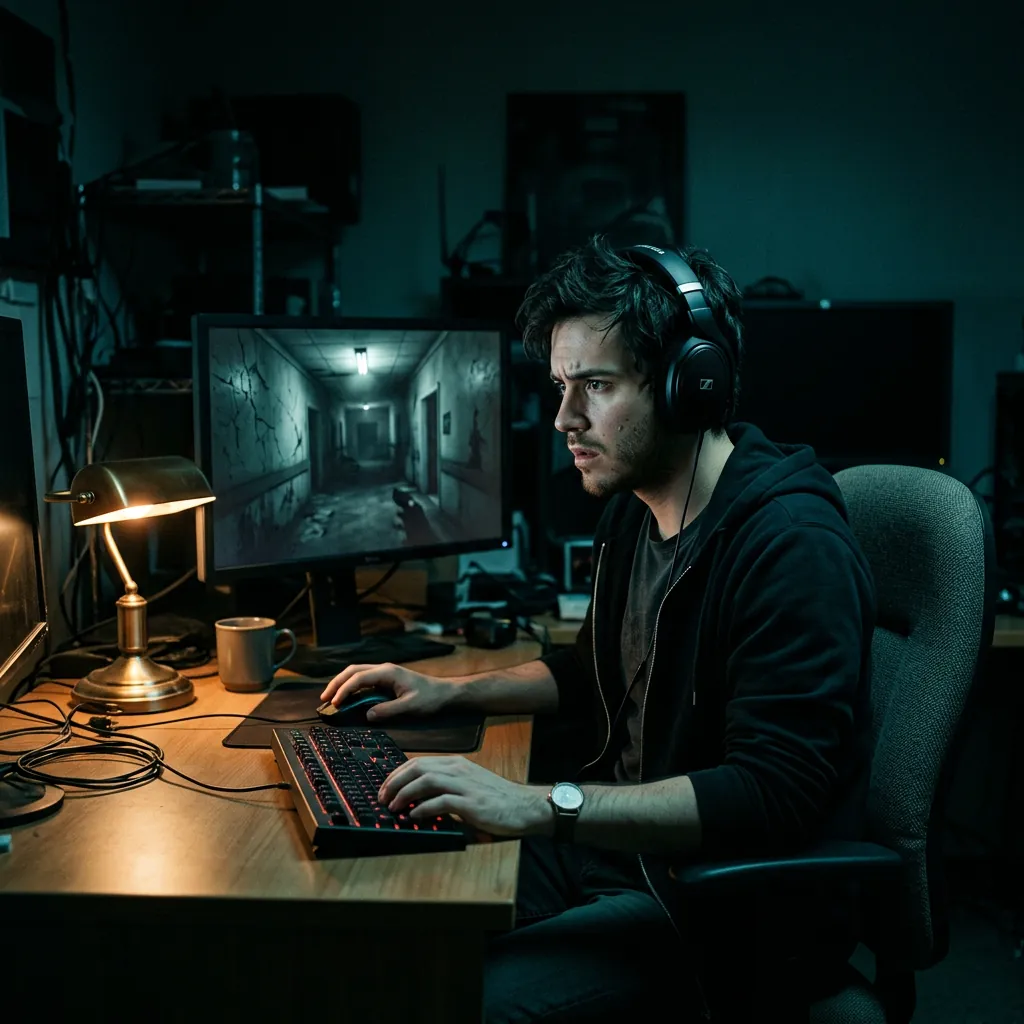
Describe the space, such as an empty hospital or a flooded cellar. Ask for low drones, sparse notes, and long silences instead of a big melody.
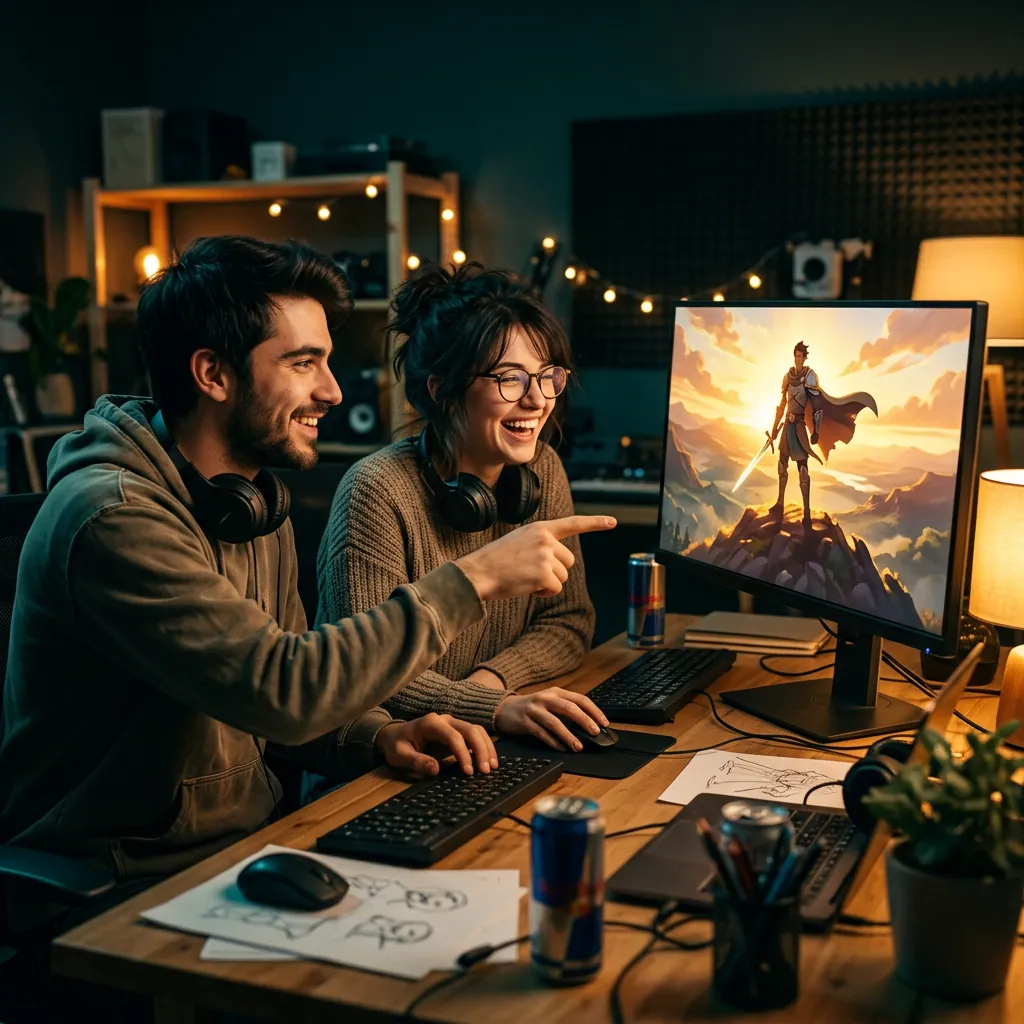
Short story beats need a clear mood. Ask for a hopeful lift after a win, or a slow, sad piece after a loss, and keep the ending clean.
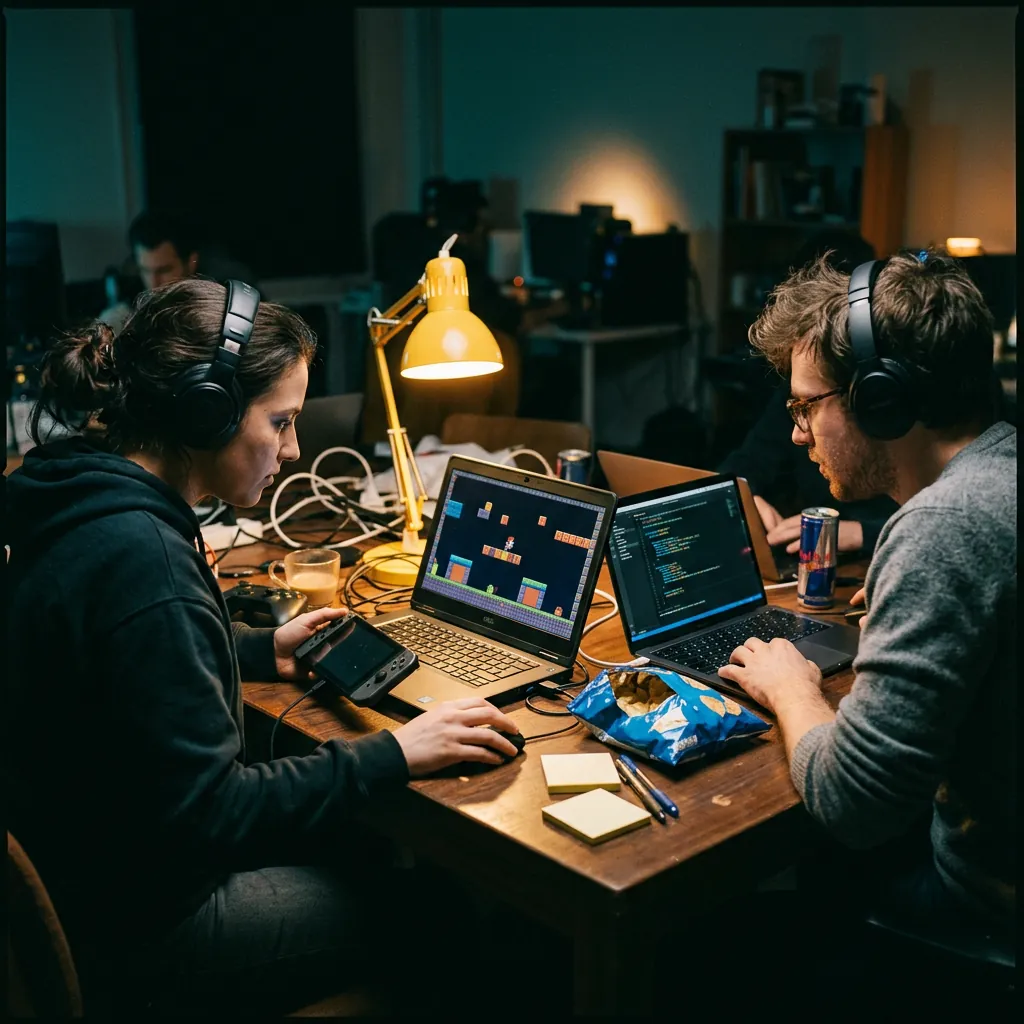
A placeholder track makes a build feel real. Generate a few moods quickly, test them in the game, and keep only the ones that fit.
A prompt like "epic game music" is too loose. These details give the track a job.
A menu, a boss fight, and a quiet village need different music. Put the location or screen near the start of the prompt.
Many calm exploration tracks sit around 70 to 95 BPM. Fast combat often feels better at 130 BPM or higher. Treat these as starting points.
Two or three instruments sound clearer than ten. Try strings and piano for a quiet map, or synths and drums for a sci-fi level.
The page starts in Instrumental mode, so the music will not compete with dialogue, sound effects, or voice acting. You can turn it off if you want a theme song with lyrics.
Ask for a steady arrangement with no big ending, then trim or loop the file in your engine or audio editor. The tool does not set loop points for you.
Free and Creator output is for personal, non-commercial use. A Pro or Studio plan can cover eligible output for a commercial game, subject to the license terms.
Short answers about prompts, loops, licensing, and using tracks in a game.
It turns a written description into a music track. For games, you describe the scene, mood, tempo, and instruments, and the tool makes an instrumental you can test in your project.
Describe where the music plays, such as a boss fight or a menu. Add a tempo, two or three instruments, and the mood you want. Generate a draft, listen to it, and change one detail at a time.
While Pro or Studio is active, you can obtain a commercial-use license for eligible output in your account. Free, Creator, trial, and credit-pack output is for personal, non-commercial use. Read the commercial license before you release or sell a game.
You can ask for a steady arrangement without a big ending, which is easier to loop. The tool does not add loop points, so you will trim and loop the file in your game engine or audio editor.
Yes. Try something like: "Fast boss battle theme, 150 BPM, heavy drums, brass stabs, dark strings, no vocals." Then adjust the mood if it feels too heroic or too dark.
Not by default. The page starts in Instrumental mode, which suits gameplay and dialogue. Turn it off if you want a theme song, and add lyrics you wrote or have the right to use.
You can reuse the same instruments, tempo range, and mood words across prompts to keep tracks close in style. The tool does not guarantee identical results, so listen to each track in context.
The length depends on the model and your prompt. You can ask for a short cue or a longer piece, but the tool does not guarantee an exact duration.
You can sign in and use free starter credits if your account is eligible. The form shows the credit cost before you generate. Downloading MP3 files needs a paid plan or credit pack.
The AI Background Music Generator covers many kinds of scenes. This page starts with game presets, so the example prompt and tips focus on levels, combat, and menus.
Describe the sound instead: genre, tempo, instruments, and mood. That gives clearer direction and avoids asking for a copy of someone else's work.
Need help with a generation? Contact the BeMusic team.
Discover other powerful features to enhance your music creation
Describe the scene, pick a tempo, and listen to a first draft. Sign in to generate.