Two Tools in One
Upload a song to convert it, or type a prompt to make something new. You don't need two different apps for that.
Start Pro at 50% off
Start Pro at 50% off
New accounts · First month/year
New accounts · First month or year

These tracks started as regular songs or short text prompts. Hit play and hear how different they sound with the slowed and reverb treatment.
No music skills needed. Pick how you want to start, let the tool do the heavy lifting, and grab your track.
Got a track you love? Drop the file in. Starting from nothing? Just describe the mood — something like "rainy night R&B" works great.
Speed goes down, reverb goes up, and the pitch shifts to match. You can tweak every slider in real time while the track plays.
Preview the result right in your browser. Not quite right? Adjust the settings and try again — there's no limit. When it sounds good, download the file.
This sound shows up everywhere — TikTok edits, study playlists, video essays, game menus. Here's how creators actually use it.
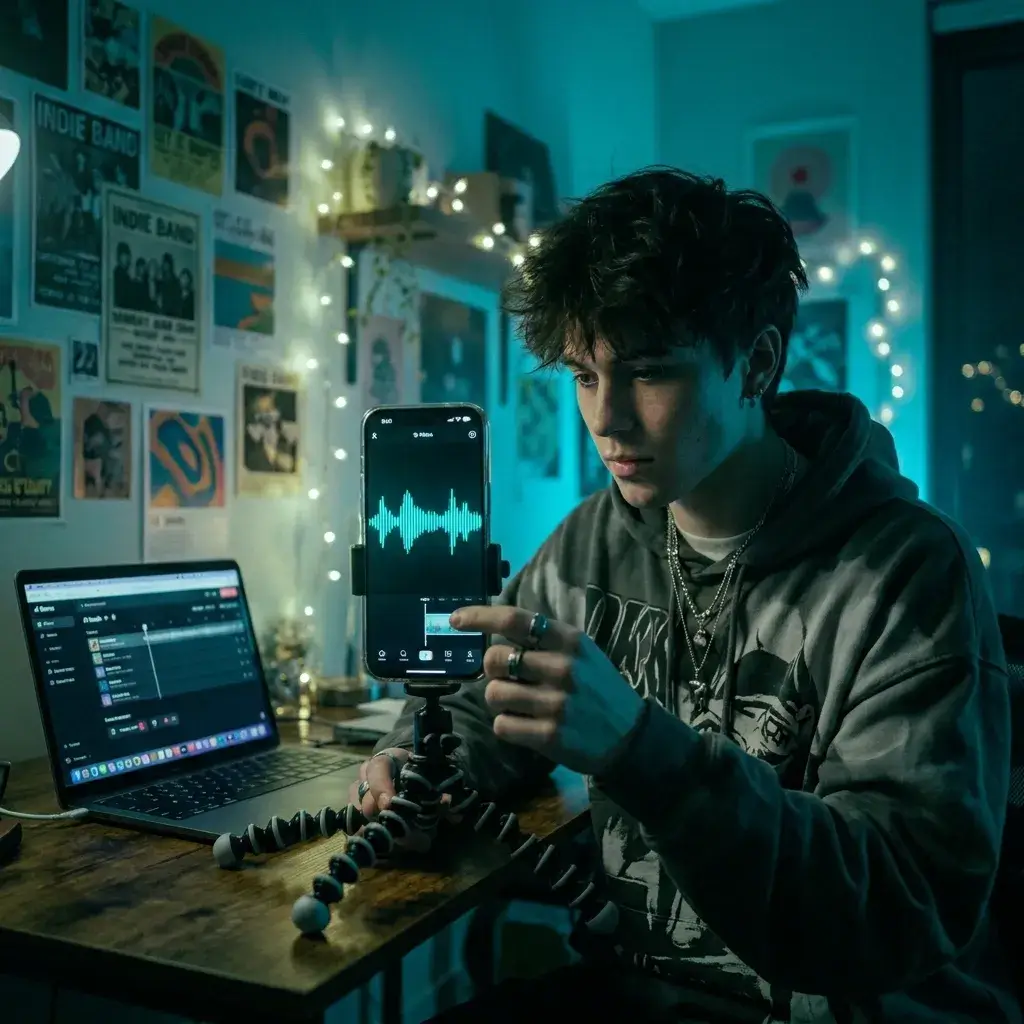
That dreamy, slowed-down audio is what makes aesthetic edits hit different. Upload a song to get the vibe, or generate something original. Check the rules for the platform you post on.
Make TikTok Audio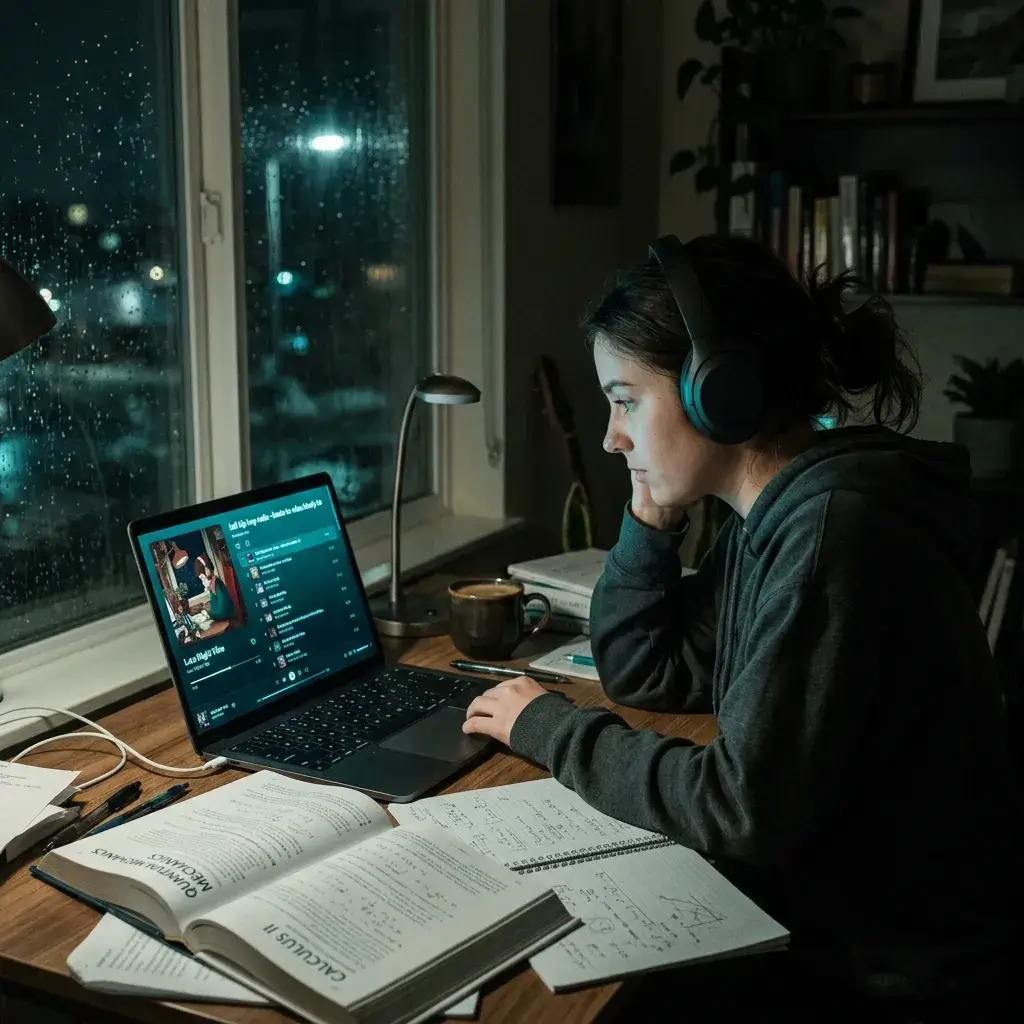
Need hours of background music that doesn't distract? Turn your favorite songs into chill study versions, or generate ambient slowed and reverb tracks up to 8 minutes long.
Create Study Music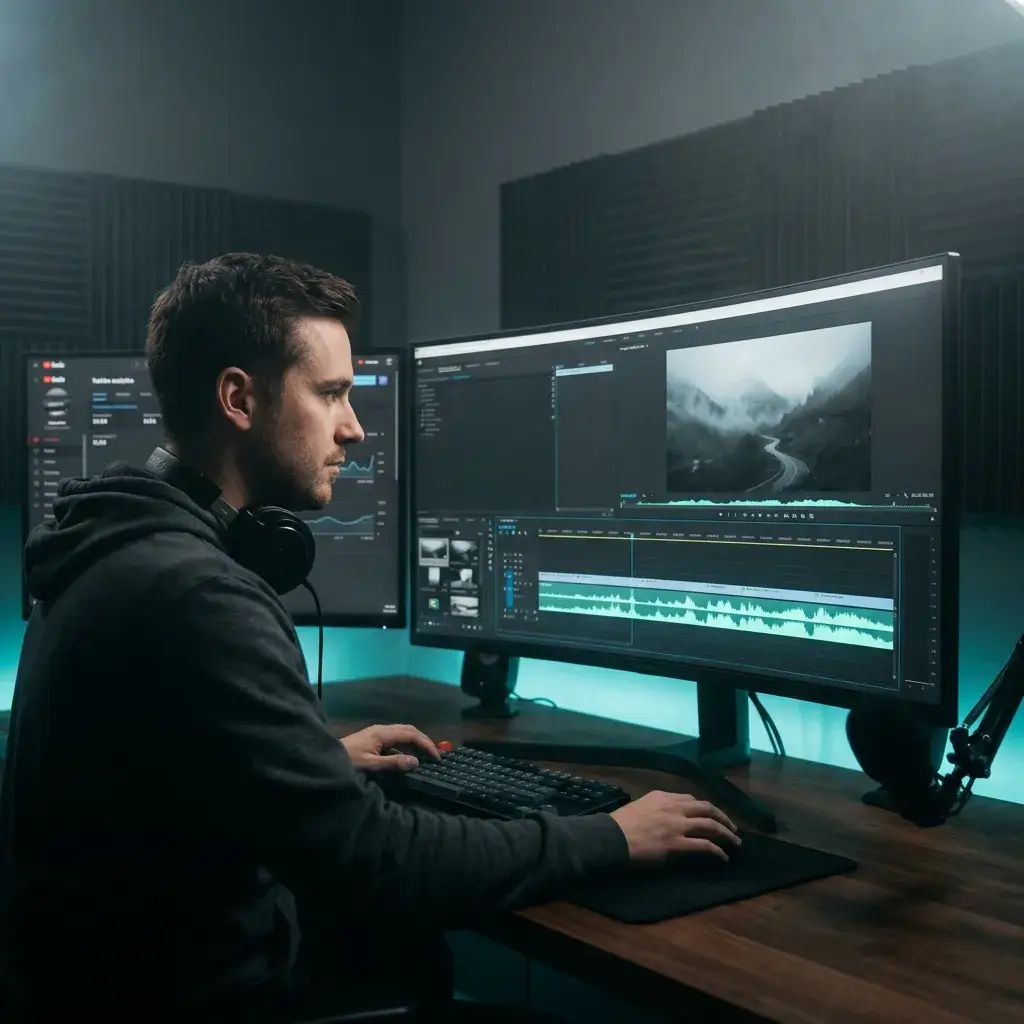
Video essays and vlogs sound better with atmospheric audio underneath. Generate a new track, then use it according to your plan and the publishing platform's rules.
Make YouTube Music
Curious how your demo would sound slowed down with reverb? Upload it and find out. You can also generate instrumentals in the style and record your own vocals on top.
Convert or Generate
Menu screens, loading zones, cutscenes — they all need that hazy, atmospheric feel. Generate tracks up to 8 minutes and drop them straight into your project.
Create Game Audio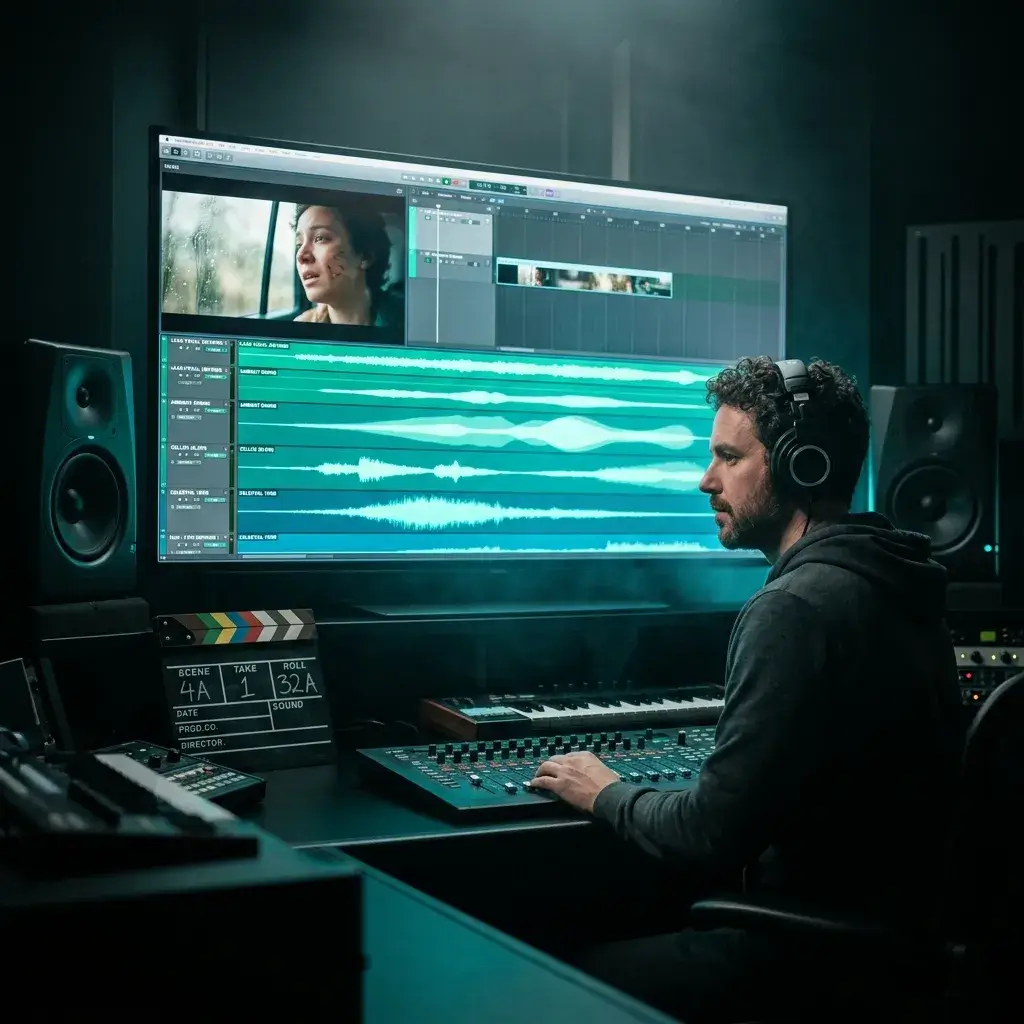
Nothing sets a melancholy or nostalgic tone like slowed and reverb audio. Convert a reference track to nail the mood, or generate something original for your score.
Score Your FilmMost tools only convert. This one converts and creates. Here's what else makes it different.
Upload a song to convert it, or type a prompt to make something new. You don't need two different apps for that.
Adjust the sliders and listen to the result in your browser before you export anything.
Hear the effect while you adjust the sliders. Speed, reverb, bass boost — every change plays back instantly so you get exactly the sound you want.
R&B, hip-hop, lo-fi, pop, jazz, ambient, cinematic — over 20 genres. Convert songs from any style, or generate in any style. Mix them if you want.
Converted vocals are slowed and pitched along with the rest of the track. Generated vocals are built to have that reverb-drenched, slightly pitched-down quality.
Convert any file you upload, or generate full-length ambient pieces and study tracks from scratch up to 8 minutes.
Pro and Studio plans include a commercial-use license for eligible generated tracks. Platform review and third-party copyright claims are still possible.
Want to use generated tracks in YouTube videos, ads, or client work? Pro and Studio plans include a royalty-free commercial-use license for eligible output.
Everything you might want to know before you make your first track.
It's a remix style where you slow a song down and add heavy reverb (echo). The result sounds dreamy, emotional, and a little underwater. It blew up on YouTube and TikTok in the early 2020s. Some people call it daycore.
Pretty much. Upload an MP3 or WAV file (up to 50 MB) and the tool slows it down, shifts the pitch, and adds reverb. Preview is free; exporting needs an account and a subscription.
Yes. Switch to the Generate tab, describe what you want — like "melancholy R&B, heavy echo, female vocals" — and the AI builds a complete track with that aesthetic baked in.
The preview is free for everyone — upload, tweak sliders, listen in real time. Exporting the final file requires you to sign in and have an active subscription. AI generation uses credits, same as the rest of BeMusic.
If you convert someone else's song and post it publicly, the original rights holder may issue a claim. Generate mode avoids reusing that source recording, but BeMusic still cannot guarantee that an output will never receive a platform or third-party claim.
Same thing as slowed and reverb, just a different name. It's the opposite of nightcore (which speeds songs up). This tool handles both — just move the speed slider above 1.0x for nightcore.
Honestly, all of them. R&B and hip-hop are the classics, but lo-fi, pop, jazz, ambient, cinematic, and even metal sound great slowed down with reverb. You can mix genres too.
In Generate mode, yes. You get a full song — vocals, instruments, everything. The vocals come out with that signature reverb-drenched, slightly deeper quality. You can pick male, female, or let the AI decide.
Preview starts as soon as your file loads, so you can hear changes while you adjust settings. Exporting and AI generation take longer for longer files and depend on the queue.
For conversions, it depends on your file. For AI generation, up to 8 minutes. That's enough for full-length songs, study playlists, or ambient soundscapes.
Converted tracks export as WAV. AI-generated tracks download as MP3 with a paid plan or credit pack.
Yes, that's the whole point. Hit play, then drag the speed, reverb, decay, and bass boost sliders. You hear every change instantly. When it sounds right, export it.
Nope. For conversions, upload and click play. For generations, just describe what you want in plain English. The presets handle the rest if you don't want to touch the sliders.
Keep tweaking. The real-time preview means you can hear changes as you make them. Try a different preset, adjust the reverb decay, or slow it down a bit more. Every generation is unique too, so re-generating gives you a fresh take.
They're cousins, not twins. Lo-fi is about warm, imperfect production — vinyl crackle, tape hiss, that kind of thing. Slowed and reverb is about reduced tempo and heavy echo. They overlap a lot, and you can combine them.
Pro and Studio plans include a commercial-use license for eligible generated tracks. Converted tracks also depend on your rights to the original audio; the BeMusic license does not clear third-party source material.
Still have questions? Drop us a line — we're happy to help.
Discover other powerful features to enhance your music creation
Upload a song or describe a mood and make dreamy music in your browser.