Preview Before You Download
Preview
Listen to the result in your browser before you spend anything on a download. How long it takes depends on the file length, the mode, and the current queue.

These are example results. Hit play and hear what you'd actually get.
You don't need to install anything or know how audio engineering works. Just upload, wait for processing, and grab your vocal track.
Drag in an MP3 or WAV file up to 50 MB. Your file is uploaded for processing and may be retained for up to 30 days afterward, or until you delete it earlier. It is shared only with service providers needed for the requested processing and is not used to train shared AI models without your explicit opt-in.
The AI separates the vocals from the instruments. Want more control? Switch to Stem Separation and get separate stems for vocals, drums, bass, and more. How long it takes depends on the file length, the mode, and the current queue.
Preview your isolated vocal in the browser, then download it as MP3 or WAV (both need a paid plan or credit pack). Use it for covers, remixes, vocal practice, whatever you need.
The instrumental remover is the opposite of a vocal remover — instead of keeping the music, you keep the voice. Here's what people actually use it for.
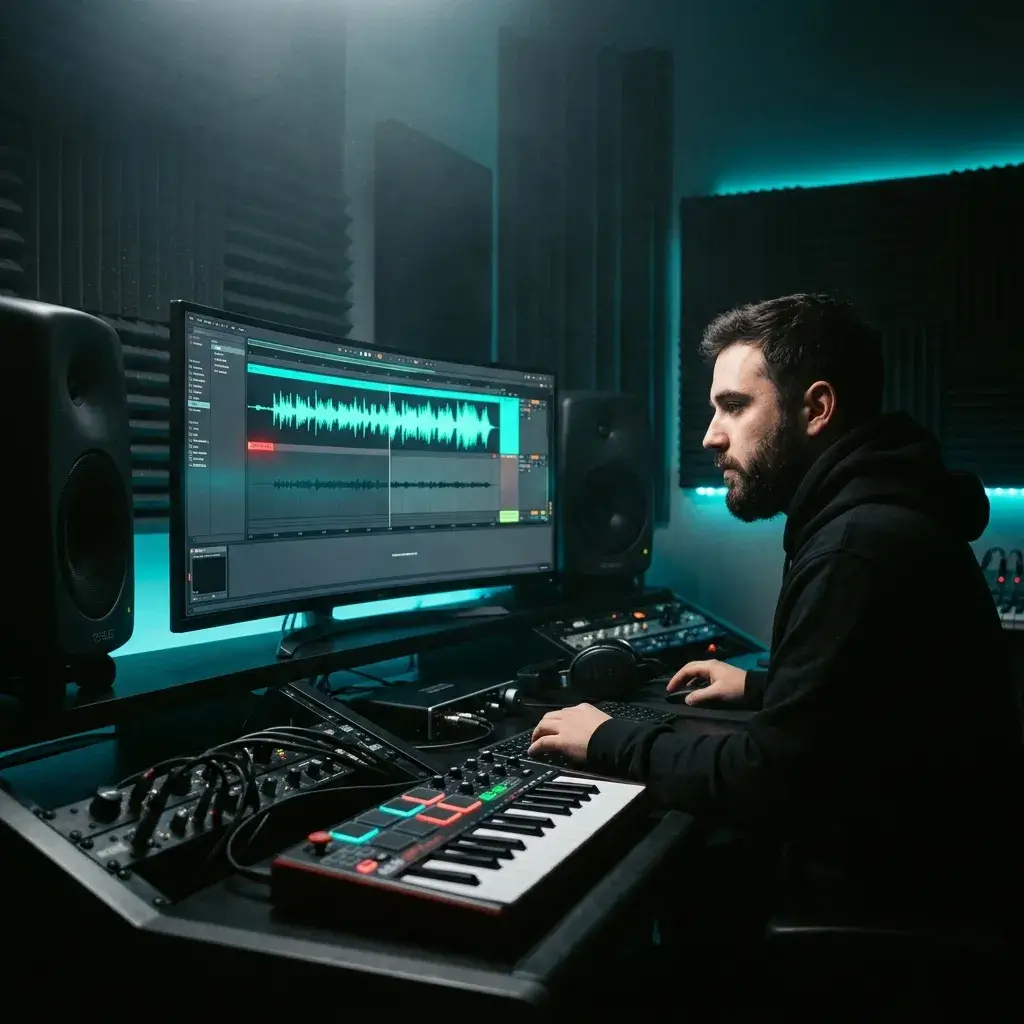
Get a clean acapella from any song and drop it straight into Ableton, FL Studio, or Logic. No more begging labels for stems — just upload and go.
Extract Acapella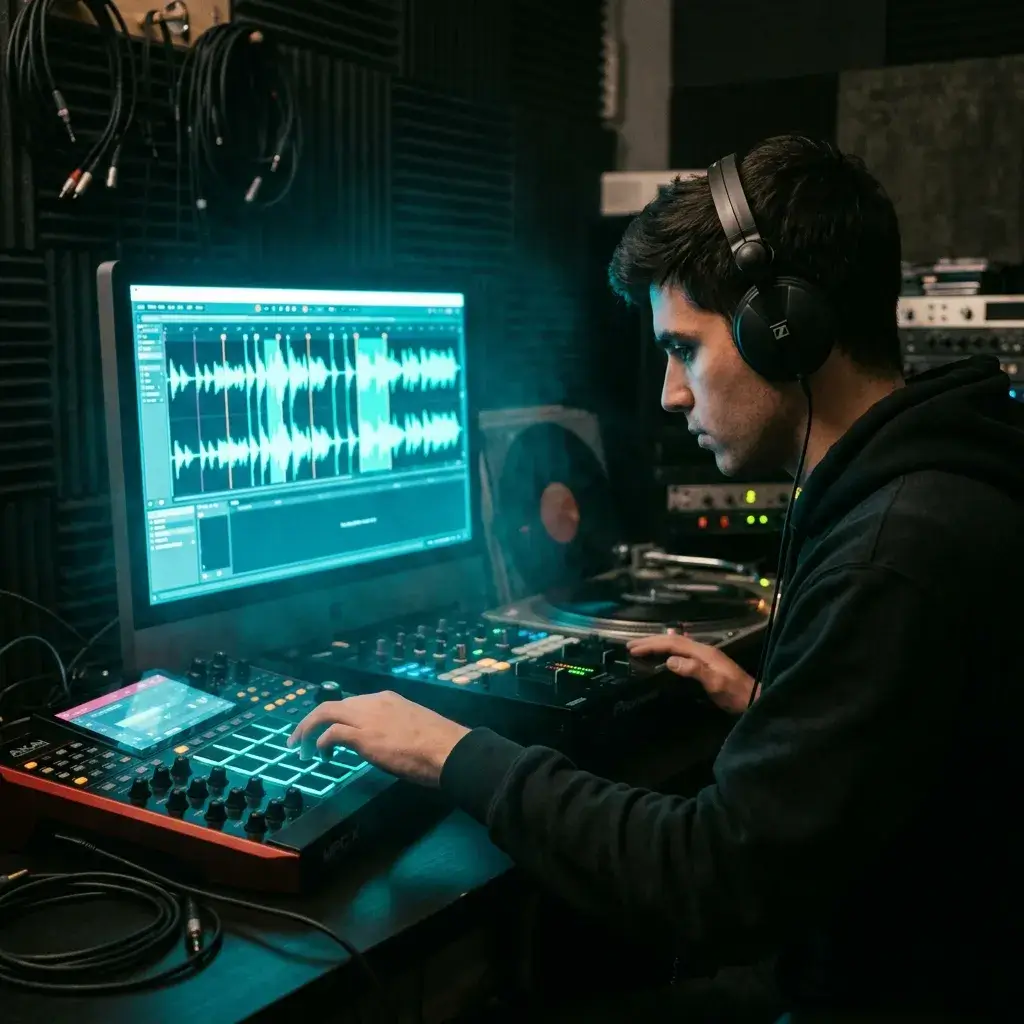
Once the instrumental's gone, chop the vocal into one-shots or loops and layer them into your beats. Producers and DJs use this all the time for mashups and transitions.
Get Vocal Samples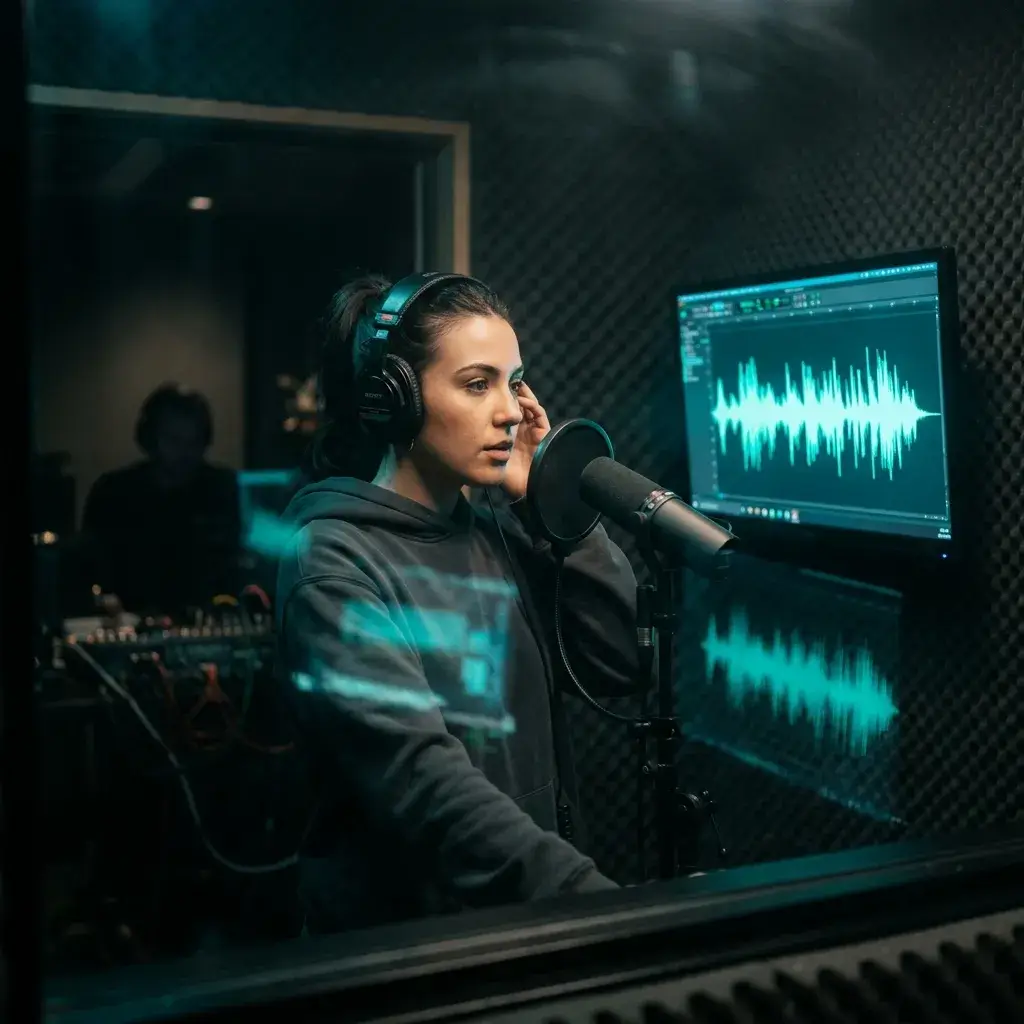
Want to nail a cover? Isolate the original vocal so you can hear every breath and inflection. Then record your own version over a fresh backing track.
Isolate Vocals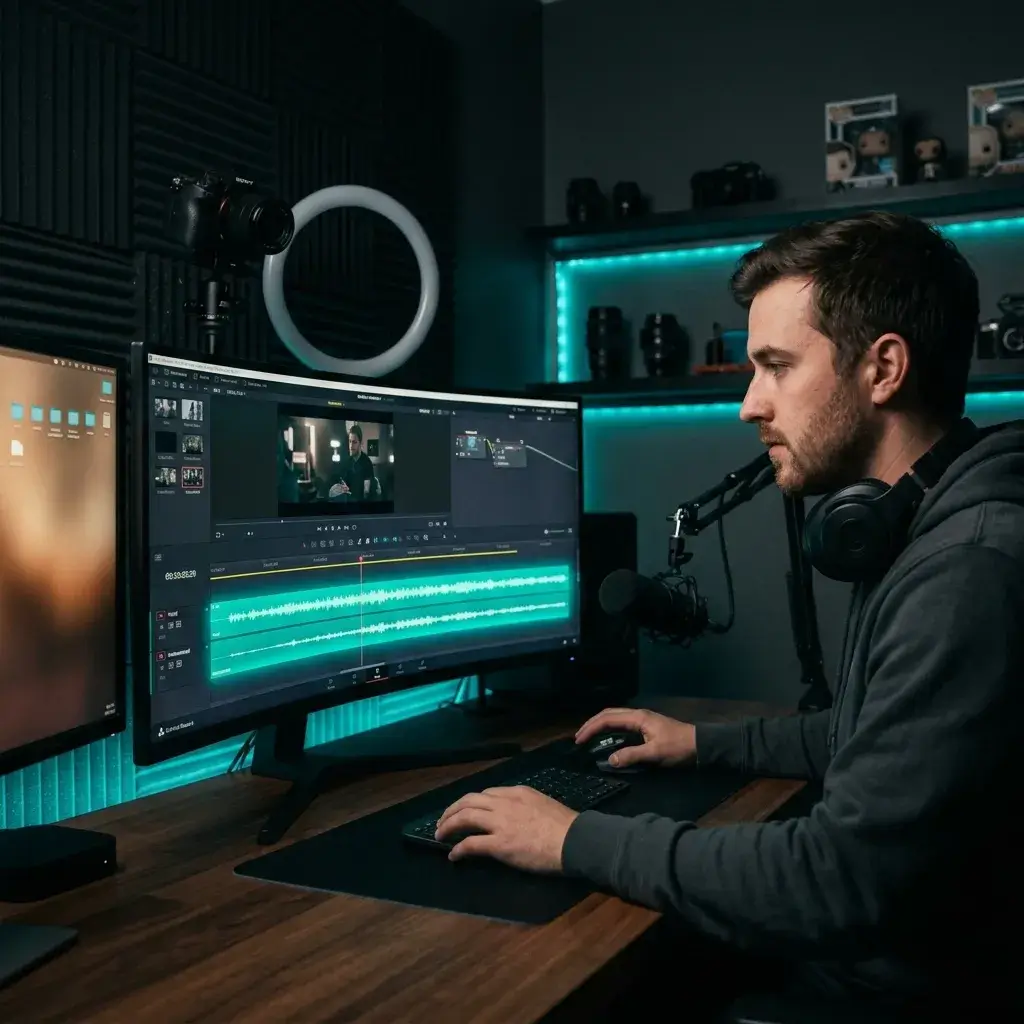
Got an interview clip or vlog with background music baked in? Strip it out and keep just the voice. Makes editing, subtitling, and voiceover work way easier.
Remove Background Music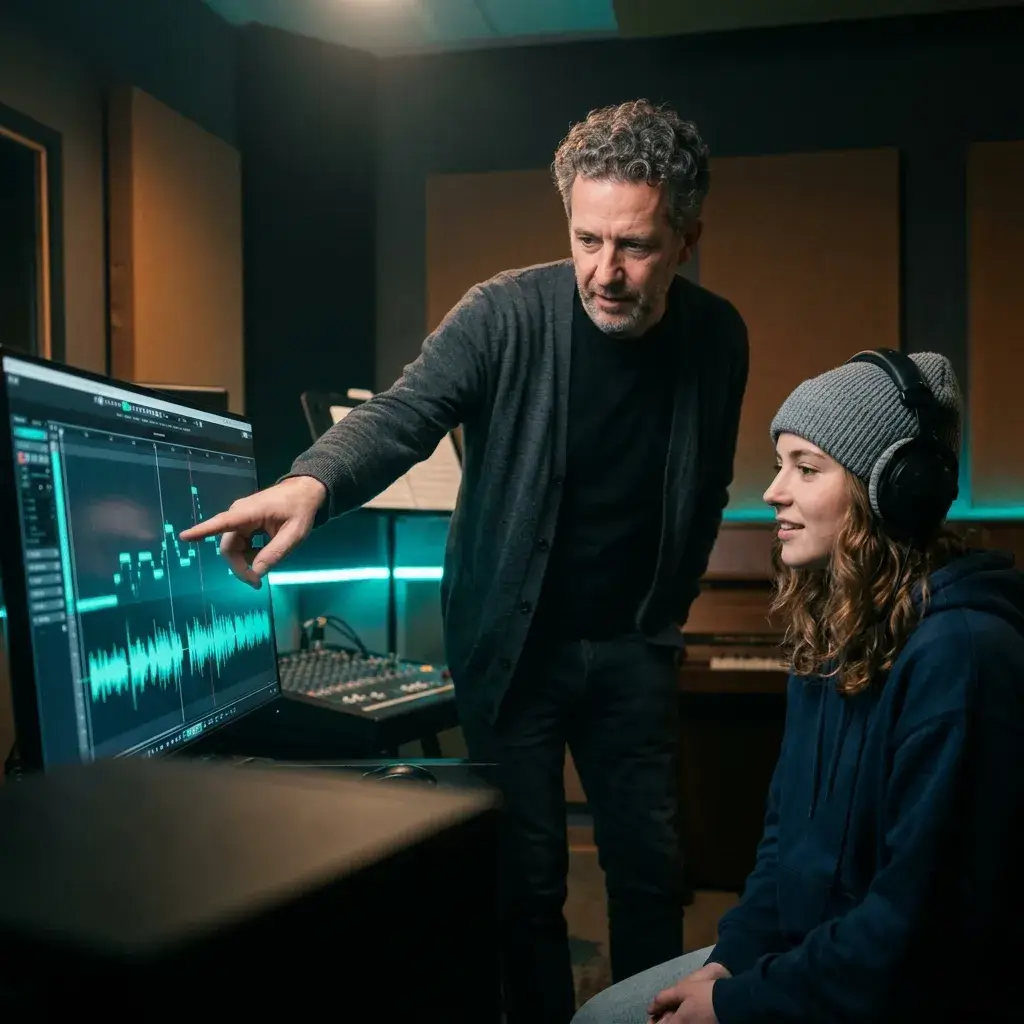
If you're a vocal coach or student, strip the instruments away and focus on the voice. You'll catch phrasing details you'd never hear through a full mix.
Study Vocals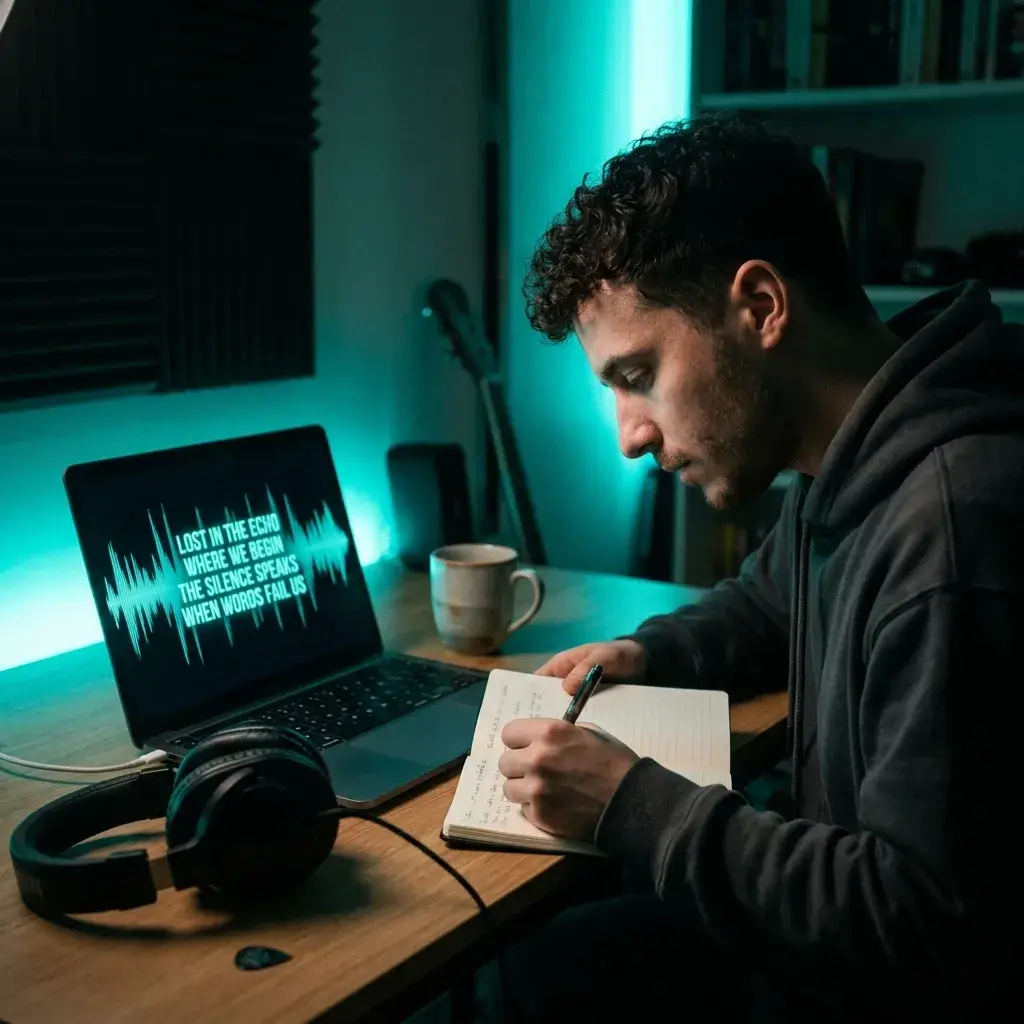
Can't make out the words in a dense mix? Remove the instrumental and suddenly every lyric is crystal clear. Great for transcription, translation, or just settling a debate about what they're actually singing.
Remove InstrumentsIt comes down to simple workflow, preview before download, and the option to go further with stems.
Preview
Listen to the result in your browser before you spend anything on a download. How long it takes depends on the file length, the mode, and the current queue.
Download MP3 or WAV with a paid plan or credit pack. For the cleanest results, upload a lossless WAV file.
Just need the vocal and the instrumental? That's the default. Want more? Switch to Stem Separation and get separate stems for vocals, drums, bass, and more.
No audio watermarks are added to the output, whichever plan you're on.
The stuff people ask us most about stripping instruments from songs and isolating vocals.
You need to sign in. New accounts may get free starter credits, no credit card needed. If you want more, paid plans and credit packs add more credits.
Just upload your file (MP3 or WAV) and the AI pulls the vocal away from the instrumental. Preview it, then download your clean vocal.
Results depend on the mix. When the vocals and instruments are clearly separated, you'll often get a clean vocal. Dense mixes with lots of reverb may keep traces, so check the preview before you download.
For most songs it works well across pop, rock, hip-hop, jazz, and electronic. Very dense mixes or heavy effects can leave small traces, so check the preview.
Instrumental removal gives you 2 files: the isolated vocal and the instrumental. Stem separation goes further and splits your song into more parts, such as vocals, drums, and bass. Pick instrumental removal if you just want the acapella, and stem separation when you need the individual parts.
Your files are uploaded for processing and may be retained for up to 30 days afterward, or until you delete them earlier. They are shared only with service providers needed to perform the requested processing and are not used to train shared AI models without your explicit opt-in.
MP3 and WAV, up to 50 MB per file. If your track is longer or the file's too big, trim or compress it before uploading.
Yep — just switch to Stem Separation mode. You'll get 4 separate files: vocals, drums, bass, and melody. Grab whichever ones you need.
It depends on the file length, the mode, and the current queue.
Not directly from a video file — you'll need to pull the audio out first (as MP3 or WAV) and then upload that. The tool works with audio files only.
Yep. Works in any modern mobile browser — Safari, Chrome, Firefox. Upload, process, and download right from your phone. No app needed.
Free and Creator output is for personal, non-commercial use. Pro and Studio include a commercial-use license for eligible separated audio, but you still need all rights required for the original song.
Yes. Sign up with your email, and new accounts may get free starter credits.
Not from a URL directly. You'd need to download the audio from the video first (as MP3 or WAV), then upload it here.
BeMusic runs in the browser, lets you preview before you download, and gives you both vocal-and-instrumental removal and full stem separation. We haven't benchmarked it against other tools, so try it on your own track.
Absolutely. It works both ways — you get the isolated vocal and the instrumental as separate files. Just download whichever one you need. If you mainly want instrumentals for karaoke or singing, the Karaoke Maker or AI Vocal Remover are built for that.
A little — any separation process changes the audio slightly. Upload lossless files (WAV) for the cleanest results. Downloads are MP3 or WAV.
For personal stuff — practice, study, karaoke at home — you're fine. If you're going commercial (YouTube monetization, selling tracks, client work), you'll need proper licensing for the original song.
It's an AI tool that separates the vocal from the background music in any song. You upload a full mix and get back two files: an isolated vocal and the instrumental on its own.
Under the hood, it uses deep learning models. The AI learns to tell vocal frequencies apart from instrumental frequencies, then splits the full mix into separate tracks.
Have more questions? Contact our team — we're happy to help.
Discover other powerful features to enhance your music creation
Drop in a song and get a clean vocal or a full stem split. Sign in required; new accounts may get free starter credits.