Acapella Ready in 10 Seconds
< 10 sec
Upload a 4-minute track and the dry vocal is back before your DAW finishes loading the project. Most competing extractors take 30 to 60 seconds.

Every acapella below came from a finished, mastered track — not a pre-separated stem. We ran them through the extractor with zero post-processing. What you hear is what you'd get for your remix.
No stem packs to buy, no label connections needed. Upload the track you want to remix, and the acapella is yours in seconds.
Drag in an MP3, WAV, FLAC, or M4A — anything up to 10 MB. Lossless files give you the cleanest separation, but compressed formats work fine too.
The acapella extractor strips every instrument and hands you a dry vocal in under 10 seconds. Want the drums, bass, and melody as separate stems? Switch to 4-stem mode.
Download a 320 kbps MP3 with no watermarks. Pitch it, chop it, layer it — the acapella is clean enough to sit in a new mix without extra processing.
An acapella isn't just a vocal file — it's raw material. Here's how producers, DJs, and creators turn them into something new.
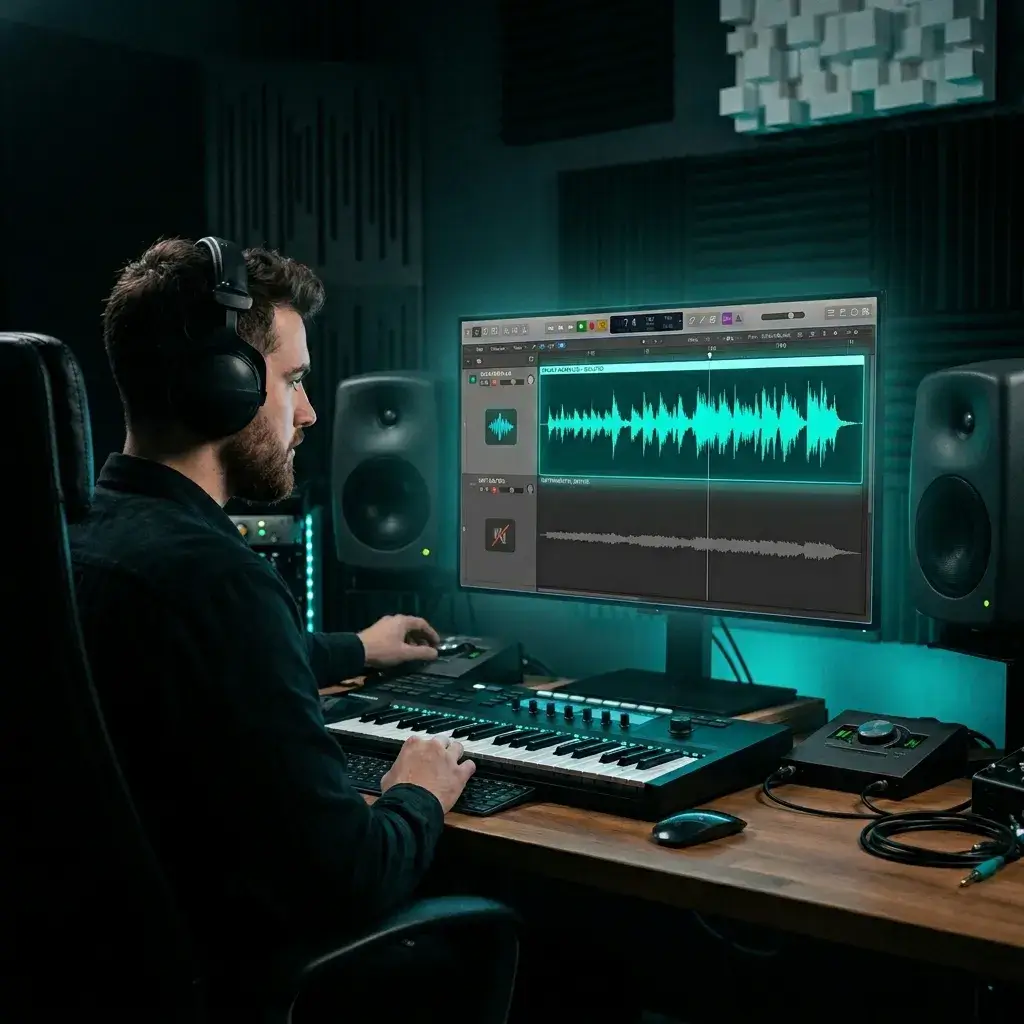
Labels almost never share stems. The acapella extractor gives you what they won't — a clean vocal you can drop over any beat in Ableton, FL Studio, or Logic. Producers use this for remix competitions, SoundCloud bootlegs, and live mashup sets.
Extract for Remix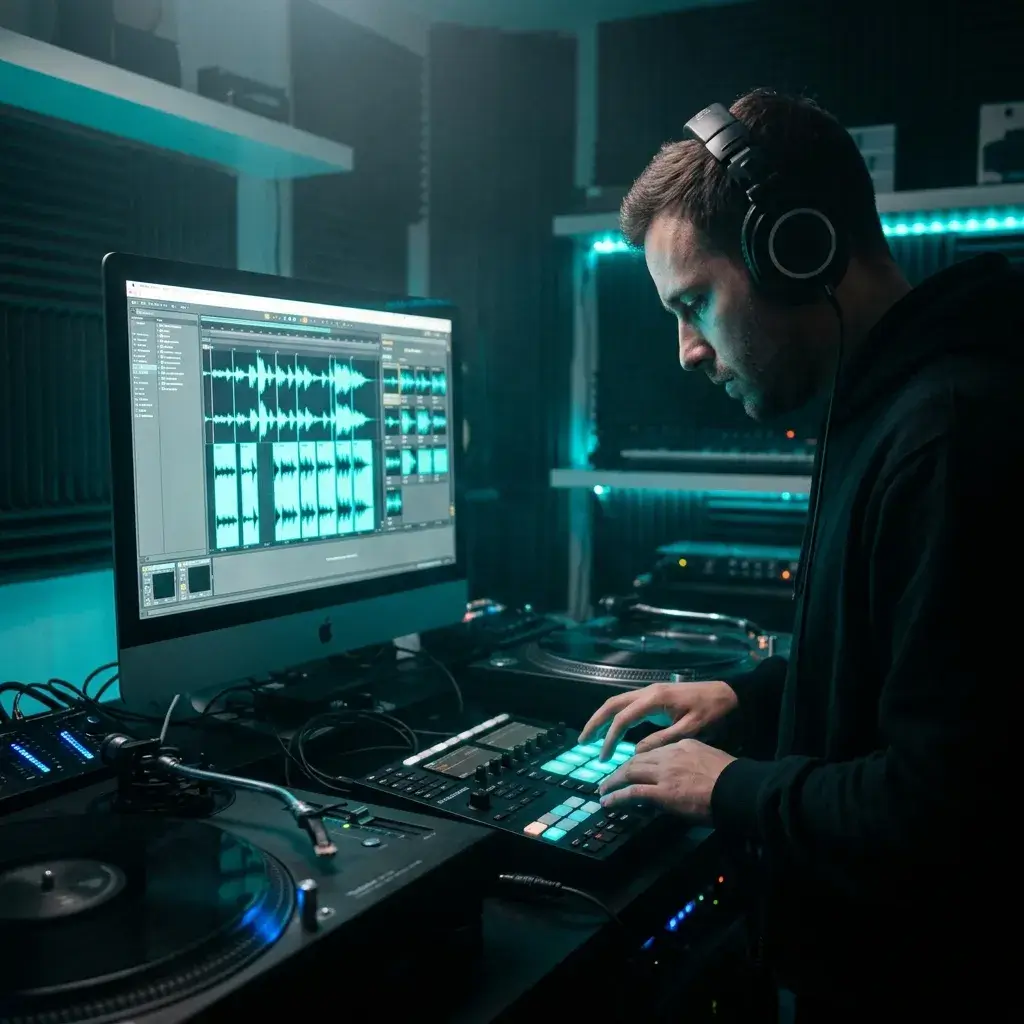
Rip acapellas from 20 different tracks, slice them into one-shots and loops, and you've got a sample pack that sounds like nobody else's. This is how producers build signature vocal textures for their beats.
Build Sample Pack
Every DJ needs a stash of clean acapellas for transitions and live mashups. Extract them from your playlist, organize by key and BPM, and you've got a library that makes your sets sound original instead of predictable.
Build DJ Library
Arranging for an a cappella group? Extract the original vocal to transcribe harmonies, study the lead melody, and build your arrangement note by note. Way faster than trying to pick parts out of a full band mix.
Extract for Arranging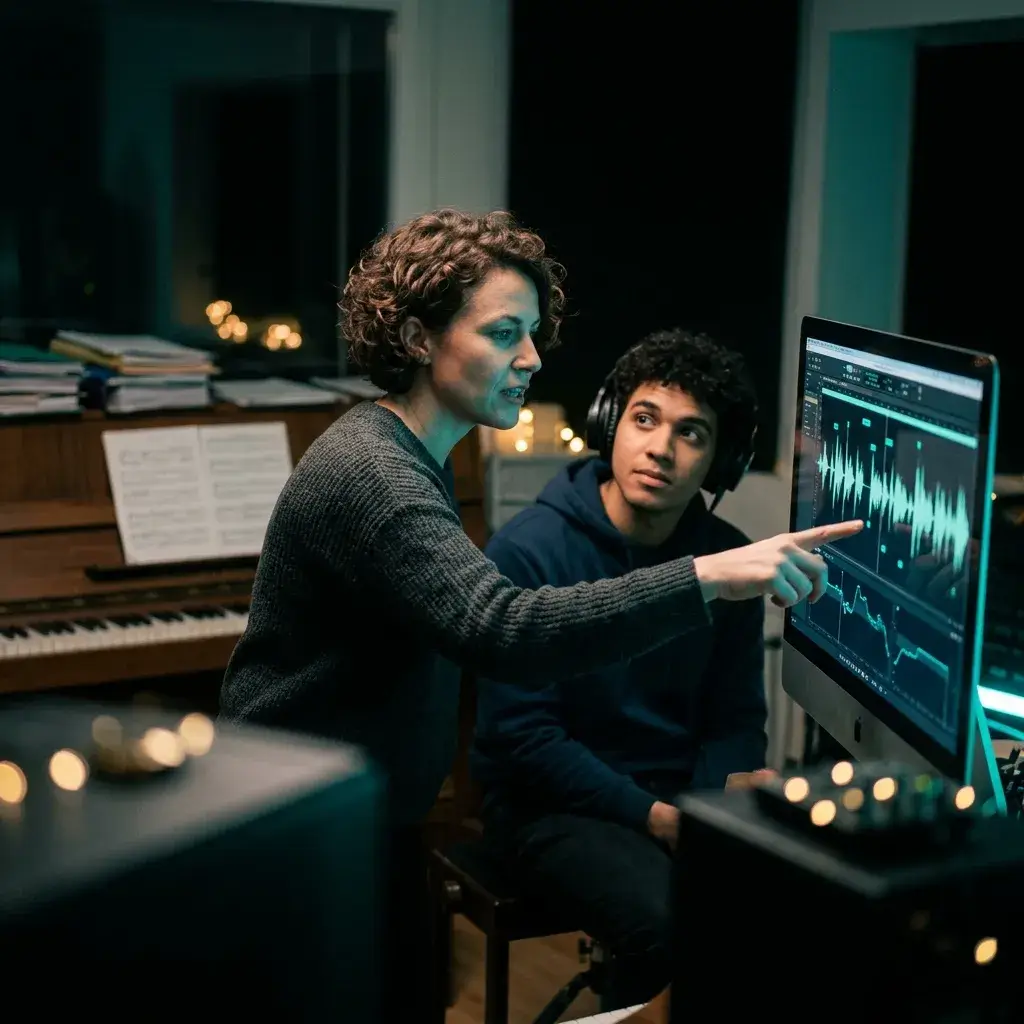
AI voice models need clean vocal input to produce anything usable. Extract the acapella first, strip the noise floor, and your voice clone or AI cover comes out dramatically better than feeding it a full mix.
Get Clean Input
Most remix contests don't provide stems. Extract the acapella from the original track, build your flip around it, and submit. Judges can tell when a vocal is clean — and when it's not.
Extract for CompetitionYou need an acapella that's clean enough to sit in a real mix — not a muddy, artifact-laden mess. Here's what this tool actually delivers.
< 10 sec
Upload a 4-minute track and the dry vocal is back before your DAW finishes loading the project. Most competing extractors take 30 to 60 seconds.
The acapella comes out dry and artifact-free at 320 kbps. Pitch it up, pitch it down, chop it, stack harmonies — it holds up without extra cleanup.
Once you've got the acapella, you can remix it, master the final track, or split it into 6 stems — all without leaving BeMusic. No bouncing files between apps.
Free tier, Pro, Ultra — doesn't matter. Every acapella downloads clean. What you hear in the preview is the exact file you get.
Answers to the questions producers ask before they extract their first acapella.
It's a tool that rips the vocal out of a finished song and gives it to you as a standalone file. You upload a mixed track and get back two things: the acapella (voice only) and the instrumental (everything else). Most producers use it when they can't get official stems from a label.
Same AI engine, different audience. The AI Vocal Remover page is set up for general vocal isolation — transcription, dialogue cleanup, vocal study. This page is built for producers and DJs who need remix-ready acapellas: dry vocals they can pitch, chop, and drop into a new production.
For most tracks, yes. The output is a dry vocal at 320 kbps with minimal instrument bleed. You can pitch-shift it, time-stretch it, and layer it in a mix without hearing artifacts. Dense mixes with heavy reverb may keep faint traces, but it's usually not audible once it's sitting in a new arrangement.
Absolutely. The acapella comes out clean and dry, so it responds well to pitch shifting in any DAW. Producers regularly shift extracted acapellas up or down 2-3 semitones without quality issues.
Yep. You get free starter credits when you sign up. No credit card needed. If you're doing volume work, paid plans include higher credit limits.
Upload your file (MP3, WAV, FLAC, or M4A), wait about 10 seconds, download the acapella. That's it. No software to install, no command-line tools.
Everything that sounds like a human voice ends up in the acapella stem — lead, backing vocals, harmonies, ad-libs, all of it. If you need to isolate just the lead from the backing vocals, that's a more advanced separation that most tools (including this one) can't do yet.
MP3, WAV, FLAC, and M4A — up to 10 MB. For the cleanest acapella, upload a lossless WAV or FLAC. The AI has more data to work with and the separation comes out tighter.
Under 10 seconds for a typical 3-4 minute track. Even on busy server days, you're rarely waiting more than 15 seconds.
No. Free plan, Pro, Ultra — none of them add watermarks. The preview is the final file.
Yep. Switch to Stem Separation mode for a 4-stem split (vocals, drums, bass, melody). For 6 stems with guitar and piano broken out, use the Stem Splitter.
Not directly from a URL. Download the audio first (as MP3 or WAV), then upload it here. One extra step, but it works.
Pro and Studio include a commercial-use license for eligible separated output. The copyright in the original song still belongs to its rights holder, so released remixes also require the appropriate source licenses and clearances.
Both. Every extraction produces the acapella and the instrumental as separate files. If you mainly want the instrumental for karaoke or singing, the Karaoke Maker is a better fit.
Yep — any modern browser on phone or tablet. Upload, extract, download. No app needed.
Yeah, takes about 30 seconds. Sign up with your email and you get free starter credits right away.
Have more questions? Contact our team — we're happy to help.
Discover other powerful features to enhance your music creation
Drop in a track, get a remix-ready acapella in 10 seconds. Free starter credits, no watermarks, no card.