Preview Before You Download
Preview
Listen to both separated tracks in the browser first. How long separation takes depends on the file length, the model and the current queue.
Start Pro at 50% off
Start Pro at 50% off
New accounts · First month/year
New accounts · First month or year

You don't need audio engineering skills or desktop software. Just drop your file, let the AI do the work, and grab your clean track.
Drag in an MP3 or WAV file, up to 50 MB. It works with songs, podcast episodes, interview clips, or audio you've extracted from a video.
The AI separates the vocal and the background music into two tracks. How long it takes depends on the file length, the model and the current queue.
Listen to both tracks right in the browser. When you're happy, download them. MP3 download needs a paid plan or credit pack, WAV conversion also uses credits, and no watermark is added.
Any time the voice is the part you actually need, background music just gets in the way. Here's how people use this tool.
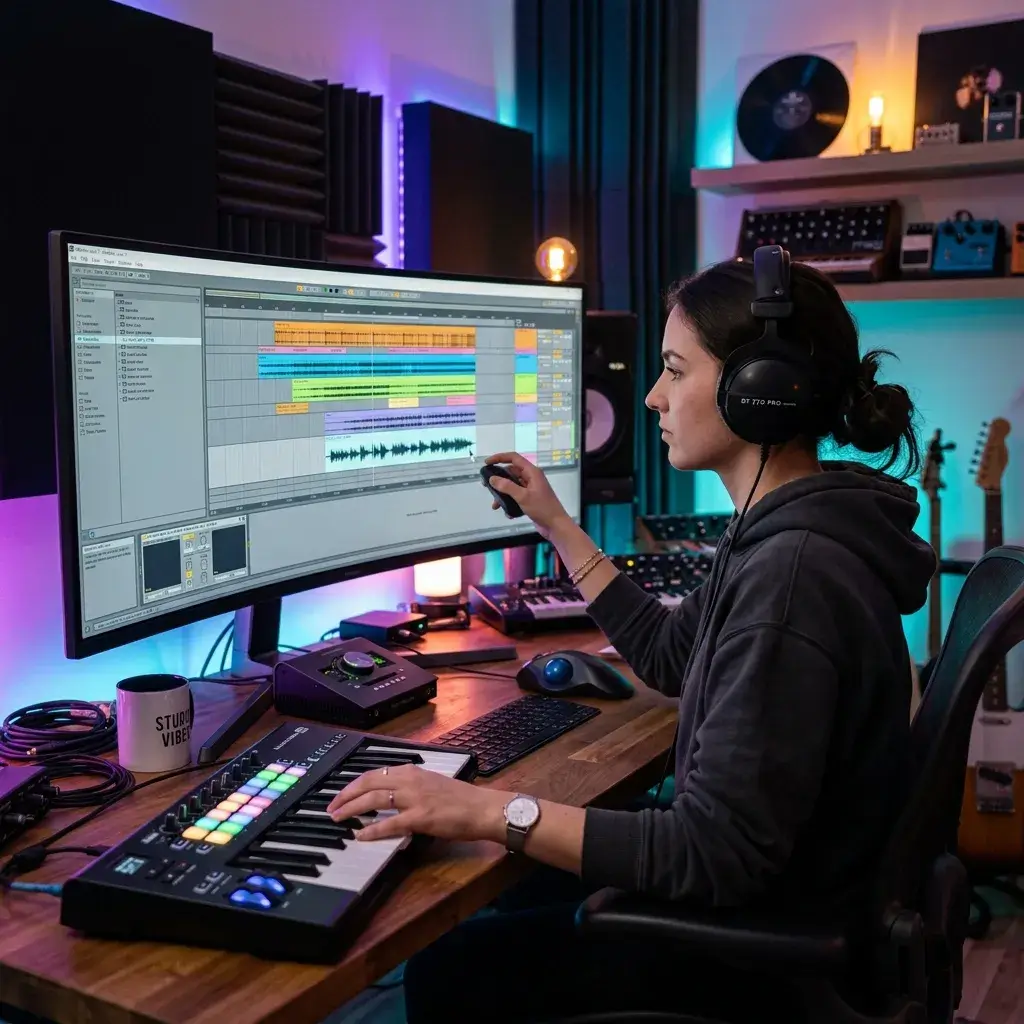
Need a clean acapella? Pull the vocal out of any song and drop it straight into your remix, mashup, or AI cover project — no instrumental bleed.
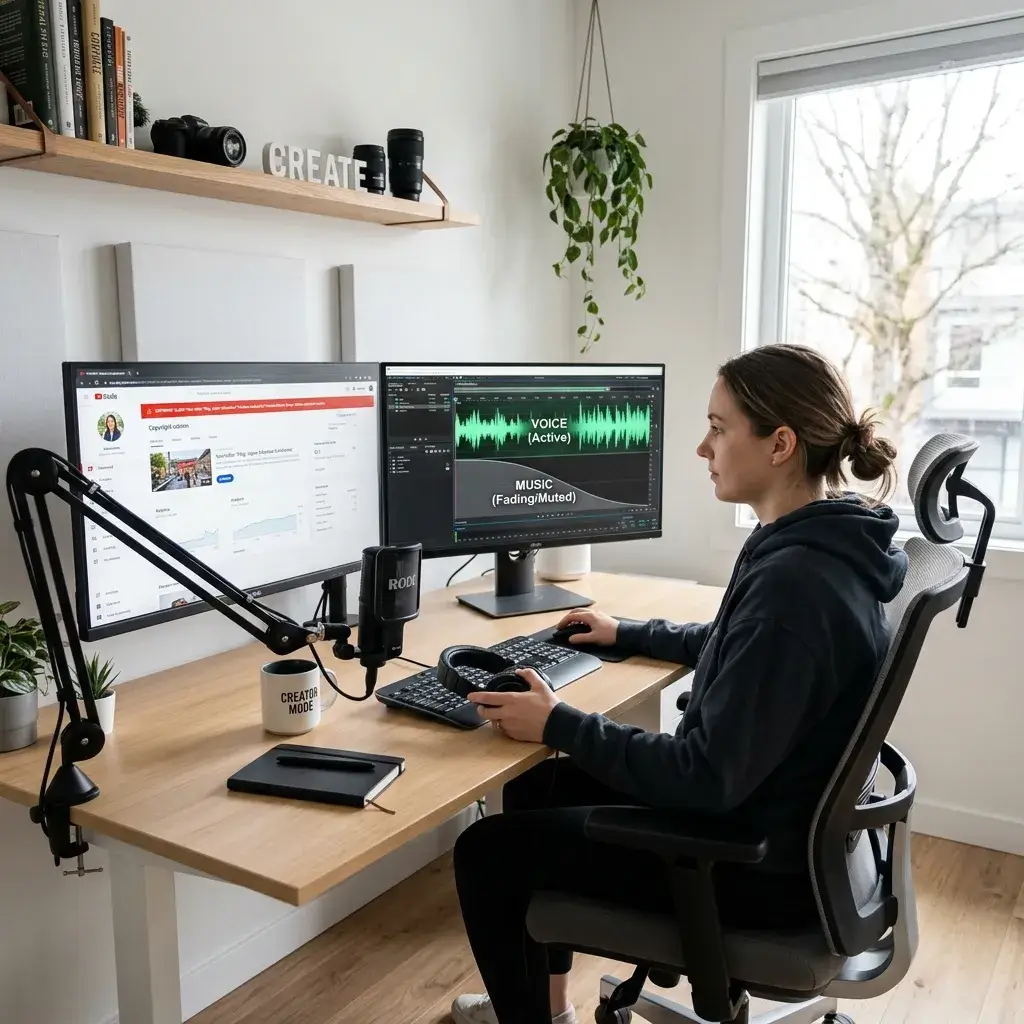
Want the dialogue without the music underneath? Separate the voice track, keep what you have the right to use, and swap in a track you are licensed to use. You remain responsible for rights to the source material.

Music baked into your intro or transitions making edits harder? Remove it so the speech is clean enough to cut, caption, and reuse anywhere.

Background music throws off speech-to-text engines and fills transcripts with errors. Strip the music first, and your transcription service gives you usable text on the first pass.

Working with lecture recordings, field interviews, or archival footage? Isolate the spoken content so you can quote it, cite it, or turn it into classroom material without the music getting in the way.
A plain look at what this tool does and what it costs.
Preview
Listen to both separated tracks in the browser first. How long separation takes depends on the file length, the model and the current queue.
You get the voice track and the background track separately. The exact file specs depend on what the separation service returns, so check the downloaded file if you need a particular bitrate.
Separation covers the whole file you upload (up to 10 MB). Downloading the results needs a paid plan or credit pack.
No audio watermark is added to your downloads. Running the tool uses credits, and new accounts may get free starter credits.
Quick answers about removing music from songs, videos, and spoken recordings.
You can sign up for free, and new accounts may get free starter credits. Each run uses credits, and the button shows the cost before you start. Listening to the result in your browser is free; downloading needs a paid plan or credit pack, and WAV conversion also uses credits.
Not directly — the tool works with audio files. Just extract the audio from your video as MP3 or WAV first (most editors do this in one click), then upload it here.
Results vary. Clean recordings usually separate well. Heavily compressed tracks or songs with extreme effects can leave faint traces of the music or affect the voice, so listen to the preview before you download.
MP3 and WAV, up to 50 MB per file.
Same AI engine, opposite goal. AI Vocal Remover gives you the instrumental (music without voice). This page gives you the voice without the music.
Free and Creator output is for personal, non-commercial use. Releases, client work, or monetized content require Pro or Studio plus the necessary rights to the source media.
We can't promise that. Removing music from the audio does not guarantee a claim will be dropped or that a platform will accept your re-upload, and you still need the rights to the material you use. Treat it as an editing tool and follow the platform's dispute process.
A noise remover handles hiss, hum, and ambient sounds. This tool targets melodic background music specifically — it removes the song while keeping the vocal clean.
Need help with a file? Contact support.
Discover other powerful features to enhance your music creation
Sign in, upload your audio, and separate the voice from the music. New accounts may get free starter credits; downloads need a paid plan or credit pack.