10-Second Extraction
< 10 sec
Upload a 4-minute track and get the isolated vocal back before you finish reading this sentence. Competitors average 30 to 60 seconds.

Each vocal below was pulled from a full mix in under 10 seconds. No EQ tweaks, no manual cleanup. What you hear is the raw AI output.
No software to install, no audio skills required. Upload, wait 10 seconds, download your isolated vocal.
MP3, WAV, FLAC, or M4A — up to 10 MB. Files are encrypted on upload and may be retained for up to 30 days after processing, or until you delete them earlier.
The vocal extractor separates singing from every instrument in under 10 seconds. Need drums, bass, and melody too? Switch to 4-stem mode.
Download a 320 kbps MP3 with no watermarks. Drop it into your DAW, sampler, or video editor — it's ready to use.
An isolated vocal is a starting point, not an end product. Here's what people actually build with them.
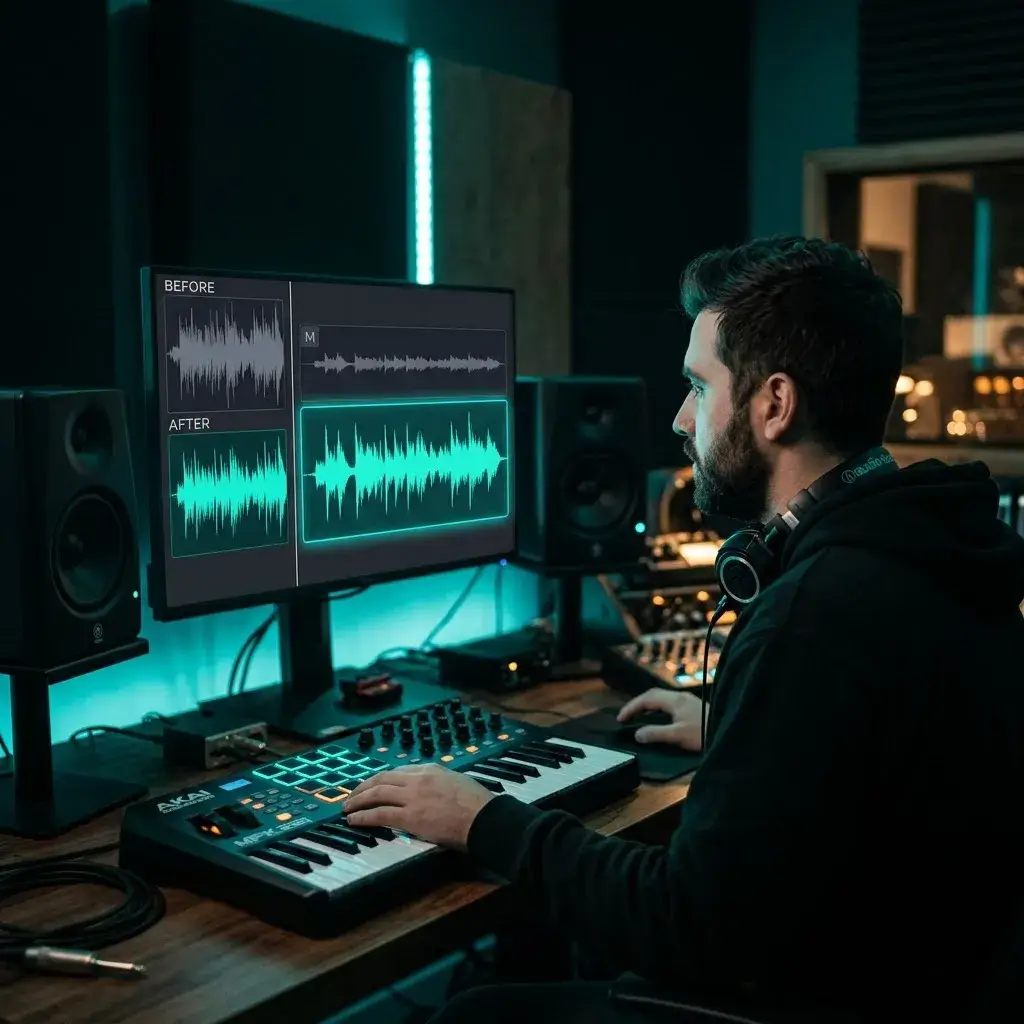
Labels rarely share stems. Extract the vocal yourself and drop it into Ableton, FL Studio, or Logic. Producers use this for bootleg remixes, mashups, and remix competitions.
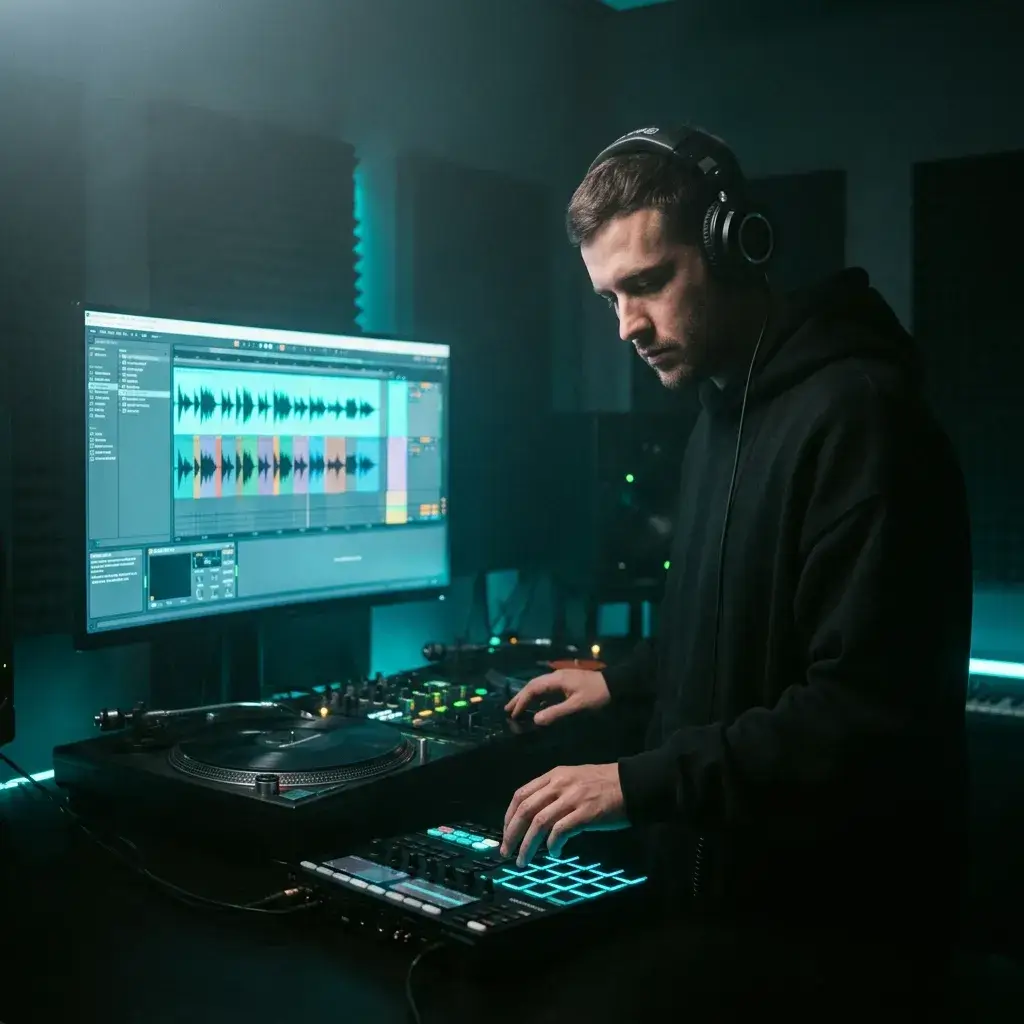
Pull vocals from multiple tracks, chop them into one-shots and loops, and build your own sample library. Beat makers and sound designers do this to create unique vocal textures.
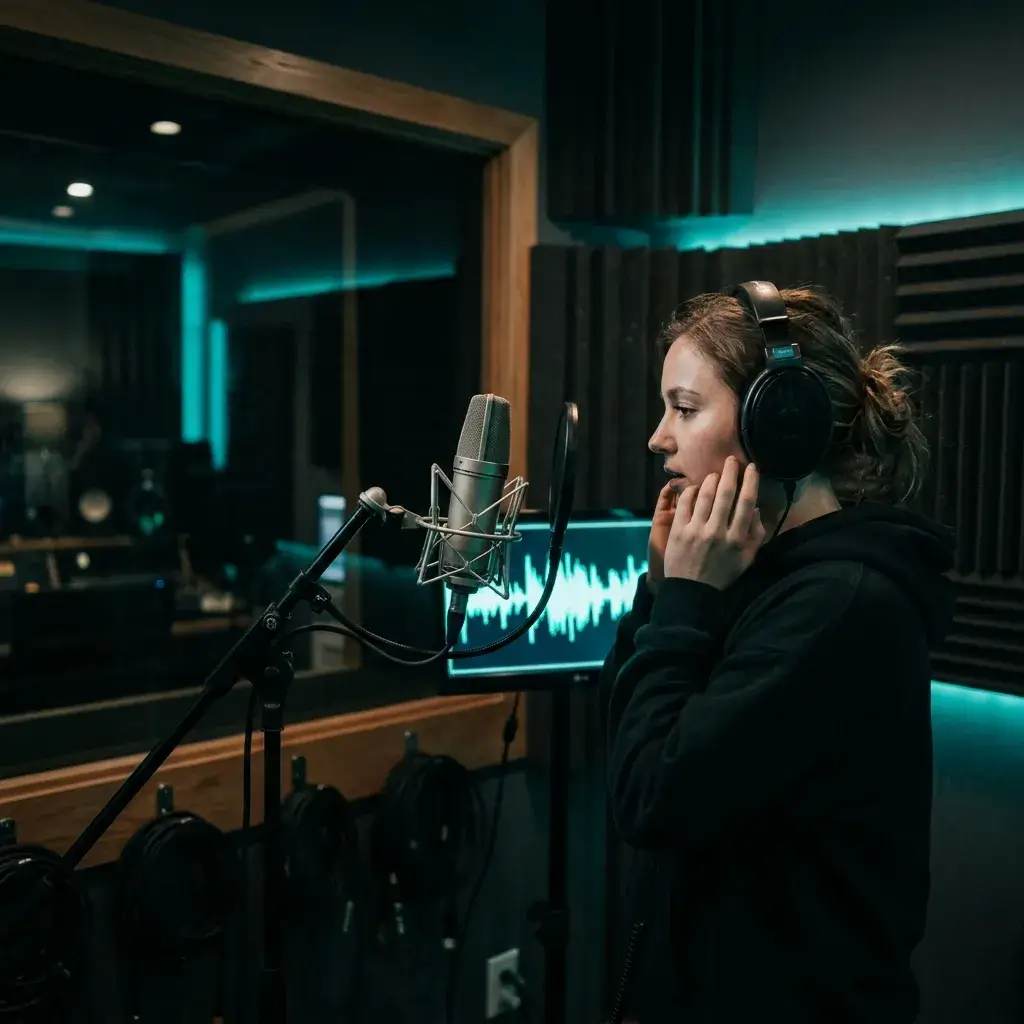
Cover artists and vocal students extract the original vocal to study breath control, timing, and inflection without instruments masking the details.
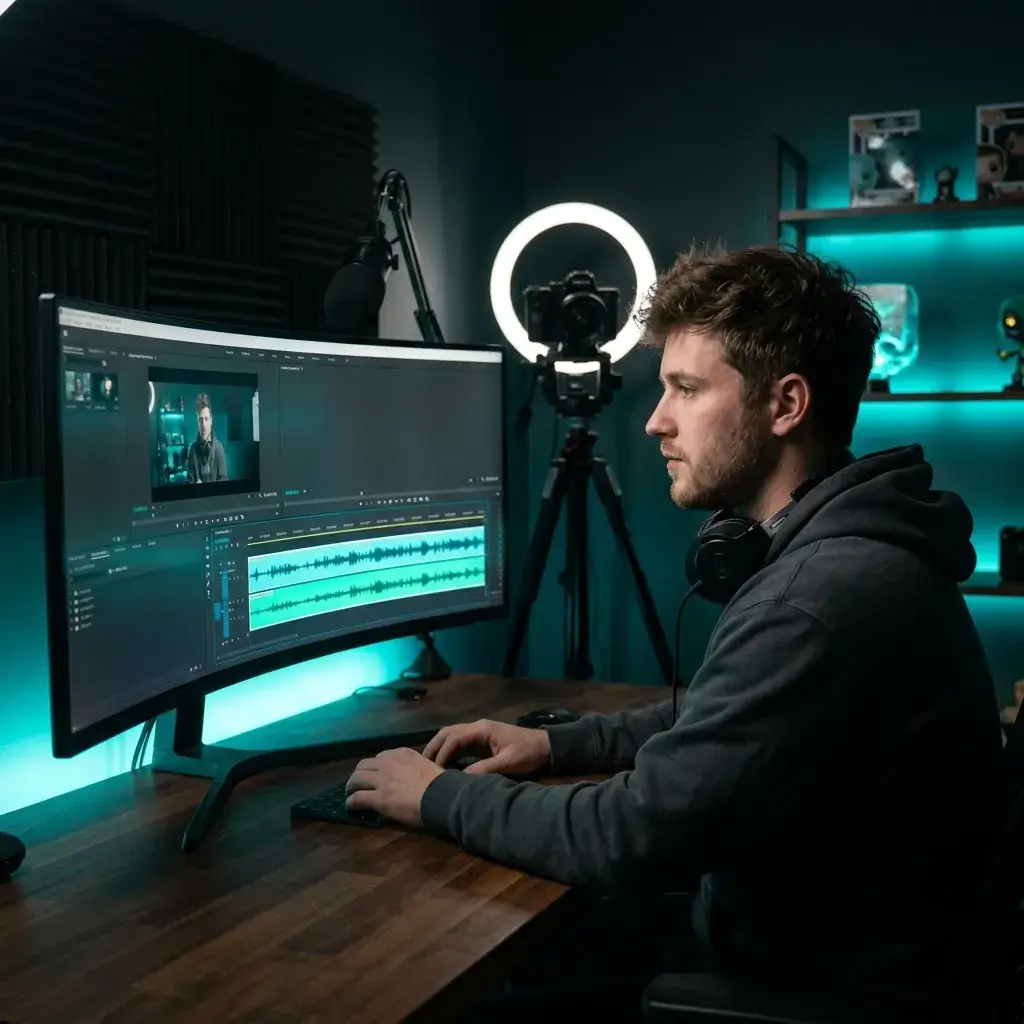
Interview recordings and vlogs often have background music baked in. Extract the voice track so you can edit, subtitle, or repurpose the dialogue cleanly.
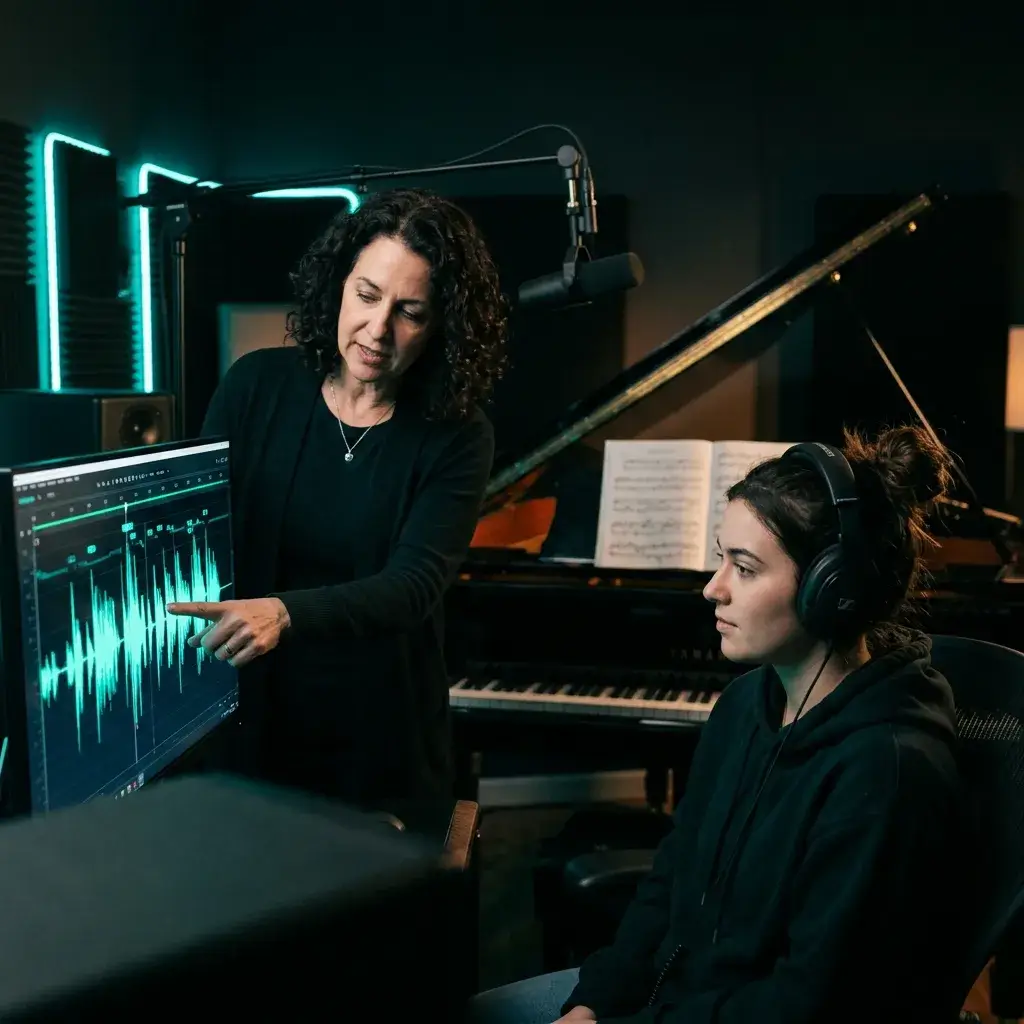
Dense mixes make lyrics hard to hear. Extract the vocal and every word becomes clear — useful for transcription services, translation projects, and lyric databases.
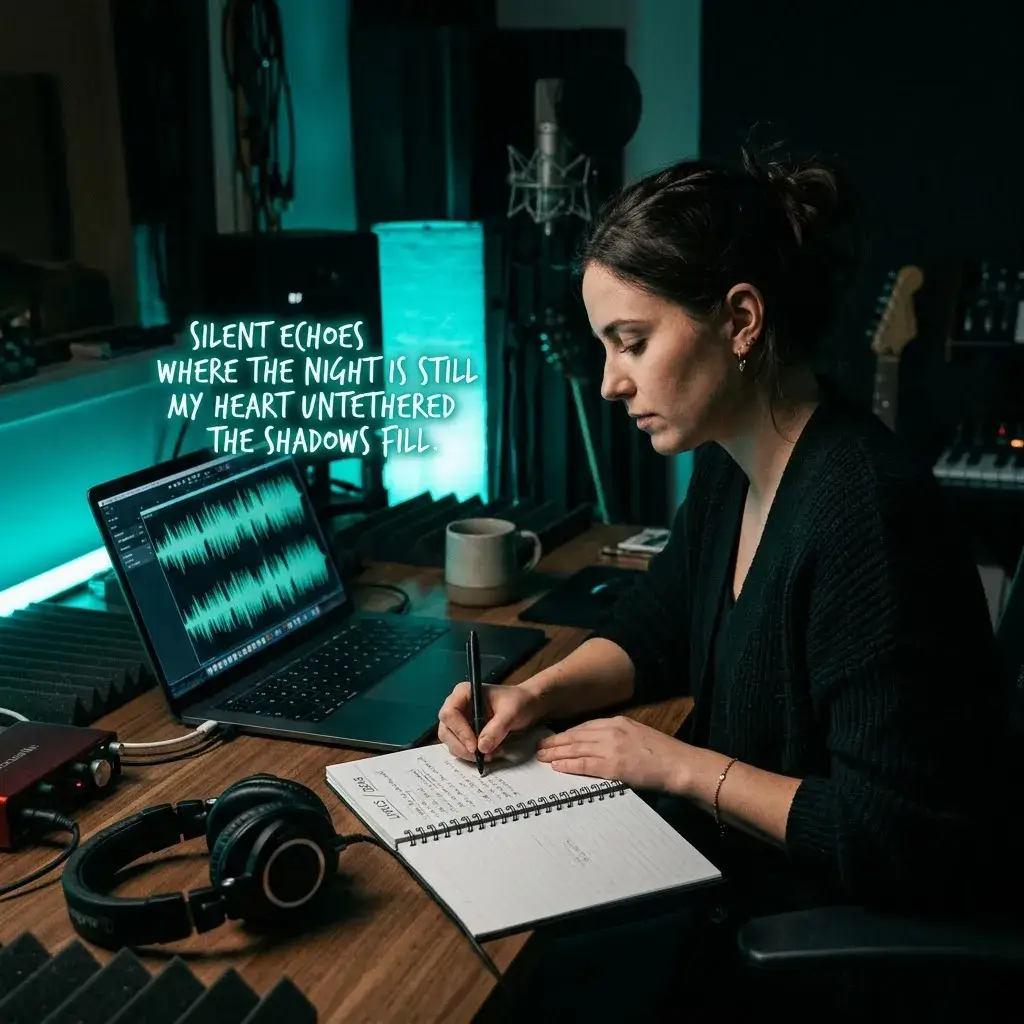
AI voice changers and cloning tools work better with clean input. Extract the vocal first, then feed it into your voice pipeline — less noise means more accurate output.
Most extraction tools are slow, watermarked, or lossy. Here's where this one pulls ahead.
< 10 sec
Upload a 4-minute track and get the isolated vocal back before you finish reading this sentence. Competitors average 30 to 60 seconds.
Every extracted vocal downloads at 320 kbps MP3. Upload lossless WAV or FLAC source files for even cleaner separation.
Default mode gives you vocal + instrumental. Switch to Stem Separation for vocals, drums, bass, and melody as 4 individual files.
Free tier, Pro, Ultra — no audio watermarks on any of them. The preview is the final file.
From remix producers to transcription freelancers — real workflows powered by vocal extraction.
I extracted 12 acapellas last weekend for a mashup set. Every single one was clean enough to pitch-shift and layer without extra processing.

Nadia Okafor
Remix Producer
I chop extracted vocals into one-shots for my sample packs. The isolation quality is solid — no instrument bleed leaking into my chops.

Ryan Choi
Beat Maker
I extract the original vocal to study the phrasing, then mute it and sing over the instrumental. It's like having a private lesson with the original artist.

Marta Vidal
Cover Singer
A guest sent me a recording with music underneath. I extracted the voice in 8 seconds and had a clean dialogue track for the episode.

James Osei
Podcast Producer
I transcribe lyrics for a music database. Extracting the vocal first cuts my error rate in half — I can hear every syllable clearly.

Sophie Tanaka
Lyric Transcriber
Clean vocal input makes a huge difference for voice model training. I run every source file through the extractor before feeding it into my pipeline.

Diego Herrera
AI Voice Developer
Common questions about pulling vocals out of songs — quality, speed, formats, and legal stuff.
A vocal extractor is an AI tool that separates the singing voice from the background music in a song. You upload a full mix and get back an isolated vocal file and a separate instrumental file.
Same technology, different focus. A vocal remover is designed to give you the instrumental (music without the voice). A vocal extractor is designed to give you the voice (singing without the music). Both produce the same two files — the extractor page is optimized for workflows where the vocal is the asset you want: sampling, remixing, transcription, AI voice training.
Yes. You get free starter credits at sign-up. No credit card required. Paid plans are available if you need more volume.
Upload your audio file (MP3, WAV, FLAC, or M4A), wait about 10 seconds, and download the isolated vocal. That's the entire process.
95%+ on most tracks. Songs with clearly separated vocals and instruments give near-perfect results. Very dense mixes with heavy reverb or overlapping harmonies may retain tiny traces of instruments.
Yes. The AI extracts all vocal content — lead, backing vocals, harmonies, and ad-libs. It treats everything that sounds like a human voice as the vocal stem.
MP3, WAV, FLAC, and M4A. Maximum file size is 10 MB. For tracks that exceed the limit, trim or compress before uploading.
320 kbps MP3. For the cleanest extraction, upload a lossless source file (WAV or FLAC) — higher input quality means better separation.
Under 10 seconds for most tracks. Larger files or peak server load might add a few seconds, but you'll rarely wait more than 15.
No. Free plan, Pro, Ultra — none of them add watermarks. The preview you hear is the exact file you download.
Yes. Switch to Stem Separation mode and you'll get 4 files: vocals, drums, bass, and melody. Use the default 2-stem mode if you only need the vocal and instrumental. For 6-stem splits with guitar and piano isolated, try the Stem Splitter.
Not from a URL directly. Download the audio from the video first (as MP3 or WAV), then upload that file here.
Yes. The extractor runs in any modern mobile browser — Safari, Chrome, Firefox. Upload, process, and download from your phone.
Free and Creator extractions are for personal, non-commercial use. Pro and Studio include a commercial-use license for eligible separated audio, but you still need all rights required for the original song.
For personal use — practice, study, private karaoke — generally yes. For commercial use (monetized videos, released tracks, client work), you need proper licensing for the original recording.
Faster processing (under 10 seconds vs. 30+ on LALAL.AI's free tier), no watermarks on any plan, and both 2-stem and 4-stem modes included. Pricing is lower for high-volume users.
Yes. Every extraction produces both files — the isolated vocal and the instrumental. Download whichever you need, or both. If you mainly want the instrumental for karaoke or singing, the Karaoke Maker is built for that.
Slightly. Any source separation process alters the audio. The deep learning model minimizes artifacts, and uploading lossless files (WAV/FLAC) gives the cleanest results.
Yes — takes about 30 seconds. Enter your email, confirm it, and you get free starter credits immediately.
It uses deep neural networks trained on large datasets of isolated stems. The model learns to distinguish vocal frequencies from instrumental frequencies and outputs them as separate audio streams.
Have more questions? Contact our team — we're happy to help.
Discover other powerful features to enhance your music creation
Drop in a song, get an isolated vocal in 10 seconds. Free starter credits, no watermarks, no card.